
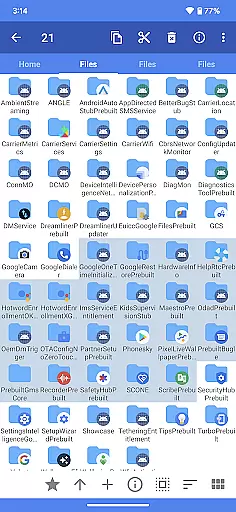
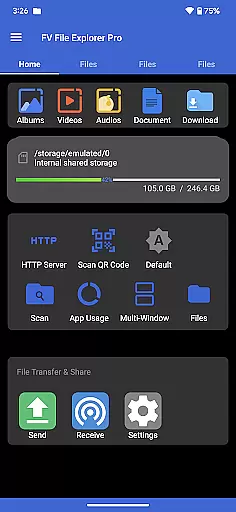
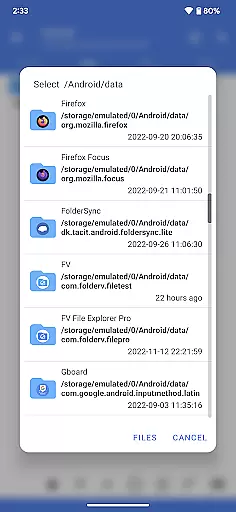
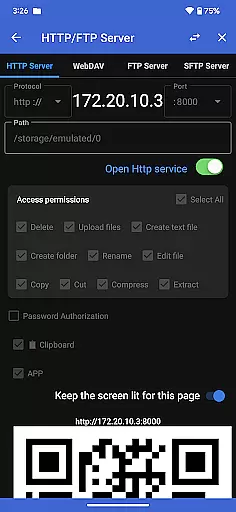
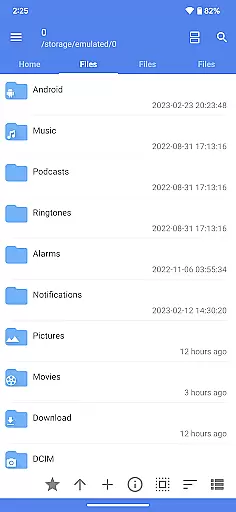
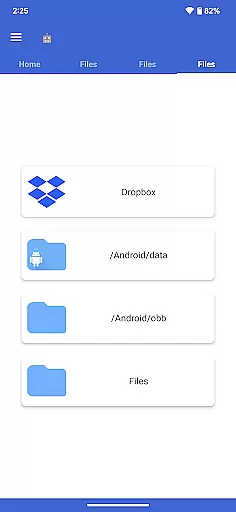
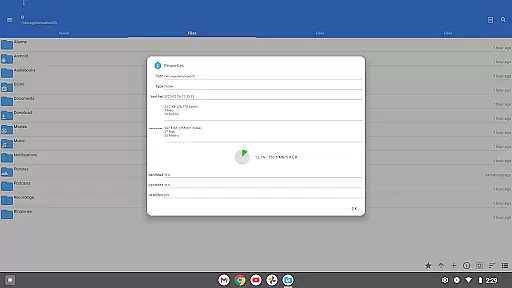
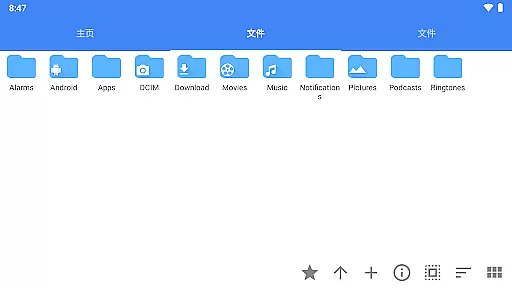
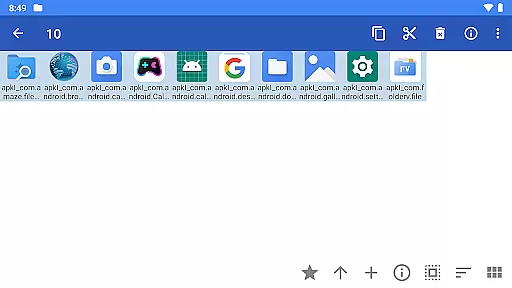
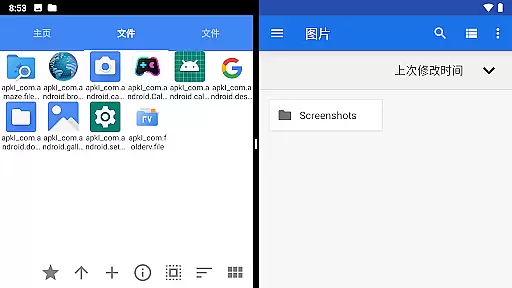
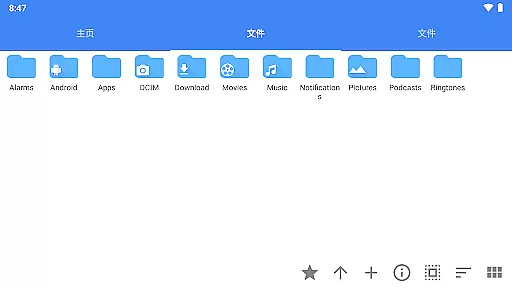
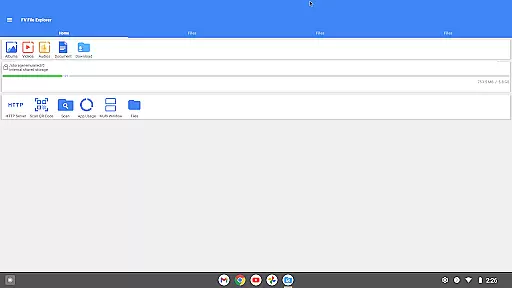
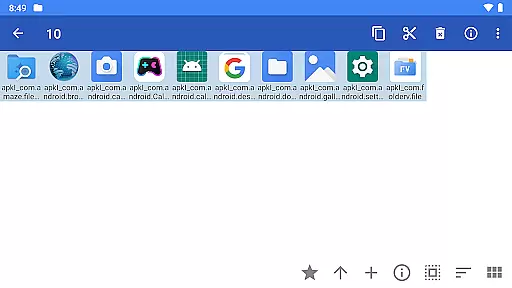
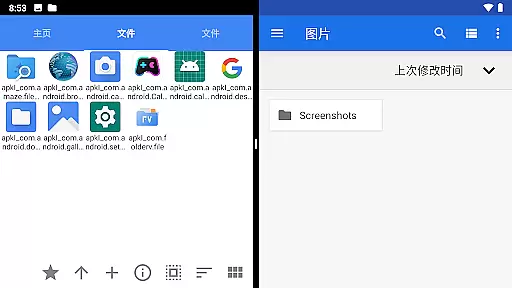
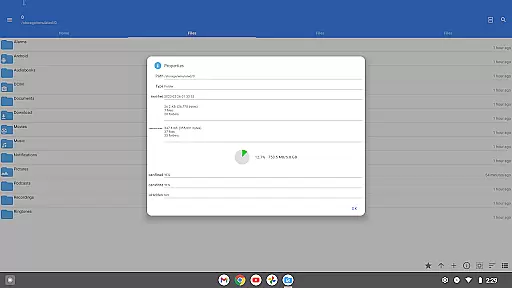
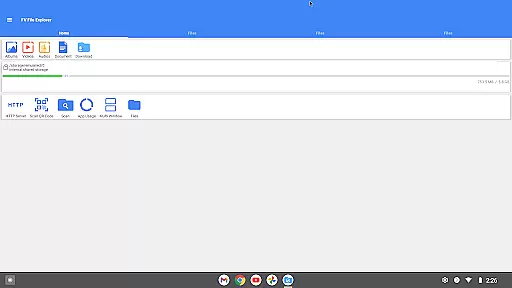
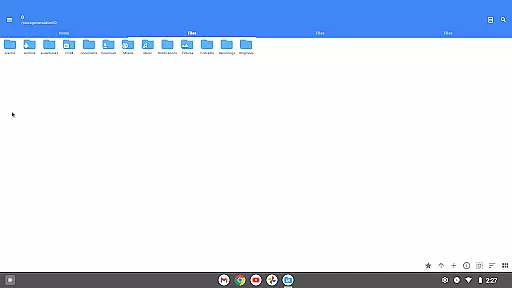
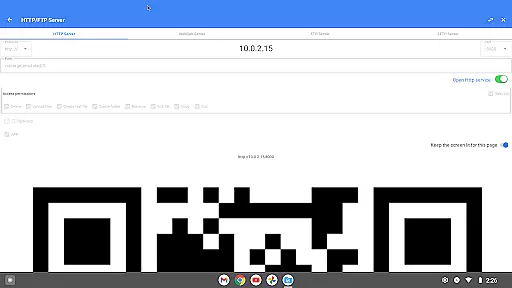
FV File Pro is a fast and powerful file manager for Android, designed to help users efficiently manage their files. It provides access to critical directories like /Android/data and /Android/obb on Android 13 without requiring root permissions. The app features a Material Design UI and supports multiple image formats, compressed file extraction, and wireless file management via HTTP, FTP, or SFTP.
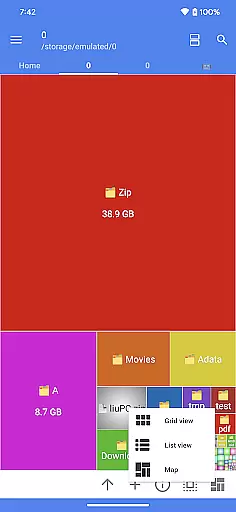
One of the standout features of FV File Pro is its Treemap visualization for storage, which allows users to see file sizes in a visually intuitive way. Additionally, it includes a WebDAV server for seamless integration with desktop systems, QR code scanning, markdown file preview, and an HTTP file download function. This makes it an ideal tool for both personal and professional use, enhancing productivity by simplifying file management tasks.
FV File Pro offers a comprehensive suite of features that cater to various file management needs. Its support for multiple image formats, including JPG, PNG, BMP, TIFF, WEBP, HEIF, AVIF, ICO, and APNG, ensures that users can view almost any image file they encounter. The app also supports decompression of various compressed file types such as ZIP, RAR, 7Z, ISO, and DMG, making it easy to extract files without needing additional software.
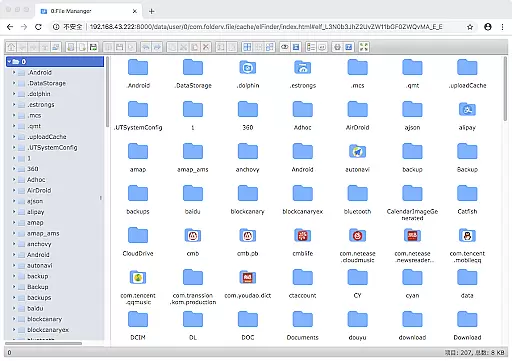
Another notable feature is the ability to manage files over a wireless network using HTTP, FTP, or SFTP protocols. This allows users to transfer documents, pictures, and text files between their computer and mobile phone without using data cables. The inclusion of a WebDAV server further enhances this capability, enabling seamless file access from desktop environments like macOS Finder. Additionally, the Treemap visualization provides a unique way to understand storage usage, while features like QR code scanning and markdown file preview add to the app's versatility.
FV File Pro stands out as a robust file management tool designed for Android users who need precise control over their files. The app's core functions are engineered to ensure maximum accuracy and effectiveness in file handling operations.
One of the key features is its ability to access restricted directories like /Android/data and /Android/obb on Android 13 without requiring root permissions. This functionality provides users with unprecedented access and control, making file management both seamless and secure.
The app supports a wide array of image formats including jpg, png, bmp, tiff, webp, heif, avif, ico, and APNG. Additionally, it can extract multiple compressed file types such as zip, rar, 7z, iso, and dmg. These capabilities ensure that users can manage diverse file types efficiently, enhancing productivity.
Overall, FV File Pro delivers an exceptional user experience by combining powerful file management features with a sleek Material Design UI, ensuring that every operation is not only accurate but also intuitive and fast.
A hallmark of FV File Pro is its commitment to providing an interface that is both simple and intuitive. Understanding that ease of use is crucial, the app employs a Material Design UI that is visually appealing and straightforward to navigate.
Users can manage files over a wireless network via HTTP, FTP, or SFTP within the LAN, eliminating the need for data cables. This feature simplifies the process of transferring documents, pictures, and text files between computers and mobile devices, saving time and effort.
The treemap visualization for storage is another intuitive feature, representing files as colored rectangles. The size of each rectangle corresponds to the file's size, allowing users to quickly identify large files and manage storage space effectively.
By focusing on these aspects, FV File Pro ensures that even users with minimal technical expertise can efficiently manage their files, making it a versatile tool for both casual and power users alike.
User-friendly interface
Wide format compatibility
Wireless file management
Advanced visualization tools
Comprehensive feature set
No cloud integration
Limited iOS support
Complex for beginners
Occasional bugs
Premium features locked

Change your GPS location instantly. Simulate routes anywhere in the world.
 4.90
4.90
A powerful, easy-to-use flight computer on your phone or tablet!
3.80
HD Camera captures every special moment.
4.60
Fluid navigation gestures for all of us!
4.30
Use your phone as a webcam on your computer over WiFi or USB.
4.40
Enjoy smooth gameplay with Game Booster
4.90
App to pay for FUTO Keyboard
4.60
Forza Tuning Calculator App for Forza Horizon 5, Motorsport and Earlier Titles
4.40
The Ultimate Bluetooth Keyboard & Mouse. Securely control your PC, Mac, and more
4.50
Remote Play with FSR upscaling, low latency & full controller support
4.80 4.50
4.50
Quickly switch to an encrypted DNS server on Android TV
4.50
Mirror your screen to Fire TV - Super fast and simple
4.40
Quickly & easily calculate the spacing of handrail balusters
4.20
Signal Strength, Mobile, Wifi, Speed Test, Bad Signals, Cellular, 5G, LTE, 4G
4.20
Detect hidden spy camera with advanced scanning {{ Premium version }}
4.00
Amateur Radio app for APRS: Track friends, exchange messages, get tactical info.
3.90
Create your own live wallpaper or check out thousands already made presets
3.90
A non-root local ADB shell client. READ BELOW!
3.40
Honest Scratch app review—is it actually good for teaching kids to code? Real user insights on features, limitations, and learning outcomes.



User Reviews