
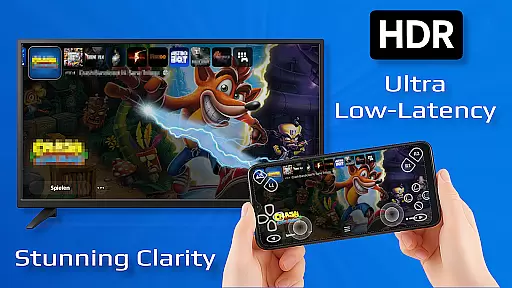
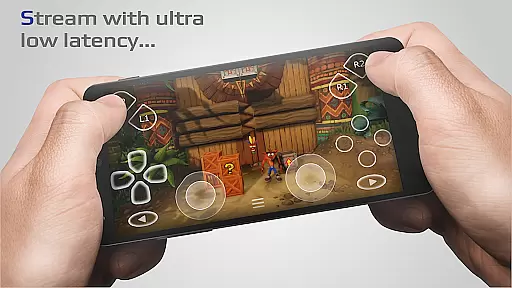
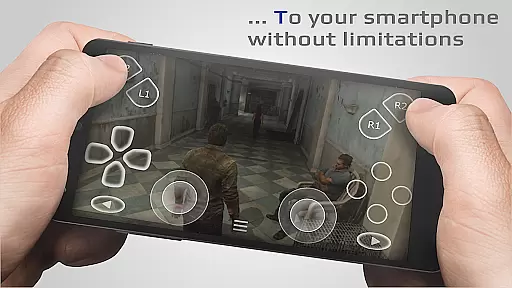
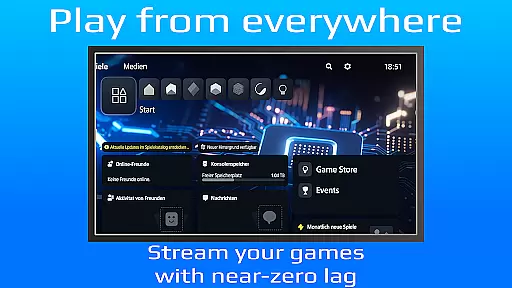
PXPlay is a powerful remote control application designed for gaming enthusiasts who want to access their gaming devices without limitations. The app enables users to stream and play games remotely with minimal latency, making it ideal for those who are away from their primary gaming setup. PXPlay supports third-party controllers and mobile data connections, ensuring flexibility in how and where you game.
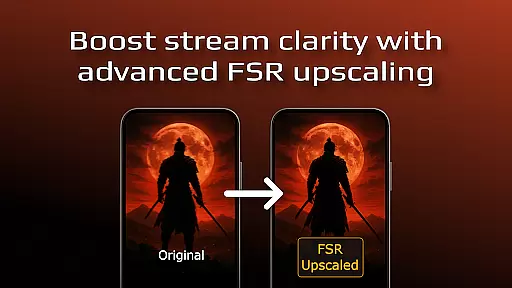
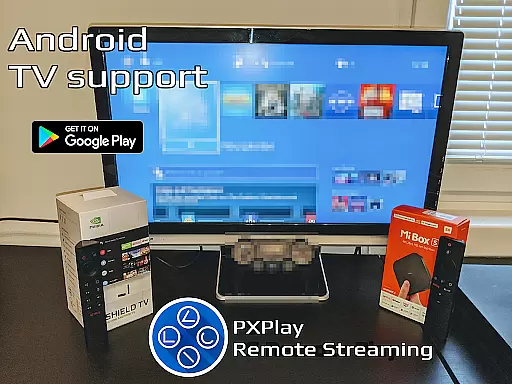
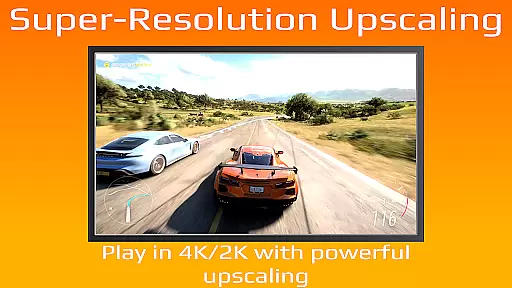
One of the standout features of PXPlay is its optimization for low-latency streaming, which enhances the overall gaming experience. It also offers advanced functionalities such as FSR upscaling and sharpening, customizable onscreen gamepad layouts, and support for rooted Android devices. Whether you're using an Android TV or taking advantage of Picture-In-Picture mode, PXPlay provides a versatile solution for remote gaming.
The app's ability to register multiple profiles and support older firmware versions from 5.05 makes it accessible to a wide range of users. With additional features like screen recording and multi-window support, PXPlay delivers comprehensive value for gamers looking to extend their playability beyond traditional setups.
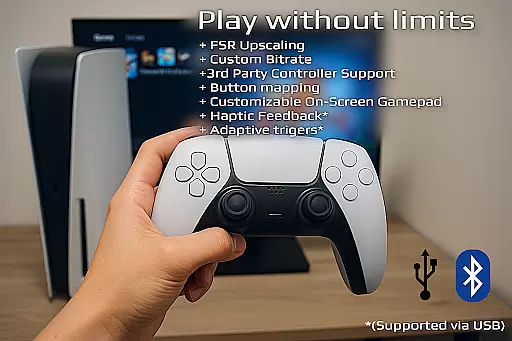
PXPlay boasts an array of features that cater to both casual and hardcore gamers. One of its core strengths is the support for third-party controllers across all Android devices, allowing users to choose their preferred input method. This flexibility extends to network options as well, with the app supporting mobile data usage for gaming on the go.
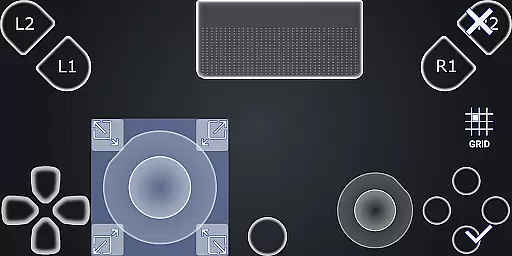
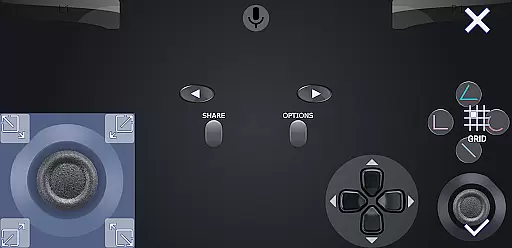
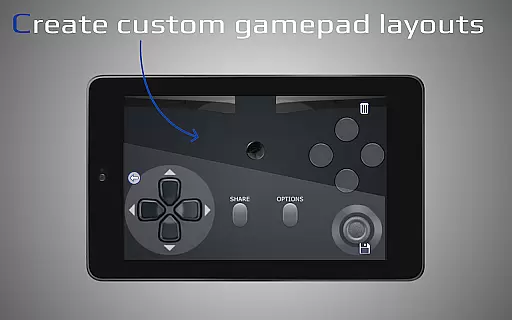
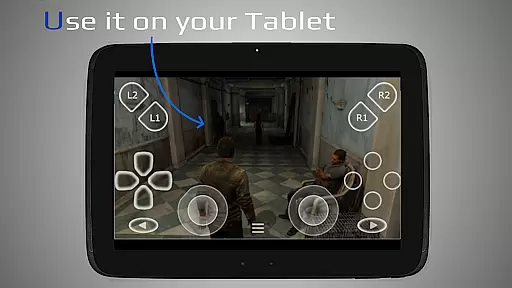
In addition to controller support, PXPlay offers innovative functionalities such as gamepad button mapping and virtual controller capabilities. Users can customize their onscreen gamepad layout to suit their playstyle, while FSR upscaling and sharpening enhance video quality during gameplay sessions. These features collectively contribute to a more immersive and personalized gaming experience.
PXPlay also includes practical tools like Picture-In-Picture mode and multi-window support, which are particularly useful for multitasking gamers. Furthermore, the app allows screen recording through third-party applications, enabling users to capture and share their gaming highlights effortlessly. With compatibility for various firmware versions and rooted devices, PXPlay ensures broad accessibility and functionality.
PXPlay excels in delivering core functionalities that are both accurate and effective, ensuring users can remotely control their gaming devices with minimal latency. The app supports third-party controllers across all Android devices, enhancing its versatility and user accessibility.
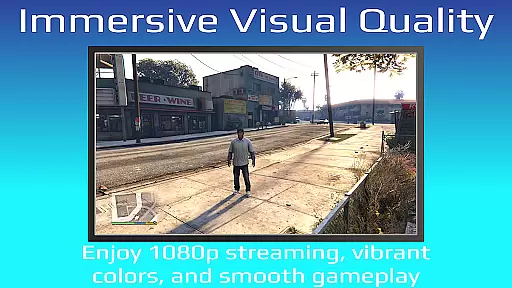
One of the standout features is the support for FSR upscaling and sharpening, which significantly enhances video quality during streaming sessions. This ensures that users enjoy a high-quality visual experience even when they are away from their gaming setups.
The application also allows for customization of onscreen gamepad layouts and supports gamepad button mapping. These features provide users with a personalized and comfortable control scheme tailored to their preferences, thus improving overall gameplay performance.
Furthermore, PXPlay's compatibility with rooted devices and older firmware versions starting from 5.05 ensures broad device support. This inclusivity means that more gamers can benefit from the app's robust remote play capabilities regardless of their device specifications.
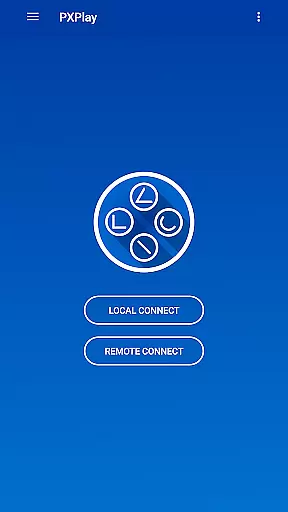
PXPlay offers an interface that prioritizes simplicity and intuitiveness, making it accessible even to those who may not be tech-savvy. With easy connection setup processes, users can quickly start streaming from their gaming devices without hassle.
The app includes Picture-In-Picture mode and Multi-Window support, available on Android 8.0 or newer and Android 7.0 or newer respectively. These features allow users to multitask efficiently while maintaining control over their gaming sessions, contributing to a seamless user experience.
Additionally, PXPlay provides comprehensive hardware recommendations such as dual-core CPU, at least 2 GB of RAM, and a stable 5GHz WiFi connection. By clearly outlining these requirements, the app helps users optimize their setup for the best possible performance.
Overall, PXPlay's focus on providing a straightforward yet powerful interface ensures that users can fully leverage its capabilities without being overwhelmed by complex configurations or settings.
User-friendly interface
Low-latency streaming
Customizable controls
Third-party controller support
Flexible connectivity options
Requires stable internet
Limited iOS support
Advanced features need specific hardware
Occasional firmware issues
Account login challenges

 4.10
4.10
Use your phone as a webcam on your computer over WiFi or USB.
4.40
Canon PRINT is a companion app for your Canon printer.
4.60
App that Recover your pictures, videos or files after you delete them.
4.20
App to pay for FUTO Keyboard
4.60
With videos, electrical calculators, and built-in ebook, Ugly’s has your answer.
4.50
Planner and Tracker for Stardew Valley
4.60
Download any file easily and quickly with Downloader
4.3
Pro Emulator is an easy to use game console emulator for a range of consoles.
4.40
Connect wirelessly to your computer to watch movies, browse the web, play games
5.00
Best leveling tool for your Android device. Hang paintings like a pro.
4.90 4.50
4.50 4.50
4.50
Game Booster, GFX Tool is now compatible with newer game update
4.50
Just one-tap to easy translate in any language after calls within seconds.
4.20
VESC Tool can monitor and configure VESC-compatible devices over BLE and Wifi
4.20
Family Locator, Share location, StayConnect with your family in real time
3.90
This app unlocks the Pro features of the Central for DayZ app
3.60
PDF Reader - Document Viewer: Read, Manage & Organize Your Documents
3.10
Honest Scratch app review—is it actually good for teaching kids to code? Real user insights on features, limitations, and learning outcomes.



User Reviews