
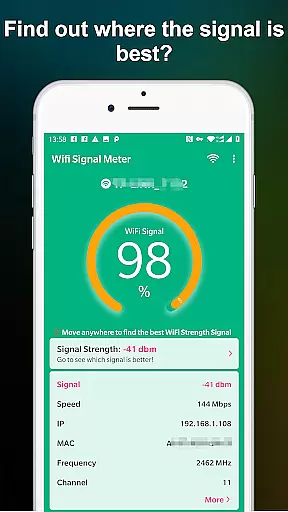
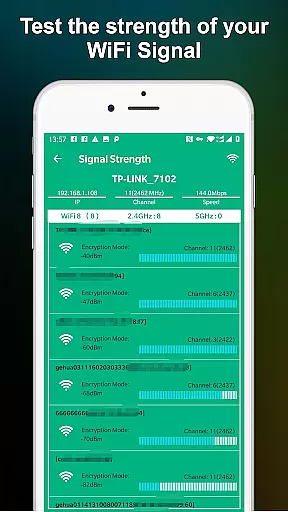
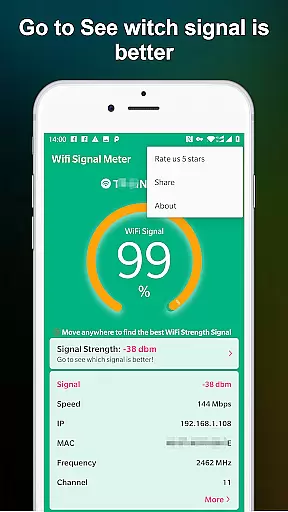
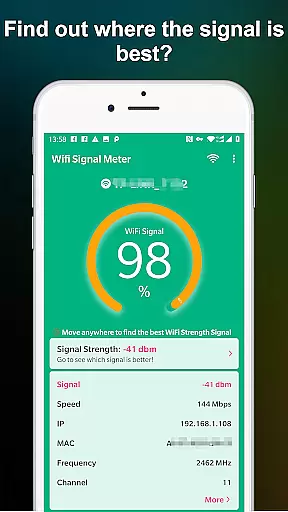
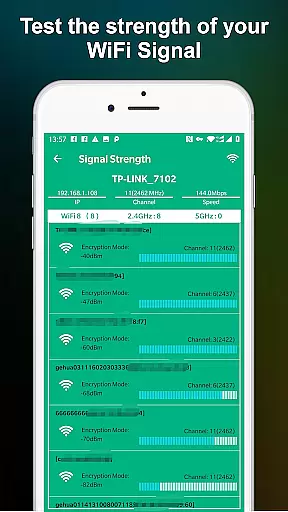
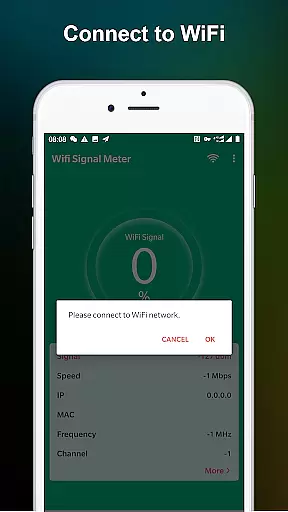
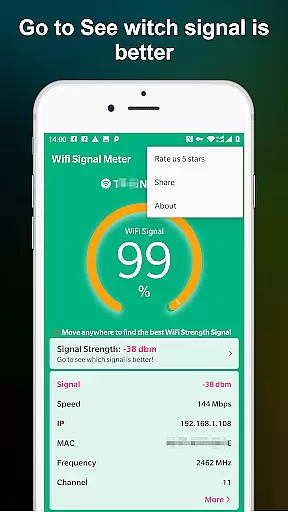
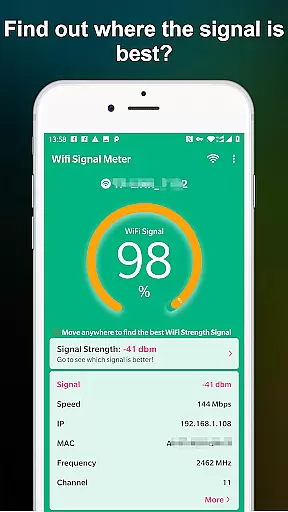
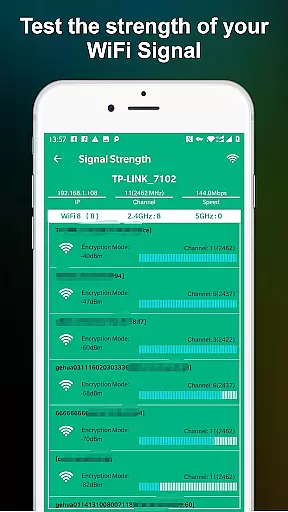
WiFi Signal Strength Meter Pro is a professional tool designed to help users optimize their WiFi network performance. The app's core functionality lies in its ability to identify the strongest WiFi signal areas, commonly known as 'sweet spots', within your network coverage area.
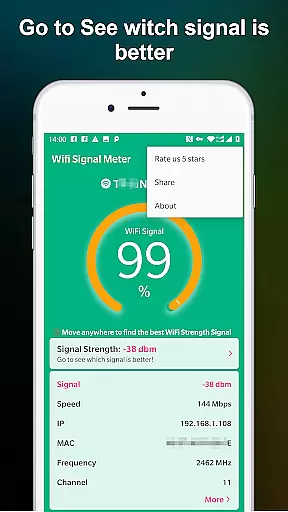
This application provides real-time monitoring of your current WiFi signal strength while continuously scanning for nearby networks. Its intuitive interface allows users to walk through different areas, tracking signal variations to determine the optimal placement for routers or devices. Whether you're setting up a home office or optimizing workspace connectivity, this tool ensures maximum network efficiency.
The app's value extends beyond simple signal measurement. By maintaining signal strength above 60%, it helps prevent common connectivity issues that occur with weaker signals below 50%. This makes it an essential utility for anyone looking to improve their wireless network experience.
WiFi Signal Strength Meter Pro stands out with its comprehensive set of features designed for network optimization. The application employs advanced signal detection algorithms that provide precise, real-time measurements of WiFi strength throughout your environment.
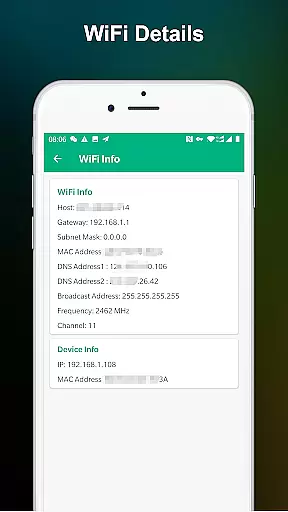
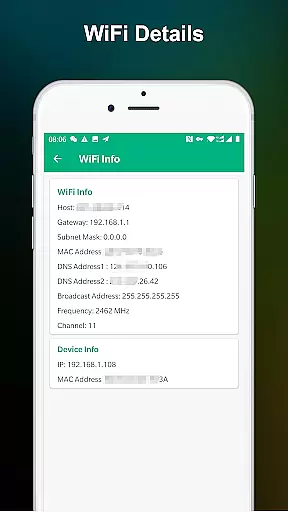
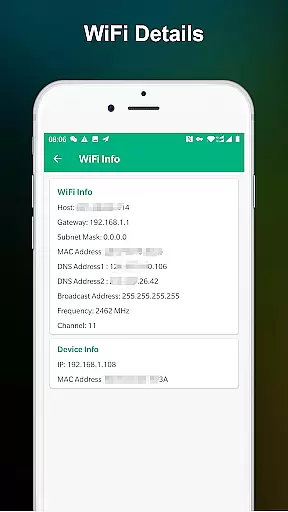
A key distinguishing feature is its continuous signal tracking capability. As users move through their space, the app maintains constant updates of signal strength readings, enabling accurate mapping of WiFi coverage patterns. The application also includes detailed network information display, showing not just signal strength but also other relevant network parameters.
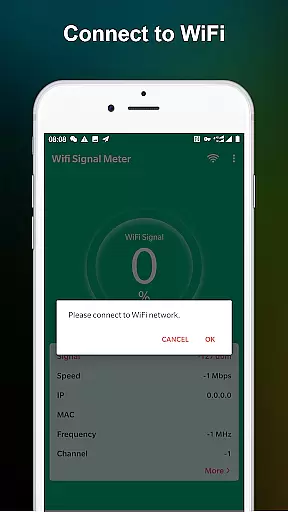
What sets this tool apart is its practical implementation of threshold alerts. When signal strength drops below recommended levels (50%), the app provides clear visual warnings, helping users maintain optimal connection quality. This feature combination makes it particularly valuable for technical professionals and home users alike who need reliable network performance.
WiFi Signal Strength Meter Pro is designed to provide accurate and real-time monitoring of WiFi signal strength. This functionality is crucial for users who need to identify the best locations for their network connectivity.
The app constantly updates signal strength data, allowing users to walk around their space and pinpoint areas with optimal WiFi performance. This ensures that users can make informed decisions about router placement or identify dead zones that need improvement.
By offering precise measurements and immediate feedback, the app helps prevent common connectivity issues. For instance, it alerts users when the signal strength falls below 50%, which can cause disconnection problems, and recommends maintaining a signal strength above 60% for optimal performance.
This level of accuracy and effectiveness in monitoring provides significant value by enhancing the overall WiFi experience, ensuring stable connections, and reducing potential network disruptions.
A simple and intuitive interface is essential for tools like WiFi Signal Strength Meter Pro, where users need quick access to critical information without a steep learning curve. The app excels in providing an easy-to-navigate interface that displays current WiFi signal strength clearly and concisely.
Users can view real-time signal strength updates with minimal effort, thanks to the straightforward design that prioritizes essential features. This simplicity allows both tech-savvy individuals and less experienced users to benefit from the app's capabilities without feeling overwhelmed.
The intuitive layout also supports quick decision-making. Users can easily understand their WiFi environment and make necessary adjustments to improve their network setup. This seamless interaction enhances user satisfaction and productivity.
Overall, the app's focus on interface simplicity and intuitiveness ensures that users can efficiently utilize its powerful monitoring features without unnecessary complexity or confusion.
Real-time signal tracking
User-friendly interface
Continuous updates
Threshold alerts
Precise measurements
No advanced analytics
Limited customization
Basic UI design
No export options
Premium price

Extremely fast, secure, and protects your privacy
 4.80
4.80
FV File Manager Pro, Fast and powerful file manager for Android
4.60
card-reader app
2.20
Excellent scientific calculator with symbolic algebra, integrals, derivatives
4.80
Monitor car performance in real time and troubleshoot malfunctions.
4.80
Bedrock Together: Join any bedrock server on Xbox/PS
4.80
Connect wirelessly to your computer to watch movies, browse the web, play games
5.00
Pro Emulator is an easy to use game console emulator for a range of consoles.
4.40
fast and easy mp3 music downloader
4.80
Navigate with Ease and Style
4.90
Small and simple app to Verify Root Access and BusyBox Install!
4.70
The Ultimate Flex Drivers Utility App - Convenient Tapping & Block Filters
4.70
NFC Tools can read and write NFC tags.
4.70
Connect instantly to a fast, encrypted VPN with one tap
4.60
HD Camera captures every special moment.
4.60
Remote for Roku, Fire TV, Samsung TV, LG TV, Android TV, Chromecast and VIZIO TV
4.20
VESC Tool can monitor and configure VESC-compatible devices over BLE and Wifi
4.20 4.10
4.10
A powerful, easy-to-use flight computer on your phone or tablet!
3.80
Honest Scratch app review—is it actually good for teaching kids to code? Real user insights on features, limitations, and learning outcomes.



User Reviews