
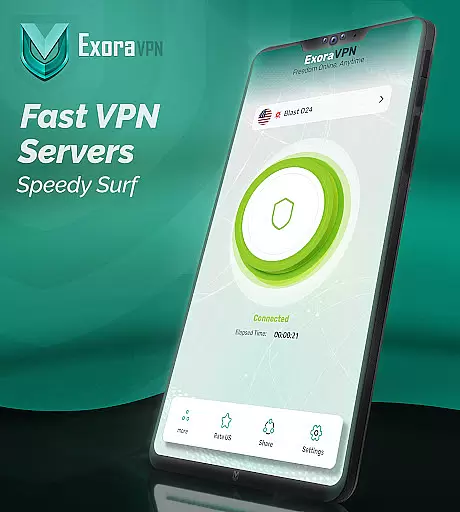
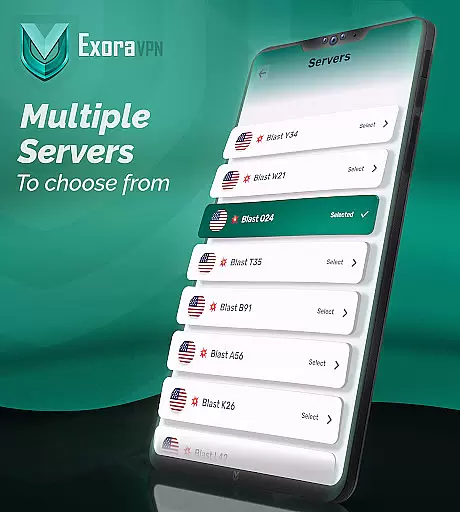
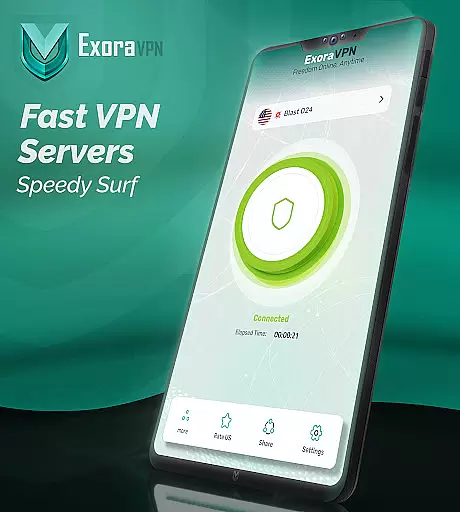
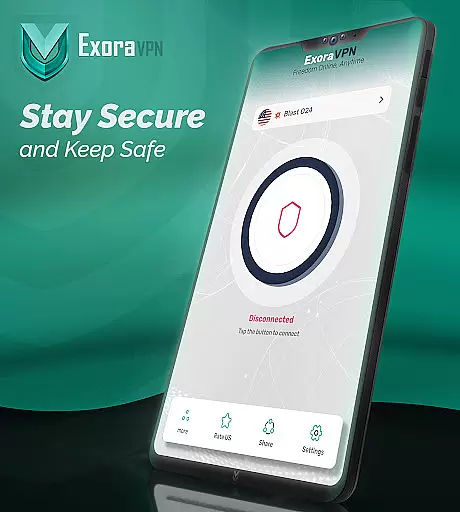
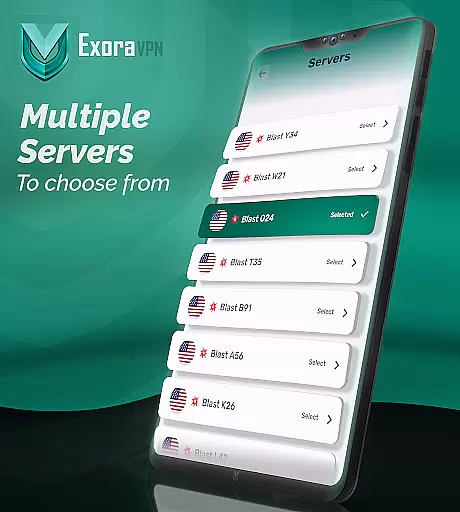
Exora VPN is a powerful virtual private network tool designed to provide users with secure, fast, and unrestricted internet access. The app offers one-tap instant connection to high-speed global servers, ensuring seamless browsing, streaming, and gaming experiences.
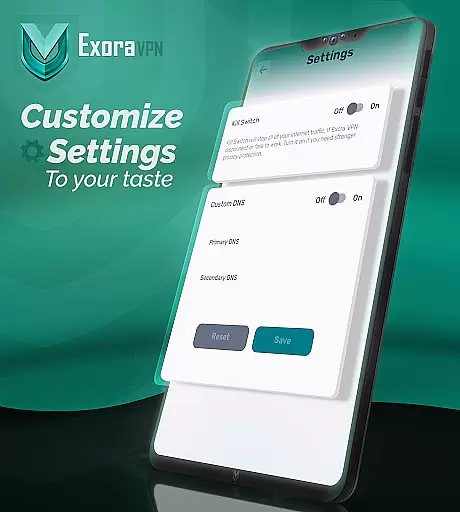
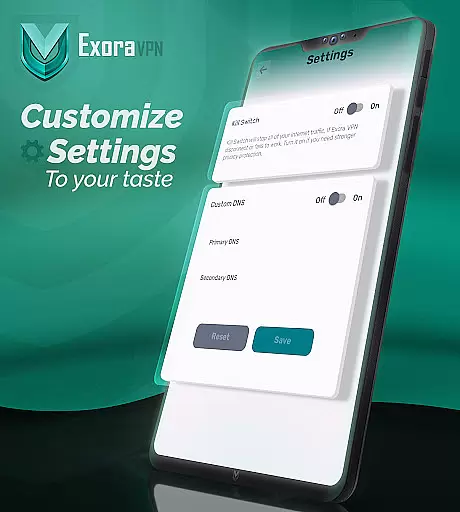
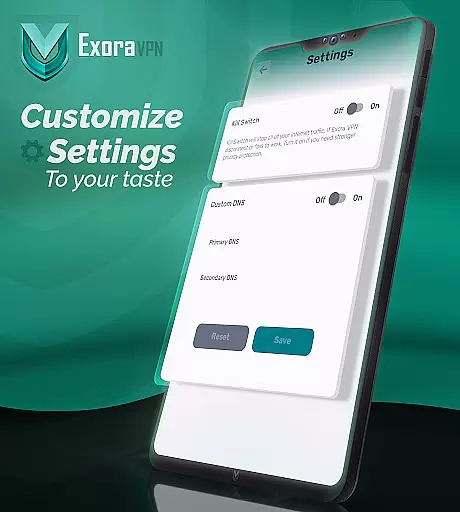
One of the standout features of Exora VPN is its automatic kill switch, which ensures your data remains protected even if the VPN connection drops unexpectedly. Additionally, the app provides advanced DNS customization options, allowing users to tweak their browsing experience according to their preferences.
Whether you're looking to bypass geo-restrictions, protect your privacy, or simply enjoy faster internet speeds, Exora VPN delivers a reliable solution for all your online needs.
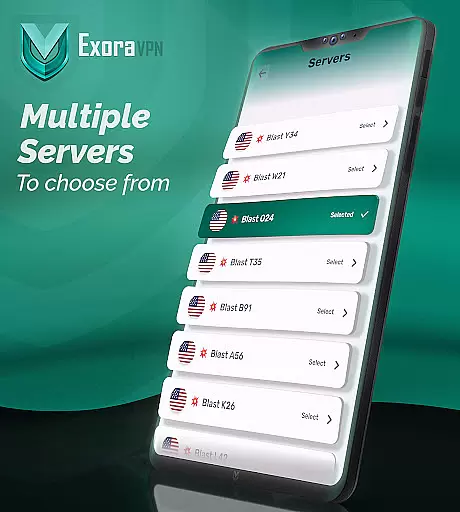
Exora VPN stands out with its modern V2Ray technology, offering enhanced security and speed compared to traditional VPN protocols. The app's global server network is optimized for low-latency connections, making it ideal for activities like streaming and gaming.
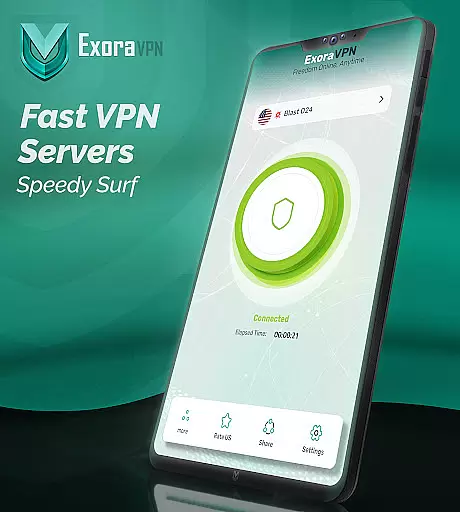
Users can take advantage of real-time connection stats to monitor their VPN performance and make adjustments as needed. With no signup or registration required, Exora VPN makes it easy to start enjoying private, borderless browsing right away.
The app also includes a zero-logs guarantee, ensuring that your online activity remains completely private. This commitment to user privacy, combined with 24/7 reliable support, makes Exora VPN a top choice for anyone seeking safe and unrestricted internet access.
Exora VPN positions itself as a tool that delivers on both speed and privacy through its core functionalities. The app leverages modern V2Ray technology, which ensures secure and fast connections for users who need reliable internet access without limitations. Its global server network is optimized for various activities such as streaming, gaming, and general browsing, offering low-latency performance regardless of the user's location.
One of the standout features is its automatic kill switch, which immediately halts all unsecured traffic if the VPN connection drops unexpectedly. This functionality guarantees that sensitive data remains protected at all times, reinforcing Exora's commitment to user privacy. Additionally, the app provides custom DNS settings, allowing advanced users to tweak their browsing experience according to specific needs or preferences.
For users seeking efficiency, Exora offers one-tap instant connection capabilities, removing any unnecessary complexity in establishing a secure session. With no registration required and real-time connection stats available, it simplifies the process while maintaining transparency about your active sessionu2019s performance metrics. These elements combine to create an effective tool that prioritizes usability without compromising security.
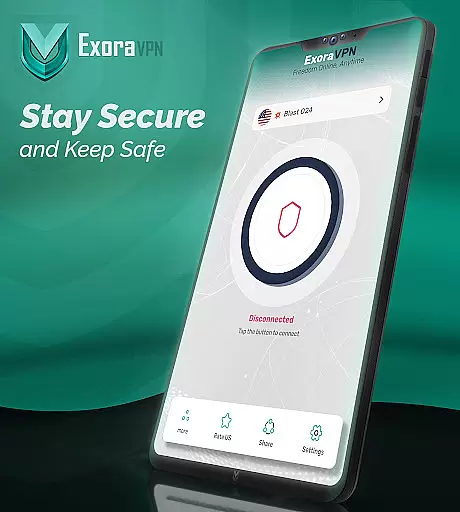
The interface design of Exora VPN emphasizes simplicity and ease of use, ensuring that even novice users can navigate the application effortlessly. Upon opening the app, users are greeted with a clean layout where primary functions like connecting to a server or customizing settings are easily accessible within just a few taps. This intuitive structure eliminates the learning curve typically associated with more complex tools.
Key features such as the automatic kill switch and custom DNS settings are integrated seamlessly into the interface without overwhelming the user. Instead of burying these options under layers of menus, they are presented clearly, making it simple for anyone to adjust them based on personal requirements. Furthermore, the absence of signup procedures enhances the overall user experience by reducing friction during the initial setup phase.
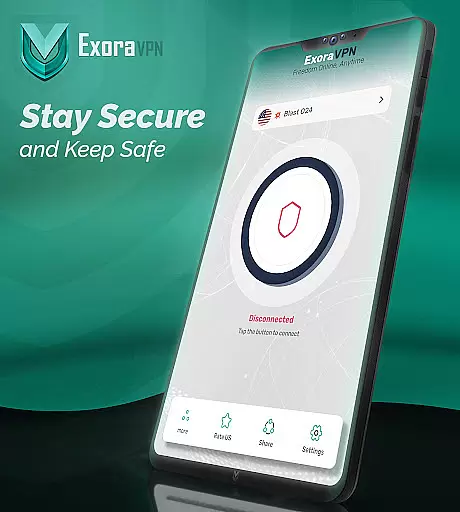
Exora also provides real-time feedback through visual indicators showing connection status and speed statistics. Such thoughtful design choices contribute to an interface that feels responsive and informative, empowering users to make quick decisions about their internet usage without confusion or delay. By focusing on clarity and accessibility, Exora ensures its tool remains approachable yet powerful enough for diverse audiences.
Fast connection speeds
Zero-logs policy
Automatic kill switch
Global server coverage
DNS customization
Limited free tier
No live chat support
Occasional connectivity issues
Ads in free version
Advanced settings may overwhelm beginners

Just one-tap to easy translate in any language after calls within seconds.
 4.20
4.20
PDF Reader - Document Viewer: Read, Manage & Organize Your Documents
3.10
1-Click close all background apps on Android TV
3.90
Save any video in HD - paste the link, download fast and watch offline.
4.3
An open-source APK explorer for Android!
4.10
PC precision for mobile gaming: dominate with keyboard and mouse!
4.30
Mirror your screen to Chromecast and Android TV - Super fast and simple
4.60
Fun lie-detection pranks for friends and parties.
3.80
Clean up large files and similar photos, fast and easy to use
4.40
Connect wirelessly to your computer to watch movies, browse the web, play games
5.00
Fast Video Downloader, Movie Downloader, Torrent Downloader & Adblock Browser
4.70
The Ultimate Flex Drivers Utility App - Convenient Tapping & Block Filters
4.70
Protect your device with antivirus, storage cleanup, and system monitoring
4.70 4.50
4.50
Screen Mirroring for Roku Sticks, Roku TCL TV and Roku Hisense TV
4.50
Create your own live wallpaper or check out thousands already made presets
3.90
This app unlocks the Pro features of the Central for DayZ app
3.60
Clean the junk files on your device
3.40
Undelete and recover your lost or deleted files with DiskDigger!
3.40
Honest Scratch app review—is it actually good for teaching kids to code? Real user insights on features, limitations, and learning outcomes.



User Reviews