
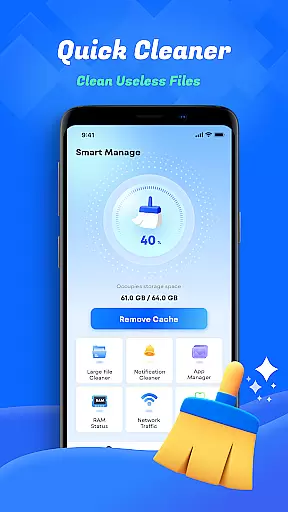
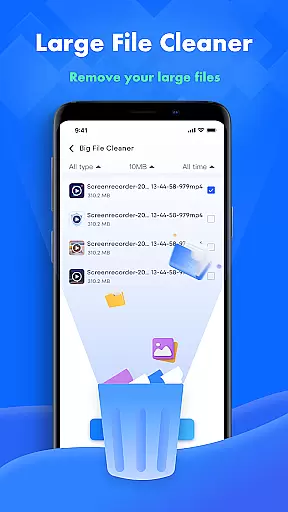
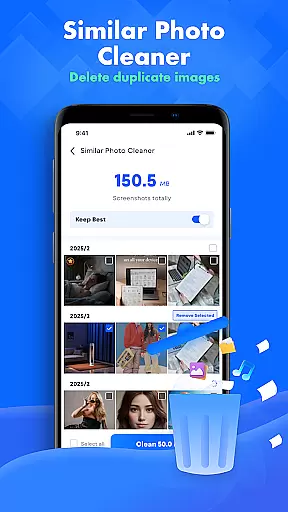
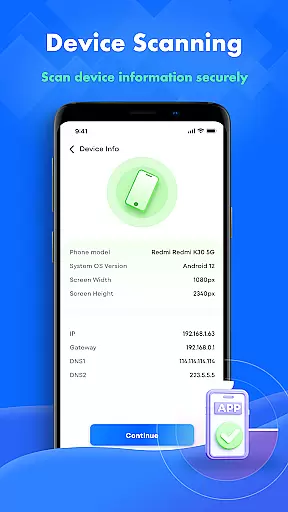
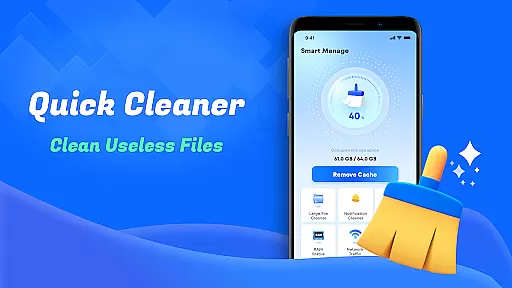
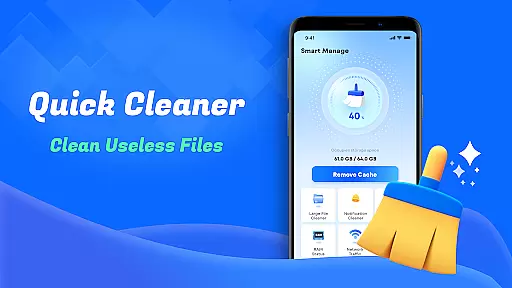
Smart Cleaner is a comprehensive phone cleaning tool designed to optimize device performance through efficient file management. The app specializes in removing unnecessary files, managing large files, and organizing media content.
Key features include junk file cleanup, large file management, duplicate photo detection, and screenshot organization. Additionally, users can monitor network usage and access detailed device information, making it an essential utility for maintaining a well-organized device.
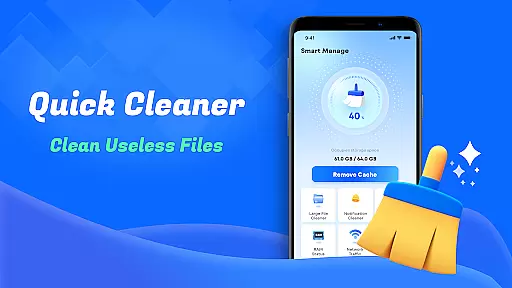
Ideal for users seeking to maximize storage space and improve device speed, Smart Cleaner offers a simple one-click solution for all cleaning needs.
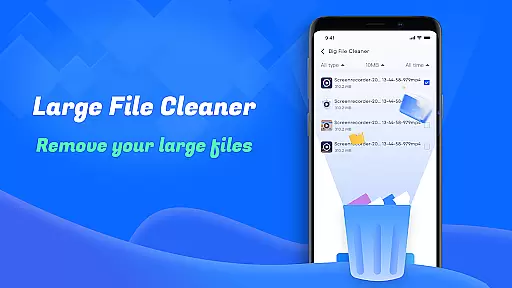
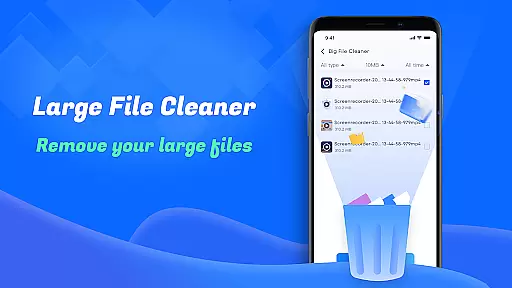
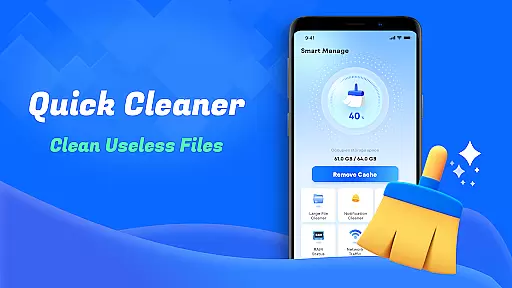
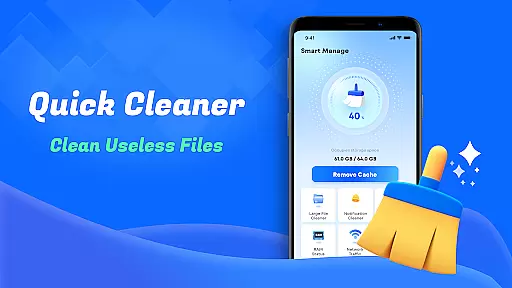
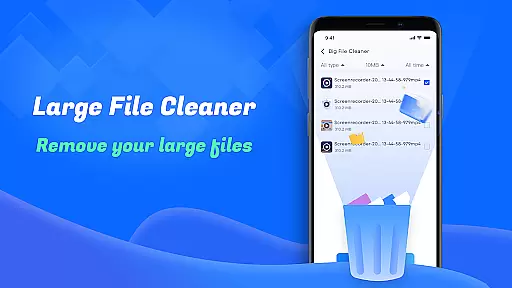
Smart Cleaner stands out with its diverse range of practical tools tailored for device optimization. The app's unnecessary file cleanup feature efficiently removes junk files, while the large file manager helps identify and delete space-consuming files.
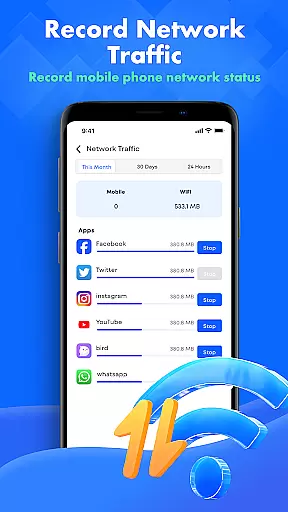
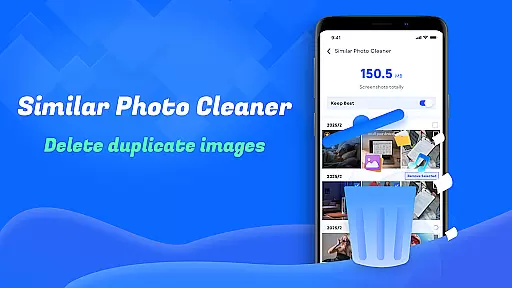
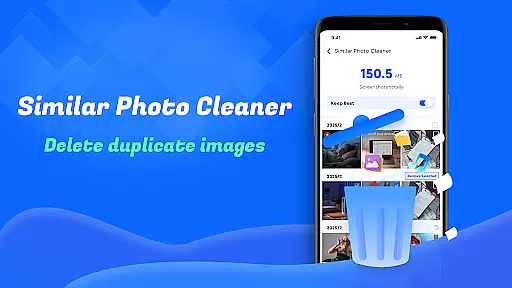
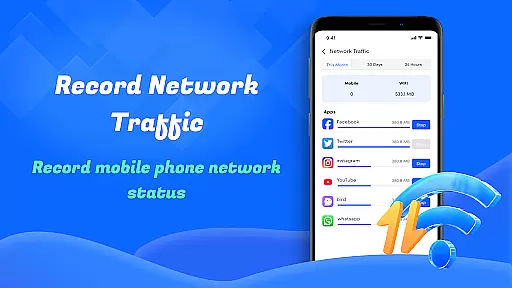
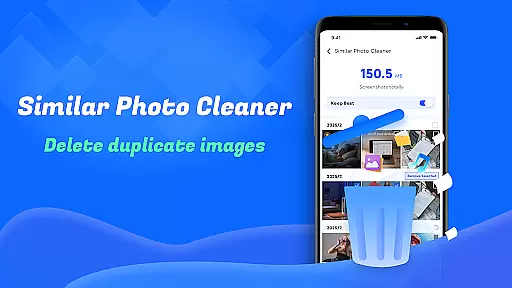
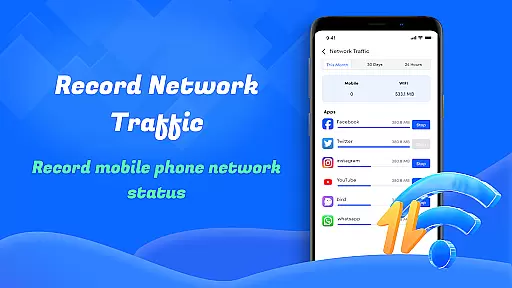
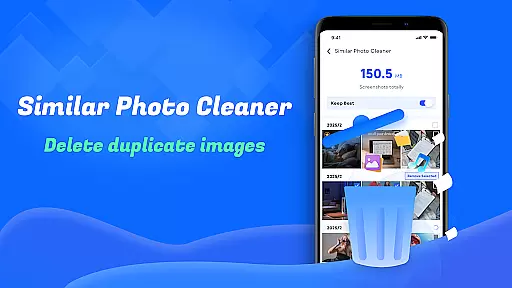
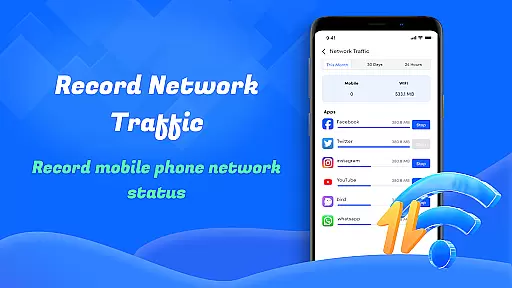
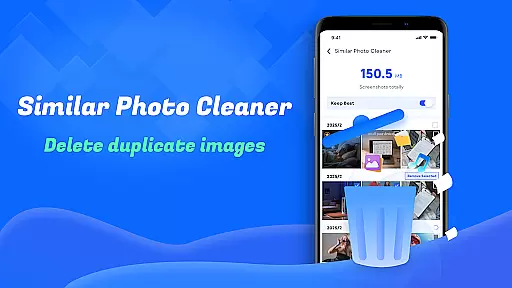
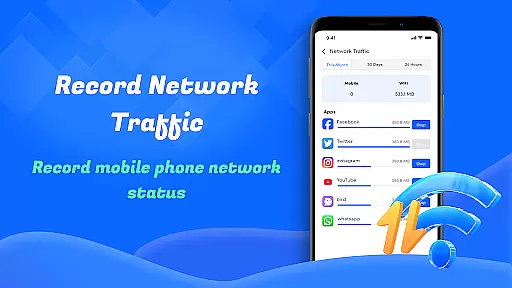
Its innovative similar photo detection tool ensures users can remove duplicate images, keeping galleries clutter-free. The screenshot cleanup function automatically detects and organizes screenshots, while the network monitoring feature provides detailed data usage reports.
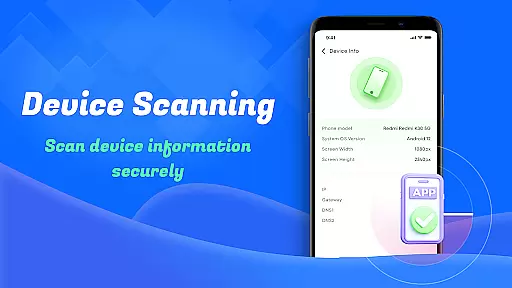
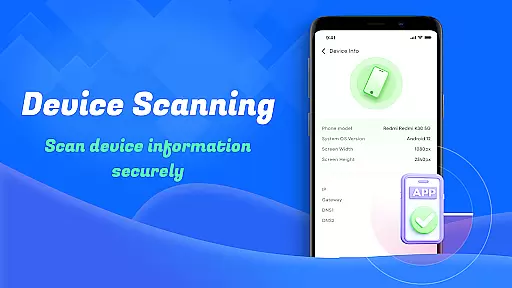
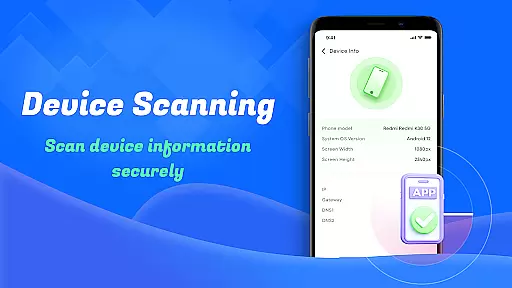
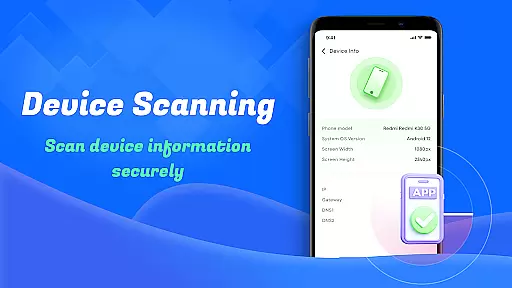
Device info check offers comprehensive insights into system performance, helping users make informed decisions about storage management and device maintenance.
When it comes to utility applications like Smart Cleaner, the precision and efficacy of core functions are paramount. This app offers a suite of cleaning tools designed to declutter your device efficiently.
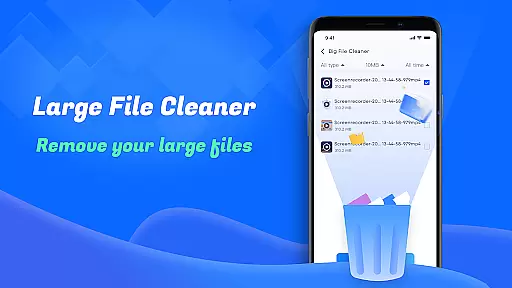
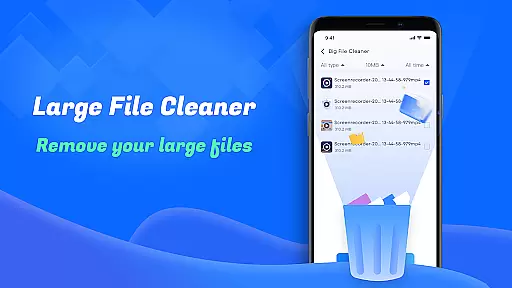
The unnecessary files cleanup feature works by scanning your device for redundant files and providing options to remove them safely. Similarly, the large file cleanup tool helps identify space-consuming files, allowing users to make informed decisions about their storage.
Users benefit from these features through regained storage space and improved device performance. The app's ability to manage screenshots and similar photos ensures that duplicate or unwanted media doesn't clog valuable memory.
Smart Cleaner stands out by offering these capabilities in a straightforward, one-click solution, making device maintenance accessible even to non-tech-savvy individuals.
A simple and intuitive interface is crucial for tools like Smart Cleaner, ensuring that users can navigate and utilize its features without hassle. The app excels in providing an accessible user experience.
Upon opening the app, users are greeted with a clean layout where each tool is easily accessible. The design prioritizes functionality, grouping related features logically, which aids in quick identification and use.
This thoughtful arrangement benefits users by reducing the learning curve typically associated with new software. Whether managing network usage or checking device info, tasks are performed effortlessly.
By focusing on clarity and ease of use, Smart Cleaner ensures that maintaining your device becomes a seamless part of your routine, enhancing overall satisfaction with the app.
User-friendly interface
Comprehensive cleaning tools
Effective storage optimization
Real-time task progress display
Detailed device performance reports
Requires multiple permissions
Limited advanced features
Basic design aesthetics
No cloud backup option
Occasional slow processing

Just one-tap to easy translate in any language after calls within seconds.
 4.20
4.20
HD Camera captures every special moment.
4.60
Just swipe the edge to do something!
4.40
Optimize your WiFi network, turn your phone into Wifi Analyzer
4.70
With videos, electrical calculators, and built-in ebook, Ugly’s has your answer.
4.50
Powerful collection of electronics tools and reference.A must for any enthusiast
4.90
Fast Video Downloader, Movie Downloader, Torrent Downloader & Adblock Browser
4.70
Create your own custom widget with endless possibilities
3.90
A simple app to back up and restore SMS & MMS messages and call logs.
4.10
Connect wirelessly to your computer to watch movies, browse the web, play games
5.00
WiFi Signal Strength Meter help you detect WiFi Signal Strength in real time.
4.80
Small and simple app to Verify Root Access and BusyBox Install!
4.70
NFC Tools can read and write NFC tags.
4.70
HD Video player and downloader for all formats, fast & smooth 4K video playback.
4.60
Screen Mirroring for Roku Sticks, Roku TCL TV and Roku Hisense TV
4.50
Quickly check the frequency of the Earth
4.30
pdf merge, word to pdf, jpg to pdf, edit pdf, convert to pdf and much more!
4.20
Create your own live wallpaper or check out thousands already made presets
3.90
Smart and comfortable browsing experience.
3.80
Honest Scratch app review—is it actually good for teaching kids to code? Real user insights on features, limitations, and learning outcomes.



User Reviews