
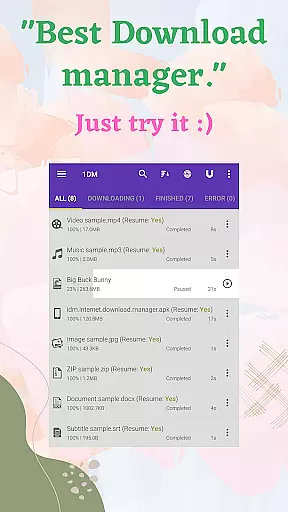

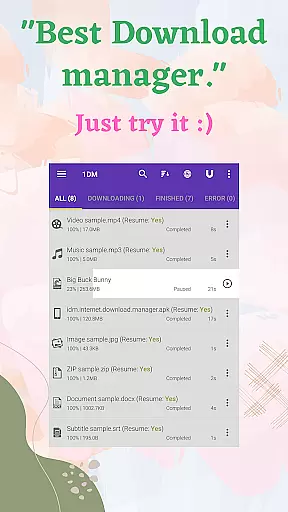

1DM+ is a cutting-edge download manager for Android, offering unparalleled speed and advanced features. This tool supports torrent downloads and can boost download speeds up to 500% faster than conventional methods. Designed with user convenience in mind, it includes smart download options that help conserve battery life by not running background services when there's no download activity.
The application stands out with its comprehensive feature set, including ad-free usage, support for multiple themes, and compatibility with a wide range of languages. It allows direct downloads to an SD card and handles HTTP live streaming websites efficiently. With capabilities like pausing and resuming downloads, scheduling, and importing/exporting links, 1DM+ ensures a seamless downloading experience tailored to individual preferences.
1DM+ boasts an array of sophisticated features that cater to both casual and power users. The app supports up to 30 simultaneous downloads and splits files into as many as 32 parts per download, maximizing bandwidth utilization. Advanced functionalities such as proxy support (with or without authentication), global and individual speed limiters, and the ability to refresh expired links make it a versatile tool for managing complex download tasks.
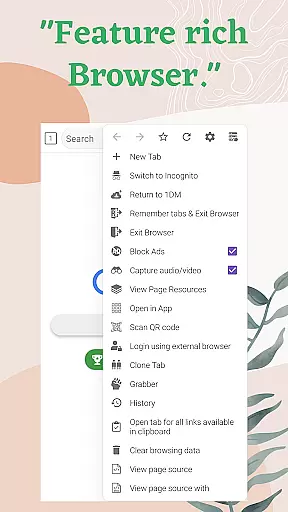
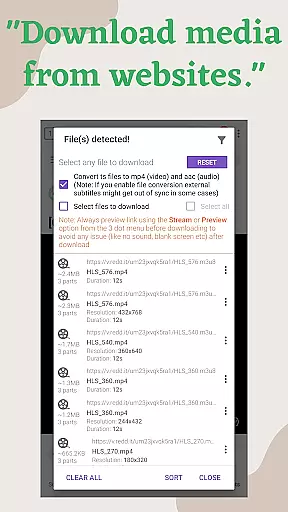
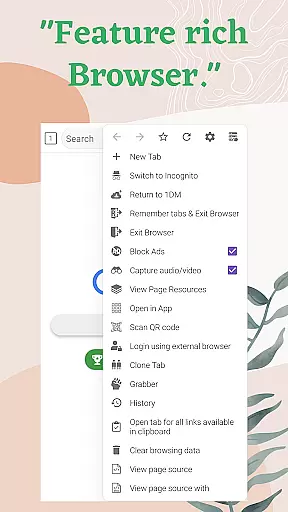
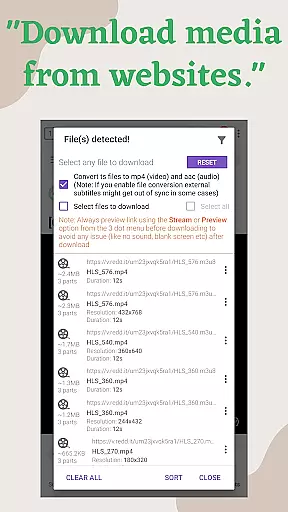
For enhanced usability, 1DM+ comes equipped with a built-in web browser that supports multi-tab browsing, history tracking, and bookmark management. Users can enjoy incognito mode and automatic link catching for media files from popular sites. Additional highlights include MD5 checksum calculation, support for various file formats, and integration with multiple web browsers, ensuring a smooth and efficient downloading process across different platforms.
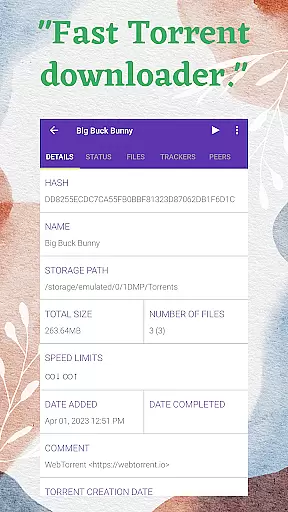
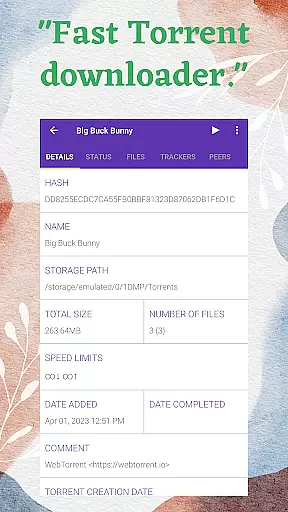
1DM+ stands as a premier download manager on Android, offering unparalleled core functionality that ensures both accuracy and effectiveness in managing downloads. The app supports torrent downloads via magnet links, torrent URLs, or local torrent files, providing users with versatile options for acquiring content. Its ability to handle up to 30 simultaneous downloads, with each file split into 32 parts, maximizes bandwidth usage and accelerates the download process significantly.
The application's advanced features include support for proxies, speed limiters, and the capability to refresh expired links, ensuring seamless downloading experiences even under challenging network conditions. Additionally, its smart download option activates automatically when users copy downloadable links to the clipboard, streamlining the initiation of new downloads without manual intervention.
For users who prioritize privacy and security, 1DM+ offers robust solutions such as hiding downloaded files from unauthorized access and saving login credentials for password-protected sites securely. These features not only enhance user convenience but also protect sensitive information during the download process.
Despite its advanced capabilities, 1DM+ maintains an interface that is both simple and intuitive, catering to users of all technical backgrounds. The app provides two theme optionsu2014dark and lightu2014allowing users to choose an appearance that best suits their preferences and viewing conditions. This flexibility enhances readability and reduces eye strain, contributing to a more comfortable user experience.
Navigation within 1DM+ is straightforward, thanks to its well-organized layout and logical grouping of features. Users can easily sort files by name, size, date, and categorize them by type and time, facilitating efficient management of downloaded content. Moreover, the built-in web browser supports multiple tabs, history, and bookmarks, integrating seamlessly with the download manager to offer a comprehensive toolset for online activities.
Additional conveniences include extended notifications that display combined and individual download progress, along with options for vibration and sound alerts upon completion. Such thoughtful design elements ensure that users remain informed about their download statuses without feeling overwhelmed by excessive information, striking a perfect balance between functionality and usability.
Fast download speeds
Torrent support
Smart download options
Built-in web browser
Multi-language support
No YouTube support
Advanced features may overwhelm beginners
Requires permissions for full functionality
Paid version necessary for some features
Occasional bugs reported

Unit and currency converter with easy and simple UI.
 4.80
4.80
eXtended Permission Manager - a small app to manage permissions and AppOps
4.50
card-reader app
2.20
MS-DOS in your pocket. Play old DOS games anywhere you are ;)
4.10
Making emulation easy for everyone!
4.30
Creation, Learning, Entertainment & More — The All-in-One AI Search Engine
4.70
Clean up large files and similar photos, fast and easy to use
4.40
A clean app.
4.50
Fast VPN USA for any country. Super secure VPN for calls, streaming, games, TV.
4.40
Remote Play with FSR upscaling, low latency & full controller support
4.80
Optimize your WiFi network, turn your phone into Wifi Analyzer
4.70 4.50
4.50
Mirror your screen to Fire TV - Super fast and simple
4.40
Signal Strength, Mobile, Wifi, Speed Test, Bad Signals, Cellular, 5G, LTE, 4G
4.20
An open-source APK explorer for Android!
4.10
Create your own custom widget with endless possibilities
3.90
A powerful, easy-to-use flight computer on your phone or tablet!
3.80
PDF Reader - Document Viewer: Read, Manage & Organize Your Documents
3.10
Unlock your Essential Key. Create custom shortcuts to your favorite apps!
4.5
Honest Scratch app review—is it actually good for teaching kids to code? Real user insights on features, limitations, and learning outcomes.



User Reviews