
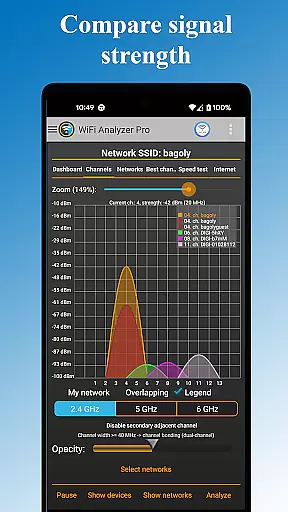
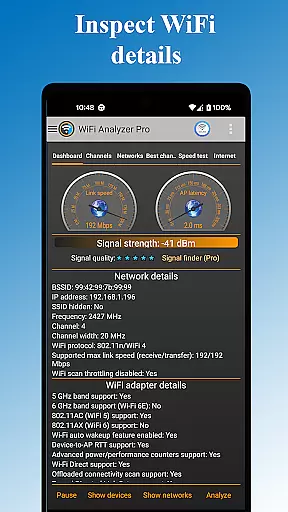
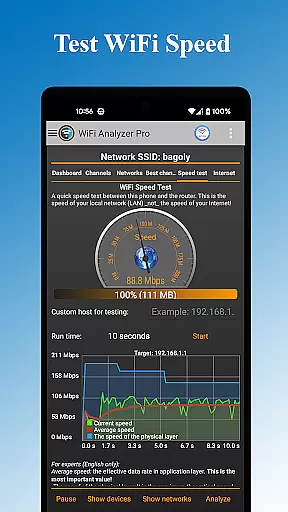
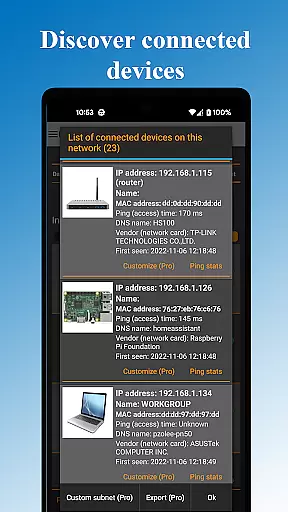
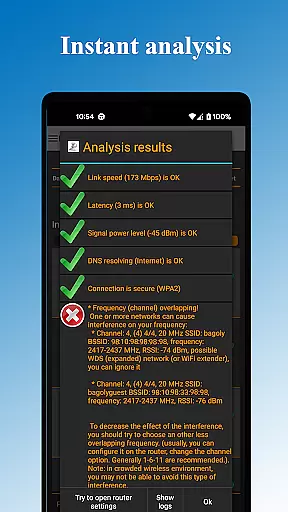
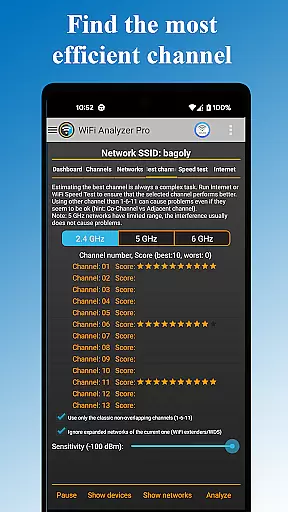
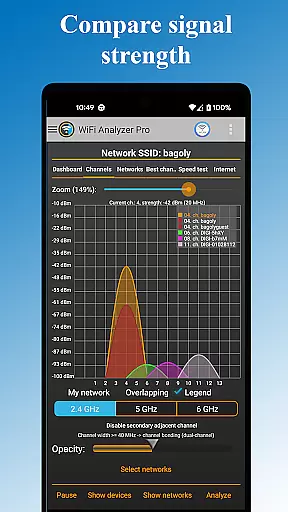
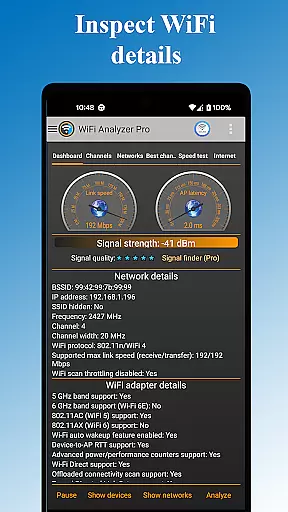
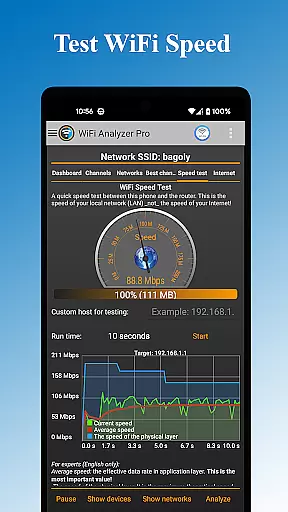
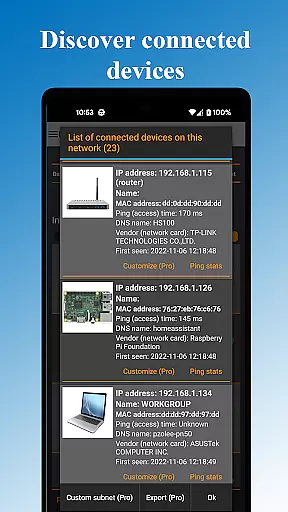
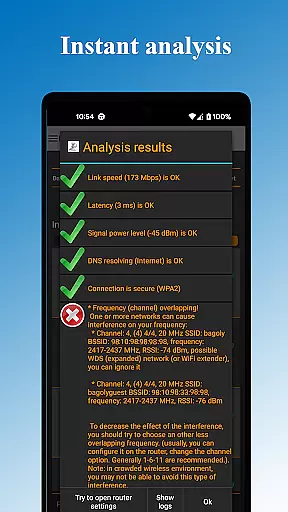
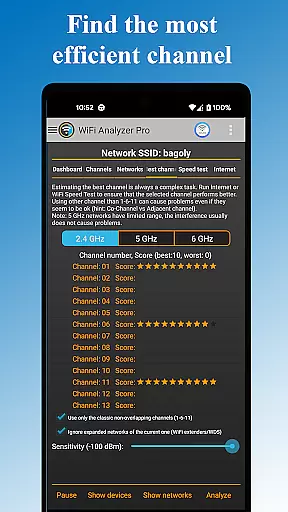
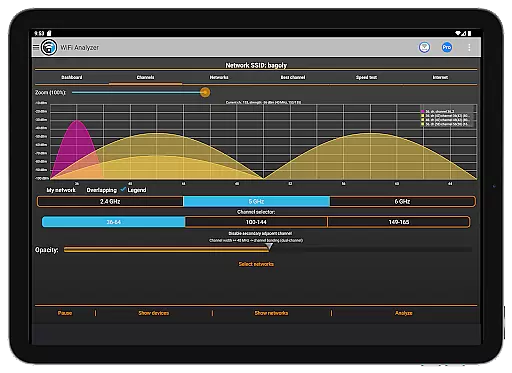
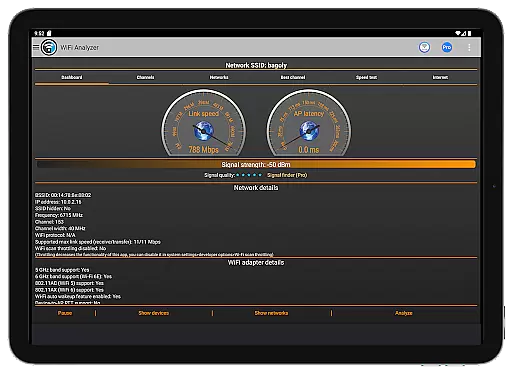
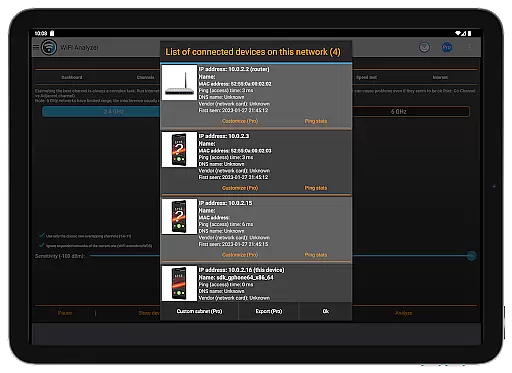
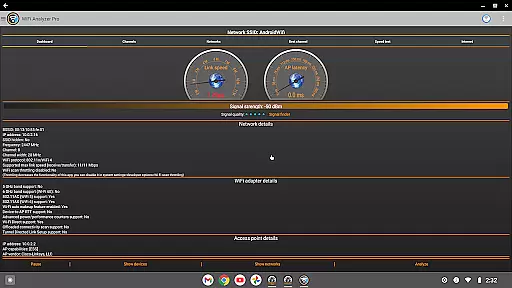
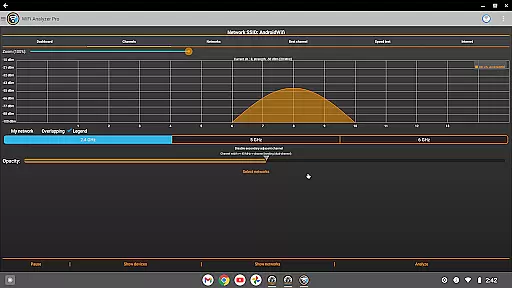
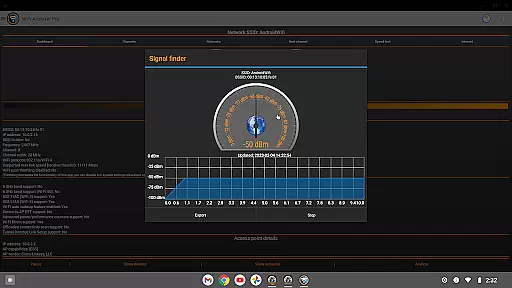
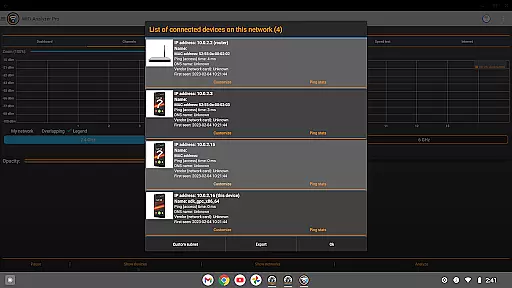
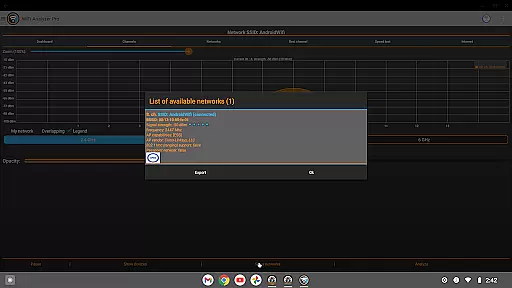
WiFi Analyzer Pro is a powerful network optimization tool designed to help users maximize their WiFi performance. The app provides detailed analysis of wireless networks, identifies the best router placement and channel settings, and detects unauthorized devices on your network.
This professional-grade tool offers advanced features like 2.4/5 GHz band support, comprehensive network diagnostics, and signal strength analysis. Its intuitive interface makes it accessible for both technical and non-technical users, while its sophisticated analytics capabilities cater to networking professionals.
Whether you're troubleshooting connectivity issues or optimizing your home network, WiFi Analyzer Pro delivers valuable insights to enhance your WiFi experience. The app's proactive monitoring system alerts users to potential network problems before they impact performance.
WiFi Analyzer Pro stands out with its comprehensive feature set that addresses various network optimization needs. The app's signature capability is its intelligent channel recommendation engine, which analyzes surrounding networks to suggest optimal settings for maximum speed and stability.
The application provides detailed device information including vendor details, security levels, and technical specifications for all detected networks. Its advanced scanning capabilities extend beyond basic network detection, offering in-depth analysis of signal strength, latency, and channel congestion.
Professional users will appreciate the app's export functionality and integration with Internet Service Providers through log sharing. The inclusion of both dark and light themes, along with customizable filters, demonstrates the developer's attention to user experience and interface design.
WiFi Analyzer Pro excels in providing accurate and effective core functions that are essential for optimizing your WiFi network. The app meticulously scans and analyzes surrounding WiFi networks, delivering precise data about signal strength, channel usage, and potential security issues.
The application's ability to recommend the best channel and router placement is backed by detailed network analytics. It evaluates both 2.4 GHz and 5 GHz bands, ensuring comprehensive coverage and optimal performance tailored to your specific environment.
Users benefit from actionable insights such as identifying crowded channels, verifying DNS functionality, and understanding device connectivity. These features collectively contribute to a significant improvement in network speed and reliability.
By offering advanced tools like wireless network scanning and exporting results, WiFi Analyzer Pro empowers users to make informed decisions, enhancing their overall WiFi experience without requiring deep technical expertise.
A standout feature of WiFi Analyzer Pro is its commitment to interface simplicity and intuitiveness, making it accessible even to those with limited technical knowledge. The app employs a clean design that prioritizes ease of navigation and quick access to key functionalities.
Central to its user-friendly approach is the clear presentation of complex data. Users can easily interpret signal strength, latency, and network security levels through intuitive charts and graphs. This visual representation simplifies the process of diagnosing and resolving network issues.
Additionally, the availability of both dark and light themes caters to user preference, enhancing readability and comfort during extended use. Customizable filters for SSID, WiFi band, and overlapping channels further streamline the user experience.
Overall, WiFi Analyzer Pro combines powerful analytical tools with an intuitive interface, ensuring that users of all skill levels can effectively manage and optimize their WiFi networks without a steep learning curve.
Comprehensive network analysis
User-friendly interface
Advanced diagnostic tools
Regular feature updates
Ad-free experience
Paid subscription required
Technical knowledge needed
Location service dependency
Limited offline functionality
Device compatibility issues

Change your GPS location instantly. Simulate routes anywhere in the world.
 4.90
4.90
Just one-tap to easy translate in any language after calls within seconds.
4.20
Safely recover deleted photos, videos, and files with a single easy tap.
3.70
Small and simple app to Verify Root Access and BusyBox Install!
4.70
Smart and comfortable browsing experience.
3.80
Unleash gamepad precision for ultimate mobile gaming dominance.
3.90
Play your X-Box games remotely in 1080p with any controller and zero latency
4.60
A clean app.
4.50
Enhance your Beats
3.70
Learn the vast amount of system information about device and monitor it's state
4.70
FV File Manager Pro, Fast and powerful file manager for Android
4.60
App to pay for FUTO Keyboard
4.60
Mirror your screen to Chromecast and Android TV - Super fast and simple
4.60
eXtended Permission Manager - a small app to manage permissions and AppOps
4.50
Just swipe the edge to do something!
4.40
Mirror your screen to Fire TV - Super fast and simple
4.40
Complete kernel toolbox with features to manage and tweak your rooted device
4.30
Family Locator, Share location, StayConnect with your family in real time
3.90
PDF Reader - Document Viewer: Read, Manage & Organize Your Documents
3.10
Honest Scratch app review—is it actually good for teaching kids to code? Real user insights on features, limitations, and learning outcomes.



User Reviews