
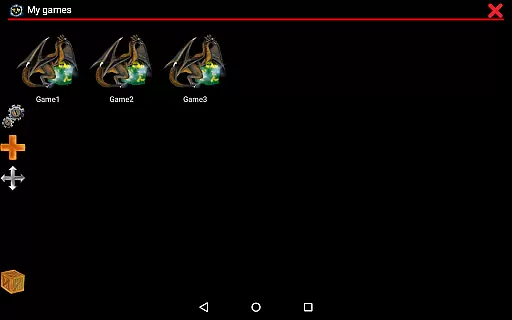
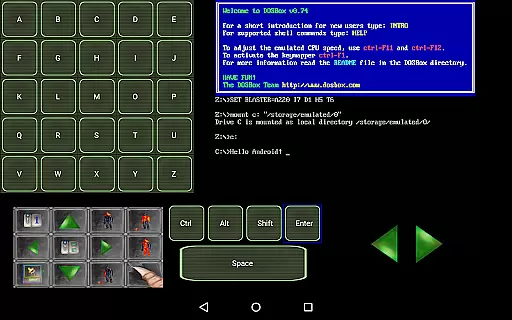
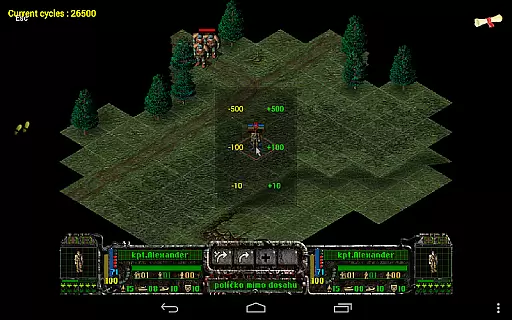
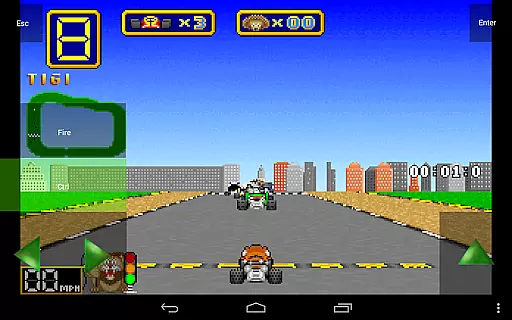
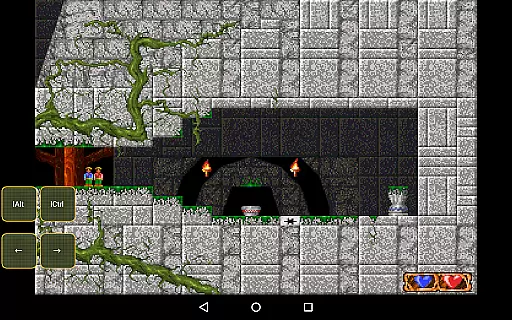
Magic DosBox is a highly optimized and fast DOSBox emulator for Android, designed to bring your favorite DOS and Windows games to your mobile device. With full support for mouse, keyboard, sound, and gamepads, it allows you to play classic games anywhere without the need for external hardware. The app features an innovative control system tailored for touch devices, making gaming on the go seamless and enjoyable.
This donated version offers unlimited game collections and advanced customization options. Users can create shortcuts, export or import game profiles, and design personalized on-screen controls. Magic DosBox supports multiple languages and provides various widgets for enhanced gameplay. Whether you're revisiting nostalgic titles or exploring retro gaming, this emulator delivers a smooth and authentic experience.
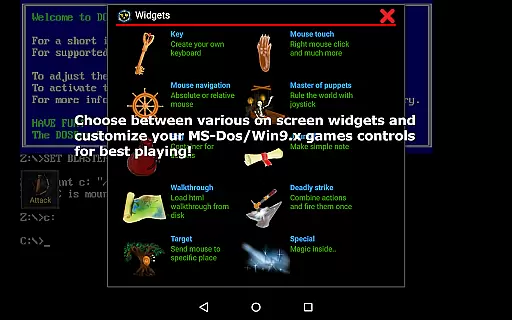
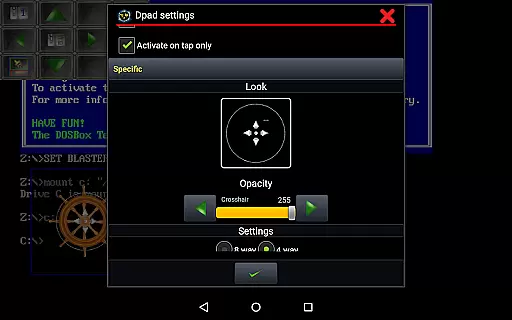
Magic DosBox stands out with its comprehensive feature set tailored for both casual and power users. The app supports a game collection where each profile can be extensively customized, allowing players to tailor their gaming experience. It includes ten types of on-screen widgets such as Key, Mouse, Dpad, and more, enabling precise control over game mechanics.
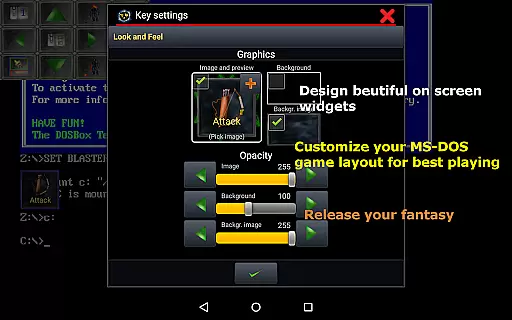
Advanced functionalities include multi-language support, customizable widgets with unique images and backgrounds, and compatibility with external controllers like x360 joysticks and NVIDIA Shield controllers. The app also supports networking through IPX and serial modem connections, facilitating multiplayer experiences. With optimizations for fast emulation and flexible screen orientation settings, Magic DosBox ensures a versatile and immersive gaming environment.
Magic DosBox stands out for its core function accuracy and effectiveness in emulating DOS and Windows games on Android devices. The app is a highly optimized port of the original DOSBox, ensuring that users can run their favorite classic games with precision.
The emulator supports full mouse, keyboard, sound, and gamepad functionalities, making it versatile for various gaming experiences. With added support for external controllers like the x360 joystick and NVIDIA Shield controller, Magic DosBox guarantees an authentic and responsive gameplay experience.
One of the key strengths of Magic DosBox is its ability to emulate different modes such as IPX network play, which allows users to enjoy multiplayer games with friends. This feature enhances the overall effectiveness of the app by catering to both single-player and multiplayer gaming needs.
Users benefit from fast emulation with plenty of optimizations, ensuring smooth performance even on modern touch devices. This makes Magic DosBox not only accurate but also efficient, providing a seamless way to relive classic gaming experiences without the need for external hardware.
The interface of Magic DosBox is designed to be simple and intuitive, focusing on delivering a user-friendly experience for playing old DOS and Windows games on Android devices. Its design eliminates the need for external hardware, allowing users to play anywhere with ease.
Magic DosBox offers various on-screen widgets and buttons that are highly customizable. Users can create personalized control layouts, including virtual D-pads and buttons, tailored to their preferences. This flexibility ensures that the interface adapts to the user's needs rather than forcing them to adapt to the app.
With multi-language support and clear documentation available on their website, Magic DosBox simplifies the process of adding games to your collection and customizing controls. This approachability makes it accessible even for those who may not be familiar with emulation software.
Overall, the intuitiveness of Magic DosBox's interface lies in its ability to provide powerful features while maintaining ease of use. By offering resizable screens, orientation locks, and straightforward navigation, it ensures that users can focus on enjoying their games without being hindered by a complex interface.
User-friendly interface
Extensive customization
Wide game compatibility
Active community support
Regular updates
No included games
Complex setup
Occasional bugs
Limited free widgets
High system requirements

 4.50
4.50
PDF Reader - Document Viewer: Read, Manage & Organize Your Documents
3.10
FV File Manager Pro, Fast and powerful file manager for Android
4.60
Use your phone as a webcam on your computer over WiFi or USB.
4.40
Clean the junk files on your device
3.40
Best leveling tool for your Android device. Hang paintings like a pro.
4.90
WiFi Signal Strength Meter help you detect WiFi Signal Strength in real time.
4.80
Support Fossify apps with a warm thank you!
5.00
Screen Mirroring for Roku Sticks, Roku TCL TV and Roku Hisense TV
4.50
Powerful collection of electronics tools and reference.A must for any enthusiast
4.90
Bedrock Together: Join any bedrock server on Xbox/PS
4.80
Remote Play with FSR upscaling, low latency & full controller support
4.80
Creation, Learning, Entertainment & More — The All-in-One AI Search Engine
4.70
HD Camera captures every special moment.
4.60
Complete kernel toolbox with features to manage and tweak your rooted device
4.30
VESC Tool can monitor and configure VESC-compatible devices over BLE and Wifi
4.20
Family Locator, Share location, StayConnect with your family in real time
3.90
Create your own live wallpaper or check out thousands already made presets
3.90
Smart and comfortable browsing experience.
3.80
Honest Scratch app review—is it actually good for teaching kids to code? Real user insights on features, limitations, and learning outcomes.



User Reviews