
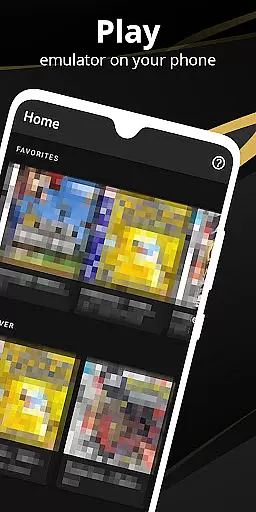

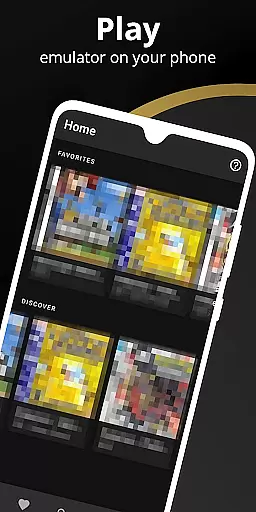
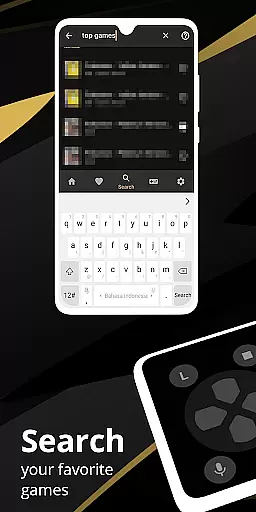
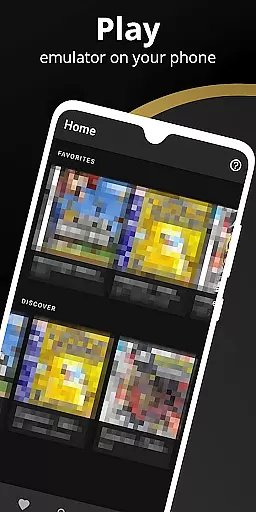
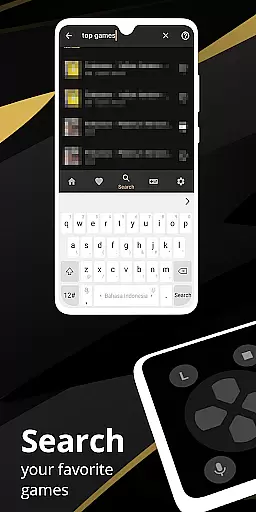
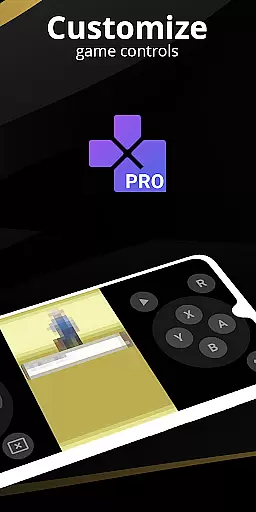
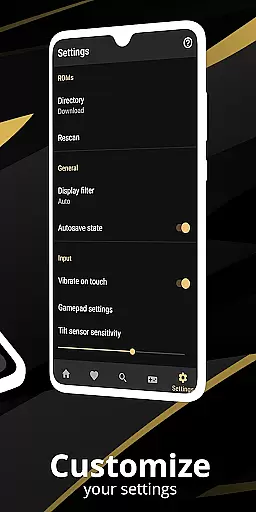
Pro Emulator for Game Consoles is a versatile emulator designed to bring classic gaming experiences to modern Android devices. This powerful tool supports emulation of various game consoles, allowing users to play timeless games on their phones, tablets, or even TVs. The app automatically saves and restores game states, ensuring seamless gameplay sessions.
The emulator features advanced capabilities including lightning-fast processing that conserves device battery, high compatibility with nearly all game titles, and support for link cable emulation across devices using Bluetooth or Wi-Fi. Additional highlights include gyroscope and tilt sensor emulation, high-level BIOS support eliminating the need for BIOS files, and optimized touch controls customization.
With its user-friendly interface and robust feature set, Pro Emulator provides an authentic retro gaming experience while maintaining compatibility with modern technology standards. Whether you're reliving childhood memories or discovering classic games for the first time, this emulator offers an exceptional way to enjoy retro gaming on contemporary devices.
Pro Emulator for Game Consoles stands out through its comprehensive feature set tailored for both casual gamers and emulation enthusiasts. The app's automatic save/load system with multiple slots ensures users never lose progress, while its fast-forward functionality allows skipping lengthy story sequences or slowing down challenging sections.
One of the emulator's key strengths is its hardware compatibility - it supports external controllers like MOGA devices, enables tilt-to-stick functionality, and offers a sophisticated screen layout editor. The rendering engine utilizes OpenGL for GPU-equipped devices while maintaining compatibility with older hardware through standard rendering methods.
Additional notable features include cloud save synchronization, display simulation options (LCD/CRT), and support for GLSL shaders that enhance visual quality. The emulator also facilitates local multiplayer gaming by connecting multiple gamepads to a single device, making it perfect for social gaming sessions. These features collectively create a premium emulation experience that balances performance with authenticity.
When it comes to emulation software, core function accuracy and effectiveness are paramount for a seamless user experience. Pro Emulator for Game Consoles achieves this by providing very high game compatibility, ensuring that nearly all games run without issues. The emulator supports advanced features such as link cable emulation across devices via Bluetooth or Wi-Fi, gyroscope/tilt/solar sensor, and rumble emulation, which collectively enhance the authenticity of the gaming experience.
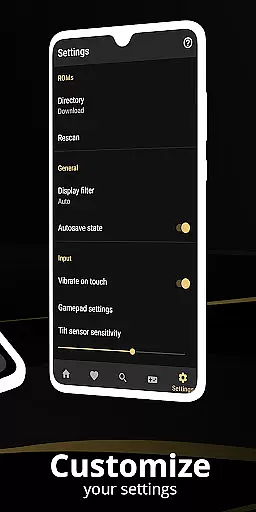
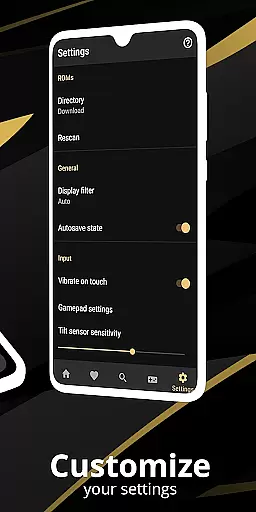
The emulator is designed to work on a wide range of Android devices, from phones to TVs. It employs a high-level BIOS emulation, eliminating the need for BIOS files, and includes ROMs scanning and indexing. These capabilities ensure that users can easily access and play their game library with minimal setup. Additionally, support for IPS/UPS zipped ROM patching allows for enhanced gameplay features and bug fixes that are not available in the original game releases.
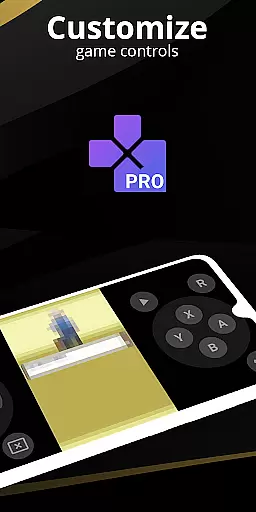
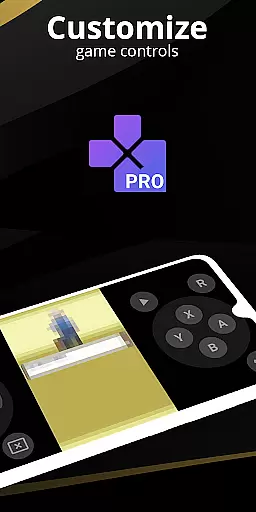
For users seeking customization, the emulator offers optimized touch controls and a powerful screen layout editor. This enables gamers to define the position and size of on-screen controls, catering to individual preferences and improving overall control during gameplay. OpenGL rendering and GLSL shaders provide cool video filters, adding a visual flair that enhances the classic gaming experience while maintaining the integrity of the original graphics.
A simple and intuitive interface is crucial for any tool-based application, and Pro Emulator for Game Consoles excels in this area. The user interface is clean and well-designed, seamlessly integrating with the latest Android versions. This ensures that users can navigate through the emulator's features effortlessly, enhancing their overall experience without a steep learning curve.
One of the standout features contributing to the interface's intuitiveness is the on-screen keypad, which supports multi-touch for devices running Android 2.0 or later. Shortcut buttons for quick save/load functions further simplify the user interaction, allowing players to focus more on the game rather than complex button combinations. Moreover, the emulator supports external controllers like MOGA, offering flexibility for those who prefer physical gamepads over touch controls.
To cater to different user preferences, the emulator provides the ability to create and switch between various key-mapping profiles. This feature, combined with customizable tilt-to-stick support, ensures that each user can tailor the control scheme to their liking. With these elements, Pro Emulator for Game Consoles delivers an interface that is both powerful and easy to use, making it accessible for gamers of all skill levels.
Wide device compatibility
Advanced save features
Excellent game support
Customizable controls
Cloud save integration
Powerful device required
Complex setup process
Limited recent console support
Occasional glitches
High battery consumption

Just one-tap to easy translate in any language after calls within seconds.
 4.20
4.20
Keep track of your Palia friendships, tasks, and inventory with Palia Notebook
4.60
App to pay for FUTO Keyboard
4.60
A non-root local ADB shell client. READ BELOW!
3.40
The Ultimate Bluetooth Keyboard & Mouse. Securely control your PC, Mac, and more
4.50
Download any file easily and quickly with Downloader
4.4
NFC Tools can read and write NFC tags.
4.70
Automate everything from settings to photos, SMS to speech. ADC2 prize winner.
4.10
fast and easy mp3 music downloader
4.80
Support Fossify apps with a warm thank you!
5.00
Optimize your WiFi network, turn your phone into Wifi Analyzer
4.70 4.50
4.50
Game Booster, GFX Tool is now compatible with newer game update
4.50
Clean up large files and similar photos, fast and easy to use
4.40
View detailed information about your Nissan Leaf the dealer never shows you.
4.10
Clean the junk files on your device
3.40
Undelete and recover your lost or deleted files with DiskDigger!
3.40
PDF Reader - Document Viewer: Read, Manage & Organize Your Documents
3.10
Transfer Files, APK from Phone to Watch & Install.
4.2
Honest Scratch app review—is it actually good for teaching kids to code? Real user insights on features, limitations, and learning outcomes.



User Reviews