
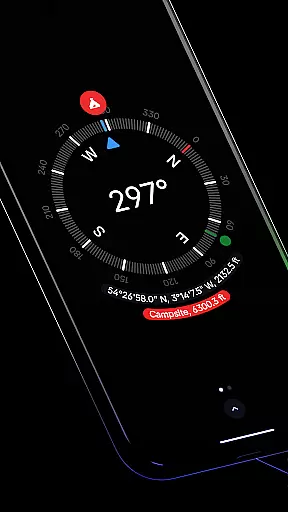
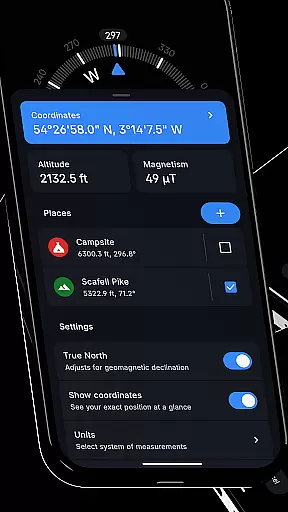
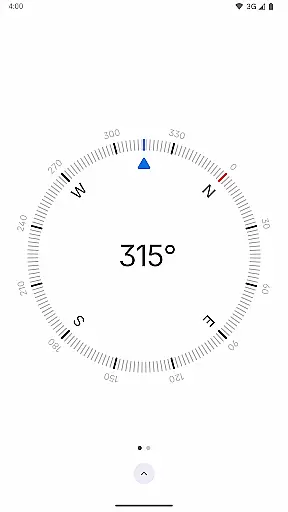
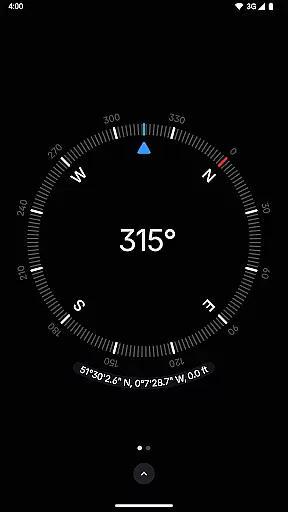
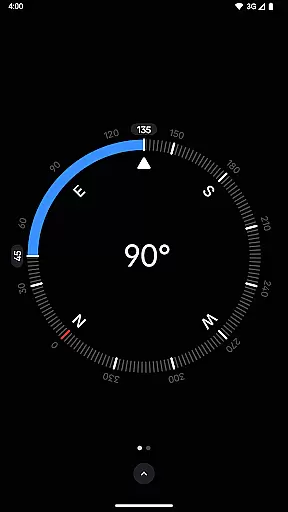
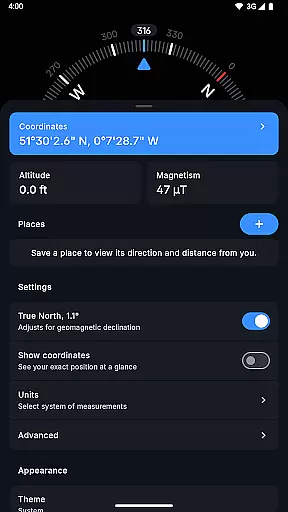
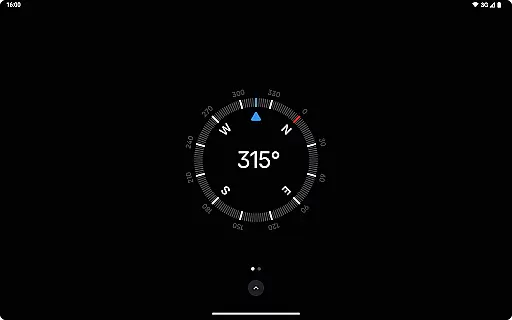
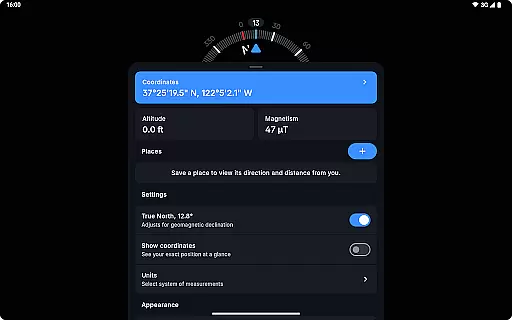
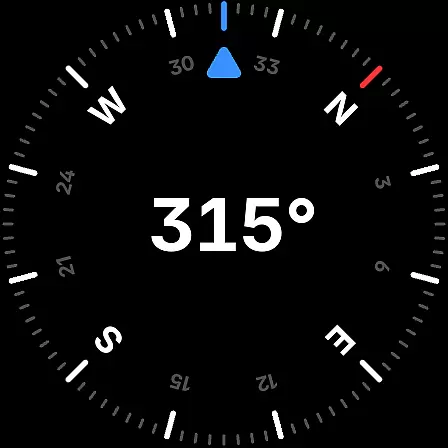
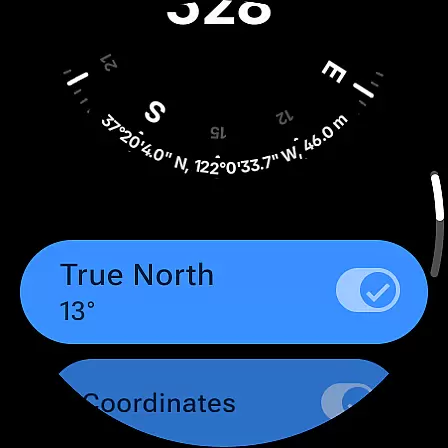
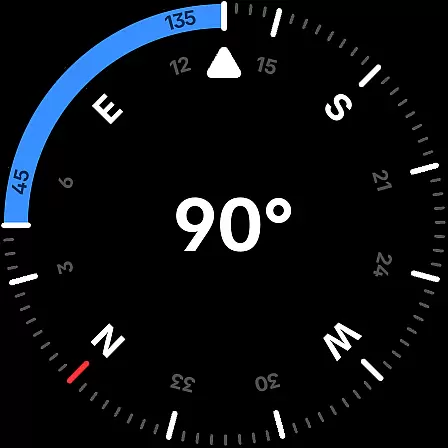
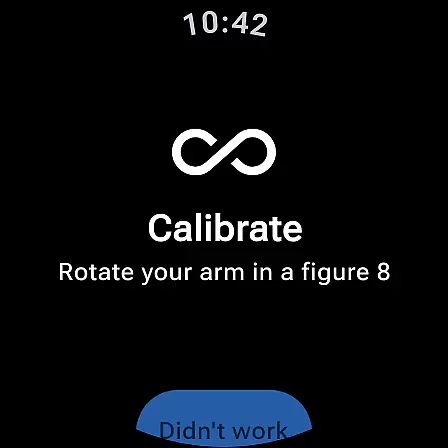
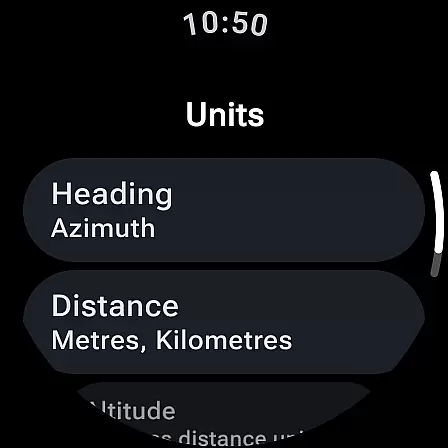
Compass is a sleek and minimalistic navigation app that combines simplicity with elegance. Designed for both Android phones and select Wear OS smartwatches, it offers users precise direction-finding capabilities through an intuitive dark-themed interface. The app provides essential navigational tools such as coordinates display in multiple formats, altitude information, and the ability to save locations for quick reference.
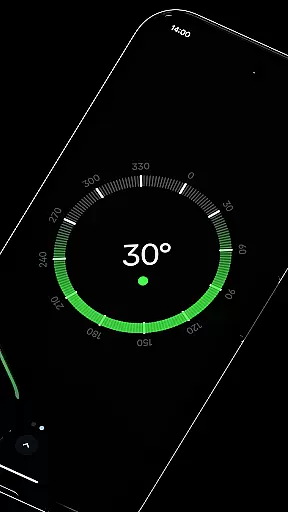
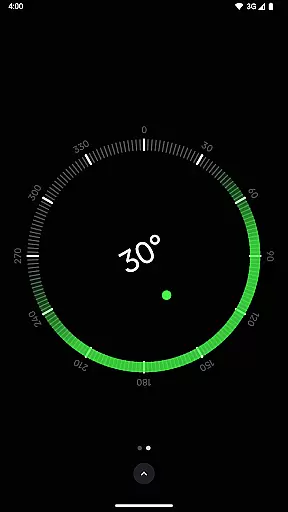
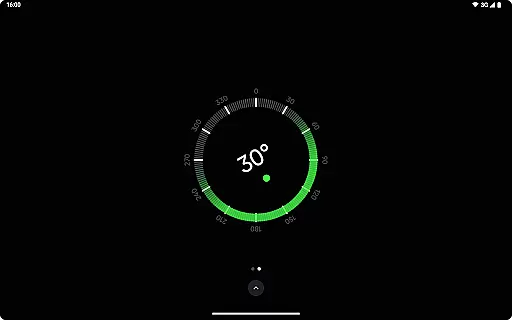
Beyond basic navigation, Compass includes advanced features like geomagnetic declination adjustment for true north alignment, a bubble level for checking surface levels, and angle difference measurement between orientations. Its customization options allow users to change units for angles, distances, and coordinates while offering theme adjustments and dynamic color personalization based on Android 12's features. With rich haptic feedback and high-contrast display modes, Compass ensures usability in various conditions without needing an internet connection or compromising user privacy.
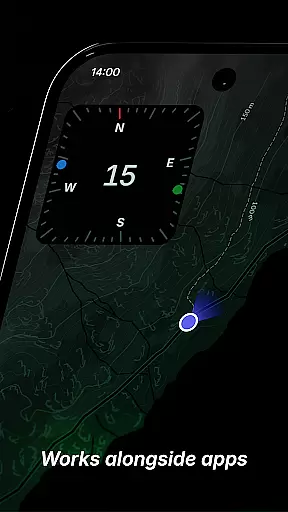
Compass stands out with its comprehensive feature set tailored for diverse navigation needs. One of its key strengths is the support for multiple coordinate formats including DMS, DDM, DD, UTM, MGRS, and OLC (Plus Codes), catering to different user preferences. The app also allows users to dock the compass to the edge of the screen while multitasking, ensuring uninterrupted access to directional data.
Additional functionalities enhance the overall utility of Compass. Users can measure angles between two orientations, check surface levels with the integrated bubble level, and switch between dark and light themes for optimal visibility. Privacy-conscious design eliminates trackers and analytics, making it one of the most secure options available. Furthermore, rich haptic feedback and a red screen filter option improve nighttime usability, while anomaly detection alerts users to magnetic interference affecting accuracy.
Compass stands out for its exceptional core functionality, providing users with accurate and effective navigation tools. The app displays precise coordinates, altitude, and direction, supporting various formats such as DMS, DDM, DD, UTM, MGRS, and OLC (Plus Codes). This versatility ensures that users can navigate confidently in diverse environments, whether hiking in remote areas or exploring urban landscapes.
The app's alignment with true north, adjusting for geomagnetic declination, enhances its navigational accuracy. Additionally, the integrated bubble level feature allows users to check the level of any surface easily. These functions collectively ensure that Compass is not just a directional tool but a comprehensive utility for anyone needing reliable spatial orientation.
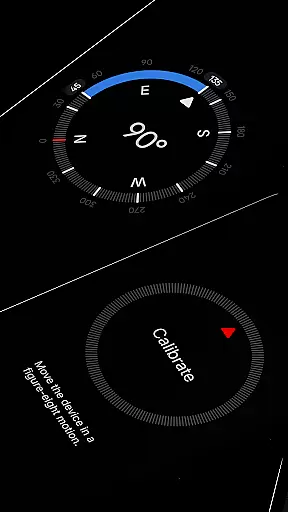
Users benefit from the app's meticulous calibration guide, which guarantees accurate readings every time. With the ability to measure the angle difference between two orientations and switch units for angles, distances, and coordinates, Compass offers a tailored navigation experience. This attention to detail and commitment to precision makes it an invaluable tool for explorers, hikers, and professionals alike.
Compass excels in delivering a user-friendly interface that combines simplicity with intuitive design. Its modern, dark-themed display provides a clear and elegant visual experience, ensuring ease of use even in challenging lighting conditions. The high contrast display option further enhances visibility, making it accessible in various environments.
One of the standout features is the ability to dock the compass to the edge of the screen while using other apps, allowing multitasking without losing directional awareness. Users can personalize the app's appearance with Android 12's dynamic colours, matching the app's theme with their wallpaper. The option to switch between dark and light themes adds another layer of customization, catering to individual preferences and lighting conditions.
Compass also includes practical features like a red screen filter for better night vision and rich haptic feedback for a tactile navigation experience. These thoughtful design elements ensure that users can focus on their journey without unnecessary distractions, highlighting the app's dedication to providing an intuitive and seamless user experience.
User-friendly interface
Highly customizable settings
Offline functionality
No ads or trackers
Precise navigation tools
Limited Wear OS compatibility
Advanced features may overwhelm beginners
Dynamic colors require Android 12+
Red screen filter needs Android 10+
No social sharing capabilities

Canon PRINT is a companion app for your Canon printer.
 4.60
4.60
App to pay for FUTO Keyboard
4.60
Small and simple app to Verify Root Access and BusyBox Install!
4.70
Best leveling tool for your Android device. Hang paintings like a pro.
4.90
A non-root local ADB shell client. READ BELOW!
3.40
Monitor car performance in real time and troubleshoot malfunctions.
4.80
Support Fossify apps with a warm thank you!
5.00
Planner and Tracker for Stardew Valley
4.60
Fun lie-detection pranks for friends and parties.
3.80
Connect wirelessly to your computer to watch movies, browse the web, play games
5.00
Remote Play with FSR upscaling, low latency & full controller support
4.80
FV File Manager Pro, Fast and powerful file manager for Android
4.60 4.50
4.50
Head tracking for PC sim games such as MSFS 2024 or Elite:Dangerous. No headset!
4.50
Game Booster, GFX Tool is now compatible with newer game update
4.50
Complete kernel toolbox with features to manage and tweak your rooted device
4.30
View detailed information about your Nissan Leaf the dealer never shows you.
4.10
Clean the junk files on your device
3.40
Transfer Files, APK from Phone to Watch & Install.
4.0
Honest Scratch app review—is it actually good for teaching kids to code? Real user insights on features, limitations, and learning outcomes.



User Reviews