
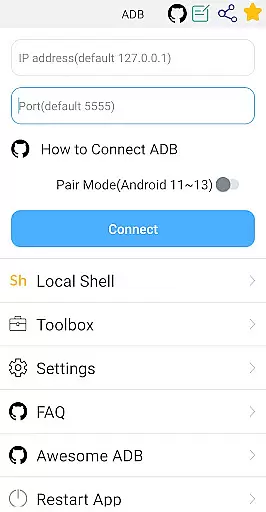
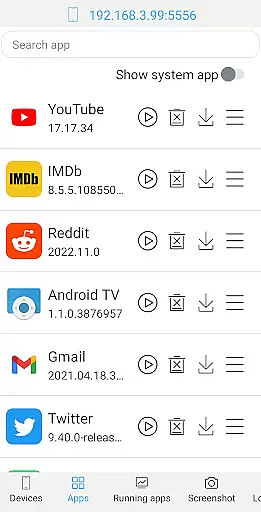
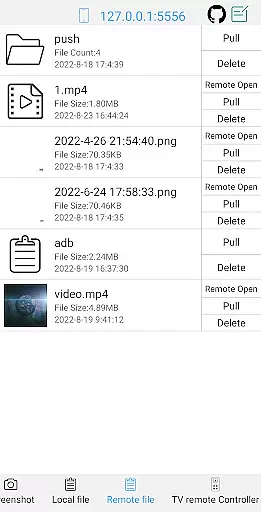
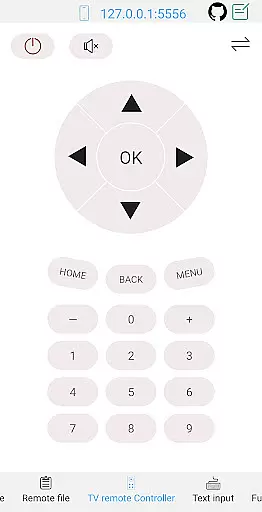
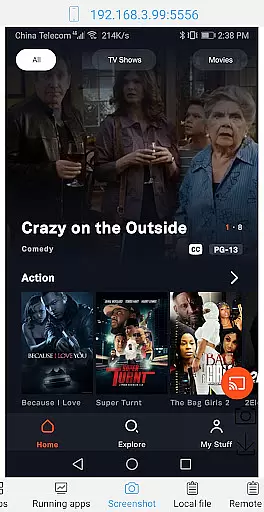

ADB Shell is a comprehensive and powerful toolbox application designed for Android developers and power users. This tool provides an extensive set of features to manage applications, devices, and system information with ease.
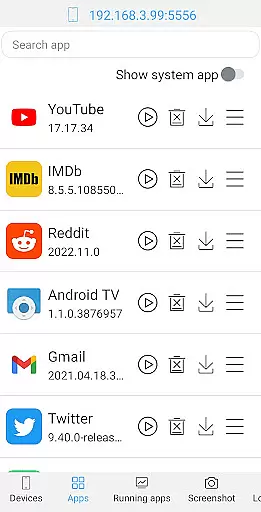
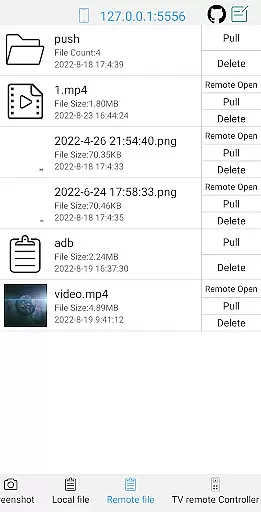
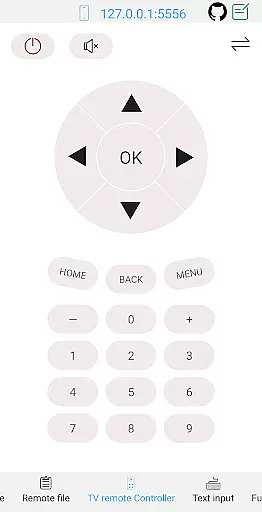
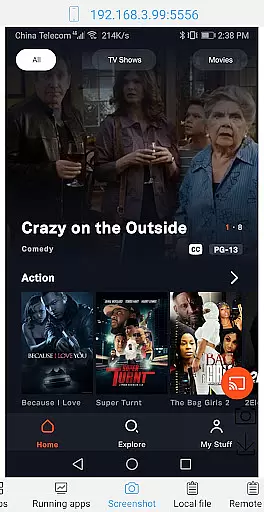
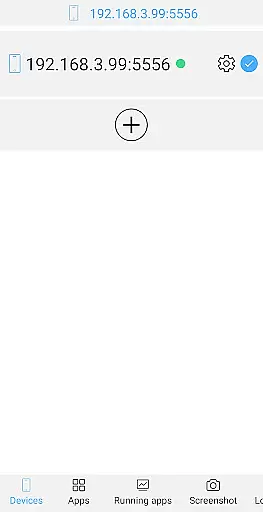
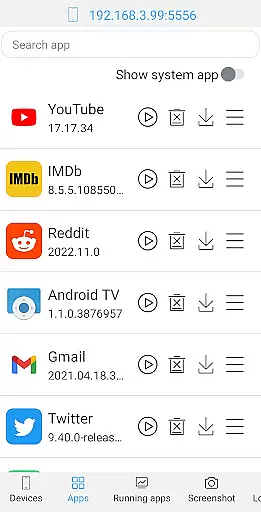
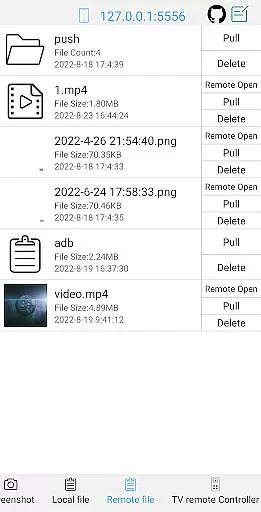
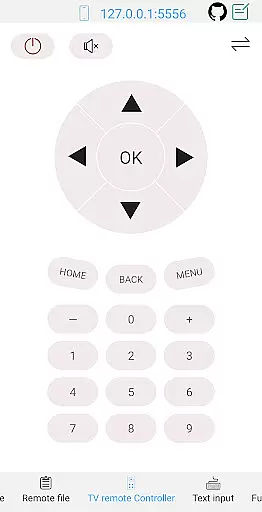
The app supports a wide range of functionalities including launching, uninstalling, downloading, and managing applications. It also allows users to take screenshots, push and pull files, install APKs, and even control a TV remotely. Additionally, it offers advanced shell capabilities compatible with Android versions 4.X through Android 13.
With its rich feature set, ADB Shell is suitable for both basic and advanced device management tasks, making it an invaluable tool for anyone looking to enhance their Android development or troubleshooting workflow.
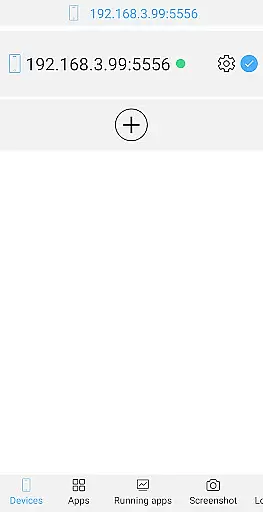
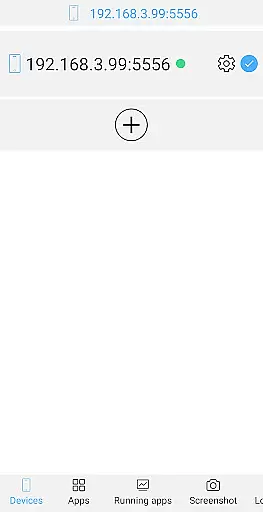
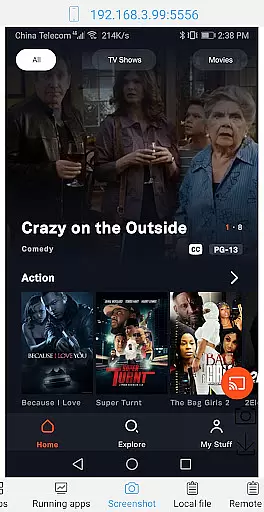
ADB Shell stands out with its robust feature set tailored for Android management. The toolbox functionality includes launching and uninstalling applications, viewing running apps, taking screenshots, pushing and pulling files, installing APKs, and more.
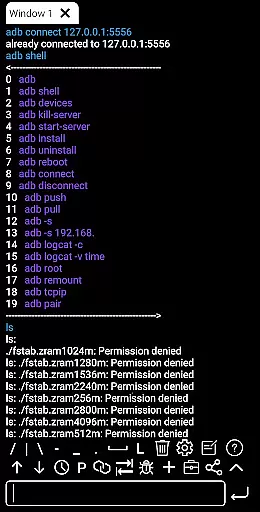
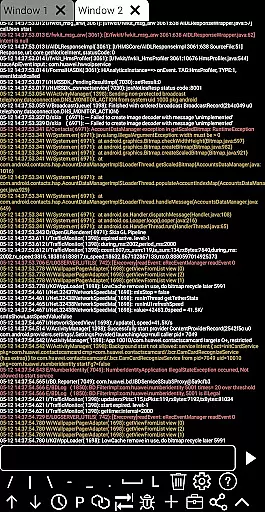
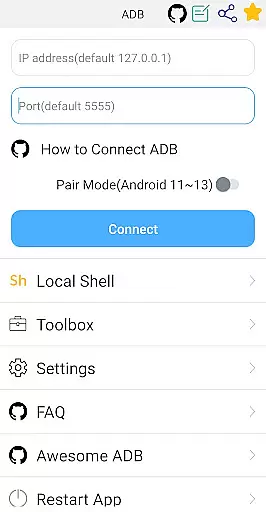
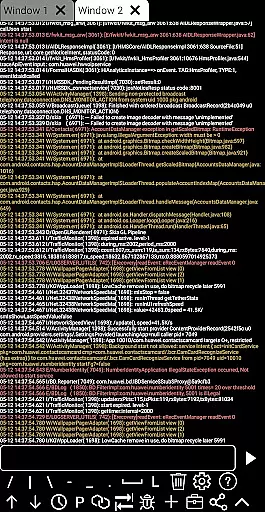
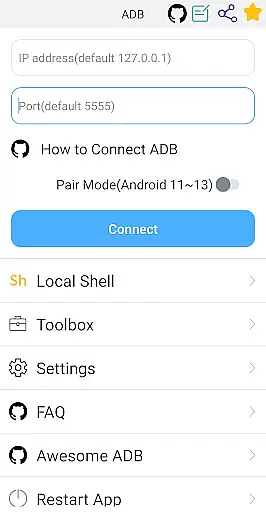
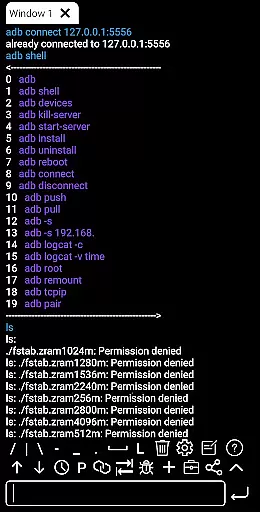
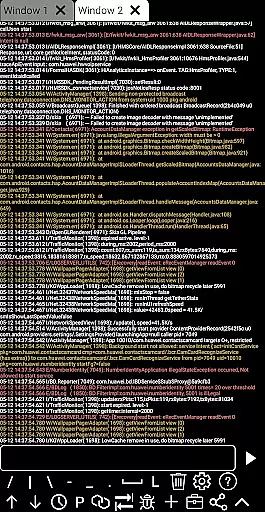
On the shell side, the app supports wireless pair mode, WiFi wireless ADB, local shell ADB, associative input, autosave output, command history, multi-window support, color text, background execution, and logcat. These features ensure that users can efficiently execute commands and manage their devices.
Each feature is designed to provide maximum utility and convenience, allowing users to perform complex operations with minimal effort. The inclusion of prefab commands and recommendations further streamlines the user experience, making ADB Shell an essential tool for Android developers and enthusiasts.
ADB Shell stands out for its precision and effectiveness in executing core functions, making it an indispensable tool for developers and tech enthusiasts. The application supports a wide array of functionalities ranging from launching, uninstalling, downloading, to managing applications on Android devices.
Each feature is meticulously designed to ensure that users can perform tasks such as taking screenshots, pushing or pulling files, installing APKs, and even viewing system information with utmost accuracy. This level of detail guarantees that every operation yields the expected outcome without errors or unnecessary complications.
Moreover, ADB Shell's support for wireless pair mode across Android 11 to Android 13, along with its comprehensive toolbox, enhances user experience by streamlining device management processes. Whether itu2019s through enabling remote control features or facilitating efficient file transfers, users benefit from a seamless interaction with their devices.
The true value of ADB Shell lies in empowering users to execute complex operations effortlessly while maintaining high standards of performance and reliability. Its ability to deliver consistent results makes it an essential utility for anyone looking to harness the full potential of their Android devices.
ADB Shell excels not only in functionality but also in offering an interface that prioritizes simplicity and intuitiveness. Despite the complexity of tasks it handles, the app ensures that users can navigate its features with ease, thanks to a well-organized layout and straightforward controls.
From the onset, users are greeted with a clean dashboard that categorizes tools into manageable sections. This thoughtful arrangement allows both novice and experienced users to locate and utilize desired functions without a steep learning curve. Features like text input support, system monitoring, and viewing prop information are just a few taps away.
Furthermore, ADB Shell incorporates associative input and command history, which significantly enhance the intuitiveness of the user experience. These features allow for swift execution of commands and easy revisiting of past operations, thus saving time and reducing the likelihood of errors during subsequent uses.
Ultimately, the combination of a streamlined interface with powerful capabilities ensures that ADB Shell remains accessible to all user levels. By removing barriers to entry typically associated with advanced technical tools, it democratizes access to sophisticated device management functionalities.
User-friendly interface
Comprehensive toolbox
Advanced shell features
Wide Android version support
Efficient device management
Requires technical knowledge
Not for casual users
Complex setup process
Limited official support
Potential security risks

A powerful, easy-to-use flight computer on your phone or tablet!
 3.80
3.80
Family Locator, Share location, StayConnect with your family in real time
3.90
Signal Strength, Mobile, Wifi, Speed Test, Bad Signals, Cellular, 5G, LTE, 4G
4.20
The Ultimate Bluetooth Keyboard & Mouse. Securely control your PC, Mac, and more
4.50
Planner and Tracker for Stardew Valley
4.60
Powerful collection of electronics tools and reference.A must for any enthusiast
4.90
The Ultimate Flex Drivers Utility App - Convenient Tapping & Block Filters
4.70
Remote Play with FSR upscaling, low latency & full controller support
4.80
Clean up your phone, find files, play media, and share files offline
4.50
WiFi Signal Strength Meter help you detect WiFi Signal Strength in real time.
4.80
Connect instantly to a fast, encrypted VPN with one tap
4.60
eXtended Permission Manager - a small app to manage permissions and AppOps
4.50
Mirror your screen to Fire TV - Super fast and simple
4.40
An easy-to-use calculator designed to save time calculating and bending conduit
4.30
Quickly & easily calculate the spacing of handrail balusters
4.20 4.10
4.10
MS-DOS in your pocket. Play old DOS games anywhere you are ;)
4.10
A convenient photo, video, and file recovery tool.
4.00
This app unlocks the Pro features of the Central for DayZ app
3.60
Honest Scratch app review—is it actually good for teaching kids to code? Real user insights on features, limitations, and learning outcomes.



User Reviews