
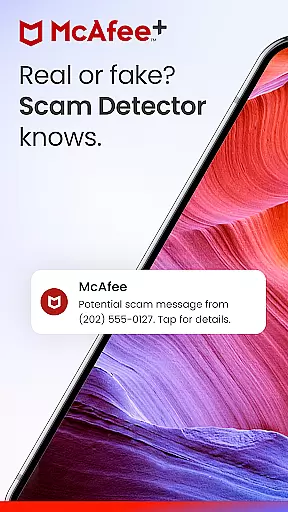








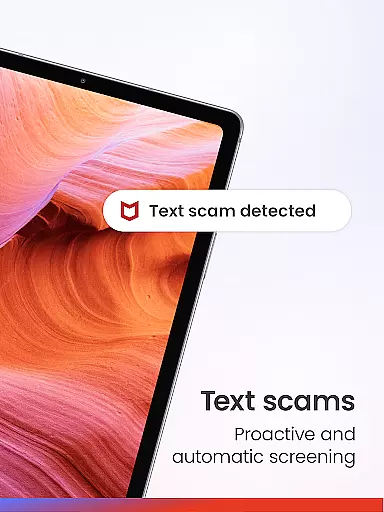
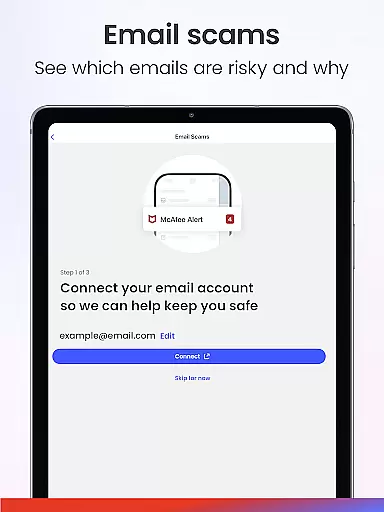
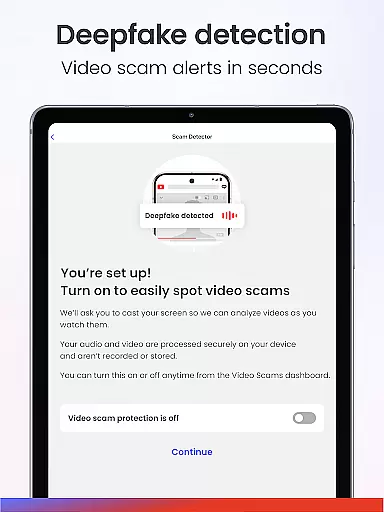
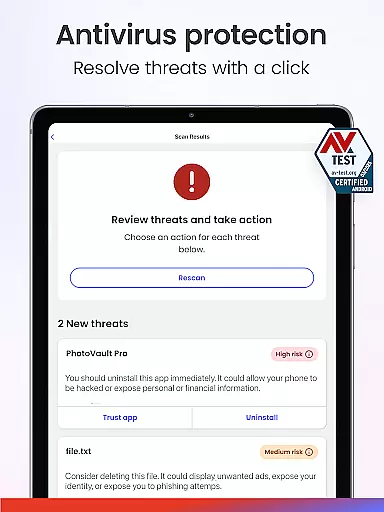
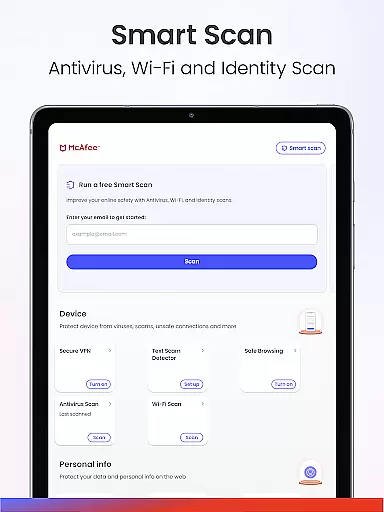





McAfee Security is a comprehensive cybersecurity application designed to protect users from various online threats. The app features McAfee’s Scam Detector™, which serves as the first line of defense against deceptive texts, emails, and deepfake videos. It provides advanced Antivirus, a private VPN, robust identity protection, and real-time cybersecurity alerts.
In addition to scam detection and virus scanning, McAfee+ offers personal info removal from risky sites, identity theft monitoring, and more. This all-in-one mobile security app ensures secure browsing, hides your IP address, and verifies connections on public networks for maintaining safety.
With McAfee Security, users can browse safely, scan Wi-Fi networks for vulnerabilities, and control their social media privacy. Whether you're looking to protect your personal files or monitor financial activity, this app delivers powerful tools to enhance your online safety.
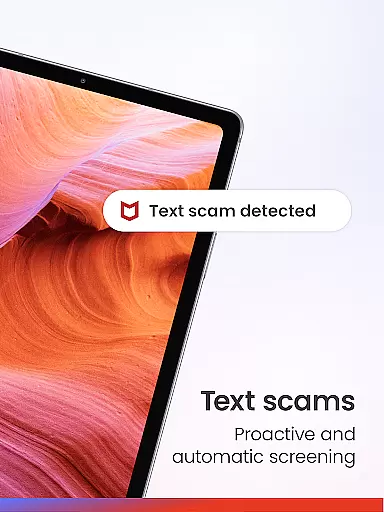
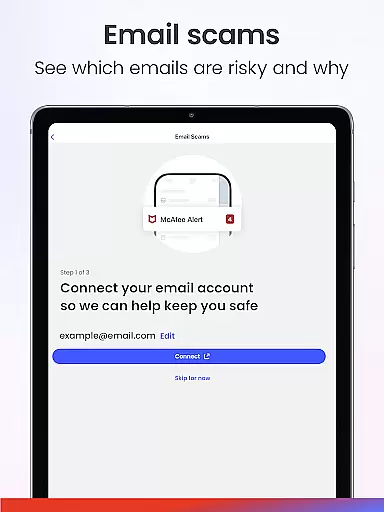
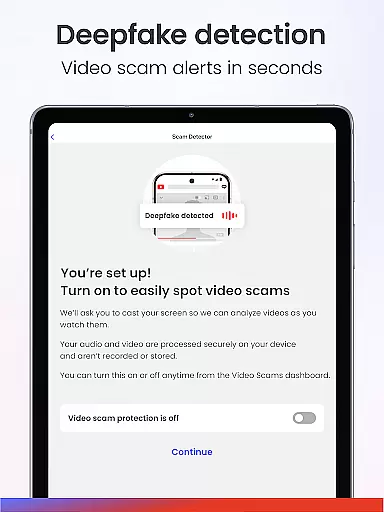
McAfee Security boasts an array of features that cater to diverse cybersecurity needs. One of its standout features is the Scam Detector, which includes text scam protection, email scam protection, and deepfake video detection. These tools work together to filter risky messages, flag phishing attempts, and identify AI-generated videos to prevent scams.
The app also provides unlimited secure VPN services, ensuring your device remains shielded from unsecured networks. With 24/7 identity monitoring, users receive real-time alerts for security breaches, safeguarding against identity theft and fraud. Additionally, transaction and credit monitoring help track financial activity and credit score changes.
Other notable features include personal data cleanup, online account cleanup, safe browsing with a hidden IP address, and a WiFi scanner. Social Privacy Manager allows users to control who sees their information on social media platforms. Overall, these features collectively offer extensive protection and peace of mind.
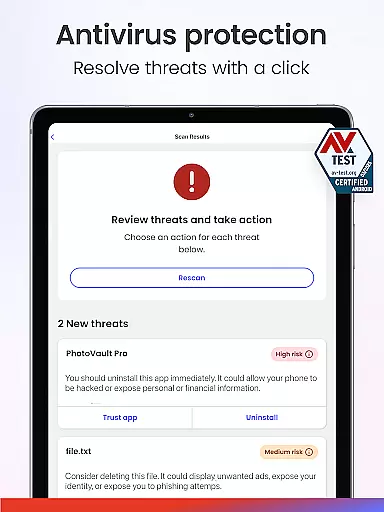
In the realm of cybersecurity, the precision and efficacy of an application's core functions are paramount. McAfee Security offers a robust suite of features designed to protect users from a multitude of online threats. Its antivirus and malware protection is powered by smart AI that scans in real-time, ensuring immediate detection and neutralization of potential threats.
The app extends its protective reach through unlimited secure VPN services, which not only shield your device on unsecured networks but also allow you to browse anonymously by masking your IP address. This dual capability significantly enhances user privacy and security, especially when connected to public Wi-Fi networks.
Moreover, McAfee+ provides identity theft monitoring for up to 10 email addresses and other personal identifiers, delivering real-time alerts for any security breaches. Such vigilance empowers users with the knowledge to act swiftly against unauthorized access or fraud attempts.
By integrating advanced technologies like Deepfake Video Detection and offering comprehensive coverage over personal data exposure, McAfee Security stands as a bulwark against both conventional and emerging digital threats, affirming its role as an essential tool for safeguarding oneu2019s digital life.
A streamlined and instinctive interface is crucial for ensuring that users can effectively harness the full potential of an application without unnecessary complexity. McAfee Security excels in this area by providing a clean, organized layout where each feature is easily accessible and understandable, even for those who may not be tech-savvy.
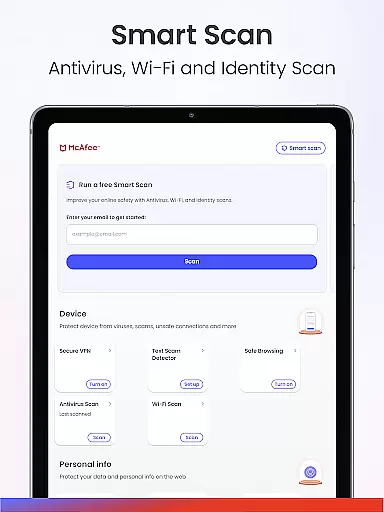
Upon launching the app, users are greeted with a dashboard that clearly presents key functionalities such as antivirus scans, secure browsing options, and identity monitoring services. The design philosophy behind McAfeeu2019s user interface prioritizes ease-of-use, allowing individuals to initiate comprehensive security checks or configure their privacy settings with just a few taps.
Additionally, the inclusion of intuitive guides and tooltips throughout the application aids users in navigating through more advanced features like Deepfake Video Detection or Personal Data Cleanup. These elements contribute to reducing the learning curve typically associated with sophisticated cybersecurity tools.
Ultimately, McAfee Securityu2019s commitment to maintaining an uncluttered yet powerful interface ensures that all usersu2014regardless of technical backgroundu2014can confidently manage their digital safety, making it a standout choice among mobile security applications.
Comprehensive protection
Real-time alerts
User-friendly interface
Multi-device support
Advanced threat detection
Premium features locked
High system requirements
Limited free version
Occasional performance lags
Complex setup process

A convenient photo, video, and file recovery tool.
 4.00
4.00
Just swipe the edge to do something!
4.40
Extremely fast, secure, and protects your privacy
4.80
Use your phone as a webcam on your computer over WiFi or USB.
4.40
Clean the junk files on your device
3.40
Quickly & easily calculate the spacing of handrail balusters
4.20
VESC Tool can monitor and configure VESC-compatible devices over BLE and Wifi
4.20
Signal Strength, Mobile, Wifi, Speed Test, Bad Signals, Cellular, 5G, LTE, 4G
4.20
Mirror your screen to Chromecast and Android TV - Super fast and simple
4.60
Fast Video Downloader, Movie Downloader, Torrent Downloader & Adblock Browser
4.70
NFC Tools can read and write NFC tags.
4.70
FV File Manager Pro, Fast and powerful file manager for Android
4.60 4.50
4.50
The Ultimate Bluetooth Keyboard & Mouse. Securely control your PC, Mac, and more
4.50
Screen Mirroring for Roku Sticks, Roku TCL TV and Roku Hisense TV
4.50
Making emulation easy for everyone!
4.30
App that Recover your pictures, videos or files after you delete them.
4.20
MS-DOS in your pocket. Play old DOS games anywhere you are ;)
4.10
Transfer Files, APK from Phone to Watch & Install.
4.1
Honest Scratch app review—is it actually good for teaching kids to code? Real user insights on features, limitations, and learning outcomes.



User Reviews