
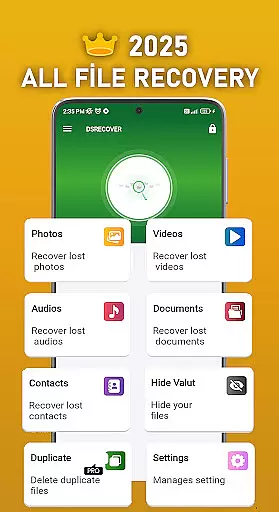
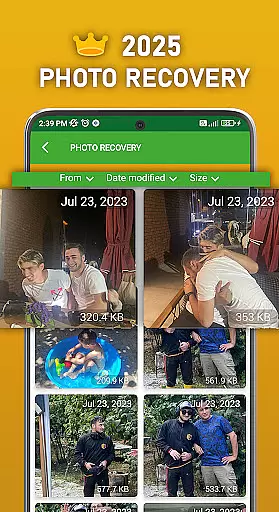
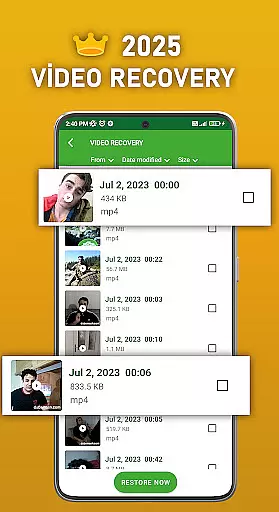
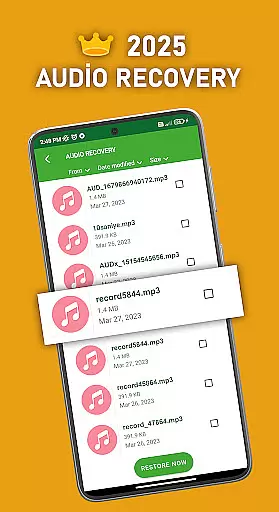
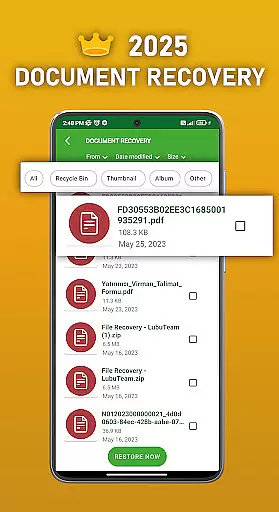
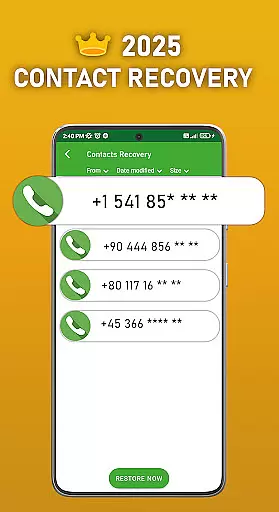
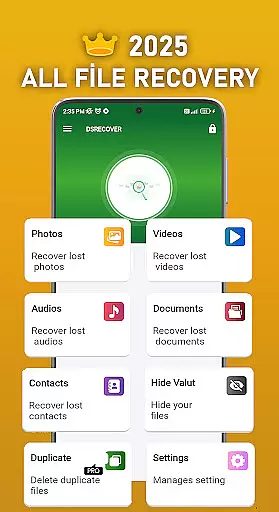
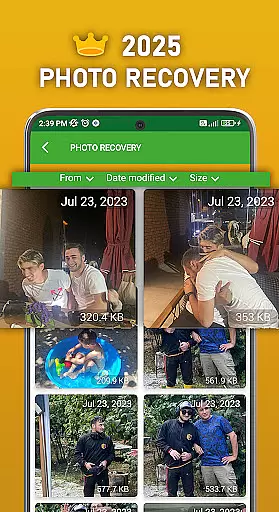
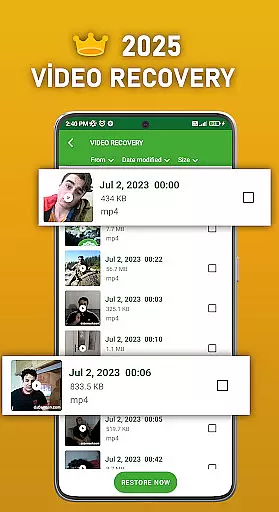
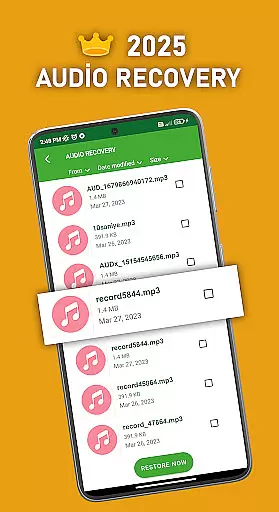
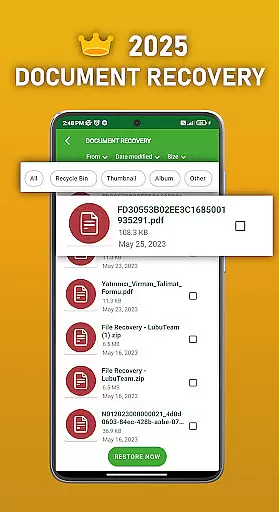
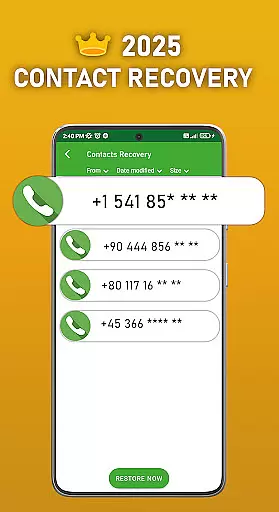
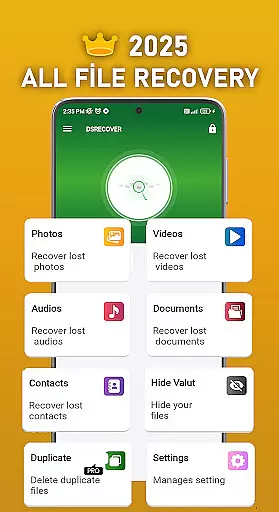
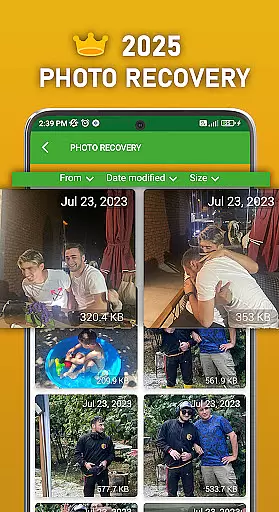
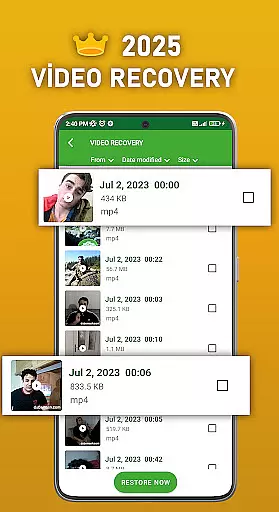
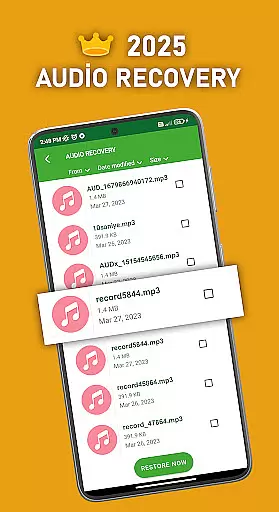
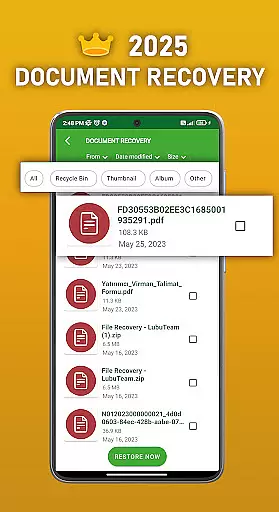
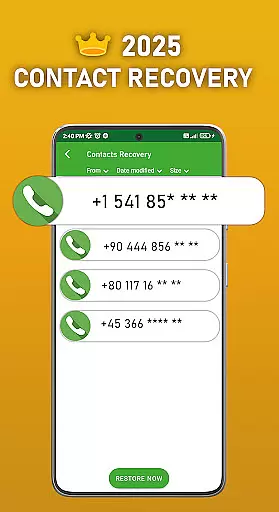
DS PRO is a powerful recovery tool designed to retrieve deleted files across various categories on Android devices. The app specializes in recovering lost photos, videos, audio files, contacts, and documents without requiring root access. Its advanced scanning technology ensures deep searches within internal memory and SD cards, providing users with comprehensive recovery options.
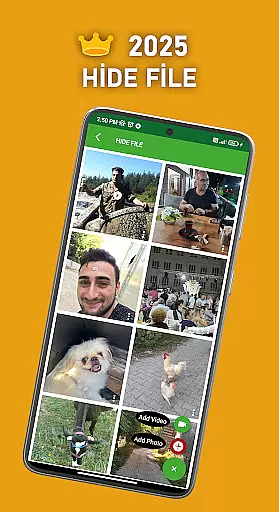
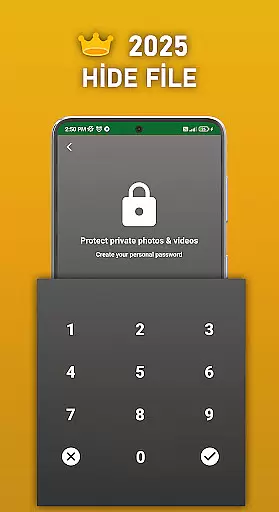
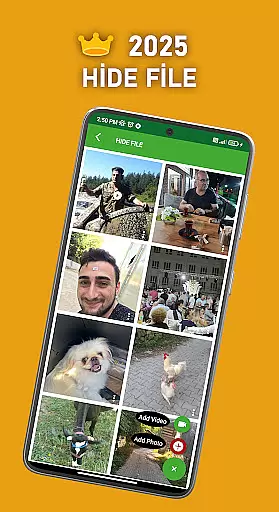
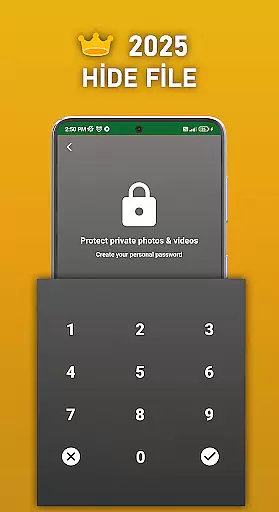
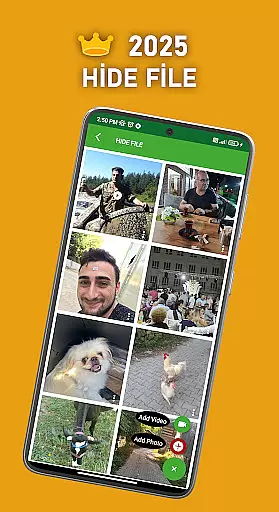
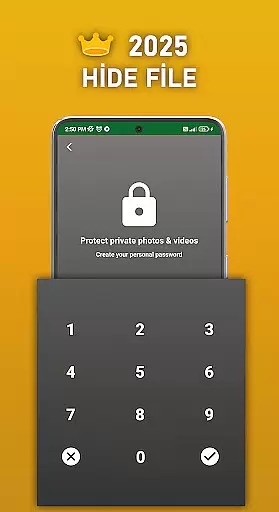
A key feature of DS PRO is its ability to handle multiple file types including images (JPEG, PNG), videos (MP4), and audio formats (MP3). The application also includes a unique File Hide functionality that allows users to password-protect sensitive media files, keeping them hidden from unauthorized access. This combination of recovery capabilities and privacy protection makes DS PRO an essential tool for both personal and professional data management.
The app's user-friendly interface streamlines the recovery process through simple step-by-step procedures. Whether restoring accidentally deleted family photos or recovering important business documents, DS PRO offers instant results directly from the device's recycle bin. The Pro version removes advertisements while enhancing processing speed, making it an ideal solution for users seeking efficient and uninterrupted data recovery services.
DS PRO distinguishes itself through several innovative features that enhance the recovery process. The application's Instant Restore functionality allows users to recover deleted files with just a few taps, eliminating the need for complex computer-based recovery programs. This feature supports multiple file formats including JPEG, PNG, MP4, and MP3, ensuring compatibility with most media types.
The File Hide feature provides an additional layer of security by enabling users to conceal sensitive photos and videos behind password protection. This prevents unwanted access to private content directly from the device's gallery. Furthermore, DS PRO's advanced scanning algorithms can detect and recover similar files, helping users identify and manage duplicate content efficiently.
Additional capabilities include separate recovery modules for photos, videos, audio files, contacts, and documents. Each module operates independently while maintaining consistent performance standards. The app's permission system requires "Access all files" rights to ensure thorough searching across all device locations. These comprehensive features make DS PRO a versatile solution for managing and recovering various types of digital content.
DS PRO positions itself as a comprehensive recovery tool designed to retrieve deleted files across multiple categories. The app's core functionality focuses on recovering photos, videos, audio files, contacts, and documents with remarkable precision. This accuracy is achieved through deep scanning algorithms that thoroughly examine both internal memory and SD card storage locations.
The effectiveness of DS PRO is demonstrated through its ability to restore files in various formats without requiring root access. Users can recover MP4 video files, MP3 audio recordings, image files of different types, and even restore deleted messages. The application maintains a systematic approach by categorizing recoverable items and providing clear restoration steps, making the process accessible even for non-technical users.
This level of functional accuracy provides significant value to users who have accidentally deleted important files. The app's capability to handle multiple file types simultaneously saves time and effort compared to using separate recovery tools for different file categories. Additionally, the inclusion of a recycle bin feature enables instant restoration of recently deleted items.
The user interface of DS PRO has been carefully designed to balance advanced functionality with ease of use. Despite offering professional-grade recovery capabilities, the app maintains an intuitive navigation structure that guides users through the recovery process step-by-step. Key features are logically organized into distinct sections for photos, videos, audio files, contacts, and documents.
A notable design choice is the implementation of clear visual indicators and progress trackers during recovery operations. These elements help users understand the status of their recovery attempts and manage expectations accordingly. The app also includes helpful recommendations for optimizing recovery results, particularly for video and audio file types.
This thoughtful interface design significantly reduces the learning curve for new users while maintaining efficiency for experienced operators. The inclusion of password protection for hidden files demonstrates attention to security without compromising usability. Overall, DS PRO achieves an excellent balance between powerful functionality and user-friendly operation, making data recovery accessible to a wide range of users.
User-friendly interface
Multi-format support
No root required
Instant file recovery
Advanced scanning
Premium version costly
Storage intensive
Occasional false positives
Limited free features
Permission requirements

pdf merge, word to pdf, jpg to pdf, edit pdf, convert to pdf and much more!
 4.20
4.20
Just one-tap to easy translate in any language after calls within seconds.
4.20
A recovery soft,it features photo recovery, video recovery, file recovery.
3.40
Head tracking for PC sim games such as MSFS 2024 or Elite:Dangerous. No headset!
4.50
The Ultimate Flex Drivers Utility App - Convenient Tapping & Block Filters
4.70
Button mapper, mouse toggle, sleep timer and a lot of another features
4.50
Protect your device with antivirus, storage cleanup, and system monitoring
4.70
Enjoy a smooth mobile reading experience!
3.60
Enhance your Beats
3.70
Unit and currency converter with easy and simple UI.
4.80
Creation, Learning, Entertainment & More — The All-in-One AI Search Engine
4.70
FV File Manager Pro, Fast and powerful file manager for Android
4.60
Quickly switch to an encrypted DNS server on Android TV
4.50
Remote for Roku, Fire TV, Samsung TV, LG TV, Android TV, Chromecast and VIZIO TV
4.20
Quickly & easily calculate the spacing of handrail balusters
4.20
VESC Tool can monitor and configure VESC-compatible devices over BLE and Wifi
4.20
Create your own live wallpaper or check out thousands already made presets
3.90
Smart and comfortable browsing experience.
3.80
Safely recover deleted photos, videos, and files with a single easy tap.
3.70
Honest Scratch app review—is it actually good for teaching kids to code? Real user insights on features, limitations, and learning outcomes.



User Reviews