
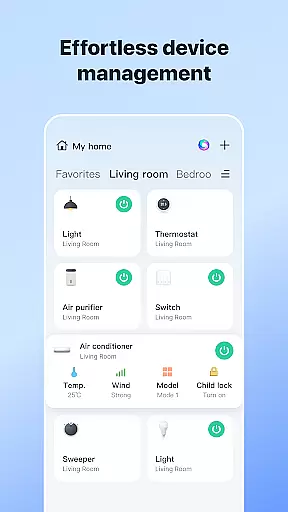
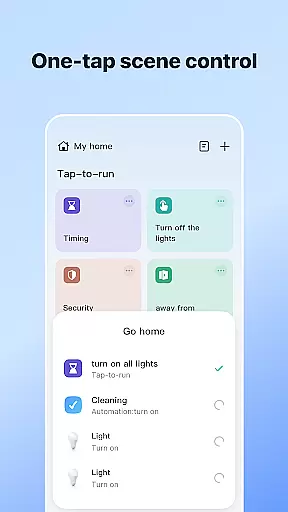
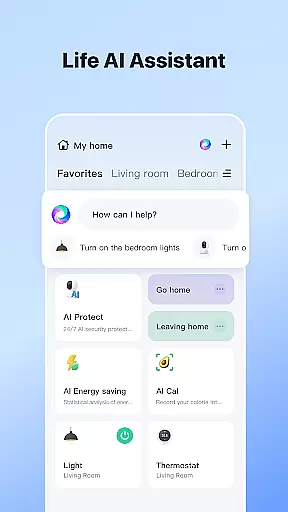

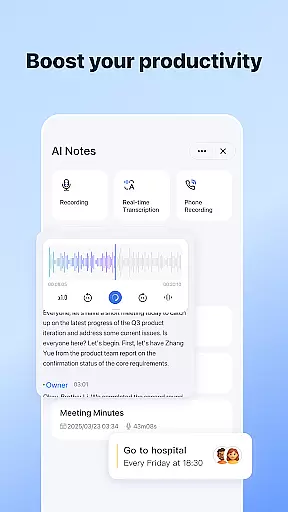
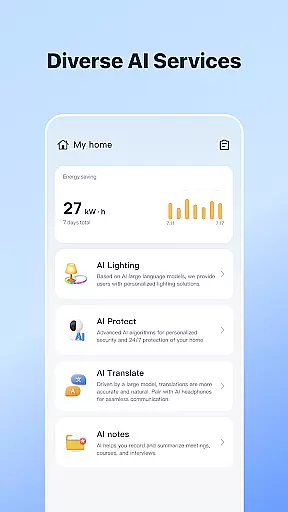
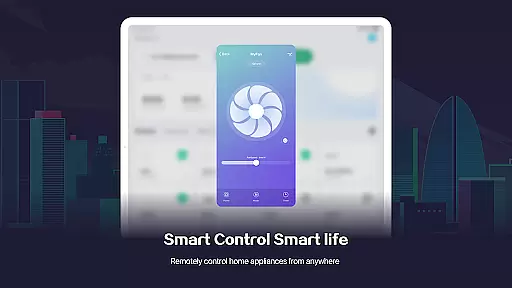
SmartLife is a comprehensive lifestyle application designed to simplify the management of smart home devices. This innovative app allows users to effortlessly connect and control a wide range of smart devices from their mobile phones, creating a truly interconnected living space. With its intuitive interface, users can automate home functions based on location, schedule, and environmental factors.
The application's strength lies in its versatility and convenience. Whether you need to adjust your thermostat while away from home or want to receive instant notifications about important events, SmartLife has you covered. The app also supports voice control through smart speakers, making device interaction as simple as speaking a command. This level of accessibility and automation brings unprecedented comfort and peace of mind to modern homeowners.
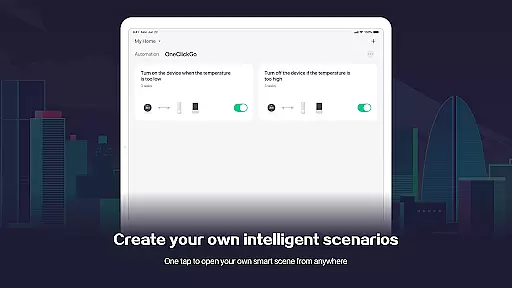
SmartLife distinguishes itself through several key features that enhance the smart home experience. First and foremost is its universal compatibility with various smart devices, allowing users to create a cohesive ecosystem regardless of brand differences. The app's advanced automation capabilities enable customized scenarios triggered by multiple factors including time, location, and weather conditions.
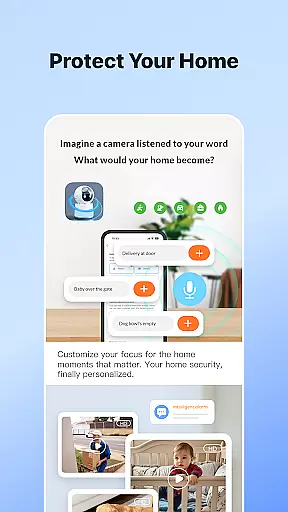
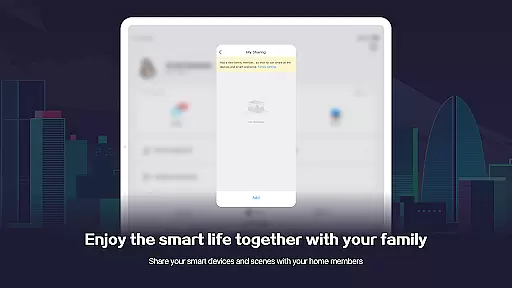
Another standout feature is its robust notification system that keeps users informed about device status and security alerts in real-time. The app also incorporates sophisticated voice control integration, working seamlessly with popular smart speakers. Additionally, SmartLife offers a unique family sharing function that allows multiple users to access and control shared devices, promoting collaborative home management among family members.
In the realm of smart living, comprehensive lifestyle category coverage is essential for a seamless home experience. SmartLife excels in this area by offering an extensive range of device integrations and automation scenarios tailored to various aspects of daily life.
From managing your lighting and climate control systems to ensuring your safety with smart security devices, SmartLife has got you covered. The app allows users to effortlessly connect to and command a multitude of smart devices, crafting their environment to suit any preference or schedule.
The true value of SmartLife's broad lifestyle integration lies in its ability to adapt to external factors such as weather conditions and time of day, providing an intelligent home that responds to the world outside. This ensures comfort and peace of mind, no matter what life throws your way.
When it comes to smart home applications, content authenticity and expert credibility are paramount to ensure reliable and effective home management. SmartLife prides itself on delivering genuine, expert-vetted content that guides users through setting up and optimizing their smart environments.
Every feature within SmartLife, from location-based scene automation to voice-controlled smart speakers, is developed with precision and endorsed by industry experts. This guarantees that users receive accurate information and instructions, which is crucial for maintaining a dependable smart home ecosystem.
Moreover, the app's dedication to transparency means that all integrations and automations are clearly explained, allowing users to trust in the expertise behind each function. With SmartLife, users can be confident they are receiving top-tier guidance and support for their smart living journey.
User-friendly interface
Wide device compatibility
Advanced automation options
Real-time notifications
Family sharing feature
Requires stable internet
Premium features locked
Occasional connectivity issues
Limited offline functionality
Device-specific limitations

Healthy eating timer app to track meal pace, improve habits, and eat slowly.
 4.2
4.2
Unique informative Dial with Live Moon Phase at a glance!
3.60
Earn points with every purchase with Moe Rewards.
4.20
Paranormal EVP, Ghost Box, Spirit box, ITC, Haunted, Spirit communication device
3.70
Unique "Isometric" style digital watch face for Wear OS
4.50
Customize your Wear OS watch with festive Christmas figures and colors!
4.1
Play fun games, complete quick surveys, and earn money. It's fun and easy!
4.40
Vehicle ownership simplified. Get the myChevrolet® app today.
4.60
AAA Mobile provides on-the-go access to the services you know and trust.
4.60
Have your Tehillim with you at all times
4.70
A smart Siddur with halachic times
4.60
Colorful selection floral watch face with gyro for Wear OS
4.60
Premium floor cleaning robots
4.50
Discover your Nationality, Family Origin, and Ancestry from one selfie
4.50
Fly your Solo like a boss.
4.10
Digital watch face design. Modern looking, hi-res & battery friendly.
4.00
Subwoofer school’s in session! You’ve now enrolled into KICKER U.
3.80
View over 160,000 line dance stepsheets from the CopperKnob website.
3.30
A watch face with transparency and fluid visuals inspired by liquid glass design
4.0


User Reviews