

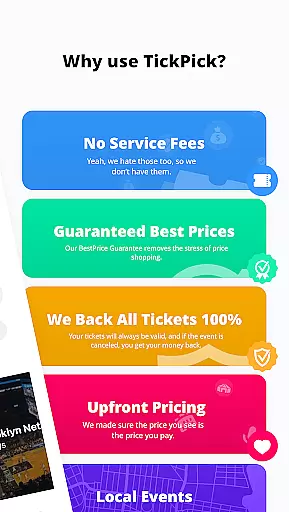
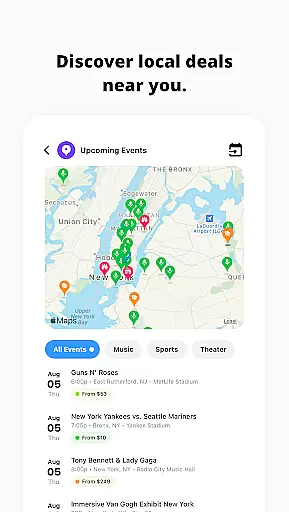
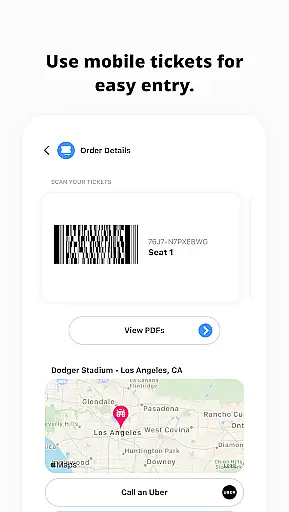

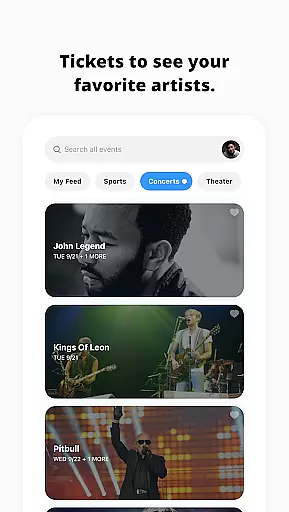


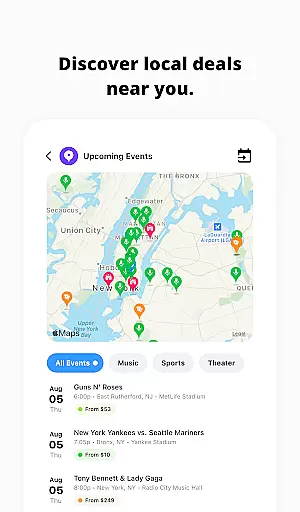
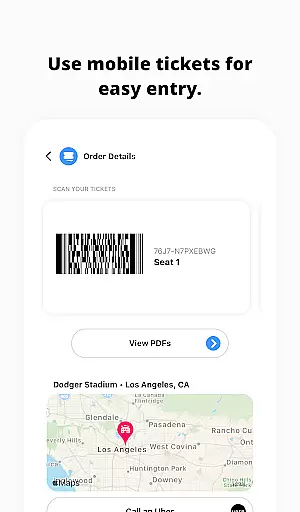

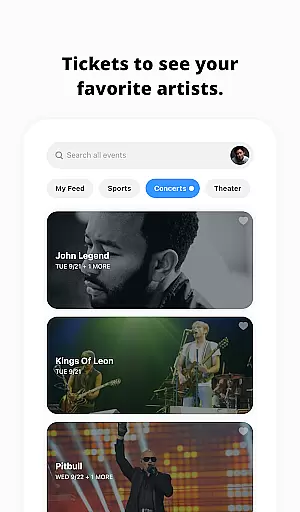
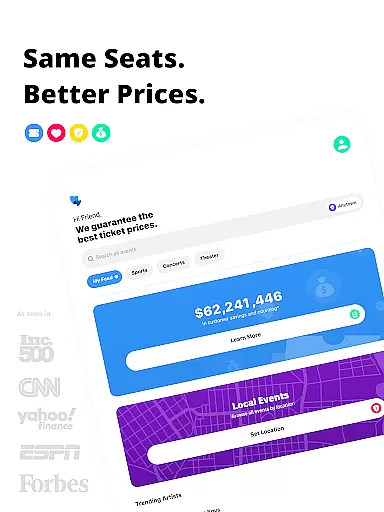
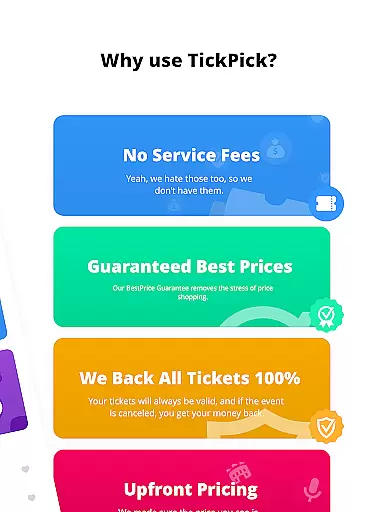
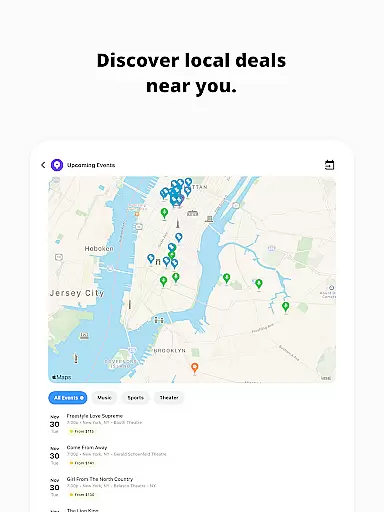
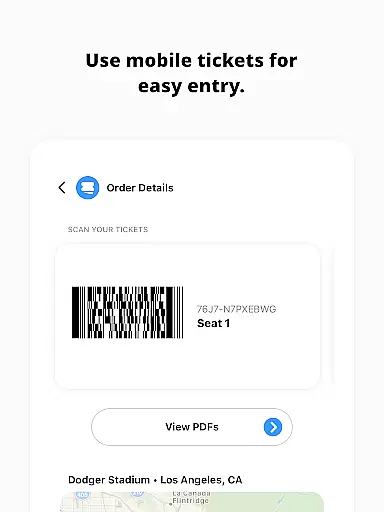
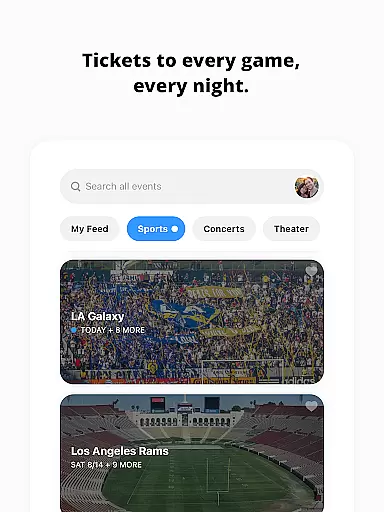
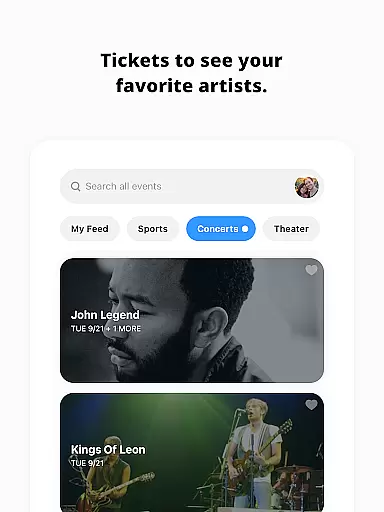
TickPick is a premier ticket purchasing platform designed to provide users with a seamless experience in acquiring tickets for live events. The app specializes in offering tickets for sports, concerts, and theater performances without adding service fees, making it an affordable choice compared to competitors. With its user-friendly interface, TickPick ensures that purchasing tickets is straightforward and efficient.
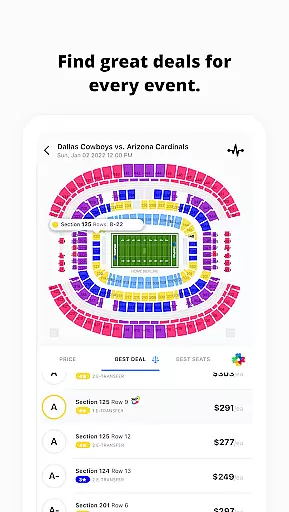
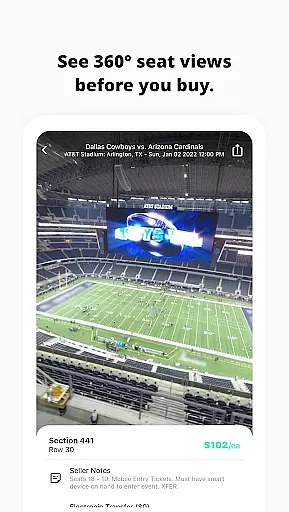
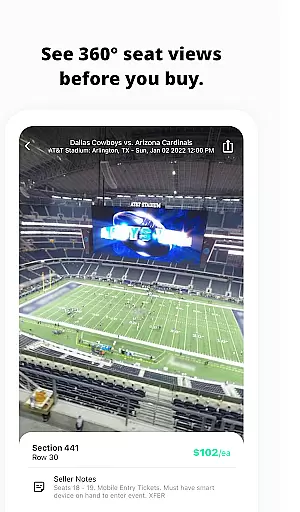
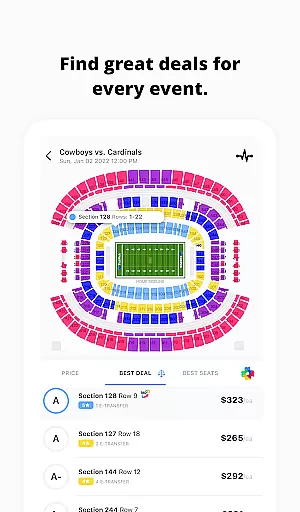
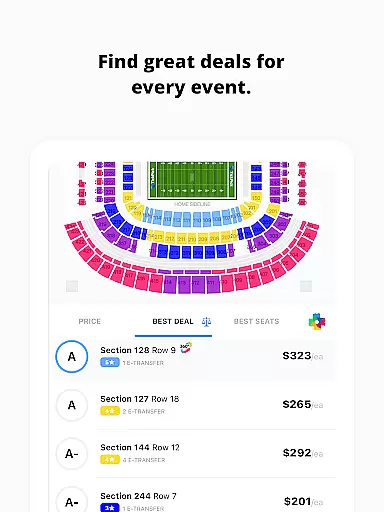
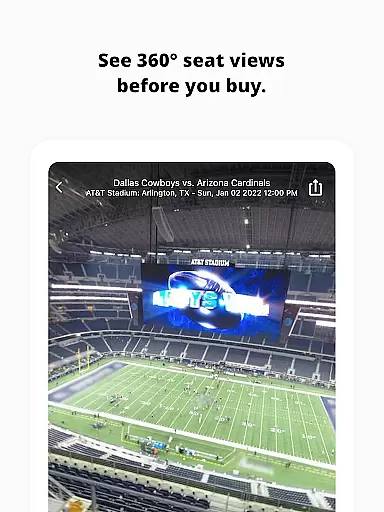
One of the standout features of TickPick is its patented Score Report and Seat Rating system, which helps users find the best value tickets based on price and seat location. Additionally, the app provides 360-degree seat views for major sports events, allowing users to see exactly where they will be seated. This feature-rich app also supports secure payment options and offers tools for tracking event prices and managing ticket listings, ensuring users have all the information needed to make informed decisions.
Whether you're looking to attend NFL games, NBA matches, or concerts by your favorite artists, TickPick simplifies the process while saving you money. Its comprehensive offerings and commitment to customer satisfaction make it an ideal choice for anyone seeking hassle-free access to live entertainment.
TickPick stands out due to its innovative features tailored to enhance the ticket-buying experience. One of the key highlights is the patented Score Report, which ranks tickets based on a combination of price and seat location, ensuring users get the best possible deal. Alongside this, the proprietary Seat Rating system allows users to sort tickets from the best seats to the worst, helping them find their perfect spot at any venue.
The app also offers a 360-degree virtual seat view for major sports events, providing an immersive preview of the seating arrangement. This feature ensures that users know exactly what to expect before purchasing tickets. Moreover, TickPick includes functionalities such as tracking average ticket prices, favoriting artists for quick access to their events, and secure payment options like Apple Pay and PayPal. These features collectively create a robust platform that not only simplifies ticket buying but also enhances overall user satisfaction.
For those interested in selling tickets, TickPick provides tools to manage listings and track sales efficiently. By integrating these advanced features, TickPick delivers a comprehensive solution that caters to both buyers and sellers in the ticket marketplace.
Task creation and detail customization are essential features for any event management app like TickPick. This functionality allows users to create personalized event tasks with specific details, ensuring a tailored experience for each user.
TickPick excels in this area by offering various options to customize event tickets. Users can filter and sort tickets based on seat ratings, price, and location through their patented Score Report and proprietary Seat Rating system. This level of customization ensures that users can find tickets that match their preferences and budget.
The benefit to users is significant; they can specify exact seat locations, compare prices effectively, and choose from a variety of payment methods including Apple Pay and PayPal. Such detailed customization leads to an optimized purchasing experience, saving both time and money.
Ultimately, the ability to customize task details in TickPick translates into greater user satisfaction. By empowering users to make informed decisions, TickPick not only enhances the ticket buying process but also builds trust and reliability, which are crucial in the Events category.
Reminder settings in applications serve as a critical tool for managing time and staying organized, particularly in event apps like TickPick. These settings allow users to receive timely notifications about their upcoming events, ensuring they never miss an important occasion.
TickPick incorporates advanced reminder functionalities that enable users to set up alerts for various stages of the ticket purchasing process. Whether it's tracking price changes or receiving updates on newly available tickets, these reminders help users make well-timed decisions.
For users, this means enhanced convenience and peace of mind. They can track their favorite events and artists effortlessly, getting notified when significant changes occur or when it's an optimal time to purchase tickets. This proactive approach helps in planning and budgeting effectively.
In summary, TickPick's robust reminder settings significantly improve user engagement and satisfaction. By providing timely and relevant notifications, TickPick ensures that users remain informed and engaged, ultimately enhancing their overall event experience.
User-friendly interface
No service fees
Patented Score Report
Secure payment options
Comprehensive event coverage
Limited international events
Occasional technical glitches
Restricted customization
Fewer discounts on premium seats
Customer support delays

The Official App
 4.4
4.4
Create Birthday Cards in Birthday Invitation Maker and Birthday Card Creator App
3.00
Here you can choose tickets for films, performances, concerts and other events
4.60
Community for Mods, Addons, Melsaves, Melmods for Melon Playground
4.5
Rocket Monkey - Space rocket launch schedule for launch sites around the world
4.20
Beautiful invitation cards + easy RSVP tracking for any event. Design Invites.
4.80
Discover events, experiences, and things to do near you - Anytime, Anywhere!
4.70
Find Live Event Ticket Deals to Sports, Concerts, Festivals, & Comedy For Less!
4.80
Buy and sell tickets to sports, concerts, theater, festivals, and comedy events
4.10
Clubs, Festivals, Discounted Tickets, Guest Lists & VIP Tables
4.90
CUE Live utilizes ultrasonic sound waves to sync devices at CUE enabled events
4.80
Buy and Sell Tickets for Concerts, Sports, and Theater.
4.70
Listen Full Quran MP3 Offline - Qibla Compass, Salah Timing & 99 Names of Allah
4.60
Get live football here
4.30
Microsoft Ignite is an event that showcases latest advancements in technology
4.00
The world's largest selection of tickets is now at your fingertips
3.90
No invest, Easy way to earn USDT through crypto cloud mining
3.80
The Official App
3.70
Thanksgiving Wishes, Thanksgiving Stickers & Animated GIF for Whatsapp Stickers
4.3


User Reviews