
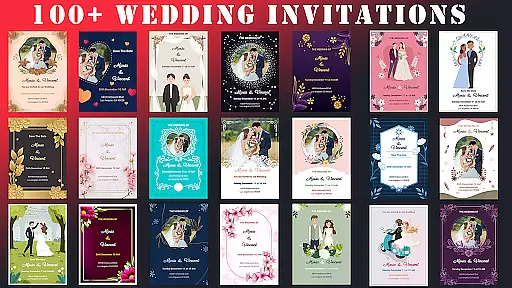
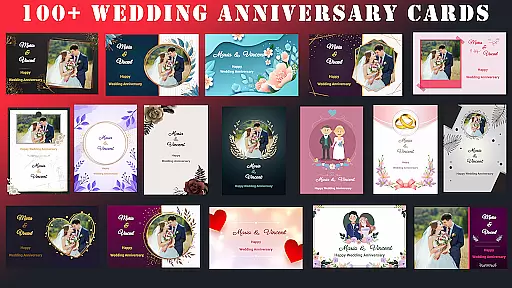
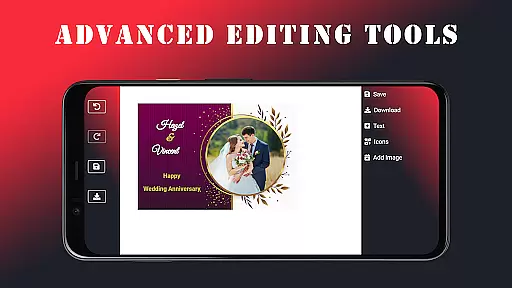
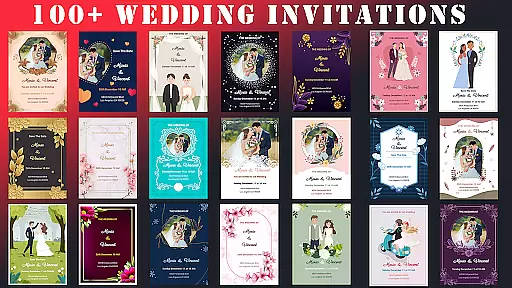
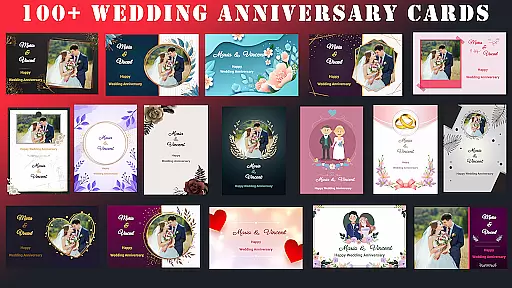
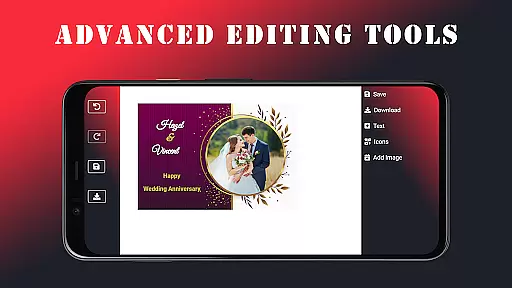
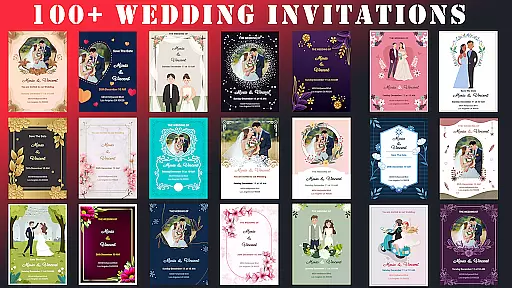
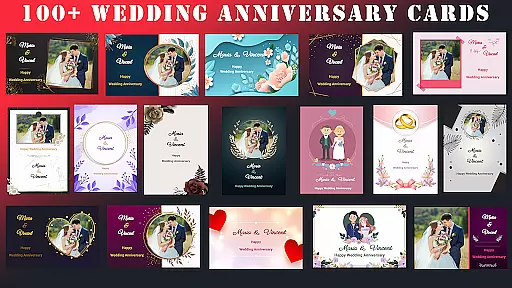
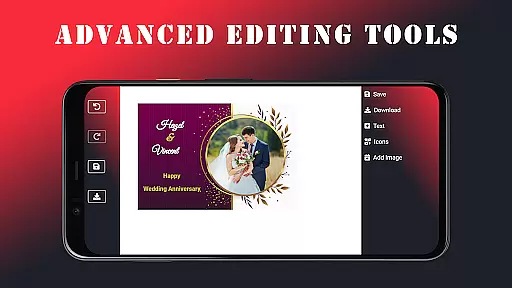
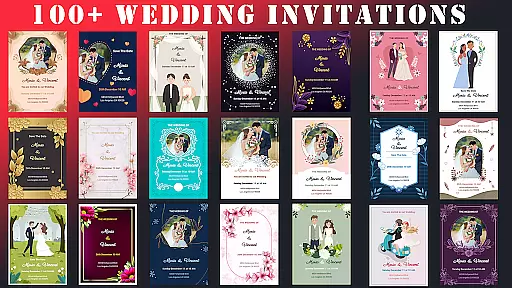
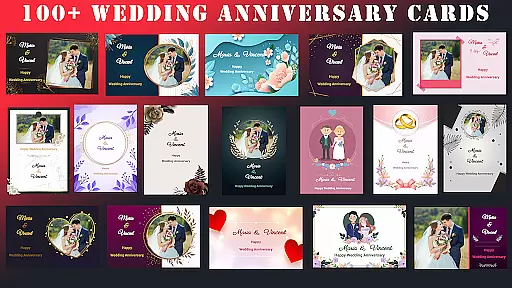
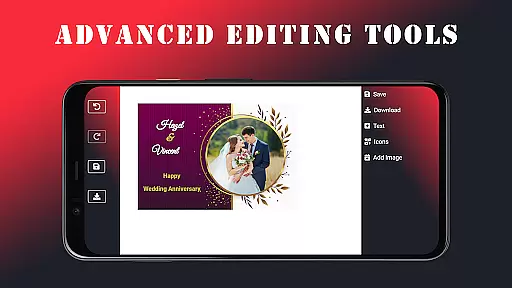
Wedding Invitation Card Maker is a versatile app designed specifically for creating personalized invitations and cards for various events. With over 100 beautifully crafted templates, users can easily customize wedding invitations, anniversary cards, and more within minutes. The app offers advanced editing tools that allow seamless changes to fonts, colors, and layouts, ensuring each invitation reflects the user's unique style.
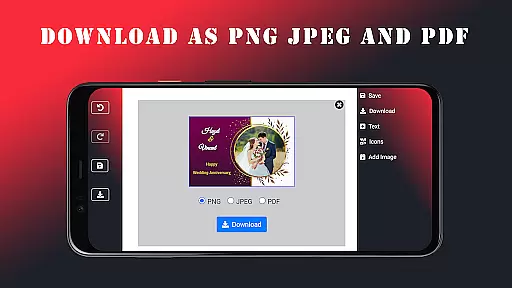
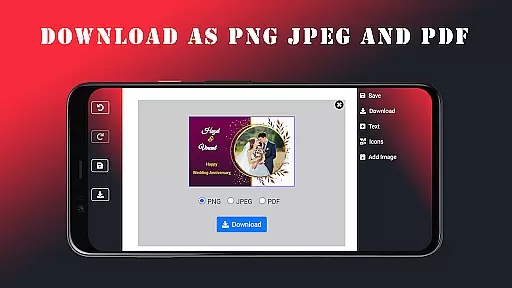
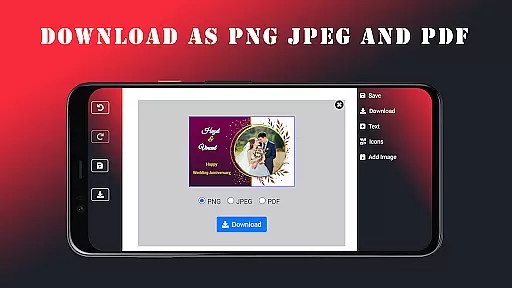
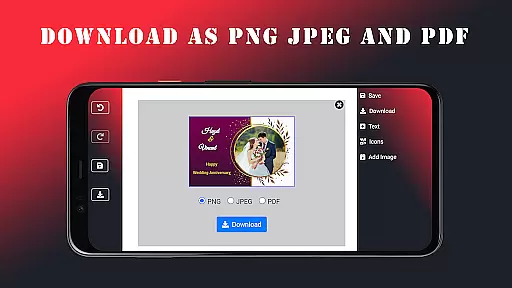
In addition to weddings, this app is perfect for other occasions like birthdays and anniversaries. Users can add personal touches such as photos and names, making each card one-of-a-kind. The app supports saving projects in multiple formats including JPEG, PNG, and PDF, and even works offline, providing flexibility and convenience for users who need to design on the go.
The Wedding Invitation Card Maker stands out with its professional features and user-friendly interface, making it accessible for both design professionals and beginners. By offering free access to all its features, the app ensures that users can create high-quality, stylish invitations without worrying about hidden charges or subscriptions, thus keeping event planning stress-free and budget-friendly.
One of the standout features of the Wedding Invitation Card Maker is its extensive template library, which includes over 100 beautifully designed options tailored to different events. These templates provide a solid foundation for users to start customizing their invitations, ensuring they have a professional look and feel from the outset.
The app also boasts advanced editing capabilities, allowing users to effortlessly modify fonts, colors, and layouts. This level of customization ensures that every invitation can be tailored to match the theme and tone of the event. Additionally, the inclusion of more than 100 fonts and stylish icons adds another layer of personalization, enabling users to create truly unique designs.
Another key feature is the app's offline functionality, which allows users to continue designing invitations without an internet connection. This is particularly useful for those who need to work on their projects while traveling or in areas with limited connectivity. Furthermore, the ability to save projects in various formats such as JPEG, PNG, and PDF ensures that users can easily share their creations via email or messaging apps, streamlining the process of sending out invitations.
Task creation and detail customization are essential features for any event planning application. The Wedding Invitation Card Maker app excels in this area by providing users with over 100 beautifully designed templates tailored for various events, especially weddings. This vast selection ensures that users can find the perfect starting point for their invitations, allowing them to focus on personalizing the details rather than starting from scratch.
The app's advanced editing tools enable seamless customization of fonts, colors, layouts, and more. Users can easily modify these elements through an intuitive interface, ensuring that every invitation reflects their unique style and the significance of their occasion. With such comprehensive control, couples can infuse their personalities into each card, making them truly one-of-a-kind.
Moreover, the ability to add personal touches like photos and names enhances the customization experience. These features not only make the invitations visually appealing but also emotionally resonant, as they capture the essence of the coupleu2019s relationship. By offering such detailed customization options, the app empowers users to create invitations that perfectly encapsulate the spirit of their special day.
Reminder settings play a crucial role in event management, ensuring that important milestones and deadlines are not overlooked. The Wedding Invitation Card Maker app addresses this need by integrating practical reminder functionalities within its platform. Although primarily focused on designing invitations, the app indirectly supports timely task completion through its efficient design and sharing capabilities.
Once users have crafted their ideal invitations using the app's extensive template library and customization tools, they can effortlessly send them out via email or messaging apps. This streamlined process helps ensure that invitations are distributed promptly, reducing the risk of delays that could impact event planning timelines. While the app may not offer traditional reminder alerts, its ease of use facilitates timely action.
Furthermore, the peace of mind gained from knowing that invitations can be created and sent quickly provides an additional layer of reassurance. By removing potential barriers to invitation creation, the app enables users to focus on other aspects of event preparation without worrying about last-minute rushes. This holistic approach to event management underscores the app's commitment to helping users organize memorable occasions with minimal stress.
User-friendly interface
Extensive template library
Advanced customization options
Offline functionality
Free access to all features
Limited advanced design tools
Fewer integration options
No live customer support
Basic photo editing features
Occasional bugs reported

Invitation card maker for birthday party & Wedding. Digital greeting card editor
 4.90
4.90
Clubs, Festivals, Discounted Tickets, Guest Lists & VIP Tables
4.90
The official app for Sched events! View your event schedule here.
4.20
Find EDM shows near you! See your favorite artists live, and discover new music.
4.90
Invitation Card Maker, Design & share wedding, birthday & party invites fast
4.40
Birthday Greetings provides Birthday Card, Frames, Gifs & Father's day Wishes
4.80
Design Invitations & Cards for Any Occasion
4.80
Connect with an ecosystem of 5M+ eventgoers and organizers.
4.50
Buy and sell tickets to sports, concerts, theater, festivals, and comedy events
4.10
Save money on concert, sport, and theater tickets, and discover upcoming events.
4.80
Plan your wedding for free on the go: vendors, budget, website and checklists!
4.80
Discover events & experiences in NYC, LA, Chicago, DC, Miami and more!
4.70
Text message invitations for birthday party, wedding, graduation, baby shower +
4.60
For weddings, parties & events
4.60
Manage all your events, leads, ticketing, payments and check-ins.
4.30
Instant photo sharing for every occasion
3.80
TV.Garden is a video player to play your own TV streams from around the world!
3.40
The Official App
4.1
Mobile Event Guide for Greater NY Dental Meeting
4.2


User Reviews