
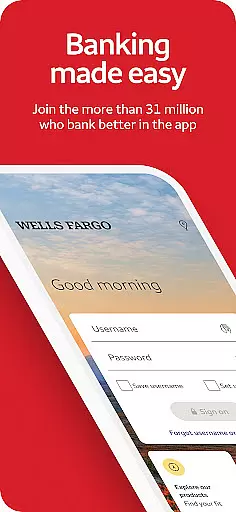
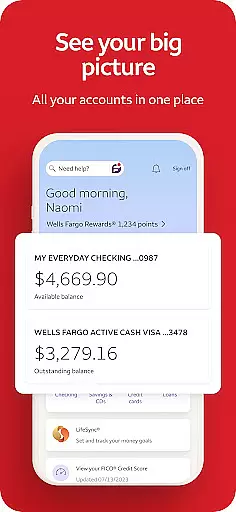
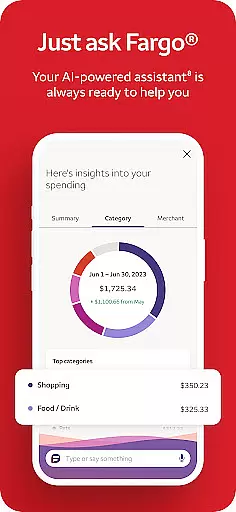
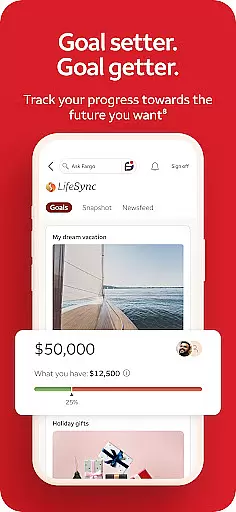
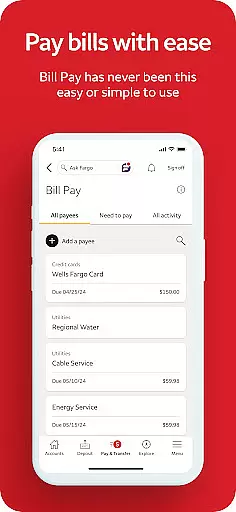
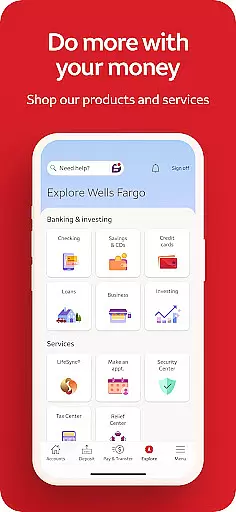
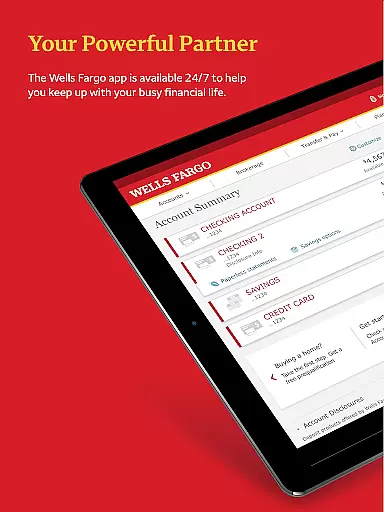
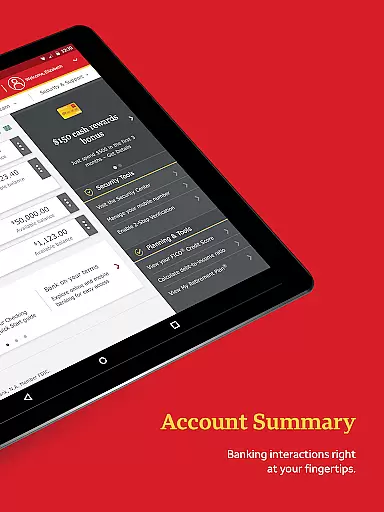
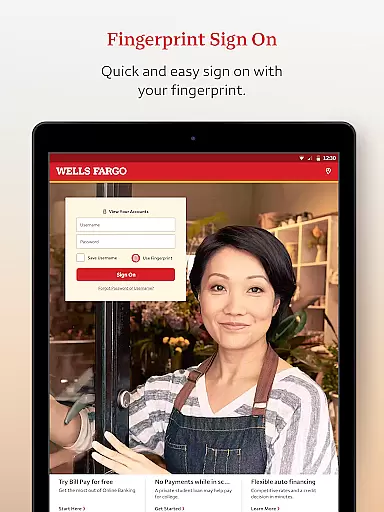
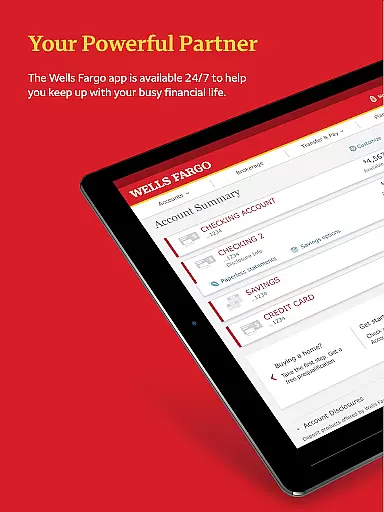
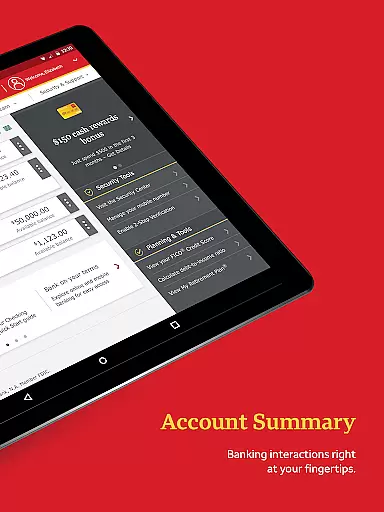
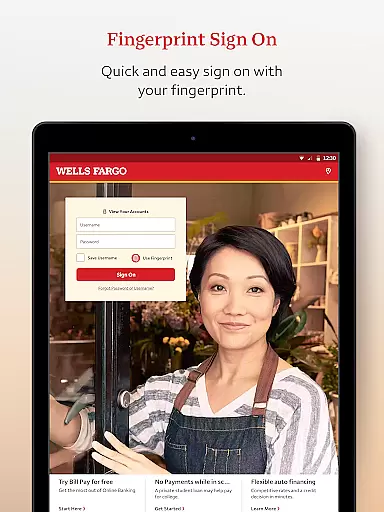
Wells Fargo Mobile is a comprehensive financial management application designed to provide users with convenient access to their banking, credit, and investment accounts. The app supports biometric authentication, allowing secure and quick login through fingerprint or facial recognition on compatible devices. Users can manage their finances effectively by reviewing account balances, transaction history, and even controlling card settings such as activation or deactivation.
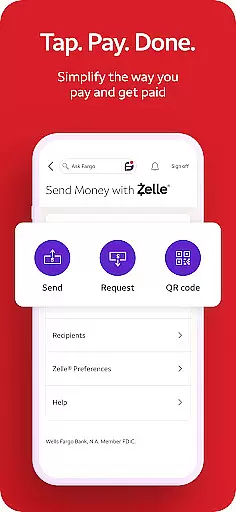
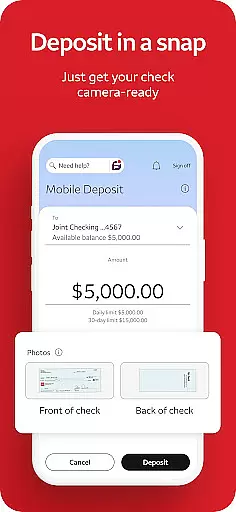
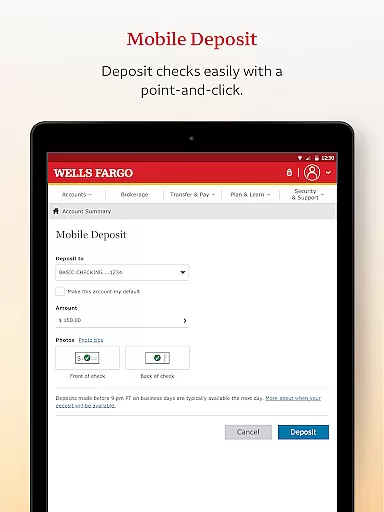
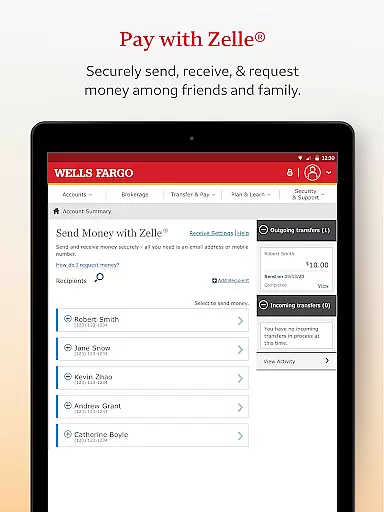
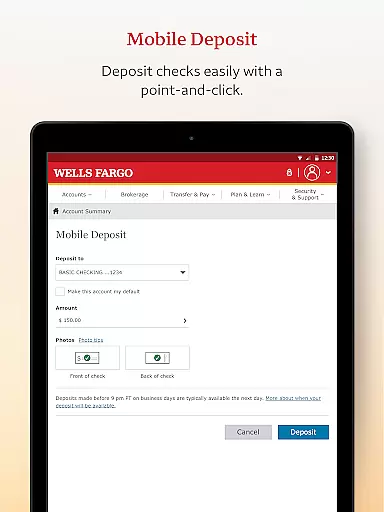
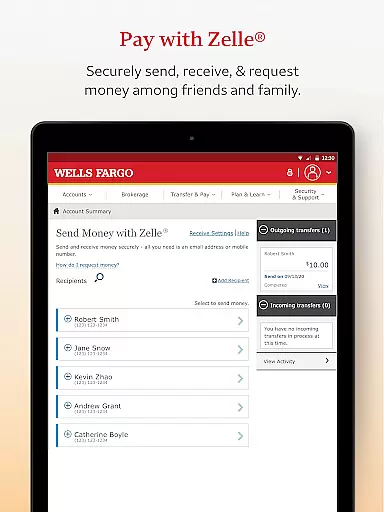
A key feature of the Wells Fargo Mobile app is its ability to facilitate remote check deposits via the device's camera, streamlining the process of adding funds to user accounts. Additionally, it offers seamless fund transfers between accounts and integration with Zelle® for person-to-person payments. The app also provides tools for tracking investments, enabling users to monitor their portfolios, view real-time market data, and manage orders directly from their mobile devices.
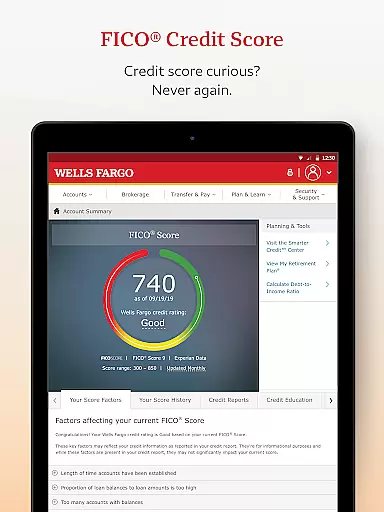
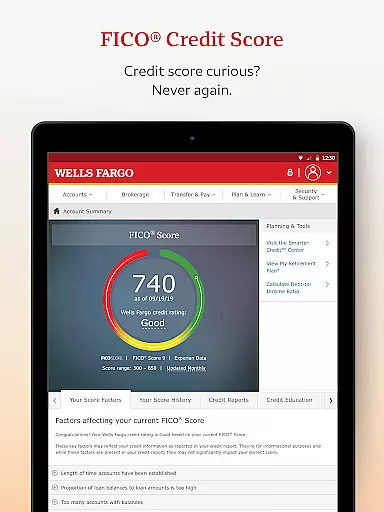
The app emphasizes security and customer support, offering features like fraud reporting, customizable alerts, and direct access to FICO® Credit Scores. With over 12,700 ATMs and approximately 4,800 branches, users have extensive options for in-person assistance and cash withdrawals. Whether managing daily expenses or long-term investments, this app serves as an essential tool for anyone seeking to maintain control over their financial life while on the go.
Wells Fargo Mobile stands out with its robust set of features tailored for modern banking needs. One of the most notable aspects is the Biometric Sign On functionality, which enhances both security and convenience by allowing users to log in using their fingerprint or facial recognition. This feature ensures that only authorized individuals can access sensitive financial information, providing peace of mind for users concerned about digital security.
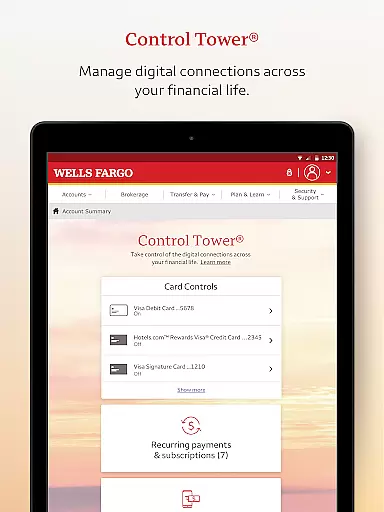
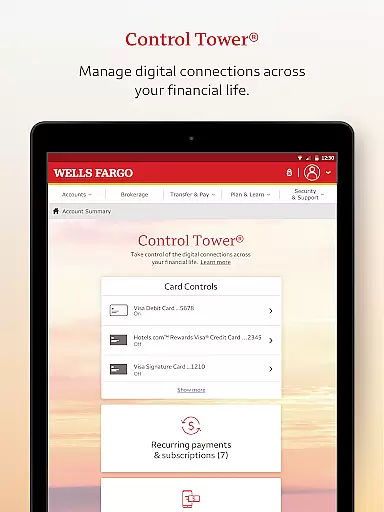
In addition to basic account management, the app includes advanced capabilities such as Card Settings, where users can activate or deactivate cards, add them to digital wallets, and view recurring payments. The mobile deposit feature allows users to deposit checks instantly using their smartphone camera, eliminating the need for physical branch visits. Furthermore, the integration with Zelle® facilitates easy money transfers to friends and family using just a phone number or email address.
For investors, the app provides powerful tools to track and manage investment portfolios. Users can monitor account activity, view holdings, and execute trades directly from their mobile devices. Real-time quotes and market data help inform investment decisions, while customizable alerts keep users informed about important account activities. These features collectively make Wells Fargo Mobile a versatile and indispensable tool for managing personal finances efficiently and securely.
Account and Fund Security is a critical aspect of any financial application, ensuring the protection of user data and funds. Wells Fargo Mobile employs advanced security measures such as Fingerprint Sign On and Biometric Sign On, available on eligible devices, to provide secure and convenient access to accounts.
The app allows users to manage their card settings, including the ability to turn cards on or off, which adds an extra layer of security. Additionally, users can set up alerts for suspicious activities, keeping them informed and enabling quick action against potential fraud.
Furthermore, Wells Fargo Mobile provides access to FICO Credit Scores, empowering users with insights into their credit standing. This feature not only enhances transparency but also encourages better financial health by allowing users to monitor their credit effectively.
By integrating these comprehensive security features, Wells Fargo Mobile ensures that users can manage their finances with confidence, knowing their accounts and personal information are safeguarded against unauthorized access.
A seamless transaction experience is vital for maintaining user satisfaction in financial applications. Wells Fargo Mobile excels in this area by offering multiple ways to deposit funds, including using the Android camera for check deposits, providing instant visibility of the processing deposit in the user's account.
Users can transfer funds effortlessly between their Wells Fargo accounts and other financial institutions, subject to terms and conditions. The integration of Zelle within the app enables users to send and receive money quickly using just a U.S. mobile phone number or email address, streamlining the payment process.
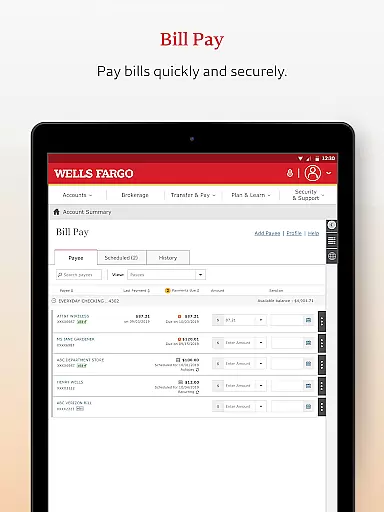
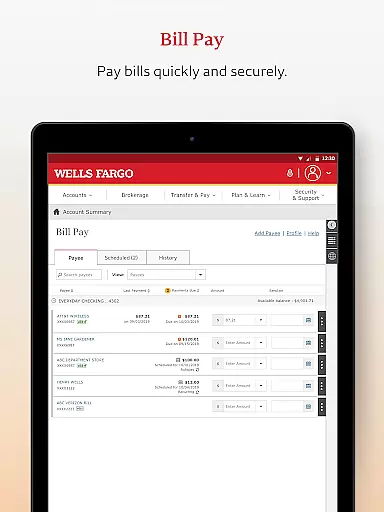
Beyond simple transactions, the app supports bill payments and investment tracking, allowing users to monitor balances, holdings, and account activity. Real-time quotes, charts, and market data further enhance the transaction experience by keeping users informed about their investments.
This robust suite of transactional capabilities ensures that Wells Fargo Mobile delivers a comprehensive, efficient, and user-friendly banking experience, meeting the diverse needs of its customers while maintaining high standards of security and reliability.
User-friendly interface
Secure biometric login
Comprehensive account management
Instant check deposit
Integrated investment tools
Limited to Wells Fargo customers
Some features require enrollment
Dependent on device compatibility
Occasional connectivity issues
Additional fees for certain services

Companies owe you money.
 4.80
4.80
Bill Manager is a simple app to help you keep track of your upcoming bills.
4.5
Pay rent on your schedule.
4.70
Your Big Financial Friend
4.70
Check EBT, SNAP, WIC balances, manage food stamps, and save money with benefits
4.80
All expenses at a glance.
4.80
Loan Calculator, Mortgage Calculator, Compound Interest Calculator
4.70
Real-time tracking: Stocks, Indices, Futures, Commodities, ETF, & Funds prices.
4.60
SuperQi, Your all-in-one Super App.
1.30
Currency Converter supports all currencies of the world.
5.00
Manage your Discover account conveniently from anywhere.
4.80
Get 250$ Cash Advance to solve emergencies instantly in loan app called LendMe
4.70
Access State Farm accounts, policies, ID cards and more
4.60
Car Insurance Made For You.
4.50
Get up to 500, get paid early, earn interest and find work with no hidden fees.
4.40
Amazing Financial Calculator. Based on HP 10bII, but easier to use!
4.40
Read and extract public data on NFC Contactless banking card (VISA, MasterCard
4.30
Invest, bank & save in one app. Trade stocks, earn high APY & budget smarter.
4.00
Expenses, Bills, Budget and Accounts - All seamlessly integrated in one app!
3.80


User Reviews