
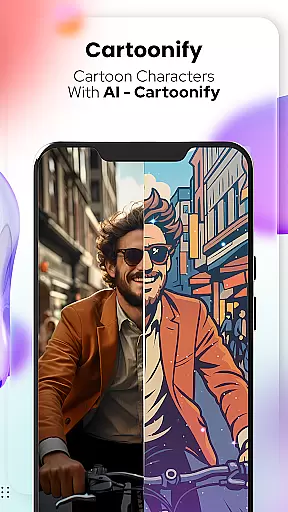
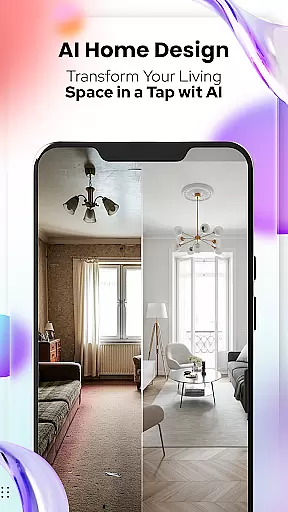
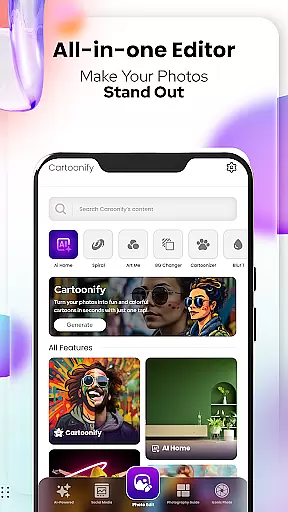
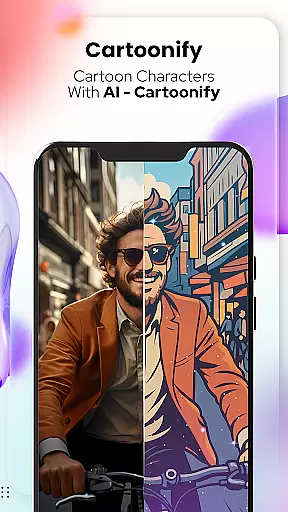
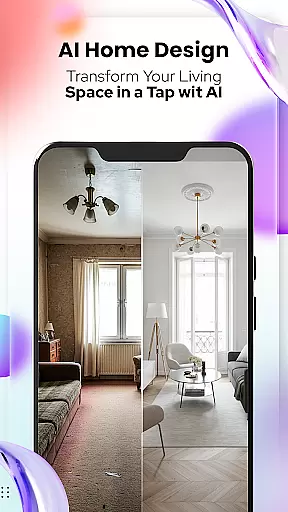
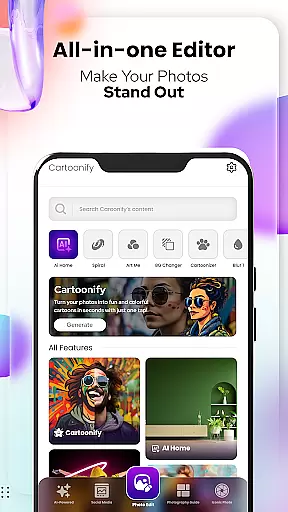
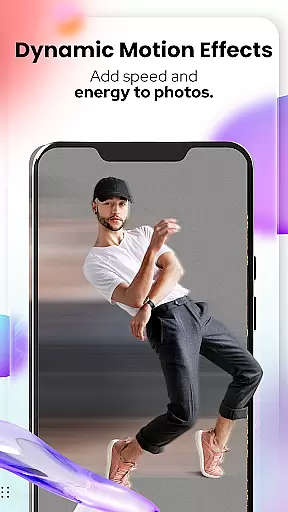
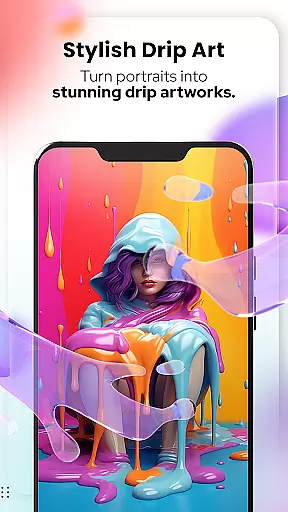
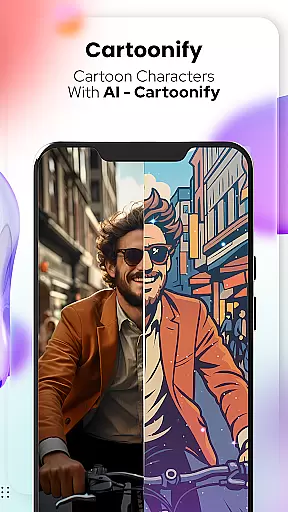
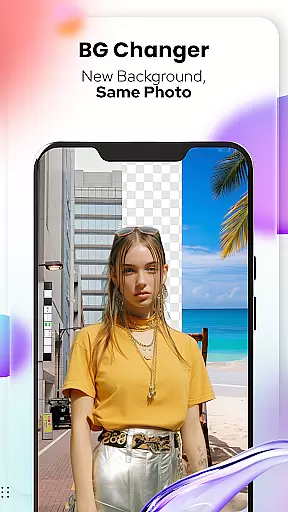
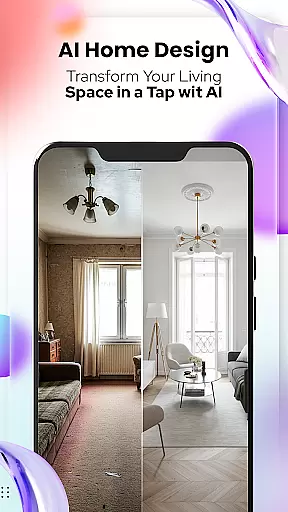
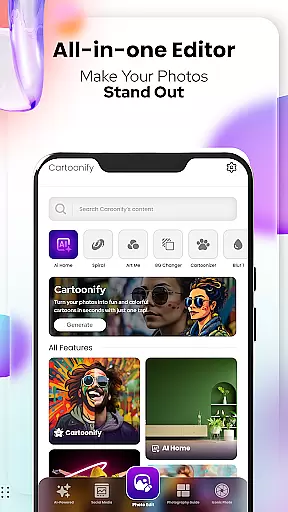
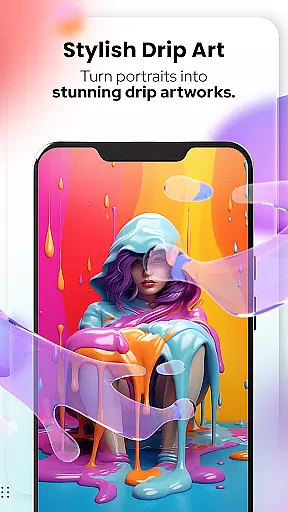
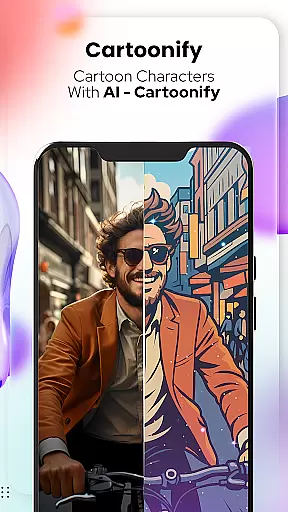
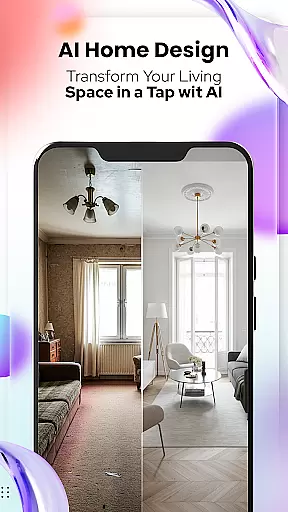
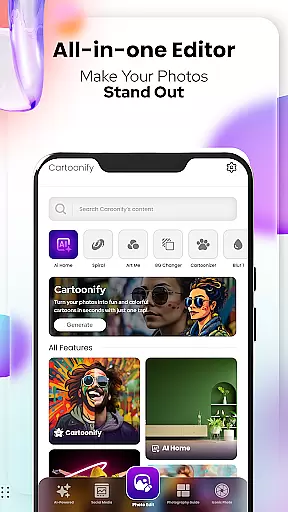
Cartoon Photo Editor - Toon Art is an innovative photo editing application designed for creative enthusiasts who want to transform their images into stunning cartoon-style artworks. The app offers a range of powerful features including Cartoonify, which turns any image into a fun cartoon portrait, and Art Me, providing various artistic filters for a professional touch.
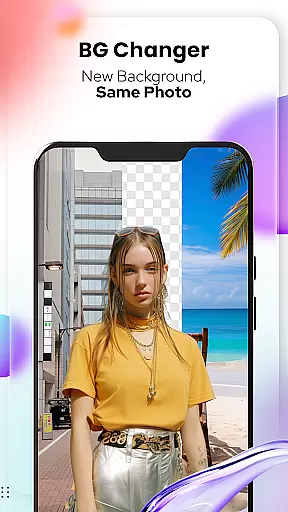
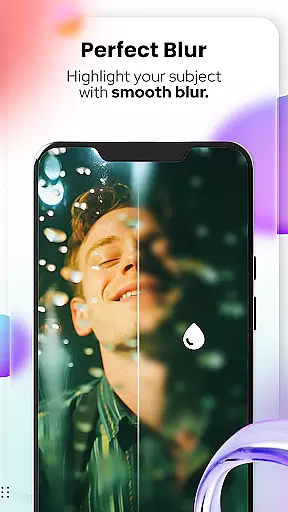
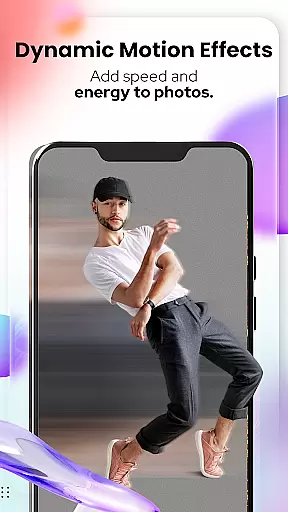
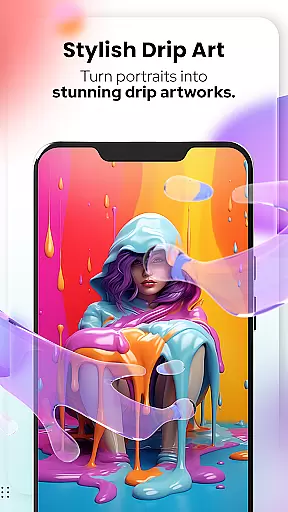
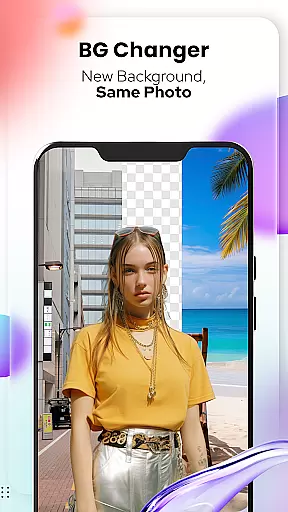
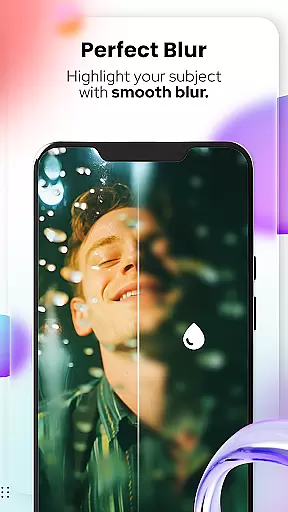
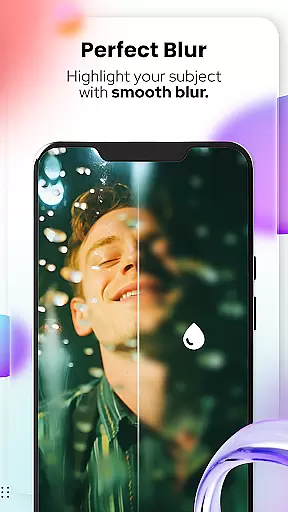
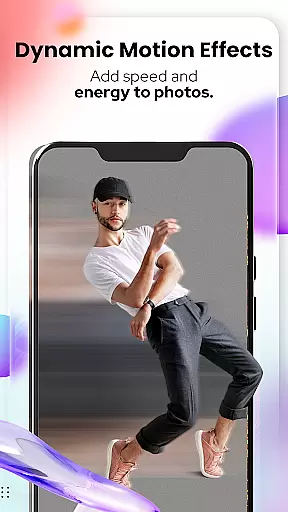
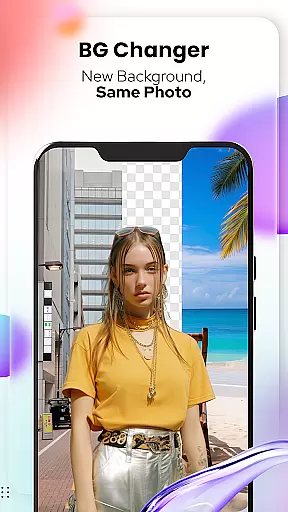
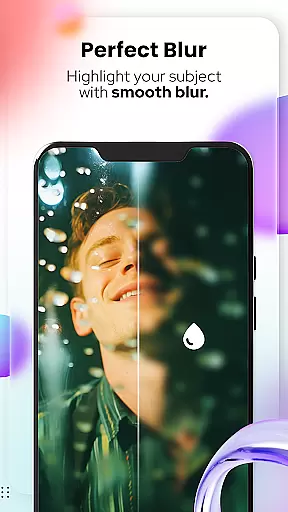
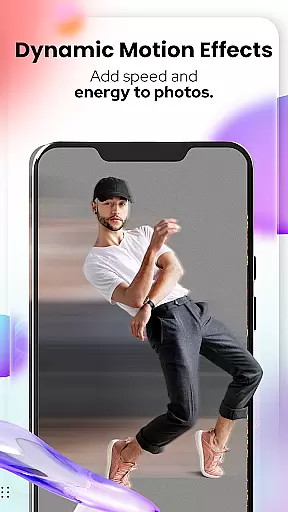
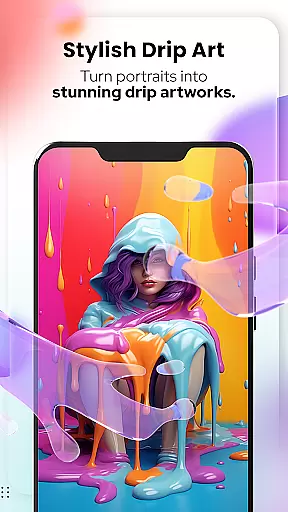
In addition to human portraits, the app includes Pet Cartoonizer for creating charming caricatures of pets, Background Changer for easy background modifications, and Sketching for hand-drawn pencil effects. With newly added photo editing tools like Blur & Motion Effects, Spiral & Drip Effects, and Text & Fit Tools, users can take their photo editing skills to the next level.
This versatile app is perfect for social media enthusiasts, pet lovers, and anyone looking to add a creative twist to their photos. Whether you're a casual user or a professional artist, Cartoon Photo Editor - Toon Art provides all the necessary tools to create impressive digital art pieces that stand out.
The app's standout feature is its diverse range of artistic transformation tools. Cartoonify uses advanced algorithms to convert regular photos into eye-catching cartoon portraits within seconds. The Art Me function takes this further by offering multiple artistic styles, allowing users to create truly unique masterpieces with breathtaking filters.
Pet Cartoonizer demonstrates the app's versatility by applying a soft pastel effect specifically designed for animal photos, giving pets a delightful caricature look. The Background Changer tool enables users to remove or replace backgrounds effortlessly, while the Sketching feature creates authentic hand-drawn pencil effects without requiring any artistic skills.
What sets this app apart is its comprehensive collection of additional photo editing tools. Users can experiment with Blur & Motion Effects, Spiral & Drip Effects, Mosaic, Splash & Brush options, and precise Crop & Adjust functions. The inclusion of Text & Fit Tools and various Filters & Stickers makes it a complete solution for both basic and advanced photo editing needs.
In the realm of digital artistry, having a comprehensive suite of creative tools is essential for unleashing one's full potential. Cartoon Photo Editoruff0dToon Art offers an extensive array of features that cater to both amateur enthusiasts and professional artists alike.
From the Cartoonify feature that ingeniously transforms any image into a cartoon-style portrait, to the Art Me function which applies stunning art styles for a unique touch, this app ensures you have everything needed to create masterpieces. The inclusion of specialized tools like Pet Cartoonizer and Sketching further expands your creative possibilities.
Users benefit from not just basic editing capabilities but also advanced options such as Background Remover/Changer, Blur & Motion Effects, Spiral & Drip Effects, among others. This vast toolkit empowers users to experiment with different artistic expressions without limitations.
The true value lies in the app's ability to make sophisticated art techniques accessible to everyone, enhancing both personal projects and professional portfolios with ease and efficiency.
A versatile canvas is the foundation of any great artwork, allowing creators the freedom to explore various formats and dimensions. Cartoon Photo Editoruff0dToon Art excels in providing unparalleled canvas/format flexibility, ensuring that every artist can find their perfect fit.
Whether you're looking to adjust the canvas size for social media profile pictures or need a larger format for printing purposes, this app has got you covered. It supports multiple aspect ratios and resolutions, making it suitable for diverse project requirements.
Beyond static adjustments, the app enables dynamic changes through its powerful editing suite. Features like Background Changer and Crop allow precise control over composition, while Adjust & Overlay functions add depth and texture to your creations.
This adaptability not only enhances user experience by catering to specific needs but also encourages experimentation with new ideas without being constrained by technical limitations.
User-friendly interface
Wide range of effects
Fast processing speed
Regular updates
Creative pet features
Some features require payment
Advanced tools need learning
Occasional bugs
Ads between editing
Limited free styles

Transform photos into amazing monochrome dither art with professional algorithms
 4.5
4.5
Art of Combination Wear OS Watch faces
4.0
Digital Drawing: Draw & Paint
4.10
Create stylish invitation cards using templates for weddings, birthdays & RSVP.
4.20
Art of Combination Wear OS Watch faces
4.4
Castle is social media for creating and playing games!
4.60
Beauty Camera - Selfie Camera is the ultimate beauty camera and selfie app
4.30
Video AI: Revolutionize Your Content Creation with Advanced Video Generation
4.50
Create Logos, Tattoos, AI Art & more with our AI Photo Generator & Design Editor
4.20
Create stunning art with AI.
4.80
Draw on screen: FP sDraw is a simple and lightweight drawing app
4.70
Your AI soulmate — meaningful chats, and unique emotional moments
4.70
Image/ Text to Video Generator
4.40
Draw, make movies & animate cartoons easily with our 2D animation maker app
4.40
Sketch, plan, take notes and illustrate on an infinite canvas.
4.20
Get creative and make art with your Sesame Friends!
4.00
Art of Combination Wear OS Watch faces (for Wear OS 5+ devices)
3.90
Vidu is an AI video generator made for creators and aspiring makers.
3.30
Art of Combination Wear OS Watch Faces
4.4


User Reviews