
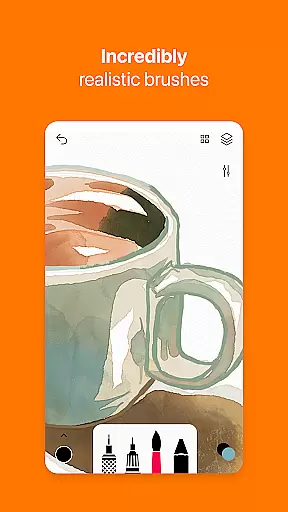
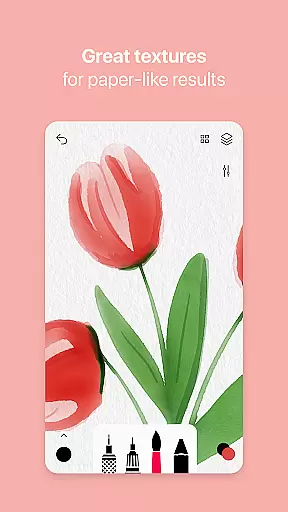
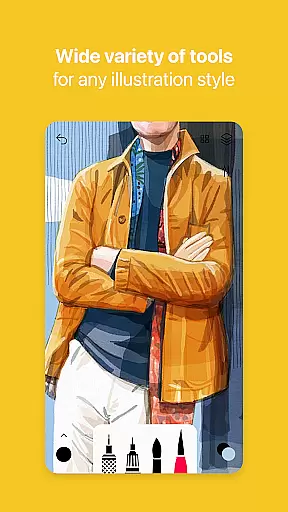
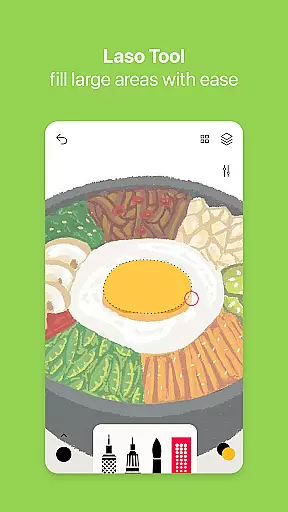
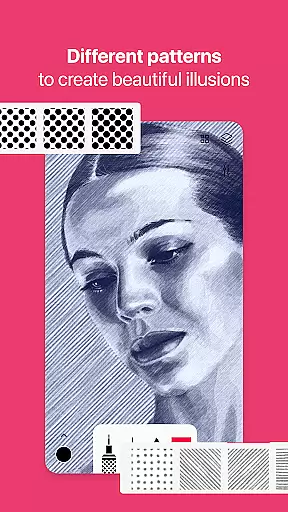
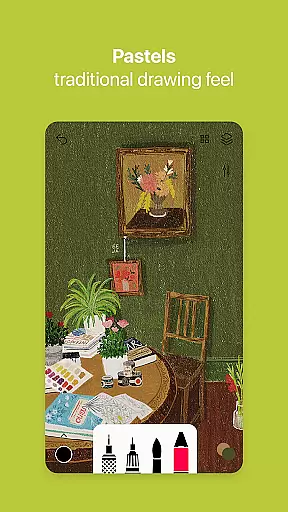
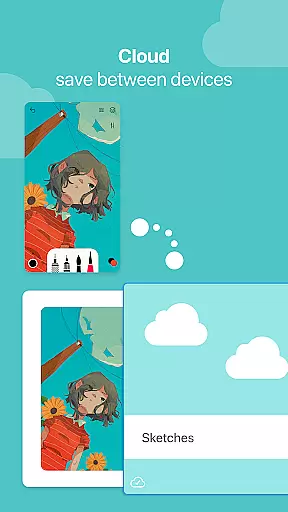

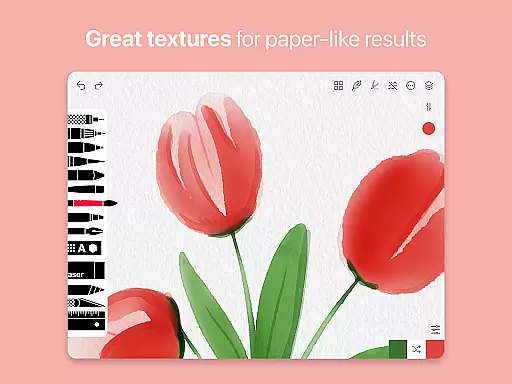
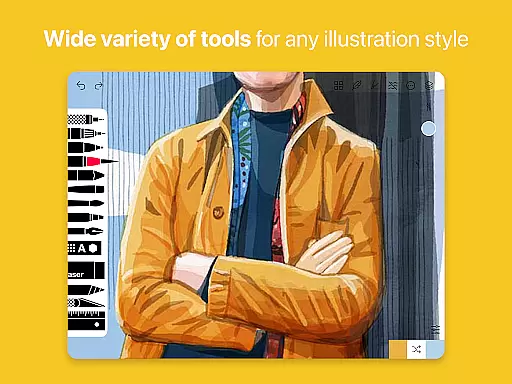
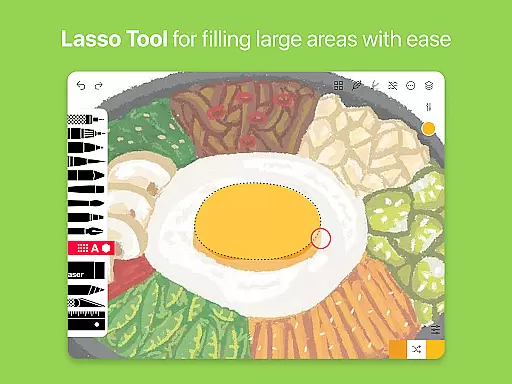
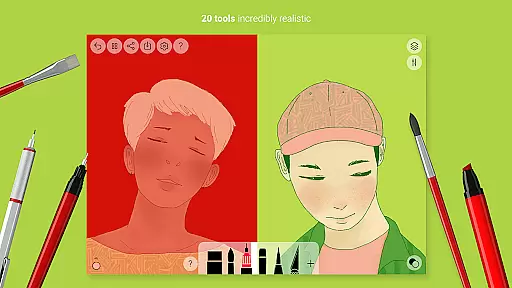
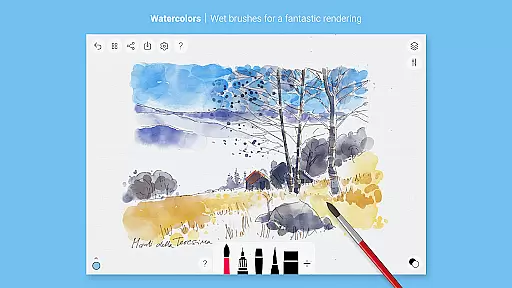
Tayasui Sketches is a premier drawing application designed for artists and creatives who value precision and beauty in their digital artwork. The app offers over 20 ultra-realistic tools, including an incredibly realistic watercolor wet brush, oil pastel, acrylic brush, and airbrush, each meticulously crafted to mimic real-world brushes on paper. These tools adapt to the pressure, angle, and width of your movements, providing an authentic drawing experience.
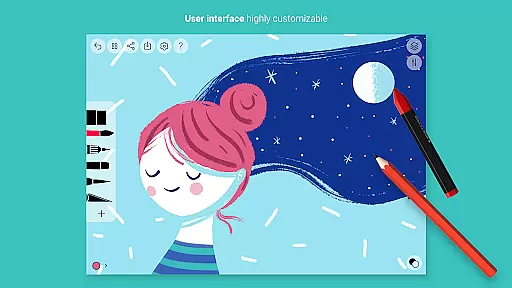
With advanced features such as layers, a brushes editor, color eyedropper, and stylus support, Tayasui Sketches caters to both amateur and professional artists. The minimalist and intuitive interface ensures that users can focus on their creativity without being overwhelmed by complex controls. Whether you're sketching ideas, creating detailed illustrations, or experimenting with different mediums, this app provides the tools necessary to bring your visions to life.
The app's Pro options unlock additional capabilities like importing photos, advanced sharing and export functions, and dozens of extra features. This makes it suitable for various use cases, from professional art projects to casual doodling. Tayasui Sketches stands out as a powerful yet accessible tool for anyone looking to create stunning digital art on their Android device.
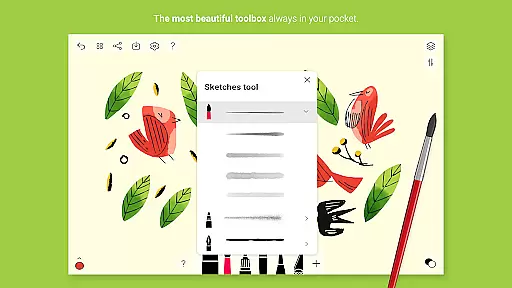
Tayasui Sketches distinguishes itself through its commitment to realism and functionality. The app boasts a comprehensive suite of over 20 drawing tools, each designed to behave vividly and truly like their physical counterparts. From the Pen and Rotring for precise lines to the Watercolor Dry and Wet brushes for more fluid strokes, every tool has been engineered to provide an unparalleled level of control and expression.
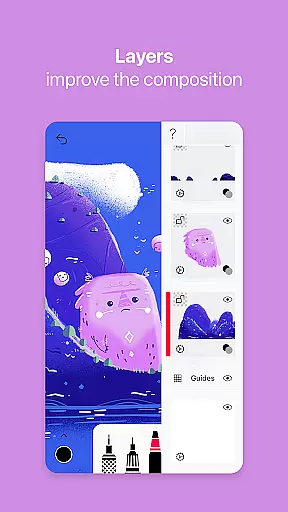
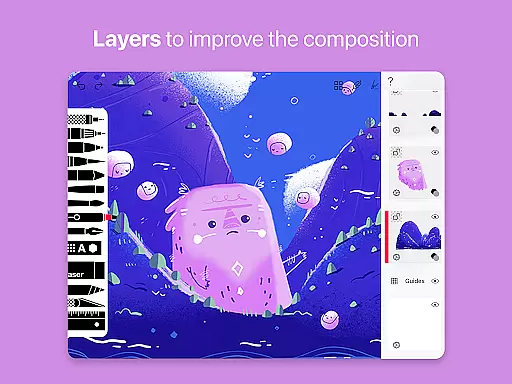
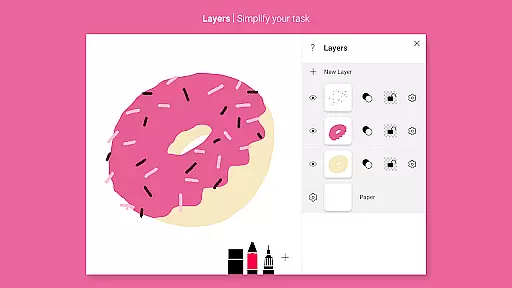
In addition to its impressive array of brushes, Tayasui Sketches offers advanced features that enhance the creative process. Layers allow artists to work on different elements of their composition independently, simplifying complex tasks and enabling non-destructive editing. The Brushes Editor empowers users to customize their tools to fit their unique style, while the Color Eyedropper makes it easy to sample colors from anywhere in your canvas.
Usability is at the core of Tayasui Sketches' design philosophy. The app supports stylus input, ensuring that artists can take full advantage of pressure-sensitive devices. With intuitive gestures and a clean layout, navigating the app and accessing its powerful features is straightforward. Whether you're a seasoned professional or just starting, Tayasui Sketches provides the tools and flexibility needed to create beautiful, intricate artwork with ease.
In the realm of digital art, having a comprehensive set of creative tools is paramount. Tayasui Sketches offers an impressive array of over 20 ultra-realistic instruments, ranging from pens and brushes to advanced features like layers and a brush editor.
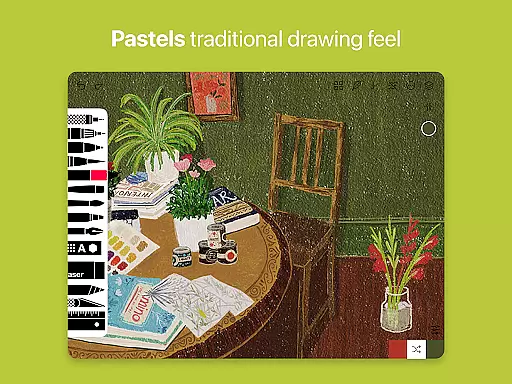
Each tool within the application has been meticulously crafted to mimic real-world counterparts. The watercolor wet brush, for instance, provides an incredibly lifelike experience that adapts to the user's movements in terms of pressure, angle, and width, making each stroke vividly resemble traditional painting techniques.
Artists benefit greatly from these complete and sophisticated tools as they allow for a diverse range of artistic expressions. From oil pastels to airbrush effects, users can explore different mediums without physical constraints, thus expanding their creative possibilities.
The app's dedication to providing such an extensive toolkit not only enhances the drawing experience but also supports artists in bringing their visions to life with precision and authenticity.
A canvas in digital art should offer the same freedom and adaptability as a physical one. Tayasui Sketches excels by providing flexible canvas options alongside support for various formats, which is essential for both amateur doodlers and professional illustrators.
With features like importing photos and using layers, artists can work on complex compositions with ease. Layers are particularly important as they allow creators to manage different elements of their artwork separately, simplifying tasks such as editing individual components or creating intricate designs.
The ability to export and share work in multiple formats adds another layer of versatility. Artists can ensure their creations are accessible across different platforms and devices, maintaining the integrity and quality of their original pieces.
This flexibility empowers users to customize their workspace according to their specific needs, whether it's adapting canvas sizes for detailed work or preparing files for print and online publication.
Realistic brush tools
Intuitive user interface
Advanced layer support
Customizable brushes
Stylus compatibility
Pro features subscription
Limited free trial
High system requirements
No desktop version
Complex for beginners

Custom Character Creator & PFP Maker!
 4.20
4.20
Draw anime & manga drawing, art with templates to create stunning picture!
4.50
Convert image to JPG PNG HEIC PDF, support almost all kinds of image formats
4.70
Draw beautiful mandala's very easily
4.60
Painting, drawing, & sketching
4.50
Minecraft & Roblox Clothes
4.70
Create amazing pictures and unleash your creative genius with AR Drawing Sketch
4.40
How to draw anime step by step for beginner easily by AR drawing sketch & paint.
3.60
AI-powered photo & video creation—fast, fun, and effortless with Quick Actions
4.60
Learn how to draw with step-by-step tutorials, fun lessons & multiplayer drawing
4.70
Turn your drawings into flipbook-style animations with simple creative tools
4.60
Create and Design Custom Logos in Seconds with AI-Powered Tools!
4.40
Remove Background, Magic Eraser, Photo Enhancer, Story Templates, Collage Maker
4.30
Nano Banana AI Image Generator, Anime Filter, AI Portrait, AI Photo Generator
4.30
Create Logos, Tattoos, AI Art & more with our AI Photo Generator & Design Editor
4.20
Design your dream room with AI. Get decor ideas & plan home interiors
3.90
Download now for a stylish and functional timepiece
4.5
Transform photos into amazing monochrome dither art with professional algorithms
4.5
Art of Combination Wear OS Watch Faces
4.3


User Reviews