
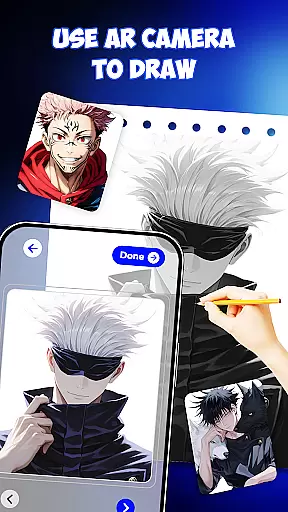
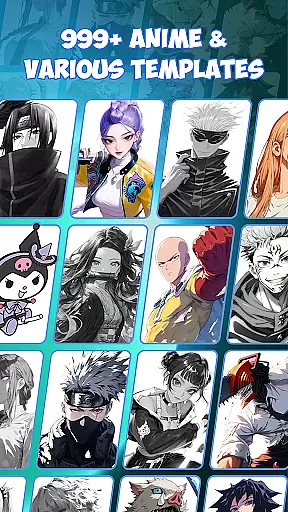
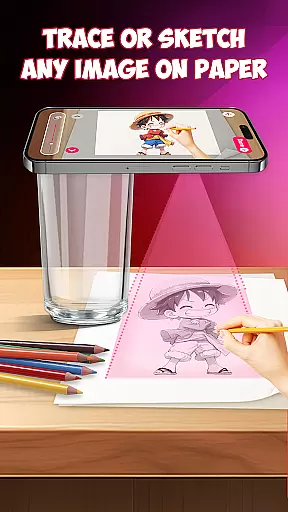
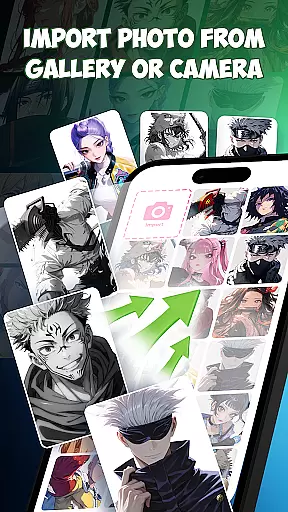
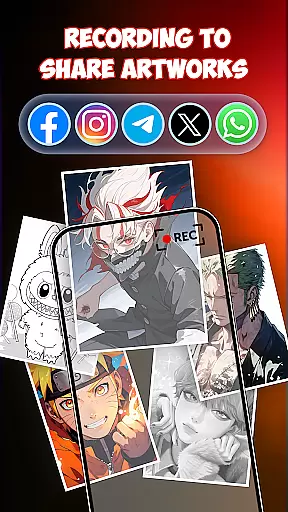
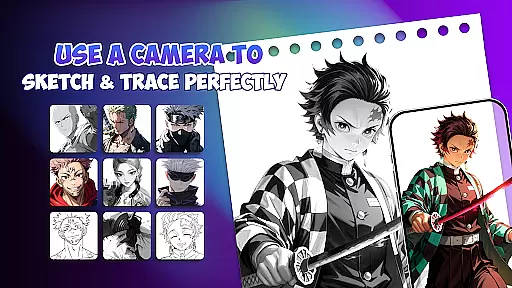
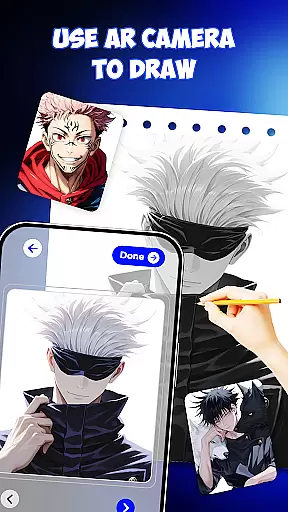
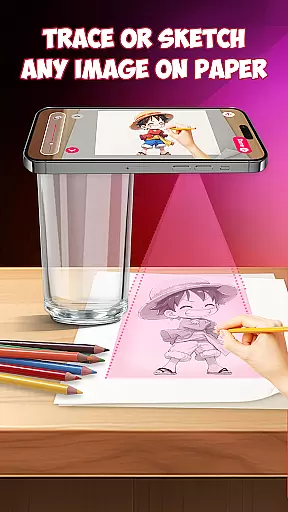
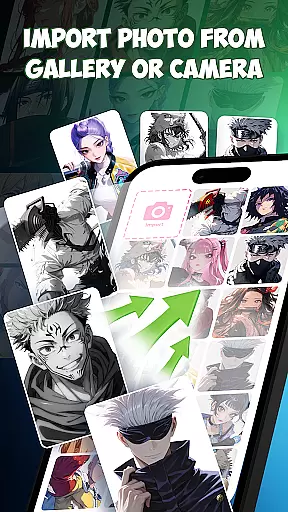
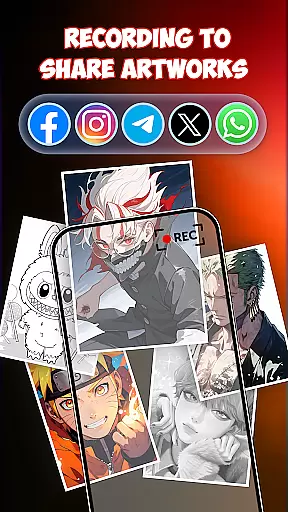
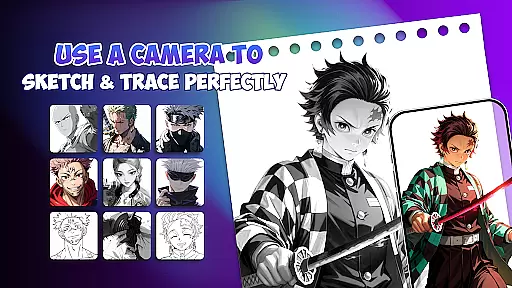
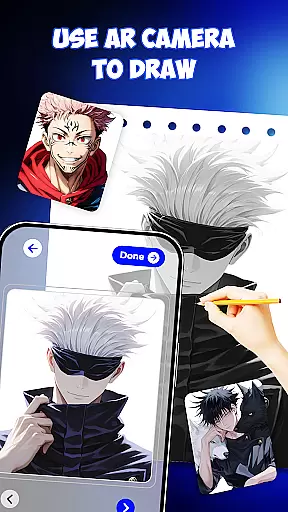
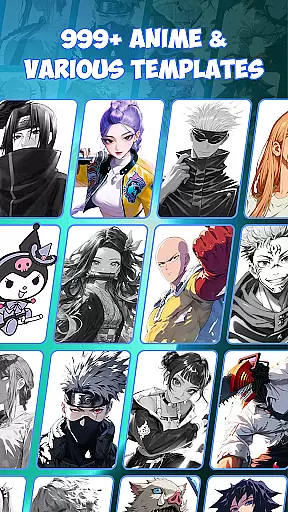
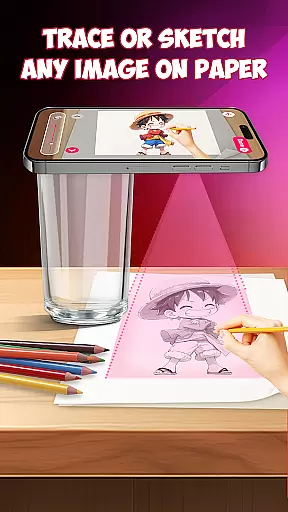
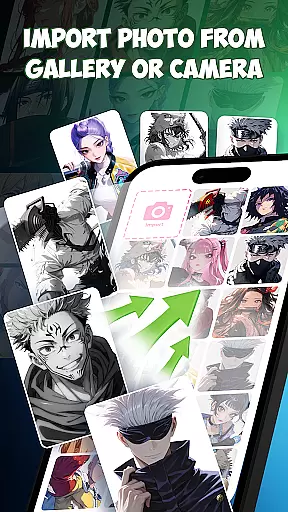
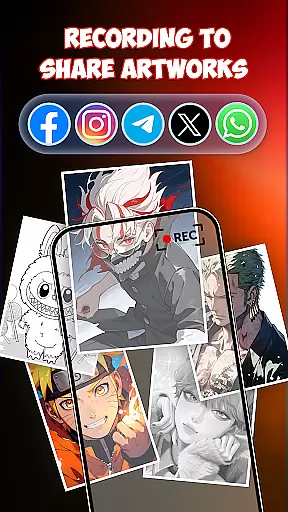
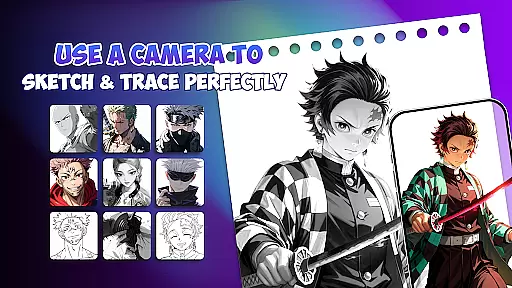
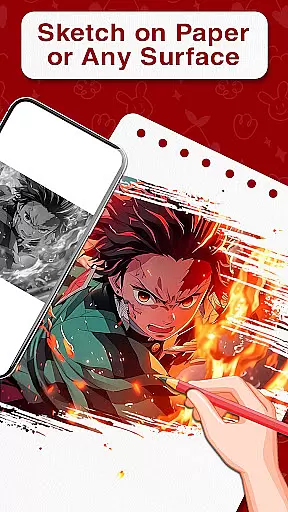
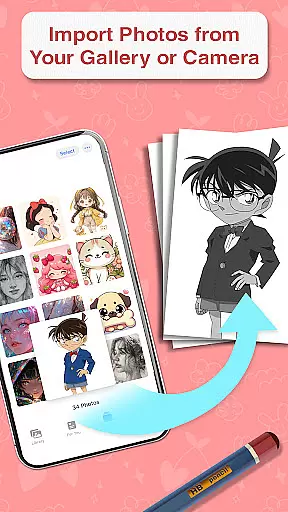
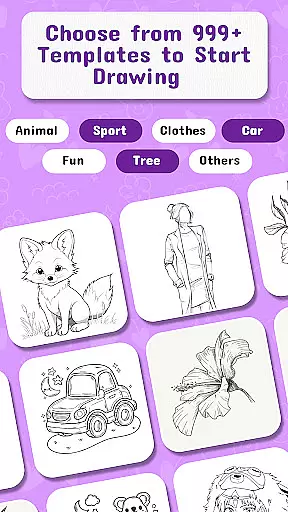
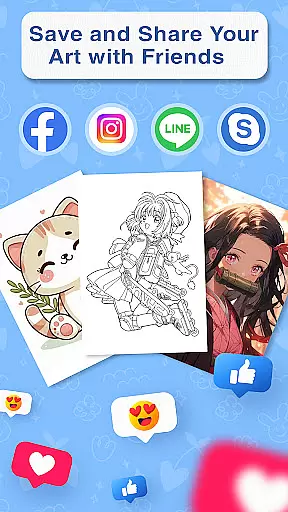
Draw Anime is an innovative AR-powered application designed to help users learn and master the art of anime drawing. This app combines augmented reality technology with traditional sketching methods, offering a unique and interactive learning experience. Users can place paper on their desk and follow step-by-step AR guidance displayed on their phone screen, allowing them to trace and draw anime characters with precision.
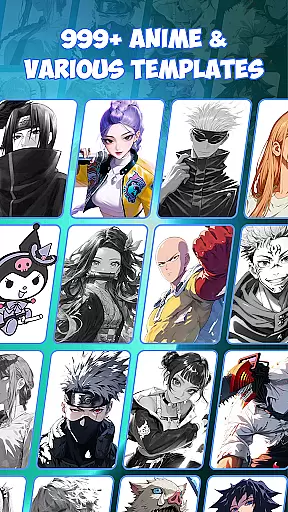
The app provides a comprehensive suite of features including 999+ templates for various anime characters, AI-supported drawing tools for enhanced creativity, and specialized lessons for different skill levels. Whether you're a beginner wanting to learn the basics or an experienced artist looking to refine your skills, Draw Anime offers the perfect platform to practice tracing, painting, and sketching. The app's versatility makes it suitable for personal use, art school training, and even professional design work.
This Art & Design app stands out by making anime drawing accessible to everyone. By bridging traditional drawing techniques with modern AR technology, it creates an engaging learning environment that helps users stay focused and improve faster. The combination of free drawing tools, unlimited practice opportunities, and diverse templates makes Draw Anime an invaluable resource for anyone interested in anime art.
Draw Anime distinguishes itself through its advanced AR guidance system and comprehensive drawing toolkit. The app's core feature is its augmented reality functionality, which projects precise outlines directly onto the user's paper, enabling accurate tracing and sketching. This innovative approach eliminates the need for physical stencils or constant reference to tutorials, streamlining the learning process significantly.
The application offers an impressive collection of 999+ templates covering various anime styles and characters, alongside AI-powered drawing assistance that suggests creative enhancements while maintaining artistic freedom. Its step-by-step lesson structure caters to different skill levels, from basic sketching to advanced painting techniques. The inclusion of both traditional drafting tools and modern digital features creates a versatile drawing environment that supports multiple artistic approaches.
Additional notable features include specialized tools for precision artists, free drawing modes for creative exploration, and cross-compatibility with various art mediums. The app's ability to function as both a learning platform and a professional design tool demonstrates its adaptability. These features collectively contribute to a comprehensive drawing experience that supports users throughout their artistic journey, whether they're creating simple sketches or developing complex character designs.
In the realm of digital art, having access to comprehensive creative tools is essential for artists to fully express their visions. Draw Anime offers an extensive suite of features that cater to both budding and experienced artists alike. The app provides AR guidance and templates, allowing users to trace and draw anime characters with precision.
One of the standout aspects of Draw Anime is its incorporation of AI drawing support, which adds an extra layer of creativity. This feature assists users in generating unique designs, thus expanding the horizons of traditional sketching. With 999+ templates available, the app ensures that artists never run out of inspiration and can tackle any character they wish to create.
The application also functions as a drafting and design tool, offering instruments for accuracy and meticulousness. This makes it suitable not only for casual sketching but also for more precise art forms such as tattoo design. By merging AR technology with conventional drawing methods, Draw Anime accelerates the learning curve for novices while providing professionals with the means to refine their craft.
A versatile canvas is crucial for artists who wish to explore different formats and dimensions in their artwork. Draw Anime excels in this area by providing flexible canvas options that adapt to various artistic needs. Whether you're sketching on paper or designing digitally, the app's AR capabilities ensure that your workspace is optimized for your project.
The app supports a multitude of formats, making it an ideal choice for diverse art projects. Users can practice sketching, doodle art, and painting without being constrained by the limitations of physical media. This flexibility extends to professional use cases, such as drafting designs for tattoos or other detailed work where specific dimensions are critical.
Moreover, Draw Anime facilitates learning through its easy-to-follow tutorials and step-by-step lessons. These educational resources help users understand how to best utilize the canvas and format options at their disposal. Aspiring artists can learn to draw anime anywhere, transforming their ideas into art with greater ease and efficiency thanks to the adaptable nature of the platform.
User-friendly interface
AR guidance accuracy
Extensive template library
AI-enhanced creativity
Cross-platform compatibility
Requires stable internet
Premium features locked
Steep learning curve
Limited offline support
Device compatibility issues

The ultimate tool for creating animations
 4.60
4.60
Sketch, plan, take notes and illustrate on an infinite canvas.
4.20
Easy 3D drawing design maker & creator. Model designing, Sculpting. Create&paint
4.00
Apply cartoon, caricature, and portrait effects to make your photos stand out!
3.60
Create neon drawing with magic doodle and fun doodle art effects!
4.50
Nano Banana AI Image Generator, Anime Filter, AI Portrait, AI Photo Generator
4.30
Your AI soulmate — meaningful chats, and unique emotional moments
4.70
Your homescreen as an elegant glass with customized blur, lighting, and visuals.
3.70
Art of Combination Wear OS Watch faces (for Wear OS 5+ devices)
3.90
Minecraft & Roblox Clothes
4.70
Unleash your drawing and painting potential
4.50
Share the joy of painting with ibis Paint! Drawing anime and manga art.
4.50
Everything you need to create hand drawn animation, anywhere you go!
4.40
Custom Character Creator & PFP Maker!
4.20
OneUI 8.5 icons ✨ Smooth, modern & based on the latest Play Store design ??
4.10
Powerful home decoration & house design that allows you to design dream home.
3.80
Meet the magic aı 3d photo generator and smart AI video generator app.
3.20
Art of Combination Wear OS Watch faces
4.0
Your Essential Color Theory Guide: Red, Yellow, Blue (RYB)
4.2


User Reviews