
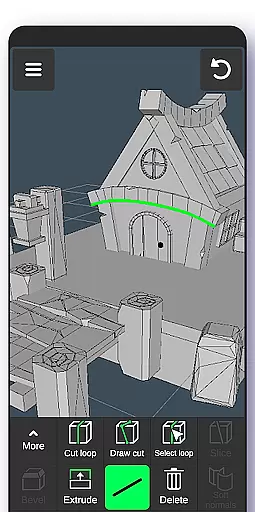
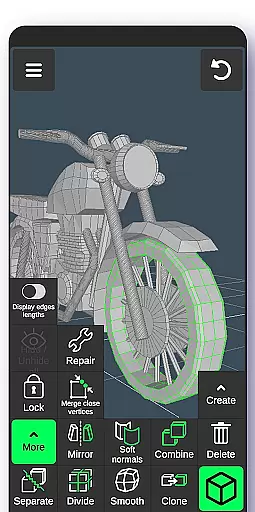
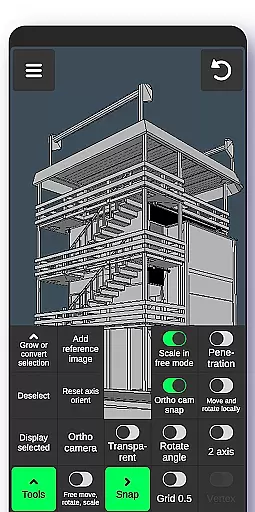
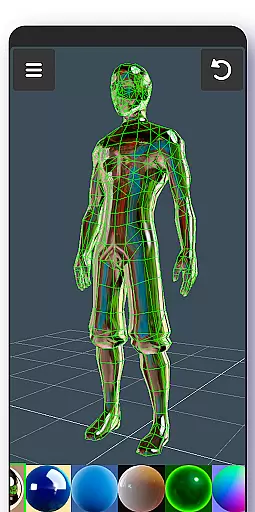
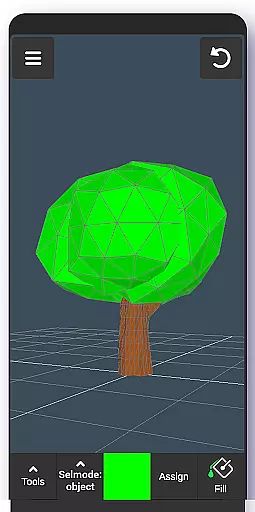
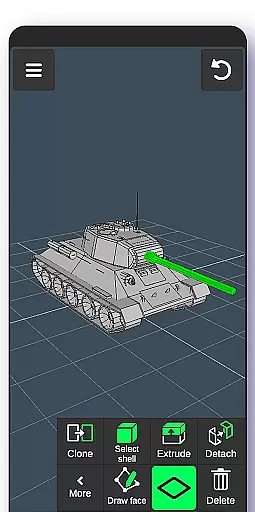
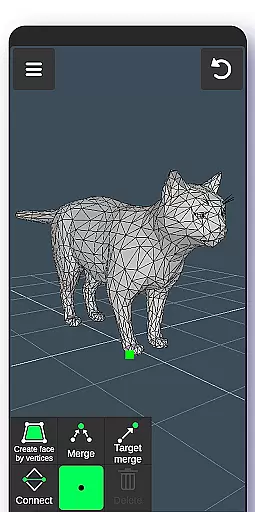
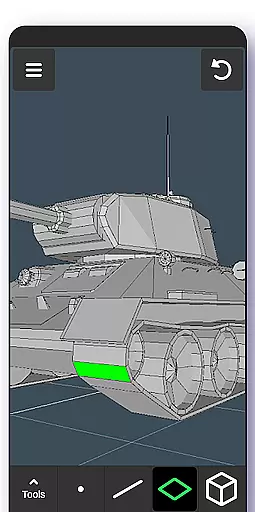
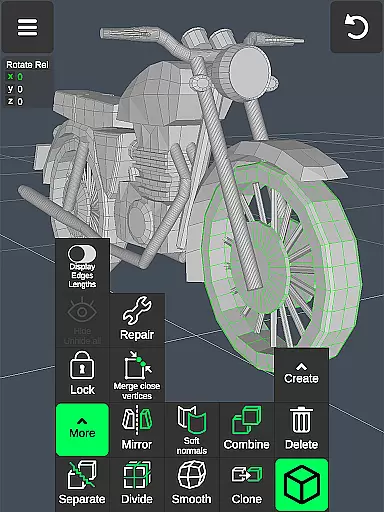
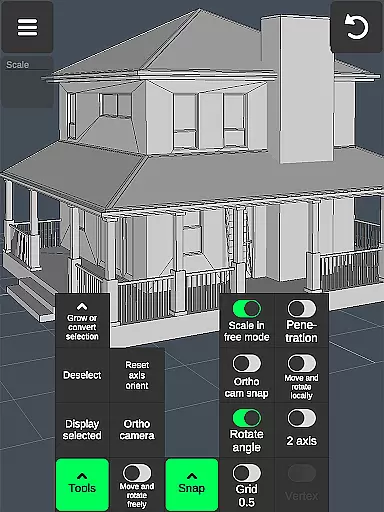
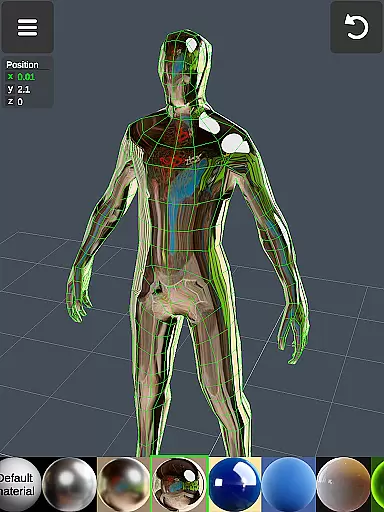
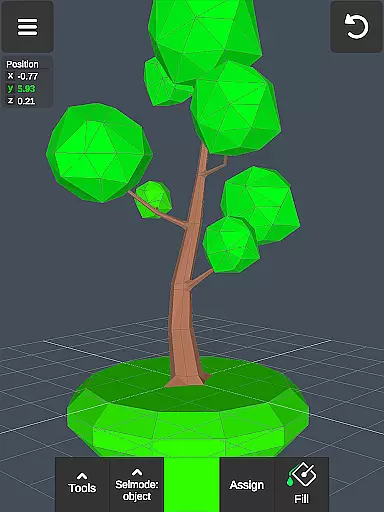

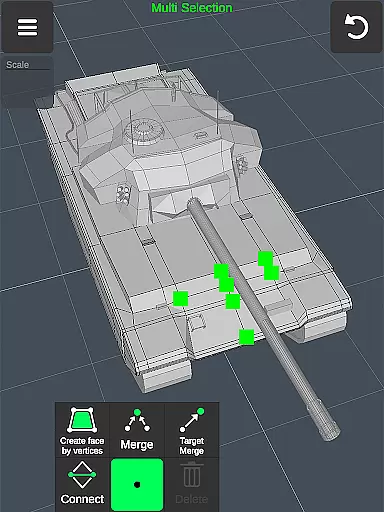
3D Modeling App is a comprehensive mobile solution for creating 3D models, objects, and art using intuitive gestures on your phone or tablet. Designed for professionals and hobbyists alike, this application supports a wide range of creative tasks from 3D character design to industrial modeling. The app's versatility makes it suitable for various industries including automotive, gaming, and woodworking.
With its robust feature set, users can perform detailed 3D editing through vertex, edge, and face tools, as well as sculpting and object manipulation. The app also provides advanced display options and material application capabilities, allowing for precise control over the final output. Whether you're an engineer, artist, or game developer, 3D Modeling App offers the tools needed to bring your ideas to life in three dimensions.
The app boasts an extensive array of features designed to streamline the 3D creation process. Users can take advantage of fast workflow options such as gesture-based navigation and quick tool switching, alongside powerful selection tools for vertices, edges, faces, and objects. These features ensure that even complex models can be created and edited efficiently.
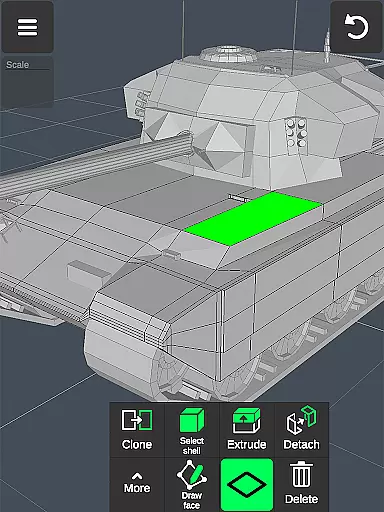
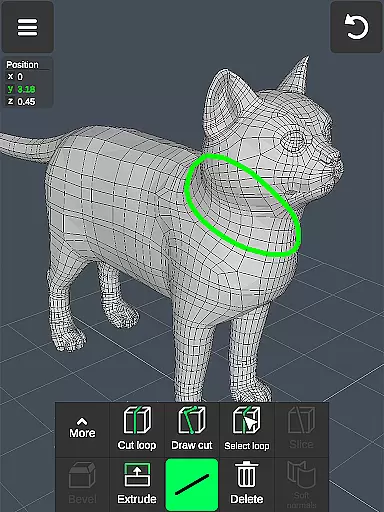
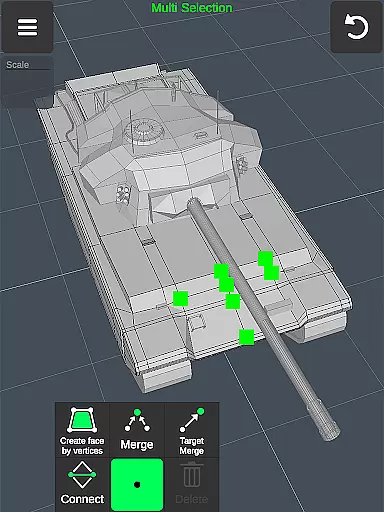
For detailed work, the app includes specialized tools like vertex merging, edge cutting, and face extrusion. Sculpting enthusiasts will appreciate the move, push, pull, and smooth brushes with adjustable size and strength. Additionally, the app supports orthographic camera views, precise value setting for transformations, and snapping options for accurate modeling. With support for up to 20 materials and .obj file export/import, 3D Modeling App stands out as a versatile tool for both beginners and seasoned professionals.
In the realm of 3D modeling and design, having a comprehensive suite of creative tools is essential for professionals and hobbyists alike. The 3D Modeling App excels in this area by offering an extensive array of features that cater to various aspects of 3D creation. From vertex, edge, and face tools to object manipulation and sculpting options, users are equipped with everything needed to bring their visions to life.
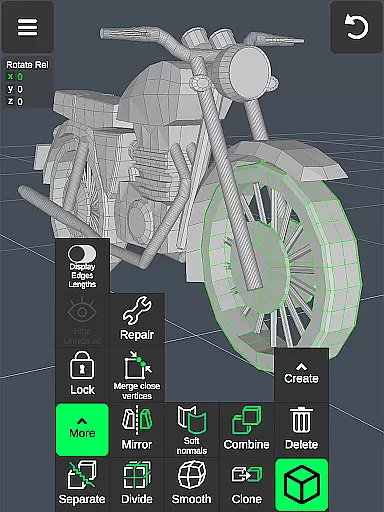
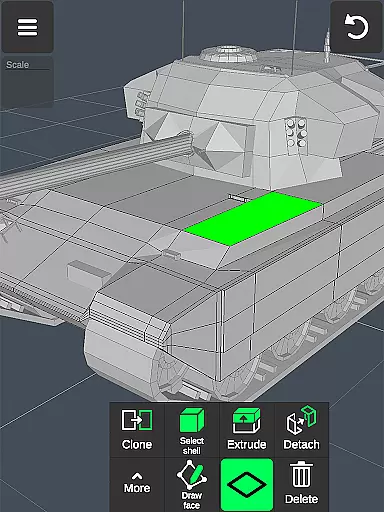
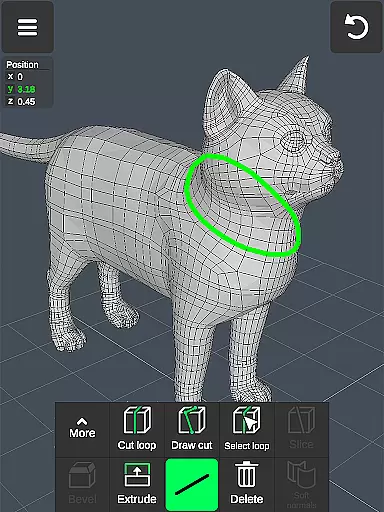
The app provides advanced functionalities such as merging vertices, creating loops, extruding faces, and cloning objects, which allow for intricate detailing and complex model building. Sculpting enthusiasts will appreciate the move, smooth, push, and pull brushes that come with adjustable size and strength settings, enabling precise control over the shaping process.
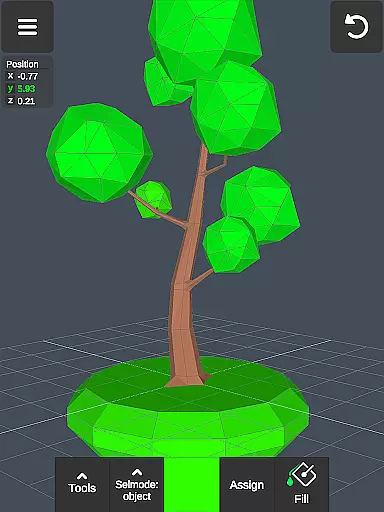
Moreover, display tools enhance the modeling experience by giving users the ability to toggle wireframes, shadows, axis visibility, and more. This level of customization ensures that artists can tailor their workspace to suit their specific needs, thus streamlining workflow and boosting productivity. With support for up to 20 materials per object and vertex color painting, creators have the freedom to experiment with textures and colors like never before.
A versatile canvas is crucial for unleashing creativity without constraints in 3D modeling. The 3D Modeling App offers remarkable flexibility when it comes to working with different formats and sizes, making it an ideal choice for diverse projects ranging from game design to industrial applications. Users can seamlessly switch between orthographic and perspective cameras while setting precise values for movement, rotation, and scaling operations.
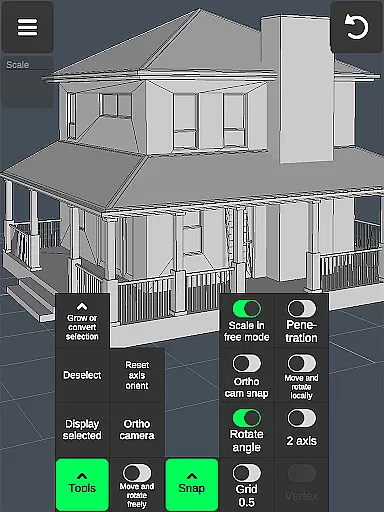
This adaptability extends to snapping options where grid alignment, rotation angles, local space orientation, and physical penetration checks ensure accuracy during the modeling process. Additionally, the app supports importing and exporting .obj files, allowing models created within its environment to be utilized across a wide range of professional software including Autodesk Maya, Blender, ZBrush, SolidWorks, and many others.
Such compatibility not only broadens the scope of potential collaborations but also facilitates further refinement using specialized CAD programs or third-party converters. Whether you're crafting detailed characters or designing functional products, the 3D Modeling App's robust framework empowers you to achieve outstanding results regardless of your projectu2019s scale or complexity.
User-friendly interface
Wide range of professional tools
Supports multiple file formats
Intuitive gesture controls
Comprehensive sculpting options
Steep learning curve
Advanced features may overwhelm beginners
Limited free resources
High system requirements
Occasional performance lags

Draw anime & manga drawing, art with templates to create stunning picture!
 4.50
4.50
Paint with oils and sketch with natural tools on a realistic virtual canvas.
3.80
Convert image to JPG PNG HEIC PDF, support almost all kinds of image formats
4.70
Photo editor for art, avatars, filters & fun transformations.
4.60
Painting, drawing, & sketching
4.50
Novices can also easily complete diamond painting masters
4.70
Your AI soulmate — meaningful chats, and unique emotional moments
4.70
2D animation studio for Android tablets - unlimited layers, infinite timeline
4.70
Create and Design Custom Logos in Seconds with AI-Powered Tools!
4.40
Mobile pixel art editor. Simple. Fast. Portable.
4.80
Kling AI is an image and video generation and editing studio powered by AI.
4.50
Stylish letters, Stylish Keyboard, Symbols, Emojis, Cool nickname
4.40
Bring One UI 8.5 Icons to life -elegant dark icons with a modern, premium touch.
4.30
Customizable Outlined Fonts. Watch Face Format. Battery friendly Digital Clock.
4.20
Floor Plan Creator lets you create, edit and share floor plans.
4.00
Powerful home decoration & house design that allows you to design dream home.
3.80
AI Art Generator transforms your words into AI generated art & paintings.
3.70
Experience next-gen icons with a modern liquid glass look.
3.60
Art of Combination Wear OS Watch faces
4.0


User Reviews