
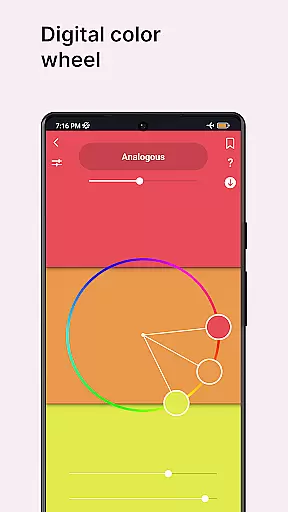
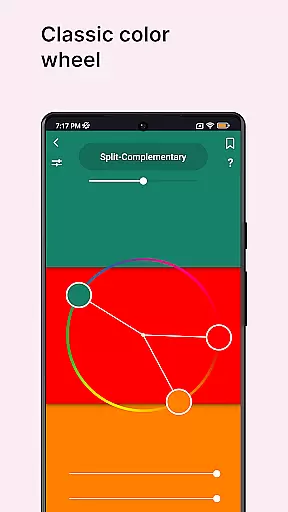
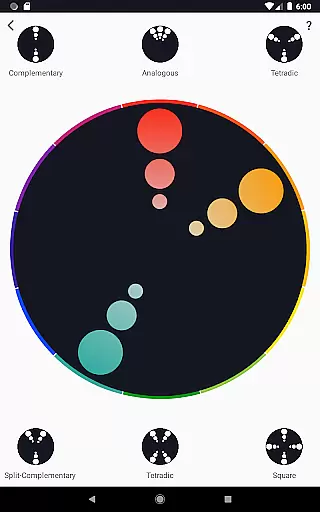
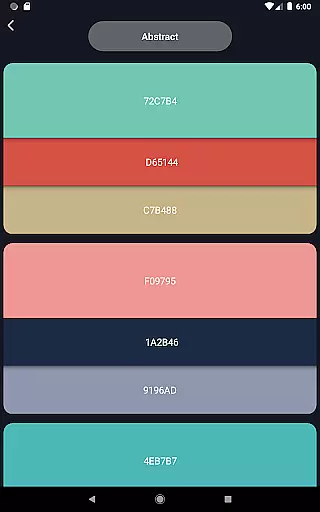
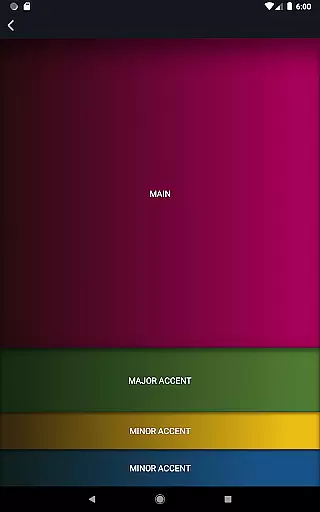
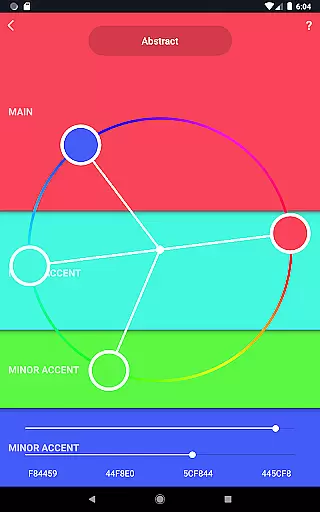
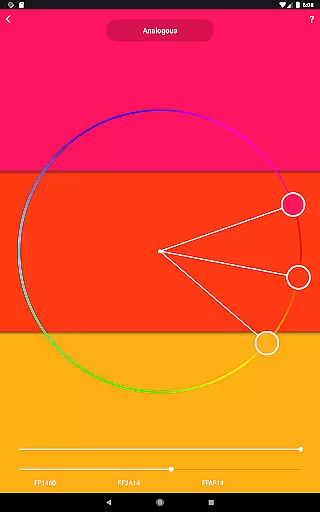
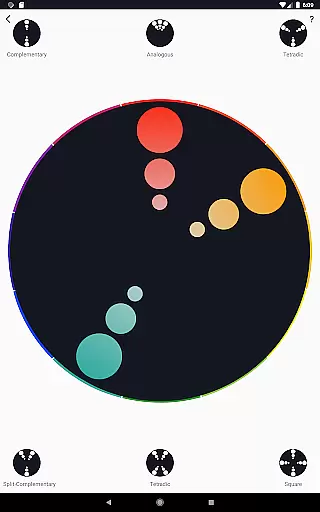
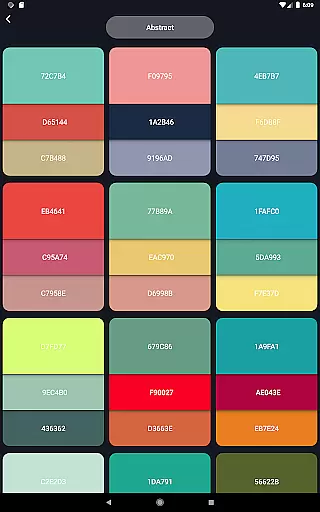
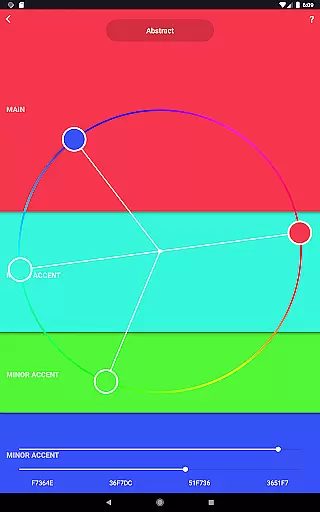
Color Wheel is an all-in-one application designed for artists and designers who need versatile color tools at their fingertips. The app combines Digital, Abstract, and Classic color wheels to cater to various artistic needs. Whether you're a graphic designer looking for precise digital colors or an abstract painter seeking inspiration, this app provides the necessary tools.
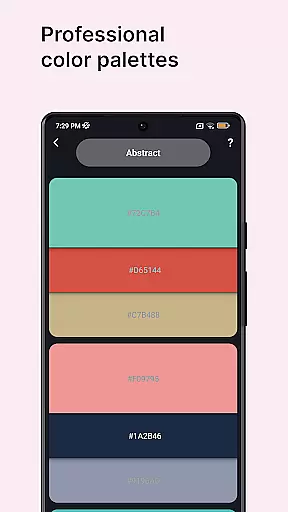
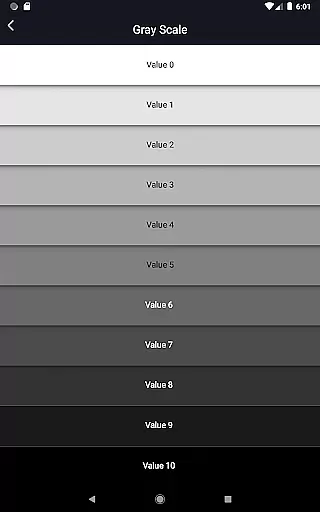
In addition to its diverse color wheels, Color Wheel offers advanced features like a color picker, image color extraction, and professional color palettes. These tools help users create harmonious designs and paintings with ease. With specialized functions such as grayscale and value checker, it ensures correct color balance and simplifies painting for beginners. This makes it an essential companion for both professional and amateur artists.
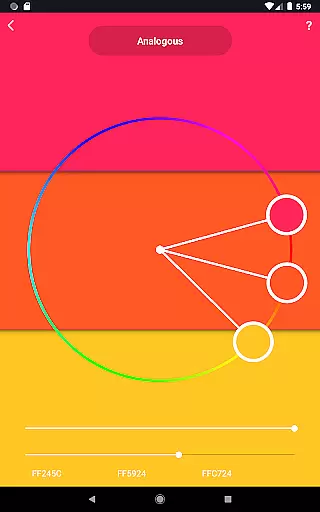
Color Wheel stands out with its comprehensive set of features tailored for creative professionals. The app includes a Digital color wheel for graphic designers, an Abstract color wheel for abstract painters, and a Classic color wheel for general use. Each wheel is crafted to provide accurate and inspiring color combinations that suit different artistic styles.
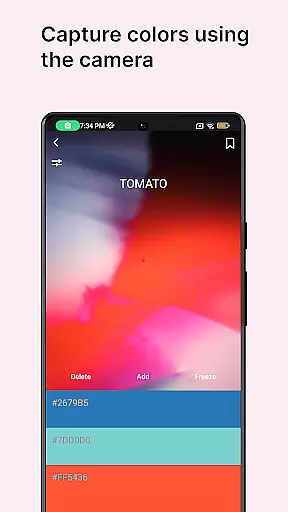
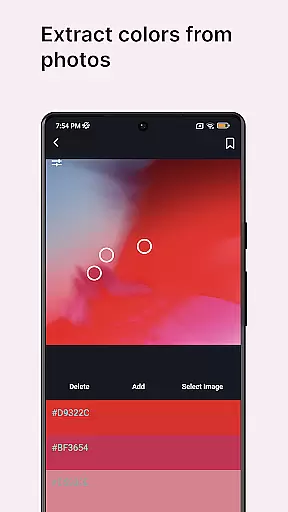
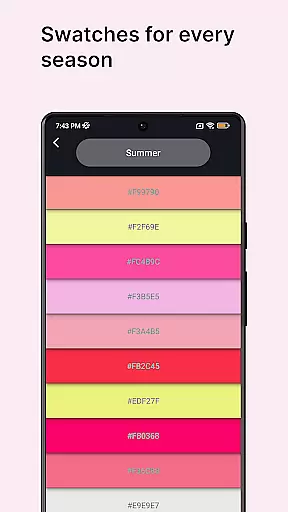
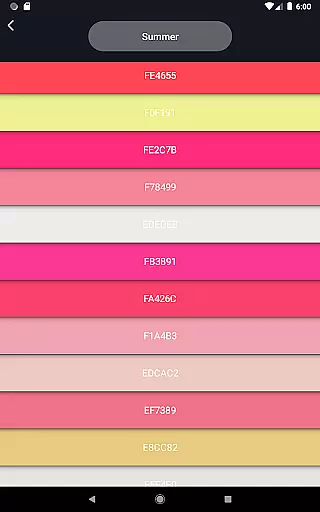
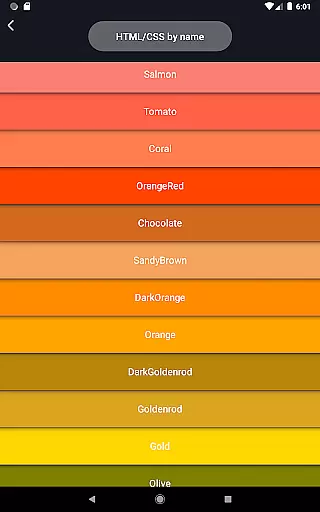
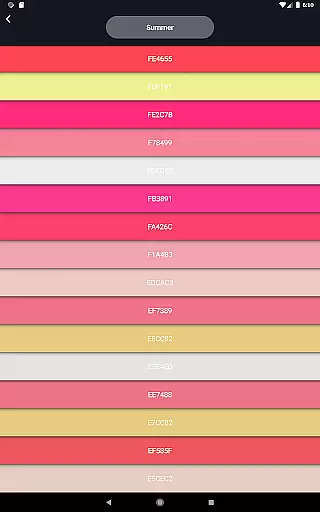
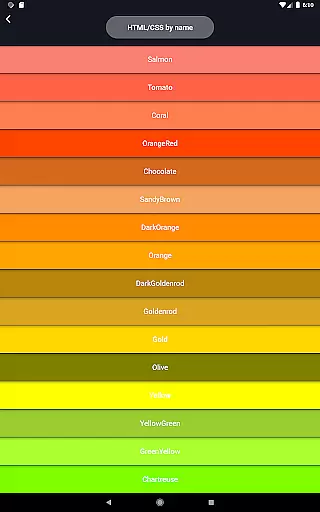
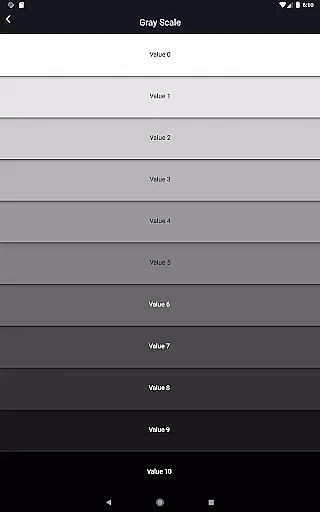
Beyond the color wheels, the app offers practical tools such as a color picker to extract colors from your camera, image color extraction to derive palettes from photos, and pre-made professional color combinations. Additional features include color swatches based on seasons and moods, a grayscale tool, and value checkers to ensure proper color balance. These functionalities make Color Wheel not just a color reference but a complete art toolkit.
In the realm of digital art and design, having a comprehensive set of creative tools is paramount. Color Wheel offers an extensive suite that covers all bases for artists and designers alike. The app includes digital, abstract, and classic color wheels, each serving different artistic needs and preferences.
Additionally, the application provides functionalities such as color combinations, which are crucial for creating professional palettes. A color picker tool allows users to extract colors from their surroundings using the camera, while image colors functionality can derive palettes from existing images. These features ensure that no matter the project or inspiration source, users have everything they need at their fingertips.
The inclusion of specialized tools like grayscale and value checker enhances the painting process by ensuring correct balance and tone in artworks. For beginners, the value breaker simplifies complex images into manageable parts based on distinct values, making it easier to start painting without being overwhelmed.
Flexibility in canvas and format options is essential for artists who work across various mediums and styles. Color Wheel addresses this need by offering versatile solutions tailored to both digital designers and traditional painters. With its array of specialized color wheelsu2014digital, abstract, and classicu2014the app caters to diverse artistic disciplines with ease.
Moreover, the app's color swatches feature enables users to select colors according to seasons and moods, providing a thematic approach to color selection that can inspire new creative directions. This level of customization ensures that artists can adapt their palettes to suit any project requirements or personal preferences seamlessly.
By integrating practical tools such as the grayscale and value checker, Color Wheel not only supports precision in artwork but also adapts to different formats and techniques. Whether working on detailed digital designs or expressive abstract paintings, users can rely on these adaptable features to enhance their creative workflow.
User-friendly interface
Wide range of color tools
Professional color palettes
Advanced value checker
Versatile for all artists
Limited free features
Occasional bugs
Heavy on memory
No dark mode
Ads in free version

Learn how to draw with step-by-step tutorials, fun lessons & multiplayer drawing
 4.70
4.70
Design your dream room with AI. Get decor ideas & plan home interiors
3.90
Art of Combination Wear OS Watch Faces
4.2
Castle is social media for creating and playing games!
4.60
Nano Banana AI Image Generator, Anime Filter, AI Portrait, AI Photo Generator
4.30
Design unique, funny and adorable cat stickers that reflect your own style!
3.80
Experience next-gen icons with a modern liquid glass look.
3.60
Explore future self face age filter & remove background image for a unique look.
3.50
Multiplayer Drawing game, Coloring, Painting・Sketch, Handwriting・Paint, draw
4.30
Novices can also easily complete diamond painting masters
4.70
Get an overview over all your embroidery threads, projects and more.
4.60
Digital illustration drawing & painting pad app to paint Anime and Manga art
4.50
The perfect place to start sketching! Use Sketchbook to draw and paint sketches.
4.50
Draw Trace image sketch by, AR art projector app, Easy to trace any image.
4.50
Create and Design Custom Logos in Seconds with AI-Powered Tools!
4.40
Trace, draw, and create art with AR - from memes to masterpieces!
4.30
Get creative and make art with your Sesame Friends!
4.00
Resize photos and print photos in exact size with our powerful photo printer!
3.80
AI Art Generator transforms your words into AI generated art & paintings.
3.70


User Reviews