
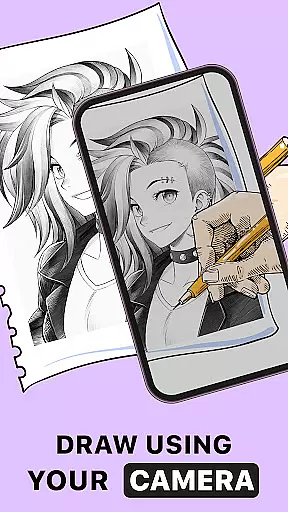
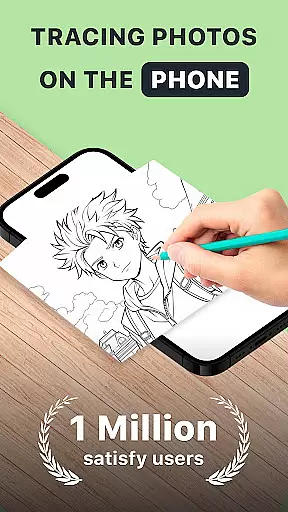
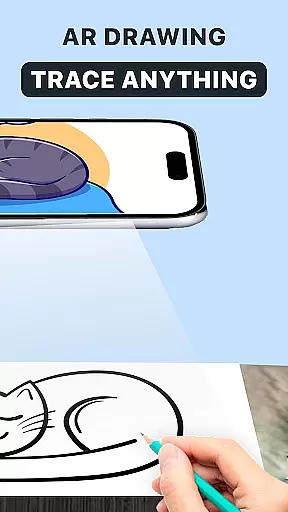
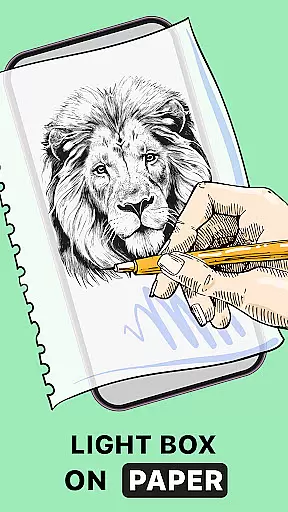
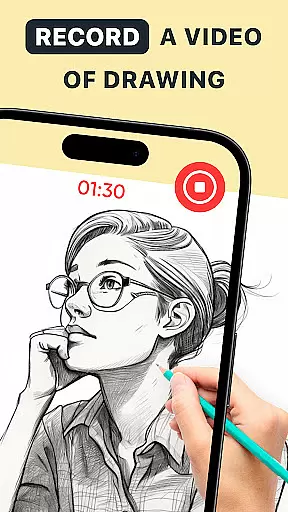
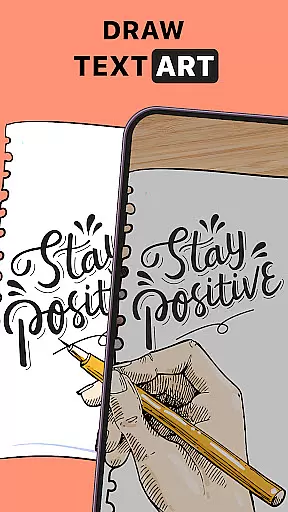
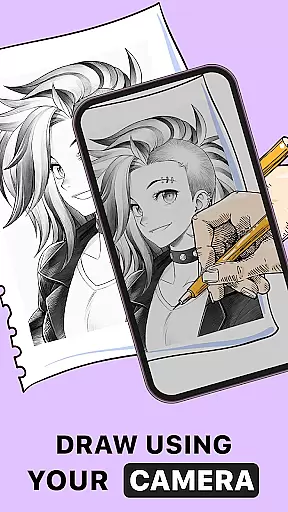
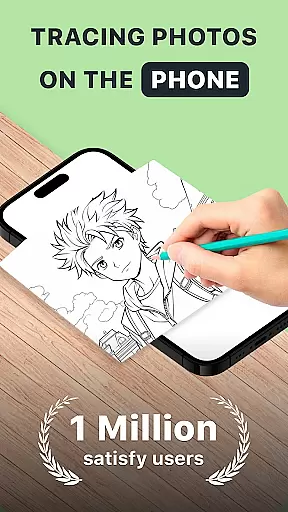
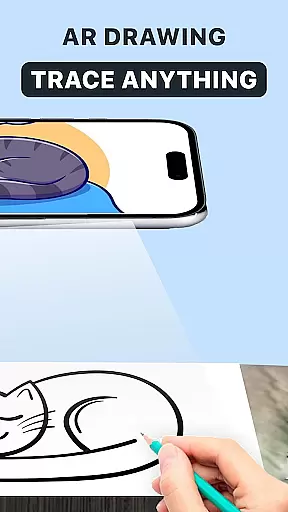
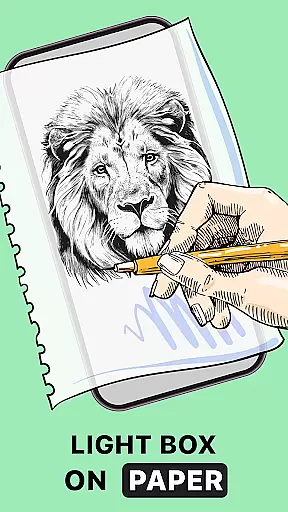
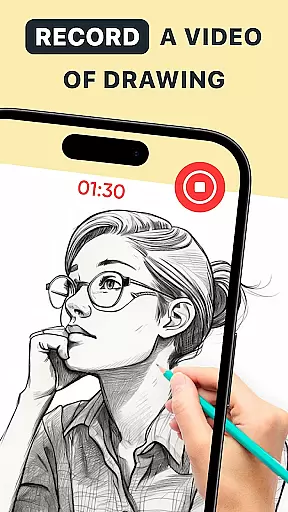
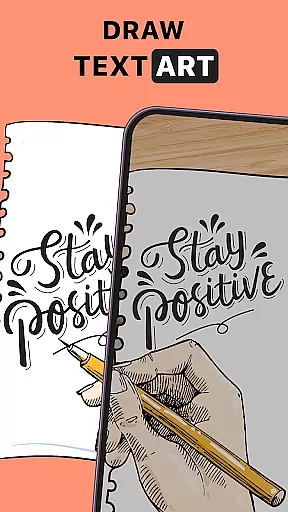
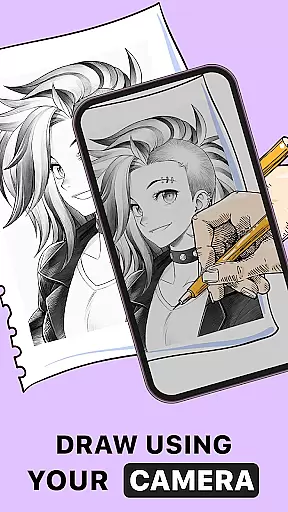
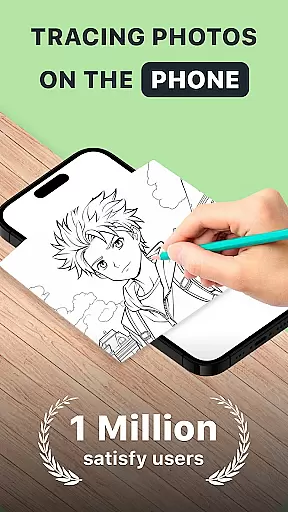
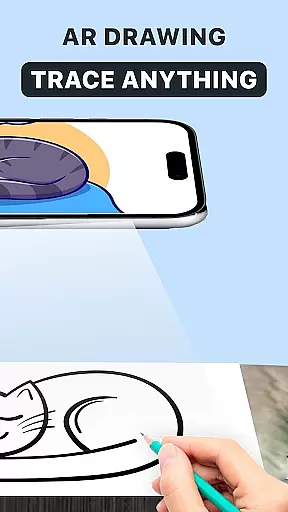
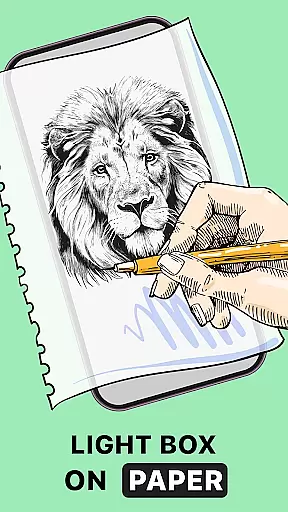
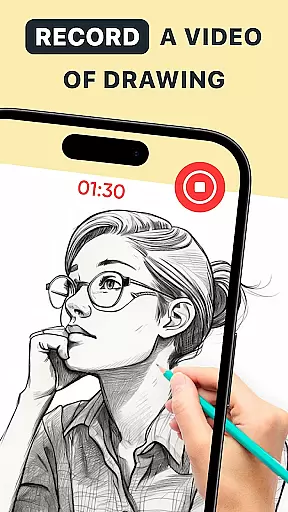
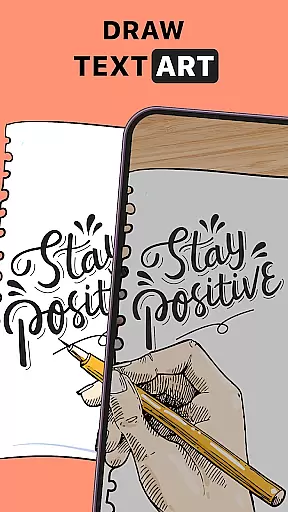
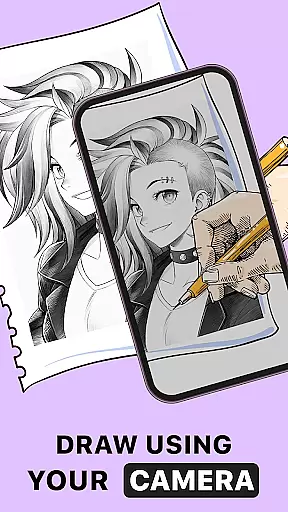
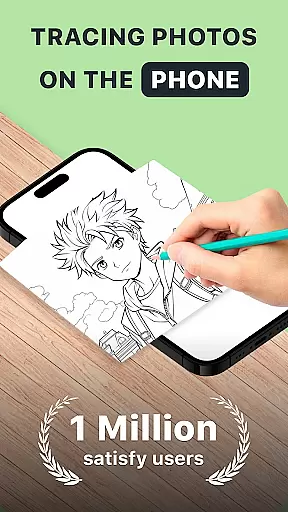
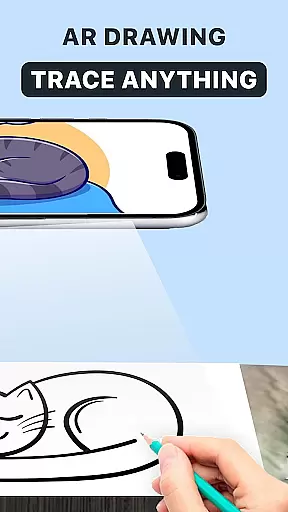
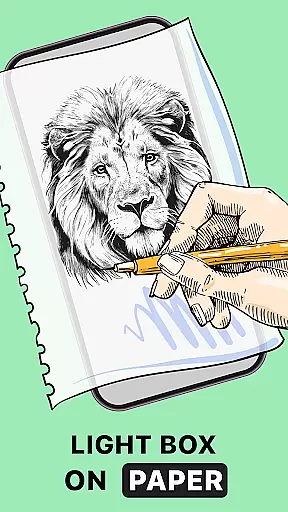
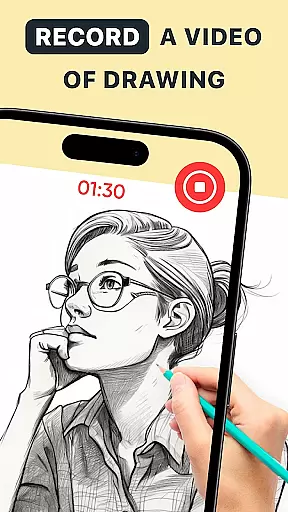
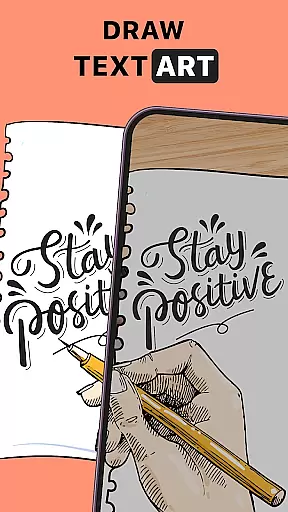
AR Drawing: Trace Anything is an innovative art application designed for both amateur and professional artists. This app revolutionizes the drawing experience by incorporating augmented reality (AR) technology, allowing users to trace and create artwork with ease. Whether you're looking to improve your drawing skills or unleash your creativity, this app provides a versatile platform that caters to various artistic needs.
The core functionality of AR Drawing lies in its ability to transform any picture into a traceable outline, effectively turning photographs into masterpieces. With features like AR tracing, time-lapse recording, and customizable drawing tools, users can explore different artistic styles while honing their craft. The app's user-friendly interface makes it accessible for all skill levels, from beginners learning to draw to experienced artists seeking new creative avenues.
Perfect for family-oriented activities or personal artistic development, AR Drawing: Trace Anything offers a comprehensive solution for creating art anywhere, anytime. Its portability and convenience make it ideal for on-the-go creativity, whether you're at home, traveling, or enjoying outdoor spaces. By combining traditional drawing techniques with cutting-edge AR technology, this app delivers exceptional value for art enthusiasts across all age groups.
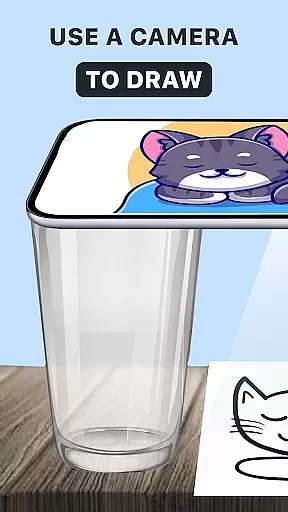
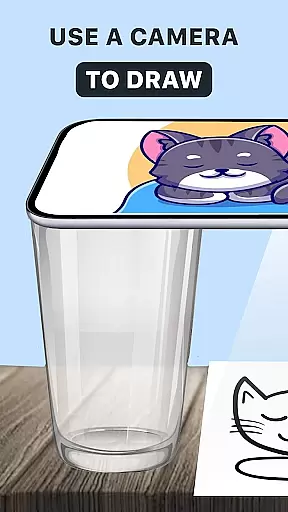
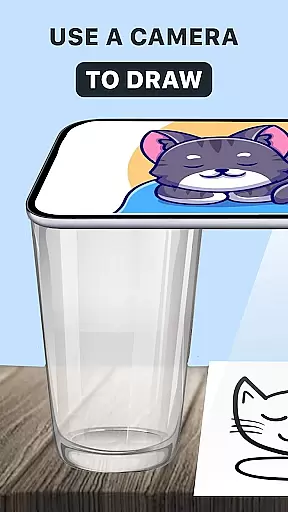
AR Drawing: Trace Anything stands out through its diverse range of innovative features tailored for modern artists. One of the app's most notable capabilities is its advanced AR tracing functionality, which allows users to overlay any image onto their physical drawing surface. This feature serves as a digital tracing paper, guiding artists through each stroke and helping them achieve precision in their work.
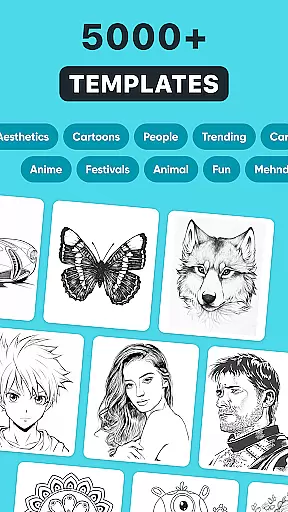
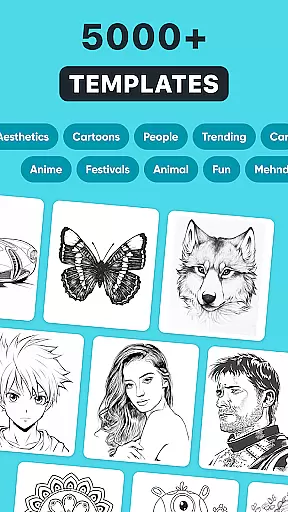
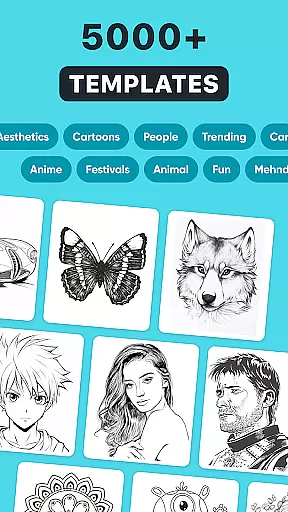
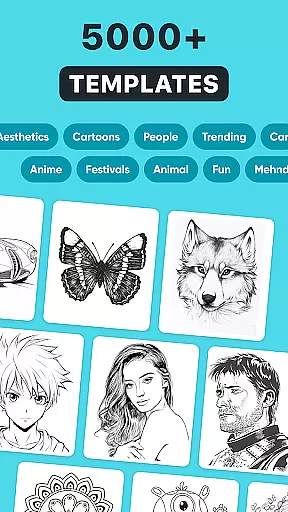
Beyond basic tracing, the app offers specialized tools for creating detailed sketches and vibrant paintings. Users can choose from multiple brush styles, adjust line transparency, and apply various effects to personalize their artwork. The built-in library provides access to numerous reference images, while the time-lapse recording feature enables artists to document their creative process and share their techniques with others.
What truly sets AR Drawing apart is its adaptability to different artistic disciplines. Whether you're interested in anime drawing, realistic portraits, or abstract compositions, the app's versatile toolkit supports various artistic expressions. The combination of traditional drawing methods with augmented reality technology creates a unique hybrid experience that enhances both learning and professional art creation.
In the realm of digital art, having access to comprehensive creative tools is essential for artists looking to express their visions fully. AR Drawing: Trace Anything offers a robust suite of features that cater to both novice and experienced artists alike. The app includes functionalities such as AR drawing, trace drawing, and an extensive sketchbook, which collectively ensure that creators have everything they need at their disposal.
One of the standout aspects of this application is its ability to transform any picture into a traceable outline, allowing users to create detailed artwork with ease. This feature not only simplifies the process of drawing but also encourages artistic exploration by removing some of the technical barriers associated with traditional methods. Additionally, the inclusion of time-lapse recording enables artists to capture their creative journey, providing valuable insights into their artistic process.
The versatility offered by AR Drawing: Trace Anything makes it suitable for various types of projects, from simple sketches to complex designs. Whether you're interested in creating anime-style illustrations or realistic portraits, the app's diverse set of tools ensures that your artistic needs are met. By offering transparent and line effects on images, users can further personalize their work, making each piece truly unique.
Flexibility in canvas and format options is crucial for artists who wish to explore different styles and mediums without being constrained by technical limitations. AR Drawing: Trace Anything excels in this area by providing users with the freedom to experiment with various formats and sizes. This adaptability allows artists to tailor their workspace according to their specific project requirements, enhancing both creativity and productivity.
The app supports importing images from either the user's gallery or its own rich library, giving creators the flexibility to choose their starting point. Once an image is selected, users can manipulate it using AR tracing techniques, effectively turning photographs into customizable templates. This capability significantly broadens the scope of what can be achieved within the app, encouraging experimentation and innovation.
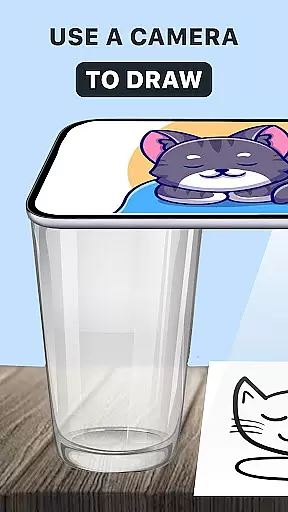
Furthermore, AR Drawing: Trace Anything facilitates seamless integration between digital and physical art forms. Artists can utilize their smartphones alongside traditional materials like paper, bridging the gap between conventional and modern artistic practices. With no need for bulky supplies, this app empowers users to draw anywhere, anytime, making it an ideal companion for spontaneous creative bursts or planned artistic endeavors.
User-friendly interface
Innovative AR features
Versatile drawing tools
Comprehensive learning resources
Excellent for skill development
Limited free features
Requires stable internet
Steep learning curve
Premium subscription needed
Device compatibility issues

Discover Cartoon Dream : Unleash Your Creativity with CuttingEdge AI
 4.50
4.50
Draw on screen: FP sDraw is a simple and lightweight drawing app
4.70
Create stunning art with AI.
4.80
Design unique, funny and adorable cat stickers that reflect your own style!
3.80
Minecraft & Roblox Clothes
4.70
2D animation studio for Android tablets - unlimited layers, infinite timeline
4.70
Everything you need to create hand drawn animation, anywhere you go!
4.40
Beauty Camera - Selfie Camera is the ultimate beauty camera and selfie app
4.30
Explore future self face age filter & remove background image for a unique look.
3.50
Mobile pixel art editor. Simple. Fast. Portable.
4.80
Make your phone cooler and have a fantastic experience
4.80
Unleash your drawing and painting potential
4.50
Trace, draw, and create art with AR - from memes to masterpieces!
4.30
Sketch, plan, take notes and illustrate on an infinite canvas.
4.20
AR Anime Drawing: How to draw anime with AR drawing & sketching apps!
4.00
Turning simple sketches into captivating tales filled with life and motion
3.90
Resize photos and print photos in exact size with our powerful photo printer!
3.80
Your homescreen as an elegant glass with customized blur, lighting, and visuals.
3.70
Apply cartoon, caricature, and portrait effects to make your photos stand out!
3.60


User Reviews