
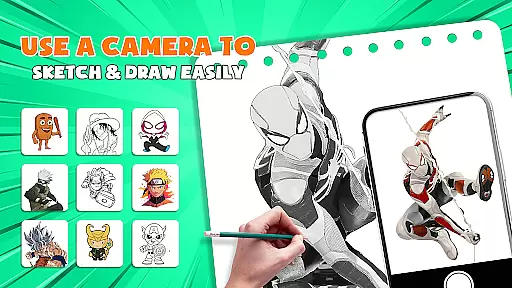
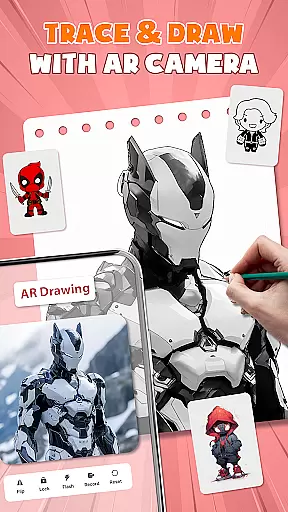
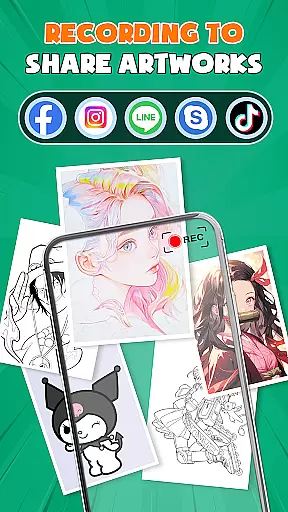
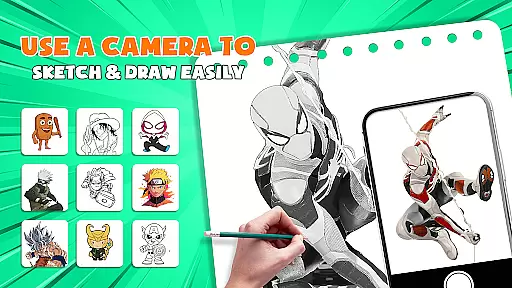
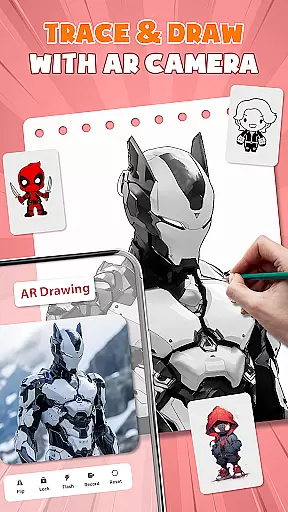
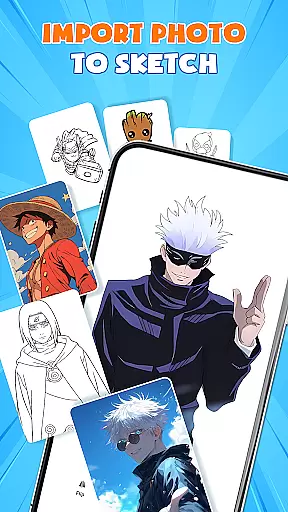
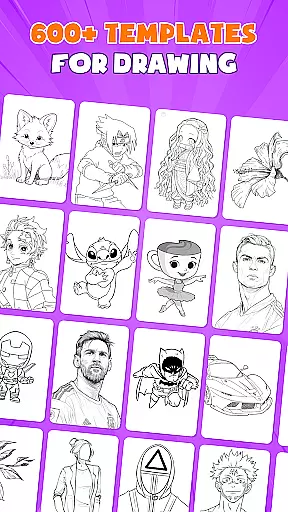
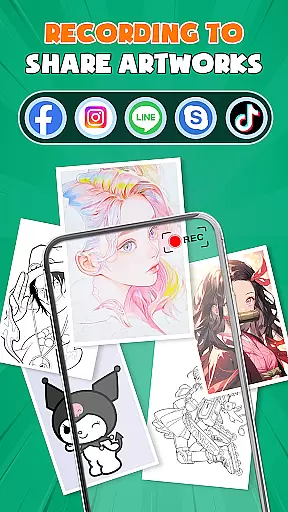
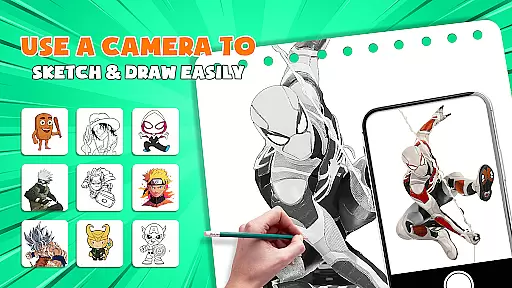
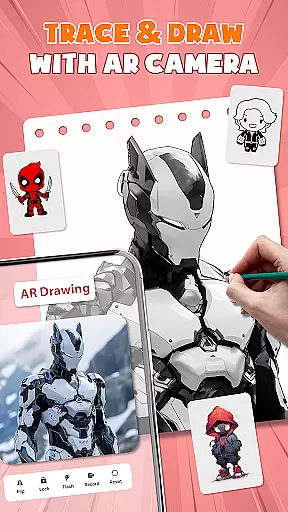
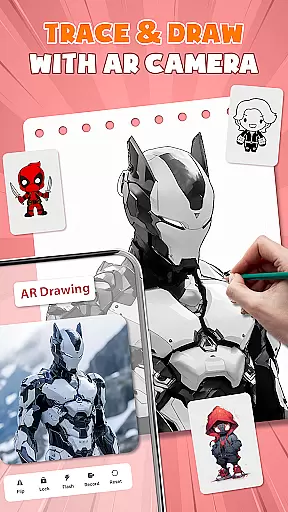
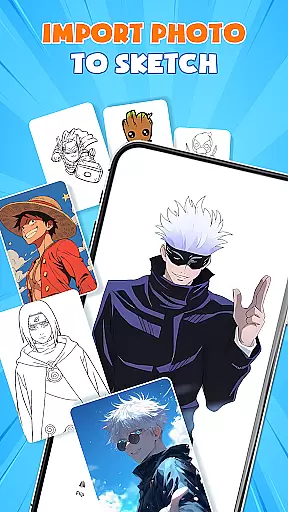
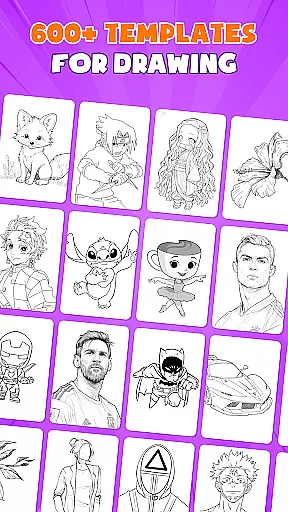
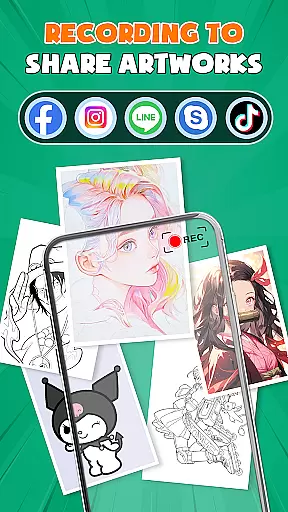
AR Drawing - Paint & Sketch is an innovative art application that combines augmented reality technology with traditional drawing techniques. This app allows users to create anime-style artwork using advanced AR tracing and sketching tools. With features like AR projection, precise tracing overlays, and a vast library of free templates, the app caters to both beginners and professional artists.
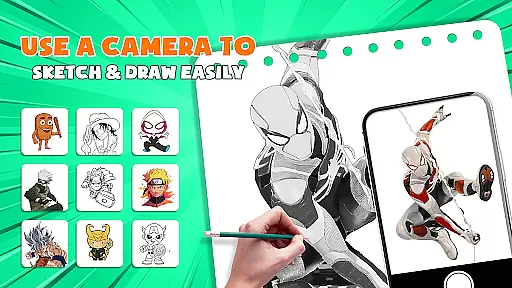
The application's standout feature is its ability to transform your device into a mobile projector for accurate tracing. Users can import images, adjust settings in AR view, and trace directly onto paper or canvas. The app also includes comprehensive painting tools, anime-specific features, and a community platform for sharing and feedback. Whether you're learning to draw or mastering advanced techniques, this app provides all the necessary tools to elevate your artistic skills.
Perfect for modern artists who want to blend traditional techniques with cutting-edge technology, AR Drawing - Paint & Sketch offers a complete solution for creating professional-quality artwork. From simple sketches to complex anime illustrations, this app streamlines the creative process while maintaining artistic integrity.
AR Drawing - Paint & Sketch distinguishes itself through a comprehensive set of features designed for artists of all levels. The app's AR projection and tracing functionality allows users to precisely trace real-world objects and images, making it an excellent tool for beginners learning fundamental drawing skills. Advanced users can take advantage of specialized modes including anime studio presets, tattoo drawing, and pencil art simulations.
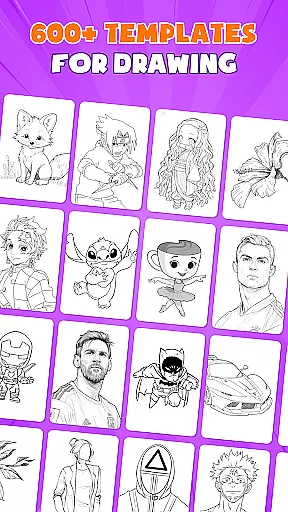
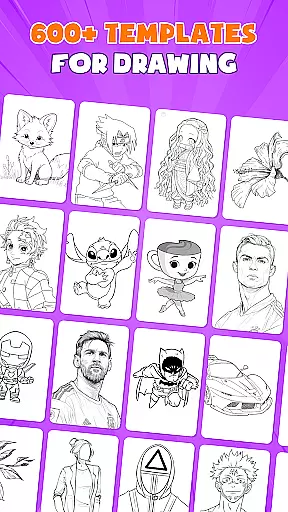
The application provides over 1000 free sketch templates and integrates various drawing apps' best features into one comprehensive platform. Artists can enjoy a full suite of painting tools with vibrant brushes, shading options, and color palettes. The inclusion of drawing games and competitive tournaments adds an engaging element to the creative process, while the easy-to-use interface ensures accessibility for all users regardless of their experience level.
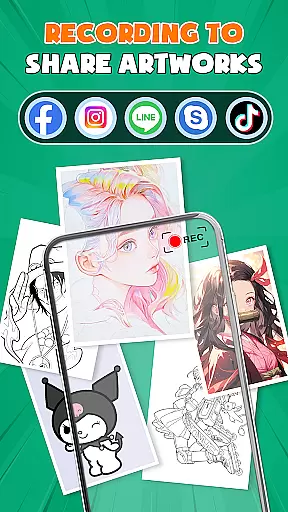
Unique to this app is its community connection feature, allowing artists to share their work, receive feedback, and collaborate with others. The combination of professional-grade tools, educational resources, and social interaction creates an ecosystem where artists can grow and refine their skills while staying connected with the broader art community.
In the realm of digital artistry, having a comprehensive suite of creative tools is paramount. AR Drawing - Paint & Sketch offers an extensive array of features that cater to both budding artists and seasoned professionals. The app includes AR projection and tracing capabilities, allowing users to transform their devices into mobile projectors for precise sketching overlays.
Moreover, the inclusion of a full suite of painting apps ensures that users can shade with AR pencil drawing, apply vibrant brushes, and enjoy both art drawing and art sketch functionalities in one place. With over 1000+ free templates available, the app provides a rich library of drawing template free sketch samples, making it easier than ever to find inspiration or practice specific techniques.
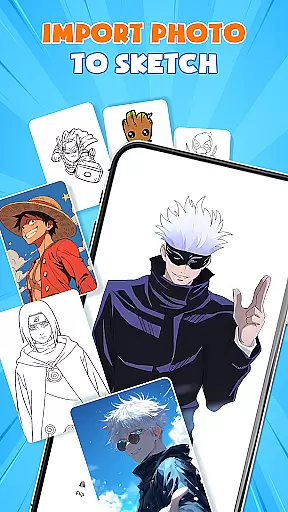
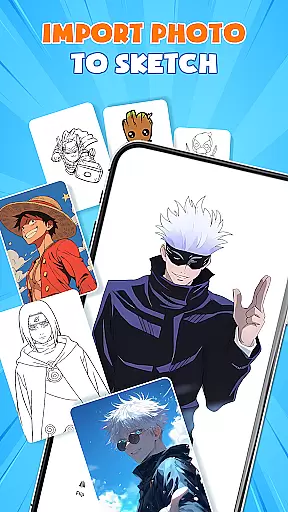
The app also supports picture importing, enabling users to adjust opacity and trace directly from their gallery images. This feature transforms any photo into instant artwork, expanding the horizons of creativity. Additionally, specialized modes such as Tattoo & Pencil Art allow for realistic tattoos or detailed pencil sketches, further enhancing the versatility of this all-in-one AR drawing solution.
Flexibility in canvas and format options is crucial for artists who wish to explore various mediums and styles without constraint. AR Drawing - Paint & Sketch excels in providing users with the freedom to create on their terms. Whether you're looking to draw anime or engage in more traditional forms of art, the app's support for different drawing flows and precision sketching tools ensures that your vision can be fully realized.
Users can select or import images from galleries or pre-existing templates, adjusting size, position, and transparency within the AR view to fit their artistic needs. This ability to manipulate the canvas empowers creators to experiment with compositions and perspectives before committing to a final piece. Furthermore, the option to switch between paint mode and tracing functions allows seamless transitions between coloring and line work.
With its community connect feature, AR Drawing - Paint & Sketch encourages sharing creations, following other artists, and receiving feedback, which fosters a collaborative environment where ideas and techniques can be exchanged freely. This connectivity not only enhances individual projects but also contributes to a dynamic ecosystem of continuous learning and growth in digital art.
User-friendly interface
Extensive template library
Advanced AR tracing
Comprehensive painting tools
Active artist community
Requires stable internet
Steep learning curve
Premium features costly
Device compatibility issues
Limited offline functionality

Create sweet, cool and unique couple avatars easily, in just a few steps!
 3.40
3.40
Easy 3D drawing design maker & creator. Model designing, Sculpting. Create&paint
4.00
Custom Character Creator & PFP Maker!
4.20
Create neon drawing with magic doodle and fun doodle art effects!
4.50
Create stunning video, photo & magic from text with FlixAI GPT video generator.
3.10
The perfect place to start sketching! Use Sketchbook to draw and paint sketches.
4.50
Powerful home decoration & house design that allows you to design dream home.
3.80
Resize photos and print photos in exact size with our powerful photo printer!
3.80
How to draw anime step by step for beginner easily by AR drawing sketch & paint.
3.60
Make your phone cooler and have a fantastic experience
4.80
Minecraft & Roblox Clothes
4.70
Digital, Abstract, Classic - all types of color wheels in one app!
4.60
Turn your drawings into flipbook-style animations with simple creative tools
4.60
Sketch, plan, take notes and illustrate on an infinite canvas.
4.20
Create stylish invitation cards using templates for weddings, birthdays & RSVP.
4.20
Text to Image, Image to Video & AI Chat
4.20
Unleash Your Creativity with Draw Cartoon - AR Drawing App
4.10
OneUI 8.5 icons ✨ Smooth, modern & based on the latest Play Store design ??
4.10
Floor Plan Creator lets you create, edit and share floor plans.
4.00


User Reviews