
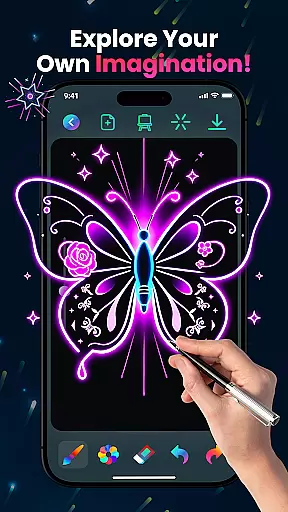
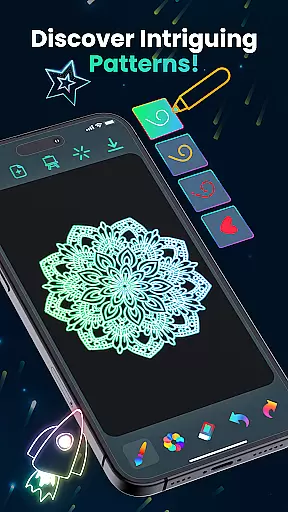
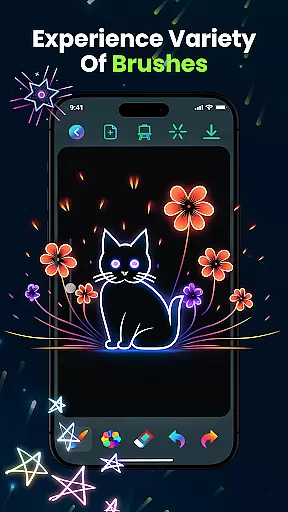
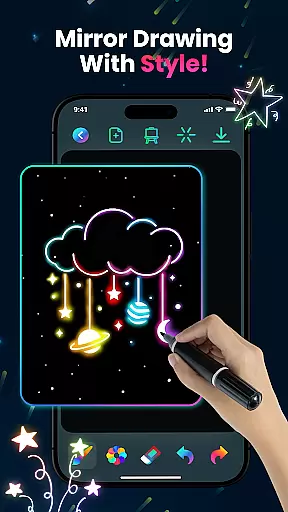
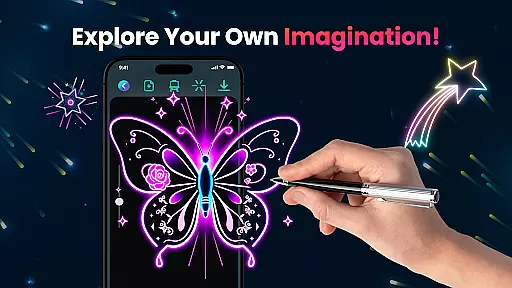
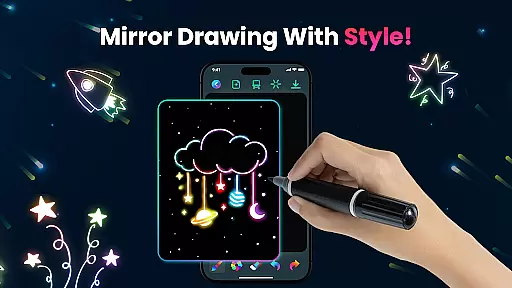
Magic Doodle is an innovative art and design application that allows users to create stunning neon artworks with ease. The app features a wide array of vibrant colors and glowing brushes, providing an immersive drawing experience on a spacious canvas.
Designed for both beginners and professionals, Magic Doodle offers intuitive sketch tools and an easy-to-use interface, making it simple for anyone to express their artistic vision. Whether you're looking to create magical doodles or detailed neon sketches, this app has everything you need to bring your ideas to life.
The app's standout feature is its ability to transform ordinary drawings into glowing masterpieces. With built-in undo and redo functions, users can experiment freely without fear of mistakes. Perfect for stress-free creative expression, Magic Doodle is ideal for artists of all ages who want to explore the magic of neon art.
Magic Doodle stands out in the Art & Design category due to its rich set of features tailored for creative expression. One of its main highlights is the collection of vibrant neon glow colors that give each artwork a unique and mesmerizing appearance.
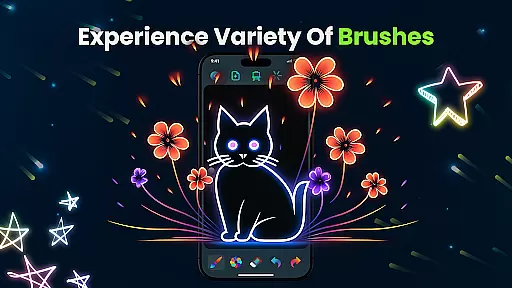
The app provides various glowing brushes and sketch tools that mimic real-life drawing instruments, allowing users to create intricate designs effortlessly. Its user-friendly interface ensures that even those new to digital art can navigate and utilize these features with ease.
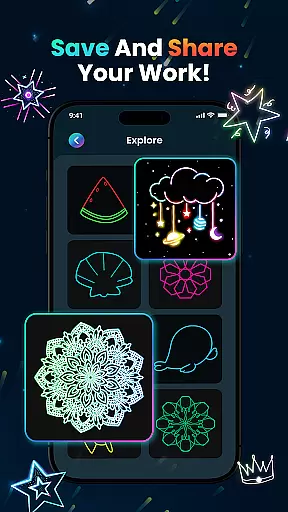
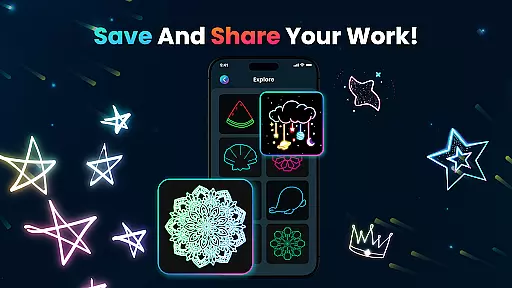
Additional functionalities include the ability to save and share creations directly on social media, making it convenient for users to showcase their work. The kid-friendly design also makes Magic Doodle an excellent choice for younger artists, offering a safe space for them to learn and experiment with painting techniques.
In the realm of digital art, having a comprehensive set of creative tools is essential for artists to fully express their visions. Magic Doodle offers an impressive array of features that cater to both budding and experienced artists. The app provides users with vibrant neon glow colors and glowing brushes, which are pivotal for creating stunning artworks.
With Magic Doodle, you have at your disposal sketch tools that allow for magical doodling experiences. These intuitive tools ensure that whether you're drawing simple sketches or complex designs, the process is seamless and enjoyable. The inclusion of undo and redo functions empowers creators to experiment without the fear of making irreversible mistakes, thus enhancing the creative flow.
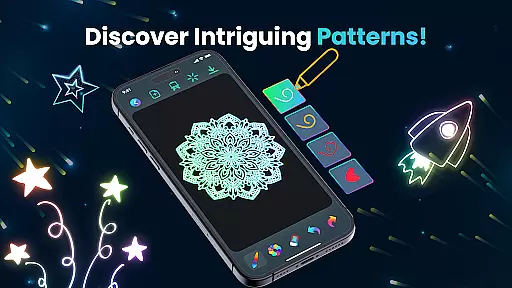
The true value of these complete creative tools lies in their ability to transform ideas into glowing artworks effortlessly. Artists can explore different styles and techniques, from neon mandalas to kaleidoscope art, knowing that the app's features will support their artistic journey every step of the way.
A flexible canvas is the foundation of any great artwork, allowing creators the freedom to work on various scales and formats. Magic Doodle understands this need and offers a wide drawing canvas that is perfect for all types of neon art creations. This expansive space gives artists the room they need to express their creativity without feeling constrained by the medium.
Magic Doodle doesn't just stop at providing a large canvas; it also ensures compatibility with different formats, which means that your artwork can be easily saved and shared across multiple platforms. Whether you want to post your masterpiece on social media or print it for display, the app makes sure that your work looks impeccable in any format.
This level of canvas and format flexibility found in Magic Doodle not only enhances user experience but also broadens the scope of what can be achieved within the app. It invites users to push boundaries and explore new possibilities in digital art, making it an ideal choice for anyone looking to dive into the world of glowing neon colors.
User-friendly interface
Vibrant color options
Undo and redo functionality
Social sharing capabilities
Kid-friendly environment
Limited advanced tools
No offline mode available
Occasional ads interruption
Premium features require payment
Learning curve for complex designs

AI generated images & photos, turn your words into drawing, painting & pictures.
 4.30
4.30
Digital Drawing: Draw & Paint
4.10
Digital illustration drawing & painting pad app to paint Anime and Manga art
4.50
Your Essential Color Theory Guide: Red, Yellow, Blue (RYB)
4.3
Castle is social media for creating and playing games!
4.60
Painting, drawing, & sketching
4.50
Android 14 style widgets and wallpapers app.
4.2
Kling AI is an image and video generation and editing studio powered by AI.
4.50
Draw, make movies & animate cartoons easily with our 2D animation maker app
4.40
Minecraft & Roblox Clothes
4.70
Image resizer to resize, crop, rotate, flip, change dpi photo or picture in bulk
4.60
Stylish letters, Stylish Keyboard, Symbols, Emojis, Cool nickname
4.40
Sketch and paint on your device with the feel and freedom of drawing on paper
4.00
Design your dream room with AI. Get decor ideas & plan home interiors
3.90
Paint with oils and sketch with natural tools on a realistic virtual canvas.
3.80
Your homescreen as an elegant glass with customized blur, lighting, and visuals.
3.70
Vidu is an AI video generator made for creators and aspiring makers.
3.30
Create trending AI photos & videos with powerful effects and 3D styles.
3.20
Art of Combination Wear OS Watch faces
4.2


User Reviews