
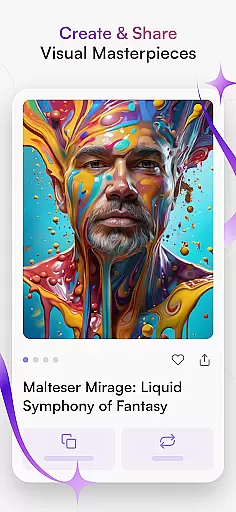
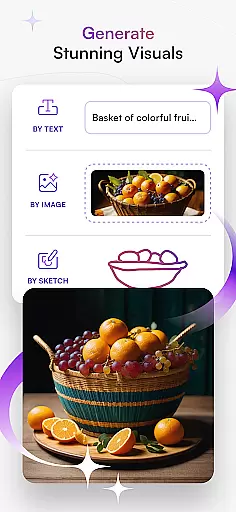
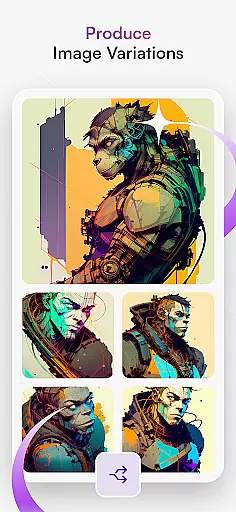
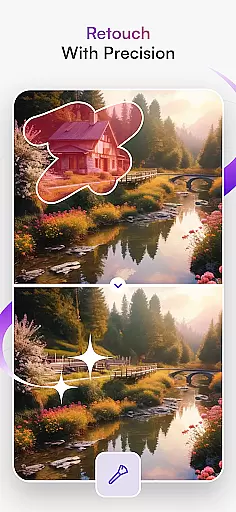
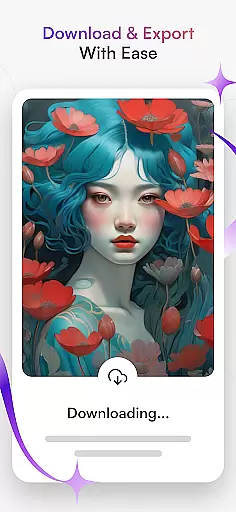
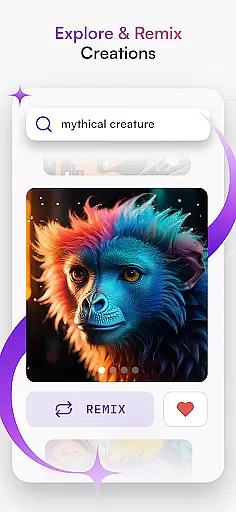
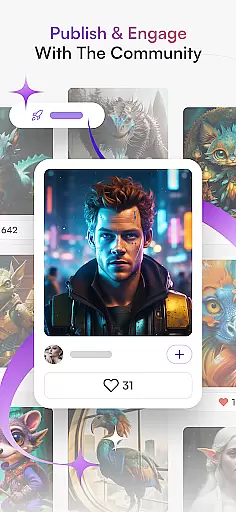
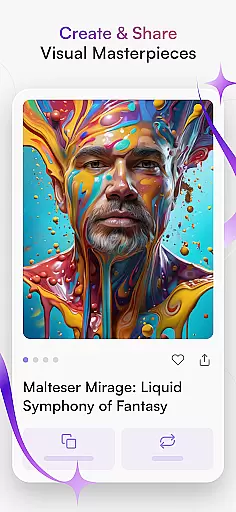
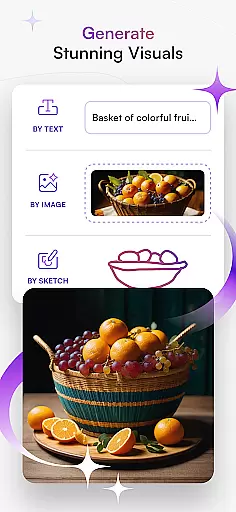
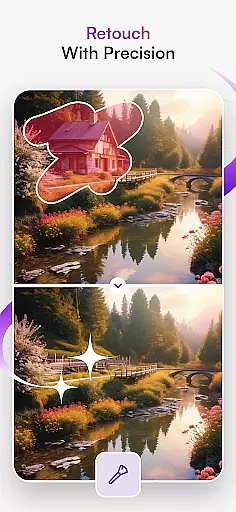
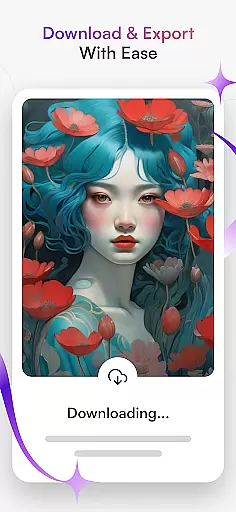
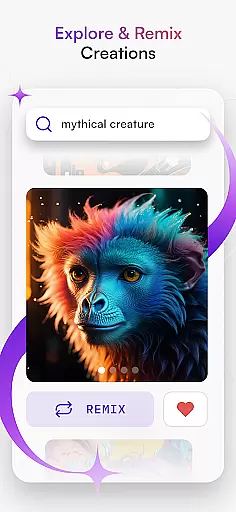
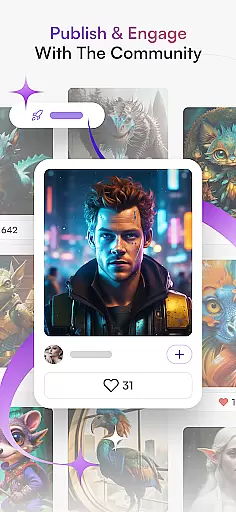
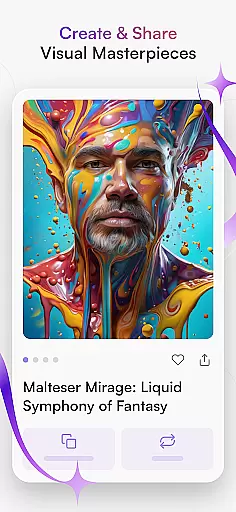
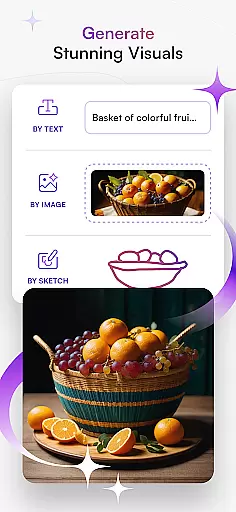
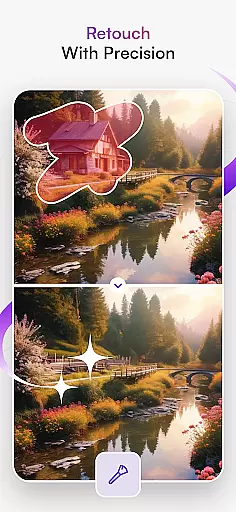
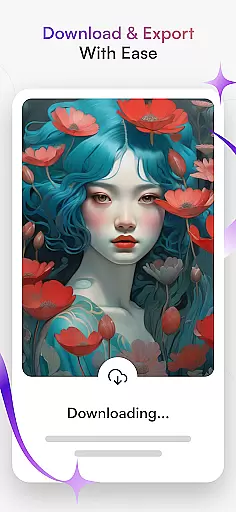
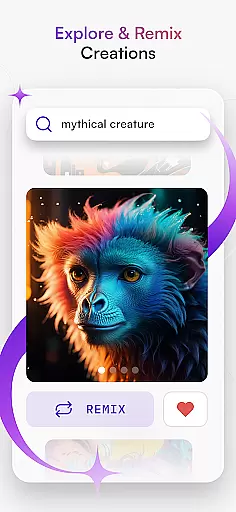
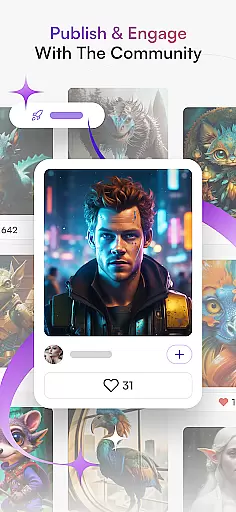
starryai is an advanced AI art generator that transforms creative ideas into stunning digital artworks. The app offers a comprehensive suite of tools including Text to Image, Image Variations, and AI Portrait Generator, enabling users to create everything from anime-inspired designs to hyperrealistic landscapes.
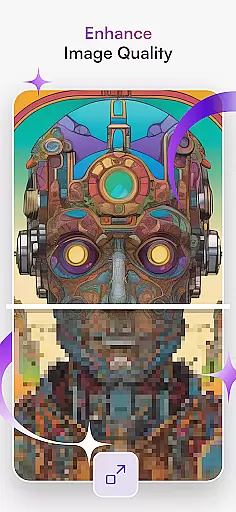
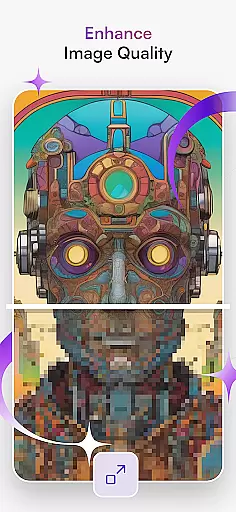
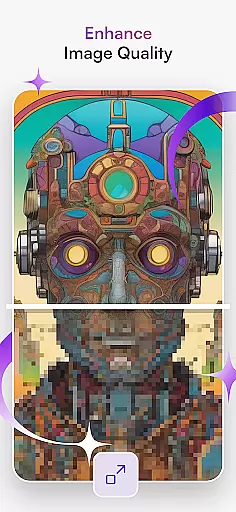
Beyond basic art generation, starryai provides specialized features like AI Avatar Generator and Anime AI, catering to diverse artistic needs. Whether you're an experienced artist or a beginner, the platform's intuitive interface allows for effortless creation of professional-quality visuals. Users can also enhance image quality and share their creations within the app's community.
This versatile application serves as a complete art studio in your pocket, making it particularly valuable for digital artists, designers, and creatives who need to quickly visualize concepts or develop finished pieces. The AI-powered tools help bridge the gap between imagination and execution, while the built-in sharing capabilities facilitate collaboration and feedback.
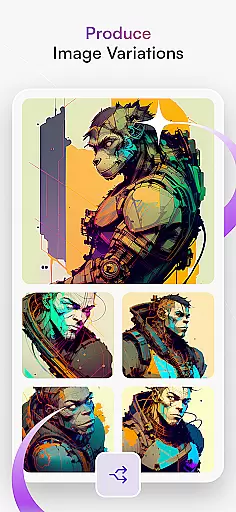
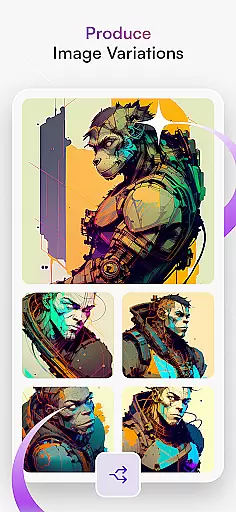
starryai distinguishes itself through its comprehensive feature set tailored for modern digital artists. The Text to Image functionality allows users to generate complex visuals from simple text prompts, while the Image Variations tool creates multiple interpretations of a single concept with remarkable detail and realism.
The application's AI Drawing and AI Portrait Generator capabilities demonstrate particular innovation. These tools don't just apply filters but actually analyze and reinterpret visual elements, producing unique artworks that maintain essential characteristics while exploring new artistic directions. The Anime AI feature specifically caters to fans of Japanese animation styles, offering specialized algorithms for authentic results.
Additional notable features include the AI Avatar Generator for creating personalized digital personas, and robust image enhancement tools that improve photo quality while preserving artistic integrity. The platform also supports NFT creation and provides resources for graphic design and tattoo concepts, making it a valuable tool for both commercial and personal artistic projects.
In the realm of digital art, having a comprehensive set of creative tools is essential for artists to fully express their visions. starryai - AI Art Generator stands out by offering an extensive suite of features that cater to various artistic needs. From transforming textual descriptions into stunning visuals with its Text to Image capability, to refining existing images with Image Variations, the app ensures every artist has what they need.
Moreover, the inclusion of specialized tools like the AI Portrait Generator and Anime AI allows users to explore specific styles in depth. Whether it's capturing the essence of a subject or creating artwork inspired by popular anime, these dedicated functions enhance the creative process. The AI Drawing feature further extends this versatility by supporting different forms of sketching and painting.
The true value of starryai lies in how it empowers both novice and professional artists alike. By providing access to advanced technologies such as AI Avatar Generator for personalized digital personas, alongside options for enhancing image quality, users can push the boundaries of their creativity. This complete toolkit not only simplifies complex tasks but also opens up new avenues for artistic exploration.
Flexibility in canvas size and format compatibility is crucial for artists who wish to work across different mediums and platforms. starryai addresses this need by ensuring that creators are not limited by predefined dimensions or file types. With support for a wide range of formats, from standard raster images to more specialized ones used in graphic design and NFT creation, the app provides unparalleled freedom.
This flexibility extends beyond just saving and exporting files; it encompasses the entire creative workflow within starryai. Artists can seamlessly transition between working on small-scale sketches and large-format prints without losing any detail or quality. Such adaptability makes it easier than ever before to bring ideas from concept to completion, regardless of the intended output medium.
By prioritizing canvas and format flexibility, starryai enables artists to focus solely on their craft. Whether designing graphics for social media, developing concepts for tattoos, or generating unique pieces for sale as NFTs, users have the assurance that their work will meet industry standards. Ultimately, this empowers creators to reach wider audiences while maintaining full control over their artistic vision.
User-friendly interface
Wide range of art styles
Powerful AI algorithms
Active community support
Frequent feature updates
Premium features locked
Occasional processing delays
Limited free usage
Steep learning curve
Resource-intensive operation

Custom Character Creator & PFP Maker!
 4.20
4.20
AI Face Swap, Video Effects Editor, Realtime Morph, Funny Video FX,AI Filters
3.70
Convert image to JPG PNG HEIC PDF, support almost all kinds of image formats
4.70
Painting, drawing, & sketching
4.50
Novices can also easily complete diamond painting masters
4.70
Turn your drawings into flipbook-style animations with simple creative tools
4.60
Photo stitcher for automatically screenshot stitching into a long screenshot
4.70
Explore future self face age filter & remove background image for a unique look.
3.50
Multiplayer Drawing game, Coloring, Painting・Sketch, Handwriting・Paint, draw
4.30
Draw anime & manga drawing, art with templates to create stunning picture!
4.50
Stylish letters, Stylish Keyboard, Symbols, Emojis, Cool nickname
4.40
Everything you need to create hand drawn animation, anywhere you go!
4.40
Sketch, plan, take notes and illustrate on an infinite canvas.
4.20
Art of Combination Wear OS Watch faces (for Wear OS 5+ devices)
3.90
Turning simple sketches into captivating tales filled with life and motion
3.90
Create cute cat emojis & PFPs! Fun, custom avatars for cat lovers.
3.70
Create sweet, cool and unique couple avatars easily, in just a few steps!
3.40
Sketch, trace and master AR drawing with awesome anime art!
3.30
Transform photos into amazing monochrome dither art with professional algorithms
4.3


User Reviews