
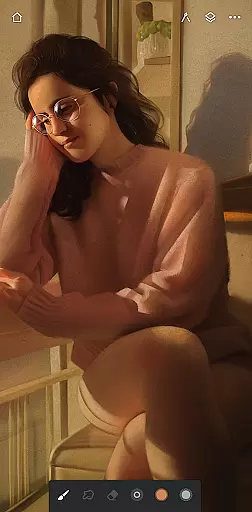
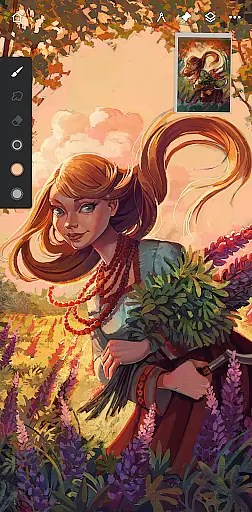
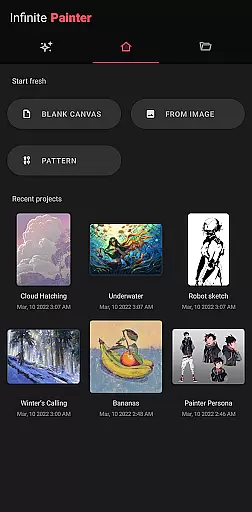
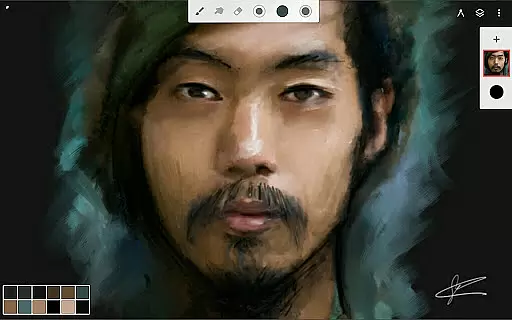
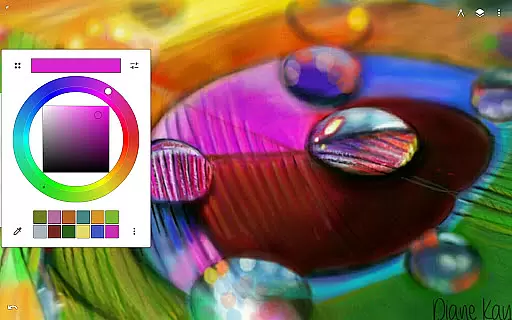
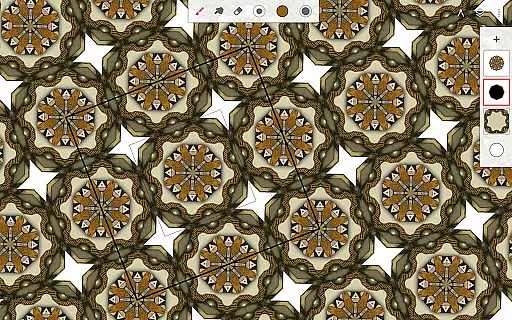
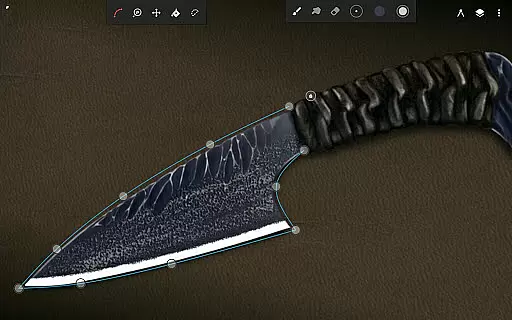
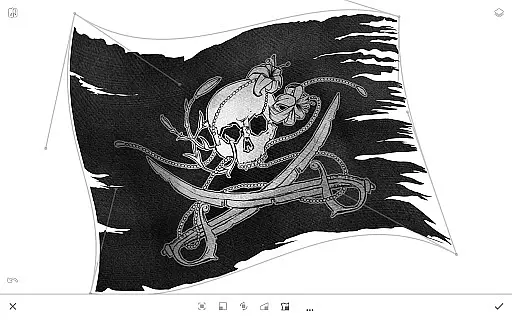
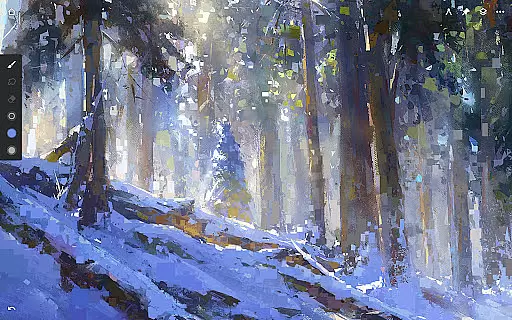
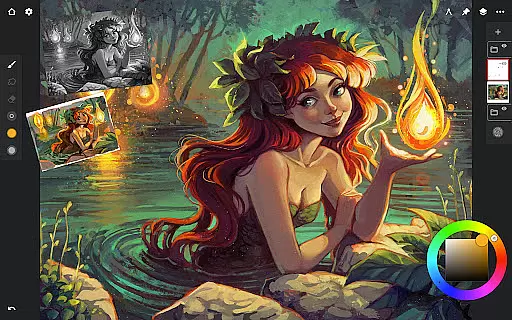
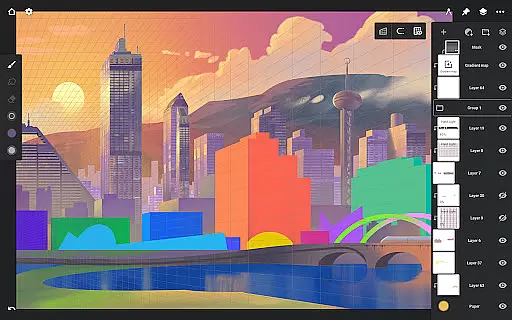
Infinite Painter is a premier digital art application designed for artists seeking professional-grade tools on their mobile devices. This award-winning app offers an extensive range of features including realistic brushes, advanced layer support, and precise drawing guides.
With its intuitive interface and robust toolset, Infinite Painter caters to both hobbyists and professional artists. The app's versatility allows users to create detailed artwork, from sketches to fully rendered paintings, while supporting stylus input for a natural drawing experience.
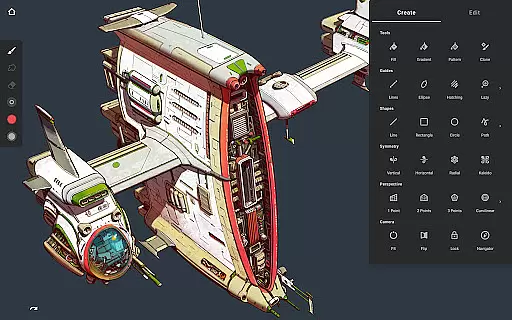
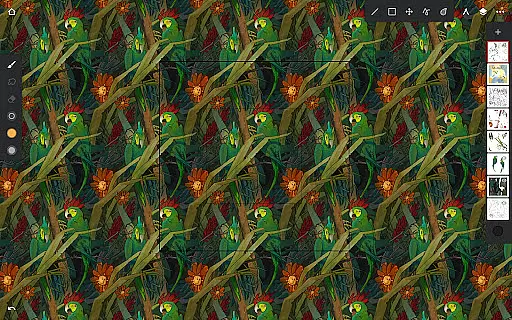
Whether you're designing 3D cityscapes with perspective guides or creating seamless patterns, this app provides the necessary tools to bring your artistic vision to life. Its powerful features make it suitable for various creative projects across different industries.
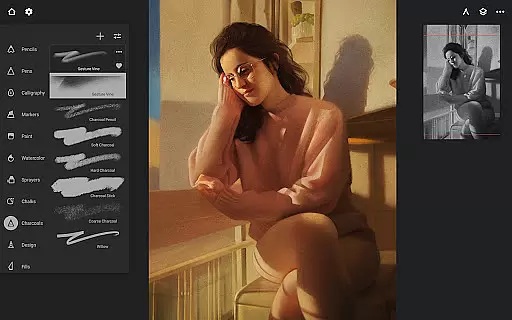
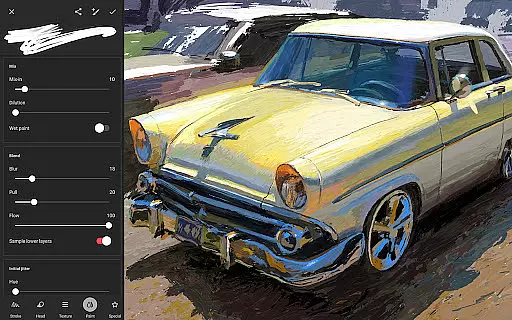
Infinite Painter stands out with its comprehensive brush engine that includes hundreds of customizable brushes and realistic canvas interactions. Artists can adjust over 100 brush settings and organize their favorite brushes into sets for easy access.
The app's innovative workspace tools help maximize productivity. Features like gesture-based canvas control, customizable interface, and project history allow artists to focus on their work without distractions. The symmetry tools and smart shape detection further enhance precision.
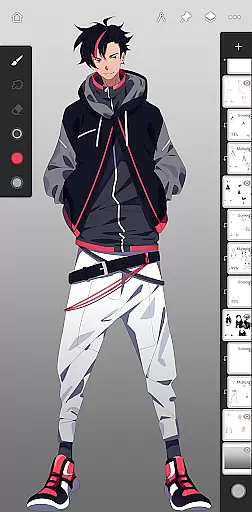
For professional workflows, Infinite Painter offers industry-standard features such as 64-bit deep color support, 30 blend modes, and non-destructive editing through masks and adjustment layers. These capabilities ensure high-quality results while maintaining flexibility throughout the creative process.
Infinite Painter offers an extensive suite of creative tools that cater to both amateur and professional artists. The app includes hundreds of built-in brushes with realistic brush-to-canvas interactions, offering over 100 customizable settings. This allows users to fine-tune their tools to match their unique style and technique.
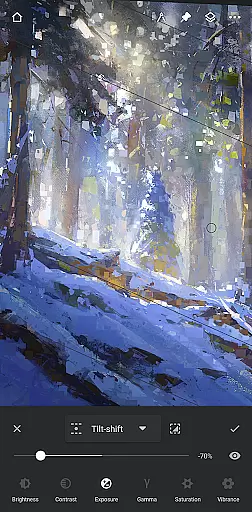
Beyond brushes, the app supports a variety of other artistic mediums. Users can work with layers, each supporting 30 blend modes, and take advantage of advanced features like gradient maps, color curves, and filter layers. Infinite Painter also provides industry-leading color correction and over 40 live filter effects, ensuring every piece can be perfected to the artist's vision.
For those focused on precision, the app includes innovative guides such as Radial or Kaleidoscope symmetry, and smart shape detection. Perspective guides help in designing 3D cityscapes, while isometric perspective aids in creating game art. These diverse tools ensure that no matter the project, Infinite Painter has the necessary instruments to bring creative ideas to life.
The canvas and format flexibility in Infinite Painter empowers artists to customize their workspace for maximum efficiency and creativity. With support for 64-bit deep color, users can paint with rich, vibrant colors at high resolutions. The app allows for HD canvas sizes and a multitude of layers, which depend on the device's capabilities and canvas dimensions, thus providing a highly adaptable digital canvas.
Artists can manipulate their work using powerful selection tools and seamless pattern projects. The app enables transformations across multiple layers simultaneously, maintaining quality through Photoshop-like smart layers. Additionally, users can employ cropping, resizing, and liquify tools to adjust their artwork precisely, ensuring complete control over the final output.
Infinite Painter also facilitates various export options, allowing creations to be shared in formats such as JPG, PNG, WEBP, ZIP, layered PSD files, or Painter projects. This versatility ensures that artists can seamlessly integrate their work into different workflows or share it with the community, making the app a comprehensive solution for all digital art needs.
Intuitive user interface
Extensive brush customization
Powerful layer management
Professional color tools
Active artist community
Limited free features
Steep learning curve
High system requirements
Occasional performance issues
Subscription required for pro tools

Premium version of Shimeji-ee app with no ads & no limit active shimeji
 4.0
4.0
Paint with oils and sketch with natural tools on a realistic virtual canvas.
3.80
See Color, Paint Color
4.90
Draw anime easily with AR guidance, sketch templates & trace tools!
3.10
Novices can also easily complete diamond painting masters
4.70
Turn your drawings into flipbook-style animations with simple creative tools
4.60
Beauty Camera - Selfie Camera is the ultimate beauty camera and selfie app
4.30
Create amazing pictures and unleash your creative genius with AR Drawing Sketch
4.40
AI-powered photo & video creation—fast, fun, and effortless with Quick Actions
4.60
Make your phone cooler and have a fantastic experience
4.80
Convert image to JPG PNG HEIC PDF, support almost all kinds of image formats
4.70
Draw, fidget, and spin glow art! Relax and express your creativity with a finger
4.60
Draw anime & manga drawing, art with templates to create stunning picture!
4.50
Kling AI is an image and video generation and editing studio powered by AI.
4.50
Remove Background, Magic Eraser, Photo Enhancer, Story Templates, Collage Maker
4.30
800+ Drawing, Painting Lessons App to Practice, Sketch & Paint Art.
4.30
Text to Image, Image to Video & AI Chat
4.20
Art of Combination Wear OS Watch faces (for Wear OS 5+ devices)
3.90
Art of Combination Wear OS Watch faces
4.2


User Reviews