
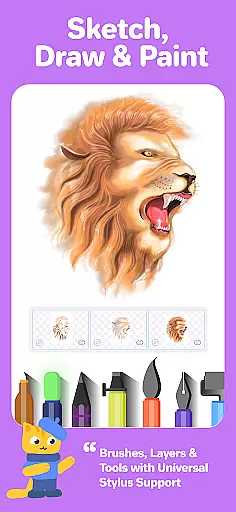


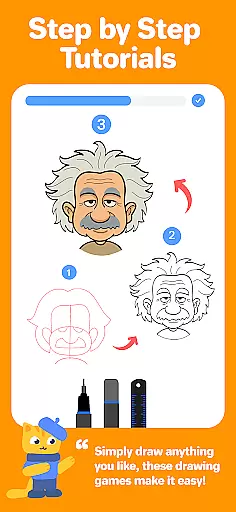

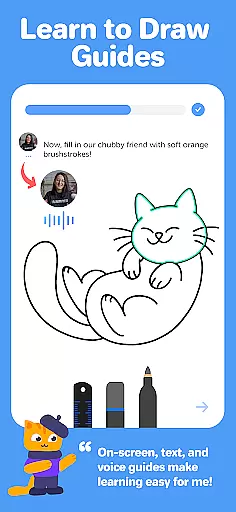

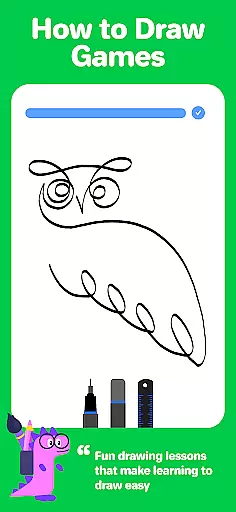
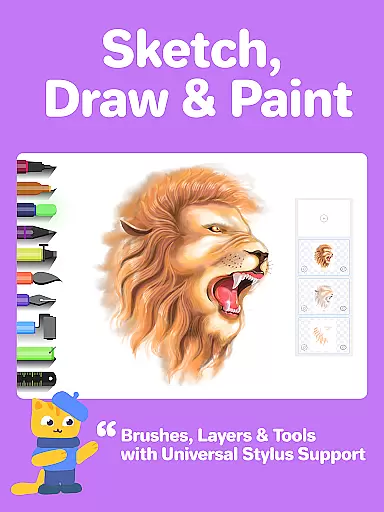
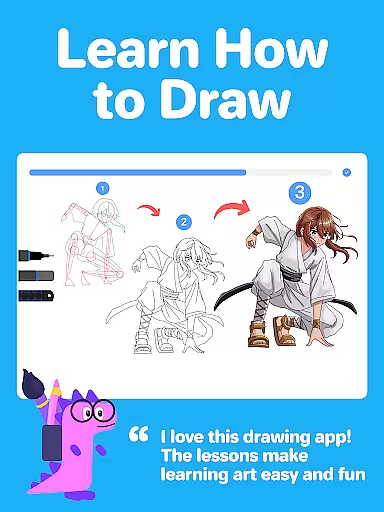



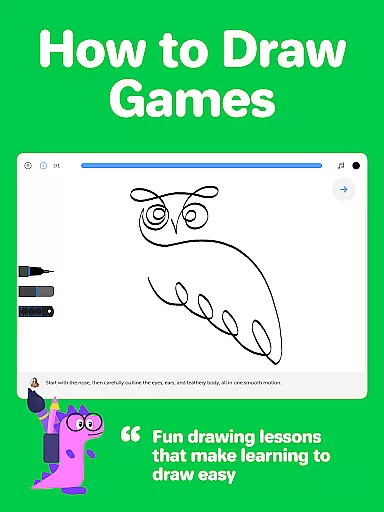



Drawing Desk is a premier digital art application designed for both beginners and advanced artists. With over 70 million users worldwide, this app offers an extensive suite of drawing and painting tools including pencils, crayons, watercolor brushes, and more. It provides a platform to learn and practice art skills through interactive lessons and masterclasses conducted by professional artists.
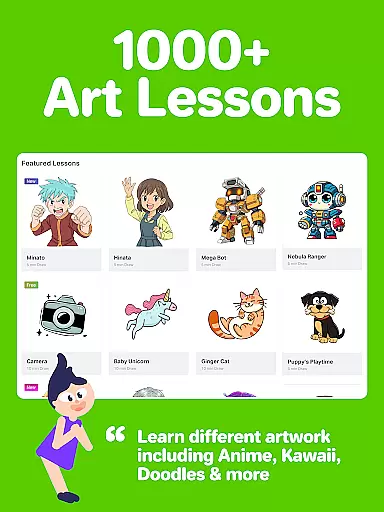
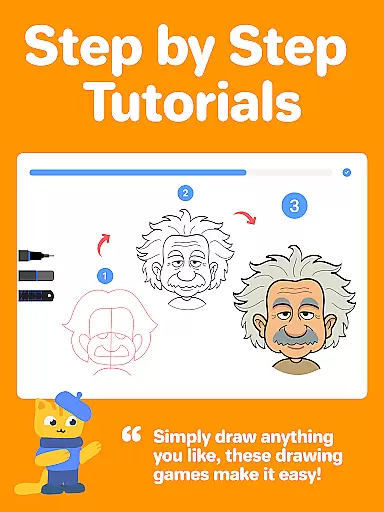
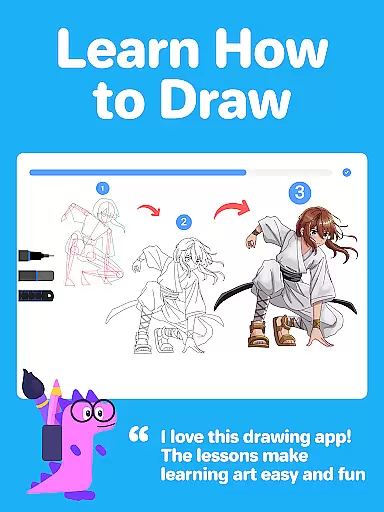
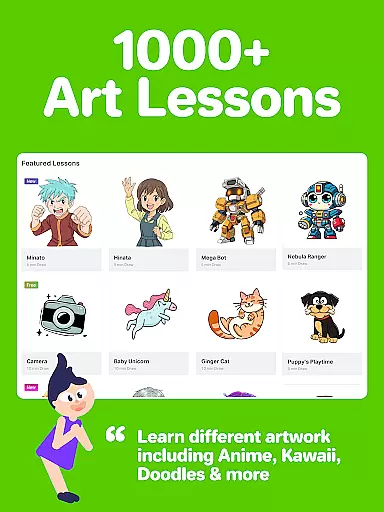
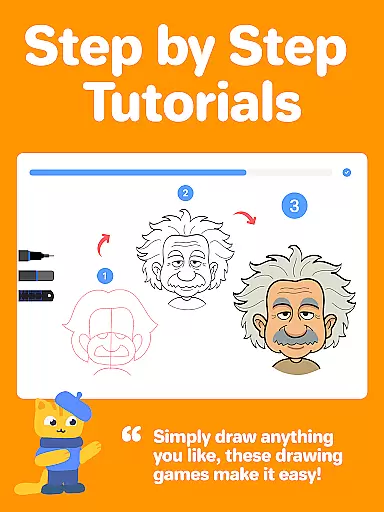
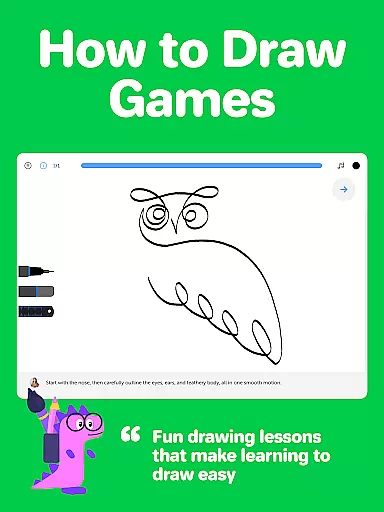
The app features 1000+ step-by-step drawing lessons covering various styles such as Anime, Manga, and Kawaii. Users can select personalized learning paths based on their artistic goals. Additionally, Drawing Desk includes AI-powered tools like Sketch to Art AI and Auto Colorize, enhancing the creative process. Available on phone and pad, it supports unlimited layers, quick shapes, symmetry tools, and custom canvas sizes, making it versatile for all forms of digital art creation.
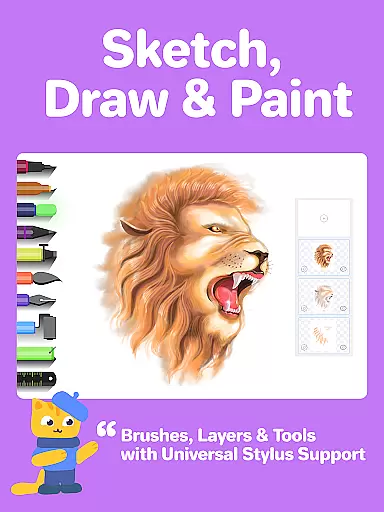
Drawing Desk stands out with its comprehensive set of features tailored for digital artists. The app includes over 25 sketch tools such as pens, pencils, and watercolor brushes, alongside unique functionalities like the symmetry tool and instant shapes library. These tools cater to different artistic styles and techniques, ensuring users have everything they need to create stunning artworks.
One of the key highlights is the structured learning path which offers curated lessons and masterclasses. Professional artists provide video explanations, step-by-step guides, and voice instructions, facilitating skill development from basic to advanced levels. Furthermore, AI-powered tools such as Auto Colorize and background removal enhance productivity and creativity, allowing users to focus more on their artistic expression rather than technicalities.
In the realm of digital art, having a comprehensive set of creative tools is essential for artists to fully express their visions. Drawing Desk rises to the occasion by offering an extensive suite of over 25 sketch tools that include various pens, pencils, crayons, watercolor brushes, and even advanced options like smudge and fill bucket with 125+ textures. This vast array ensures that whether you're sketching, painting, or designing, there's a tool at your disposal.
Moreover, Drawing Desk doesn't stop at just providing drawing instruments. It enriches the creative process with features such as unlimited layers, quick shape drawing, symmetry tools, and more than 200 instant shapes. These elements are crucial for artists who wish to add depth and complexity to their work without being hindered by technical limitations.
The app also integrates AI-powered functionalities, which further enhance its capabilities. With innovative tools like Sketch to Art AI, Text to Art AI, Auto Colorize, and object removal features, users can experiment with new forms of creativity and efficiency in their workflow. Such advancements not only save time but open up possibilities that were previously unimaginable within a mobile application.
A canvas in the digital world is akin to a painter's canvas in traditional artu2014it's where ideas take form and creativity unfolds. Drawing Desk understands this need and offers remarkable flexibility when it comes to canvas sizes and formats. Users have the freedom to choose from various dimensions, allowing them to tailor their workspace according to specific project requirements or personal preference.
This adaptability extends into professional territory with support for unlimited layersu2014a feature typically found in desktop-grade software. By enabling complex compositions through layering, Drawing Desk empowers artists to construct intricate artworks while maintaining complete control over individual components. This level of precision is invaluable for creating polished illustrations or experimenting with different artistic techniques.
Beyond static canvases, Drawing Desk incorporates dynamic elements such as color palettes, gradients, and texture fills which breathe life into digital paintings. Artists can leverage these resources to mimic real-world media effects or explore entirely new aesthetics unique to digital platforms. The combination of versatile canvas settings alongside rich formatting options makes Drawing Desk an ideal choice for both budding creators and seasoned professionals seeking a robust yet flexible digital art environment.
User-friendly interface
Extensive toolset
Interactive learning modules
AI-powered enhancements
Personalized learning paths
Some features may require in-app purchases
Advanced tools can be complex for beginners
Limited offline functionality
Occasional performance lags
High storage requirements

Logo Generator powered by AI: Create stunning logos effortlessly!
 4.70
4.70
Art of Combination Wear OS Watch Faces
4.0
Passport size photo maker, create ID photo and visa photo in seconds
4.80
Make your phone cooler and have a fantastic experience
4.80
AI Art Generator transforms your words into AI generated art & paintings.
3.70
Get creative and make art with your Sesame Friends!
4.00
2D animation studio for Android tablets - unlimited layers, infinite timeline
4.70
Photo stitcher for automatically screenshot stitching into a long screenshot
4.70
Create amazing pictures and unleash your creative genius with AR Drawing Sketch
4.40
Draw beautiful mandala's very easily
4.60
Turn your drawings into flipbook-style animations with simple creative tools
4.60
Painting, drawing, & sketching
4.50
Video AI: Revolutionize Your Content Creation with Advanced Video Generation
4.50
Beauty Camera - Selfie Camera is the ultimate beauty camera and selfie app
4.30
Digital Drawing: Draw & Paint
4.10
OneUI 8.5 icons ✨ Smooth, modern & based on the latest Play Store design ??
4.10
Create sweet, cool and unique couple avatars easily, in just a few steps!
3.40
Inky runs Inkscape on Android devices and Chromebooks
2.90
Art of Combination Wear OS Watch faces
4.5


User Reviews