
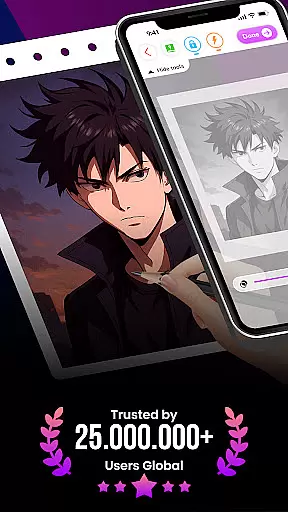
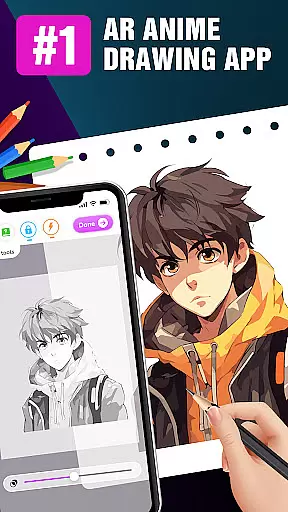
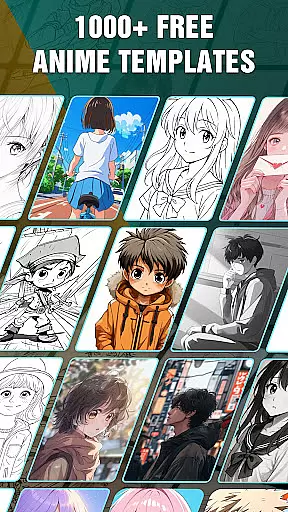
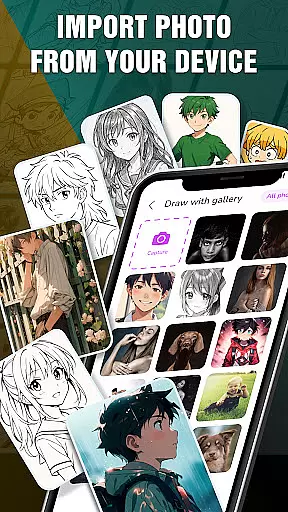
Draw Anime: AR Drawing Sketch is an innovative application that merges traditional anime drawing with augmented reality technology. Designed for both beginners and experienced artists, the app offers step-by-step tutorials to guide users through creating stunning anime artwork. The unique AR feature allows users to incorporate real-world elements into their sketches using their device's camera, blending imaginative creations with actual surroundings.
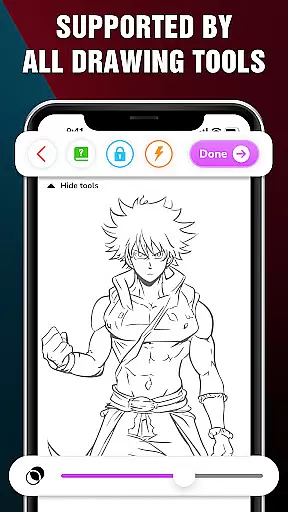
The app provides advanced drawing options such as Extend, Adjust Opacity, On/Off Flashlight, Lock, and Reset, giving users more control over their art. Additionally, it includes a feature to track artistic progress and achievements, helping users monitor their growth in the world of augmented reality art. With its engaging approach, Draw Anime: AR Drawing Sketch makes learning anime drawing fun and accessible for everyone.
Draw Anime: AR Drawing Sketch stands out with its comprehensive set of features tailored for anime enthusiasts. One of the key highlights is the step-by-step tutorial system, which breaks down complex drawing processes into manageable steps, making it easy for users of all skill levels to follow along. This ensures that even beginners can create impressive artwork with guidance.
Another remarkable feature is the AR Drawing capability, allowing users to infuse real-world elements into their sketches. By leveraging the device's camera, the app seamlessly blends the user's surroundings with their imaginative creations, offering a unique drawing experience. Furthermore, the app includes advanced options like Extend, Adjust Opacity, On/Off Flashlight, Lock, and Reset, providing users with enhanced control over their sketches. These features collectively make Draw Anime: AR Drawing Sketch a powerful tool for anyone interested in anime art.
In the realm of digital art, having a comprehensive set of creative tools is essential for artists to fully express their visions. The 'Draw Anime: AR Drawing Sketch' app rises to this occasion by offering an extensive suite of features tailored for anime art enthusiasts.
From step-by-step tutorials that break down complex drawing processes into manageable steps, to advanced options like adjusting opacity and utilizing a flashlight, the app provides everything needed to create stunning anime artwork. These tools are designed not only to assist beginners in learning but also to offer experienced artists the flexibility and control they require.
The inclusion of augmented reality (AR) takes the creative process a step further, allowing users to infuse real-world elements into their sketches seamlessly. This feature enhances the drawing experience by merging imaginative creations with the user's surroundings, providing a unique platform for artistic expression.
By equipping users with these complete and varied creative tools, the app ensures that artists of all levels can explore their potential, refine their skills, and track their progress over time, making it an invaluable companion on their artistic journey.
Flexibility in canvas and format options is crucial for artists who wish to customize their workspace to fit their unique styles and project requirements. The 'Draw Anime: AR Drawing Sketch' app embraces this need by offering adaptable solutions for creating art.
Artists can enjoy the freedom of working with different canvas sizes and formats, which allows them to experiment with various art styles and compositions. Whether it's adjusting the canvas to accommodate detailed character designs or expansive scenes, the app supports diverse artistic endeavors.
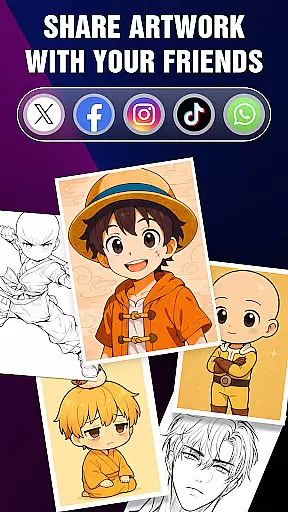
Moreover, the ability to save and share artworks in multiple formats empowers users to distribute their creations across various platforms easily. This versatility ensures that whether the end goal is sharing on social media, printing, or further digital editing, the app caters to those needs effectively.
With such flexible canvas and format options, the app not only meets the practical demands of digital art creation but also encourages experimentation and innovation, enabling artists to push the boundaries of their creativity.
User-friendly interface
Step-by-step tutorials
Augmented reality integration
Advanced drawing tools
Artwork tracking system
Limited to anime style
Requires good device camera
Premium features may cost extra
Occasional bugs reported
Learning curve for AR tools

Pose and morph realistic male and female models! 3D poser app
 3.00
3.00
Digital Drawing: Draw & Paint
4.10
Draw on screen: FP sDraw is a simple and lightweight drawing app
4.70
Castle is social media for creating and playing games!
4.60
Turn your drawings into flipbook-style animations with simple creative tools
4.60
Share the joy of painting with ibis Paint! Drawing anime and manga art.
4.50
Sketch and paint on your device with the feel and freedom of drawing on paper
4.00
Multiplayer Drawing game, Coloring, Painting・Sketch, Handwriting・Paint, draw
4.30
All-in-One art, logo & collage maker. Design photos and edit video backgrounds
4.80
Learn how to draw with step-by-step tutorials, fun lessons & multiplayer drawing
4.70
Logo Generator powered by AI: Create stunning logos effortlessly!
4.70
Minecraft & Roblox Clothes
4.70
Photo stitcher for automatically screenshot stitching into a long screenshot
4.70
AI Tattoo Generator: Create Tattoo Designs & Get Ideas! Ink & Stencil Maker
4.50
Draw, make movies & animate cartoons easily with our 2D animation maker app
4.40
OneUI 8.5 icons ✨ Smooth, modern & based on the latest Play Store design ??
4.10
Unleash the artist in you with our AR drawing and tracing tool for photo drawing
4.10
Art of Combination Wear OS Watch faces (for Wear OS 5+ devices)
3.90
Art of Combination Wear OS Watch faces (for Wear OS 5+ devices)
3.00


User Reviews