
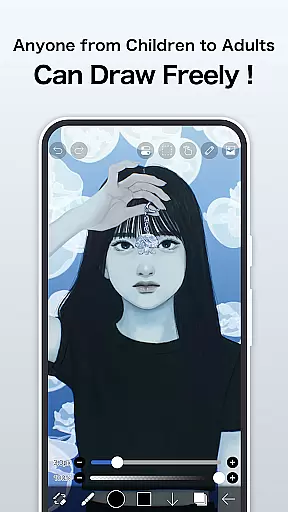
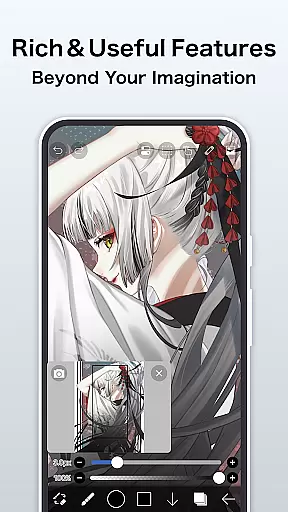
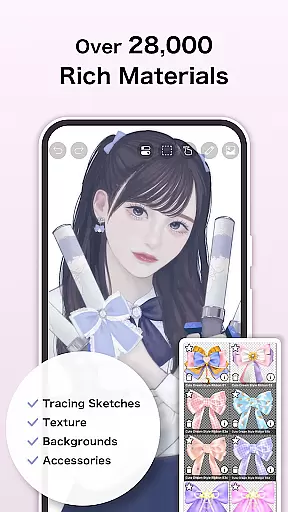
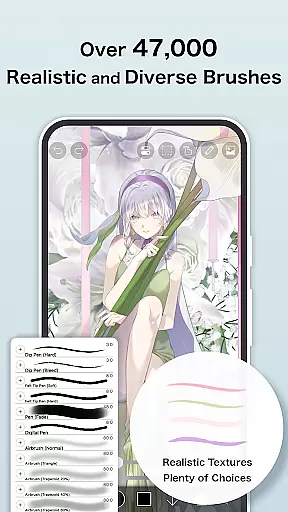
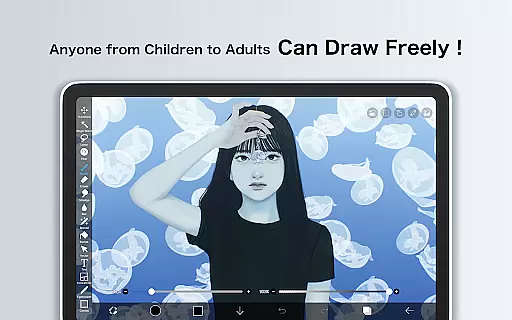
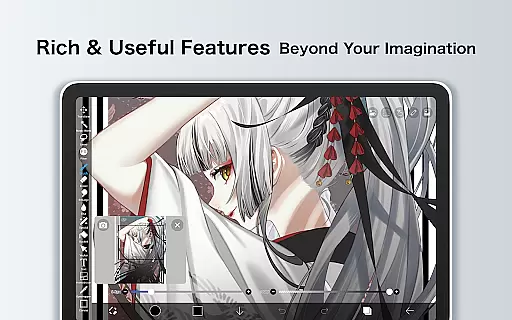
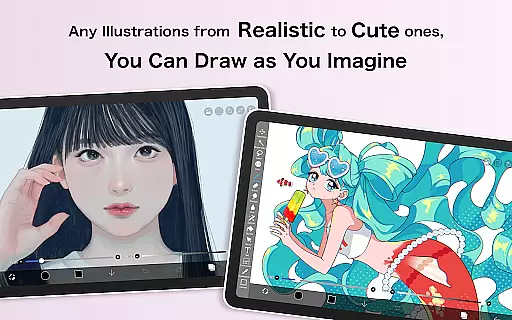
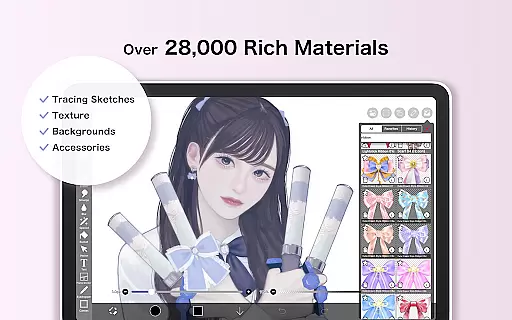
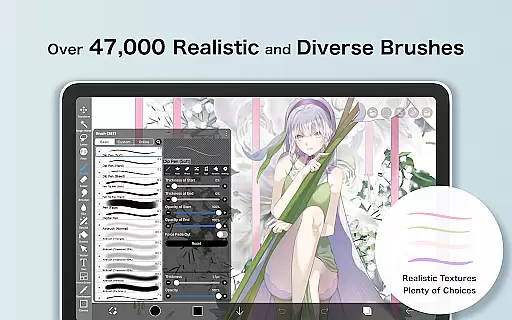
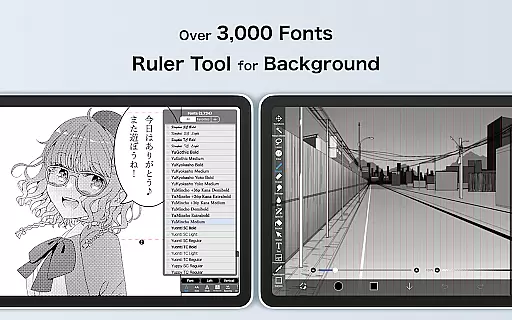
ibis Paint is a premier digital art studio designed for both amateur and professional artists. This app offers an extensive suite of creative tools including over 47000 brushes, 27000 materials, and 2100 fonts, enabling users to produce highly detailed artwork directly on their mobile devices. The app's advanced features such as stroke stabilization, various ruler guides, and 84 filters provide precision and versatility in drawing and painting.
In addition to its robust creation capabilities, ibis Paint supports the recording of drawing processes, making it an ideal platform for art tutorials and sharing creative workflows. With functions like blending modes, screentones, and clipping masks, users can explore complex digital art techniques. Its social aspect allows artists to connect, learn, and grow within a community of like-minded creatives.
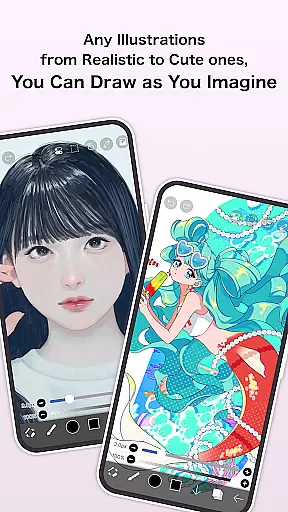
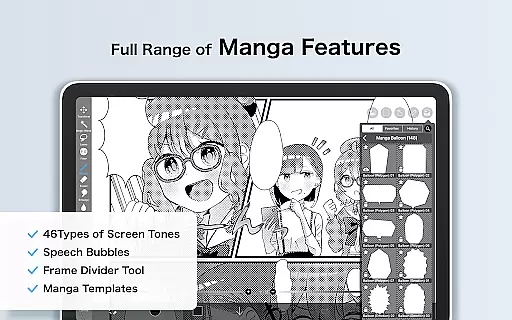
The app caters to a wide range of artistic needs from manga creation with advanced text tools to realistic painting with oil brushes. Available on Android, ibis Paint provides a professional-grade art experience that was once only possible on desktop applications. Whether you're sketching, painting, or crafting manga, ibis Paint delivers the tools necessary to bring your artistic visions to life.
ibis Paint distinguishes itself through an impressive array of features tailored for digital artists. One standout feature is the vast selection of customizable brushes, which includes everything from traditional pencils to intricate airbrushes, catering to diverse artistic styles. The app also incorporates stroke stabilization technology, ensuring smooth and accurate lines—a crucial element for professional-quality work.
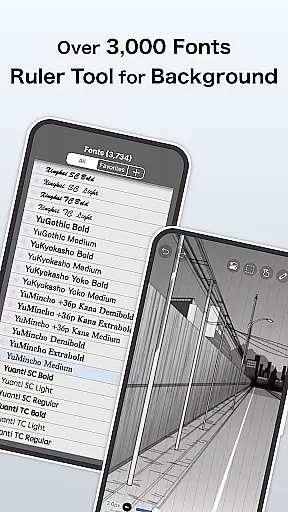
Layer management in ibis Paint is highly sophisticated, allowing unlimited layers and offering individual parameter settings such as opacity and blending modes. This flexibility enables complex compositions and non-destructive editing. Additionally, the app's ruler features, including radial and symmetry rulers, assist in creating precise geometric shapes and patterns, while the clipping mask function facilitates advanced image manipulation.
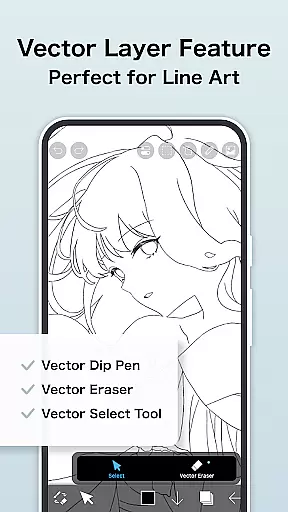
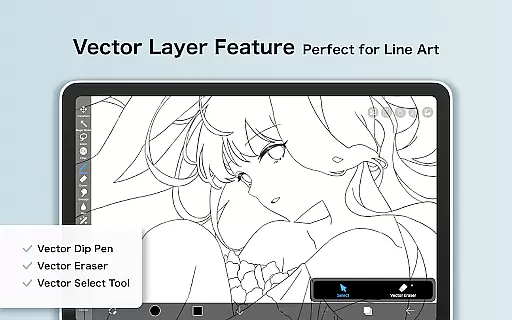
For manga artists, ibis Paint provides an advanced text tool with vertical, horizontal, and stroke options alongside multiple font selections. Prime Membership unlocks exclusive features like vector tools, AI disturbance effects, and enhanced cloud storage capacity. These premium features, combined with the ability to record and share drawing processes, establish ibis Paint as a comprehensive solution for digital artists seeking both power and community engagement.
In the realm of digital art, having access to a comprehensive suite of creative tools is paramount. ibis Paint rises to the occasion by offering an extensive array of over 47,000 brushes, which include everything from dip pens to oil brushes, catering to various artistic styles and preferences. This vast selection empowers artists to emulate traditional media or explore new digital techniques with precision.
Layer functionality is another cornerstone of ibis Paint's creative arsenal. Artists can work with unlimited layers, each equipped with individual parameters such as opacity, blending modes, and specialized commands like duplication and inversion. These features provide the flexibility needed for complex compositions and seamless editing, ensuring that creativity is only limited by the artist's imagination.
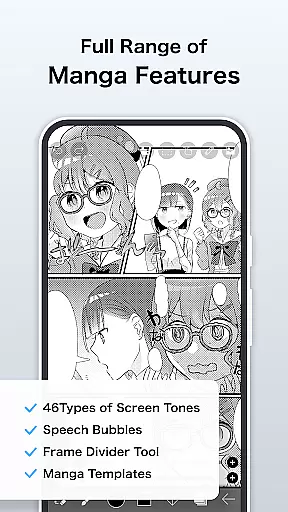
For manga enthusiasts and typography lovers, ibis Paint doesn't disappoint. The app boasts advanced text tools with options for vertical and horizontal writing, font selection, and multi-text functions. Coupled with its screentones and blending modes, users can produce professional-quality manga panels and engaging typographic designs. Such depth in features makes ibis Paint a go-to application for both budding and experienced artists seeking a complete creative toolkit.
The ability to adapt to different canvas sizes and formats is crucial for digital artists who wish to create works for various mediums and platforms. ibis Paint addresses this need by providing a highly flexible canvas environment. Users can customize their workspace with options ranging from standard sizes to completely bespoke dimensions, accommodating everything from small-scale sketches to large-format illustrations.
Moreover, the app supports a multitude of file formats, enhancing its compatibility with other software and hardware systems. Whether importing assets from a photo library or exporting finished pieces for print or web, ibis Paint ensures that artists can seamlessly integrate their work into any professional pipeline. This versatility not only saves time but also expands the possibilities for creative expression.
Prime Membership further extends canvas and format capabilities by unlocking exclusive features such as vector tools and AI-powered adjustments. With these advanced options, artists gain even greater control over their creations, allowing them to push the boundaries of what's possible within a mobile drawing app. The combination of foundational flexibility and premium enhancements solidifies ibis Paint's position as a leader in digital art applications.
User-friendly interface
Extensive brush library
Advanced layer management
Real-time process recording
Vibrant artist community
Prime Membership required
High learning curve
Resource-intensive
Limited free features
Occasional bugs

Art of Combination Wear OS Watch faces (for Wear OS 5+ devices)
 3.00
3.00
Sketch, plan, take notes and illustrate on an infinite canvas.
4.20
Draw anime & manga drawing, art with templates to create stunning picture!
4.50
Meet the magic aı 3d photo generator and smart AI video generator app.
3.20
AI Assistant, powered by ChatGPT GPT-4 & GPT-4o. Your intelligent companion.
3.50
Digital, Abstract, Classic - all types of color wheels in one app!
4.60
Create stunning art with AI.
4.80
Mobile pixel art editor. Simple. Fast. Portable.
4.80
Bring One UI 8.5 Icons to life -elegant dark icons with a modern, premium touch.
4.30
Draw on screen: FP sDraw is a simple and lightweight drawing app
4.70
Your AI soulmate — meaningful chats, and unique emotional moments
4.70
The ultimate tool for creating animations
4.60
Nano Banana AI Image Generator, Anime Filter, AI Portrait, AI Photo Generator
4.30
Customizable Outlined Fonts. Watch Face Format. Battery friendly Digital Clock.
4.20
Custom Character Creator & PFP Maker!
4.20
Digital Drawing: Draw & Paint
4.10
Design unique, funny and adorable cat stickers that reflect your own style!
3.80
Resize photos and print photos in exact size with our powerful photo printer!
3.80
Create cute cat emojis & PFPs! Fun, custom avatars for cat lovers.
3.70


User Reviews