
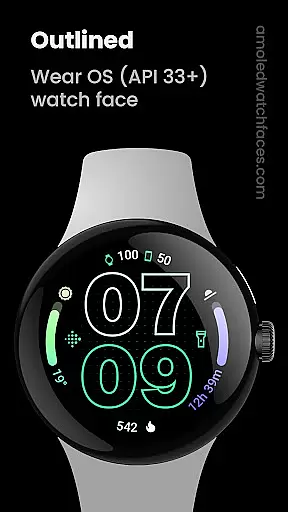
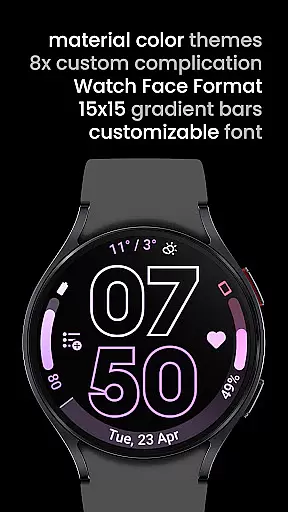
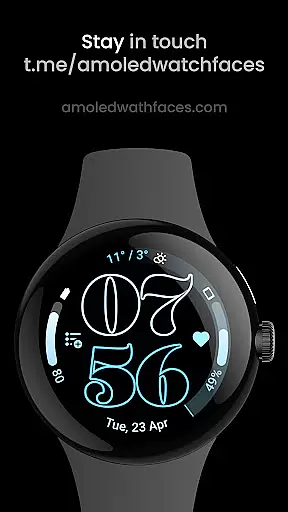
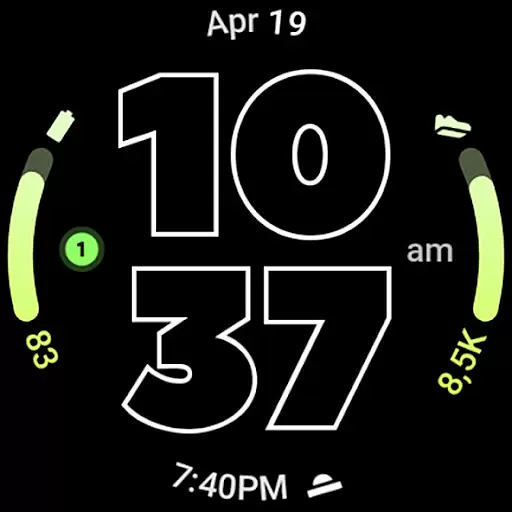
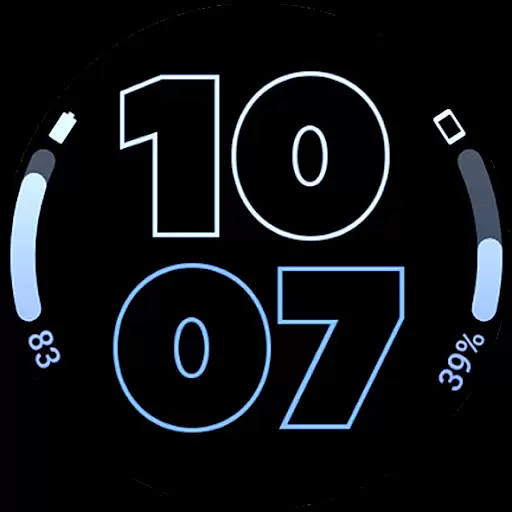
Outlined Watch Face is a specialized design application tailored for Wear OS 4+ devices, offering users the ability to customize their smartwatch faces with unique outlined fonts and gradient complications. The app supports advanced features like combined watch/phone battery complications and high-resolution designs optimized for models such as Pixel Watch 2 and Galaxy Watch6.
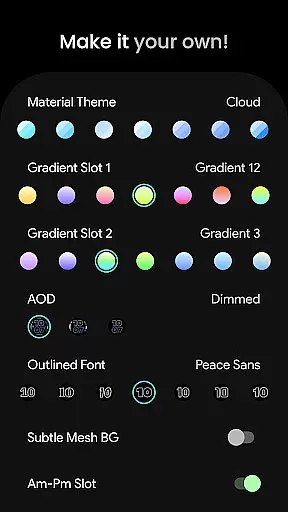
This Art & Design app stands out through its compatibility with custom complication apps and its focus on battery efficiency. Users can personalize every aspect of their watch face, from material themes to always-on-display (AOD) styles, creating a truly bespoke timepiece that balances aesthetics with functionality.
Ideal for users seeking both style and utility, Outlined Watch Face enables creative expression while maintaining practical features like burn-in protection and customizable progress bars. Whether you're looking to optimize battery life or simply want a distinctive watch face, this app provides the tools to make your smartwatch truly unique.
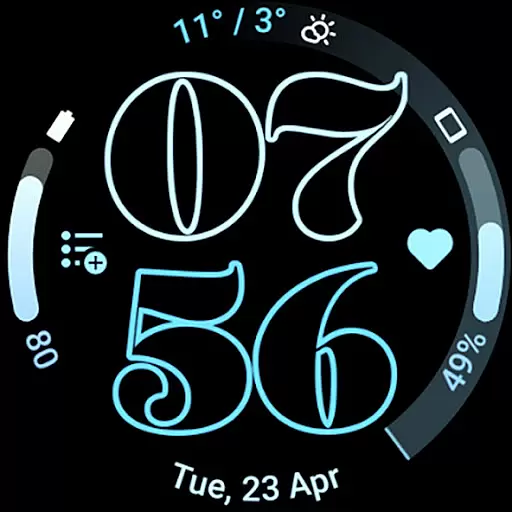
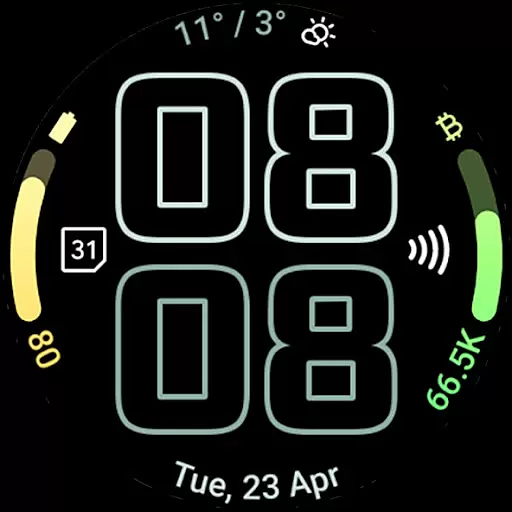
Outlined Watch Face offers an impressive array of features that cater to both aesthetic customization and functional enhancement. The app utilizes Watch Face Format to provide two gradient arc complication slots and supports combined battery complications for both watch and phone, streamlining user information access.
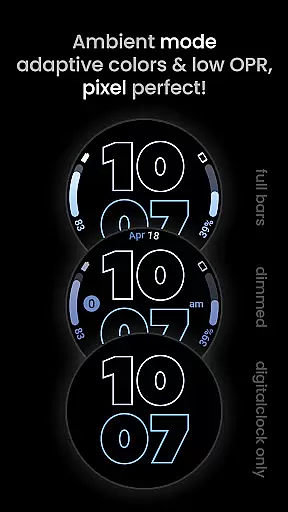
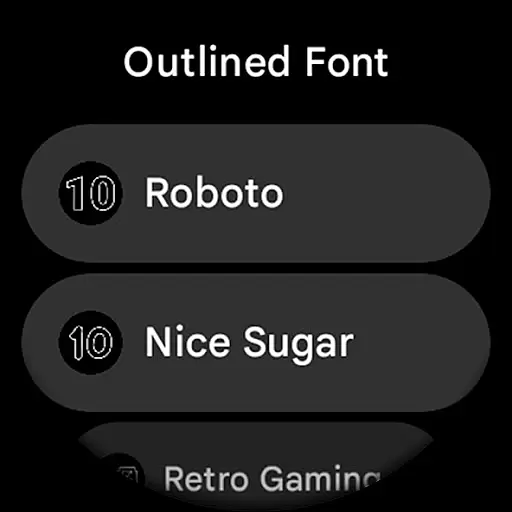
Among its standout capabilities are the unique selectable outlined Digital Clock fonts and true black background, which contribute to both visual appeal and battery efficiency. The app also includes high-resolution design elements, multiple material color themes, and three AOD styles that can be configured to optimize power consumption.
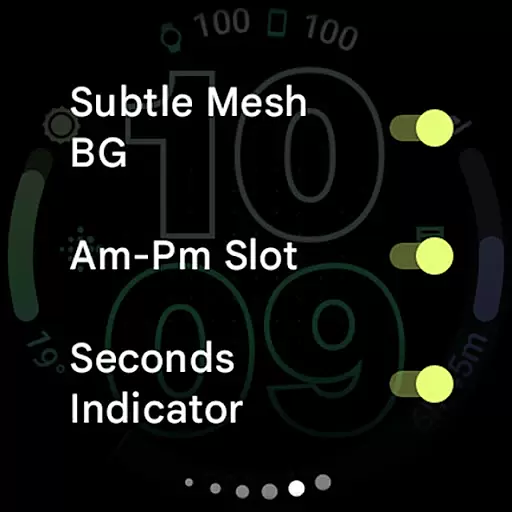
Users can further personalize their experience through various settings, including wave-styled seconds indicators, individual progress bar gradients, and options for subtle mesh backgrounds. With support for custom complication apps and extensive user configurations, this app empowers users to create a personalized and efficient smartwatch interface.
When it comes to designing watch faces, having access to a comprehensive set of creative tools is essential. Outlined Watch Face offers an extensive suite of features that cater specifically to the needs of wearable design. The inclusion of two gradient arc complication slots and combined watch/phone battery complications allows for intricate customization.
The app supports unique outlined Digital Clock fonts, giving designers the ability to create distinct visuals. With high-res design capabilities and true black backgrounds, the resulting watch faces are not only visually striking but also battery-friendly. This attention to detail ensures that users can craft designs that are both aesthetically pleasing and practical.
Compatibility with the latest devices such as Pixel Watch 2 and Galaxy Watch6 further enhances its appeal. Users can customize each progress bar gradient individually when using ranged value complications, adding another layer of personalization. These robust features collectively empower creators to produce professional-grade designs tailored to their preferences.
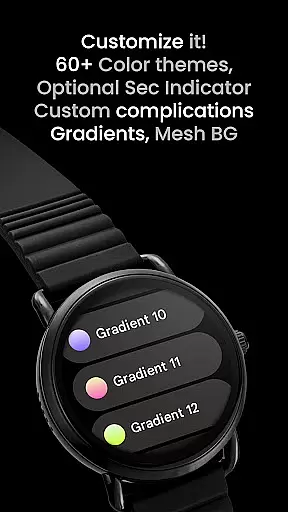
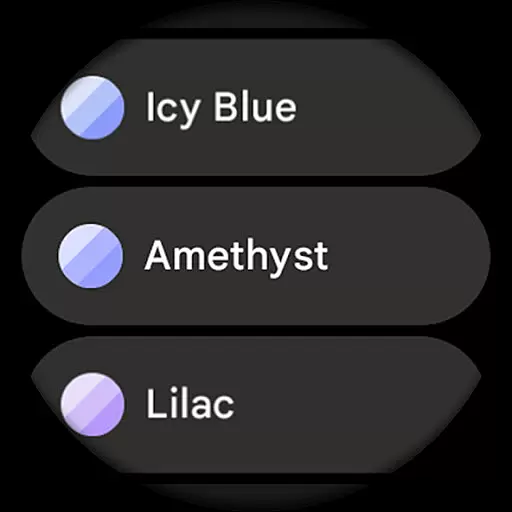
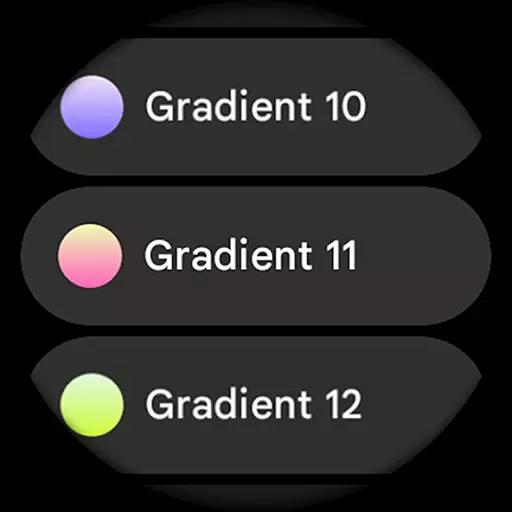
Flexibility in canvas and format options is crucial for creating versatile watch face designs. Outlined Watch Face excels in this area by offering a variety of customizable elements. Designers have the freedom to choose from over 60 material themes and 19 gradient options for the two available slots, ensuring a personalized look for every creation.
The app provides three Always-On Display (AOD) styles, including an option to use only the Digital Clock, which helps conserve battery life. This adaptability extends to other features like the wave-styled seconds indicator and different settings that allow users to craft a unique daily companion. Such versatility ensures that each design can be fine-tuned to individual tastes.
Moreover, support for custom complications and app shortcuts adds another dimension of functionality. Whether opting for monochromatic icon tinting or toggling various display elements, users enjoy unparalleled control over their designs. This level of flexibility makes Outlined Watch Face a powerful tool for anyone looking to create highly customized and functional watch faces.
User-friendly customization
Battery-efficient design
High-resolution display
Unique font options
Wide device compatibility
Not for rectangular watches
Wear OS 4+ only
Premium features cost
Complex for beginners
Limited free options

Sketch, plan, take notes and illustrate on an infinite canvas.
 4.20
4.20
Easy 3D drawing design maker & creator. Model designing, Sculpting. Create&paint
4.00
AI Face Swap, Video Effects Editor, Realtime Morph, Funny Video FX,AI Filters
3.70
Unleash your drawing and painting potential
4.50
800+ Drawing, Painting Lessons App to Practice, Sketch & Paint Art.
4.30
Resize photos and print photos in exact size with our powerful photo printer!
3.80
Unleash the artist in you with our AR drawing and tracing tool for photo drawing
4.10
Photo stitcher for automatically screenshot stitching into a long screenshot
4.70
How to draw anime step by step for beginner easily by AR drawing sketch & paint.
3.60
Draw, fidget, and spin glow art! Relax and express your creativity with a finger
4.60
Kling AI is an image and video generation and editing studio powered by AI.
4.50
Draw Trace image sketch by, AR art projector app, Easy to trace any image.
4.50
Photo blender app to create overlay photos & double exposure.
4.40
Just trace a projected picture on paper and color! Draw & Paint with AR drawing
4.40
Create stylish invitation cards using templates for weddings, birthdays & RSVP.
4.20
Create Logos, Tattoos, AI Art & more with our AI Photo Generator & Design Editor
4.20
Art of Combination Wear OS Watch faces (for Wear OS 5+ devices)
3.90
Transform photos into amazing monochrome dither art with professional algorithms
4.5
Android 14 style widgets and wallpapers app.
4.3


User Reviews