
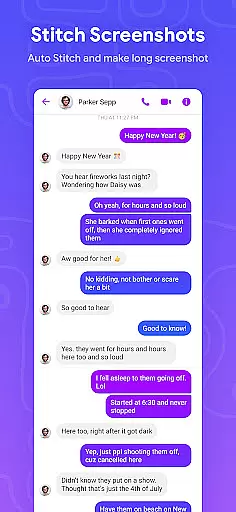
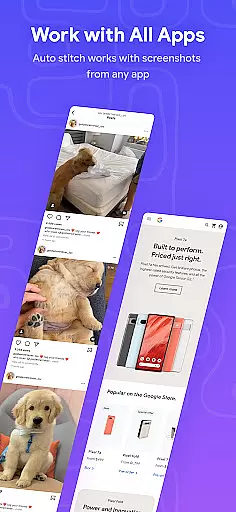
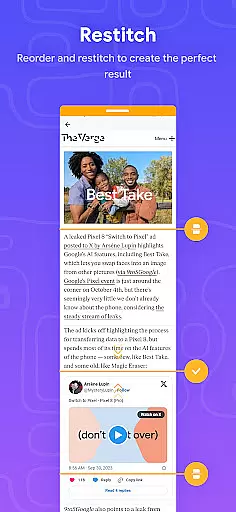
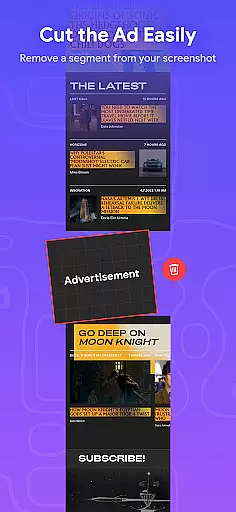
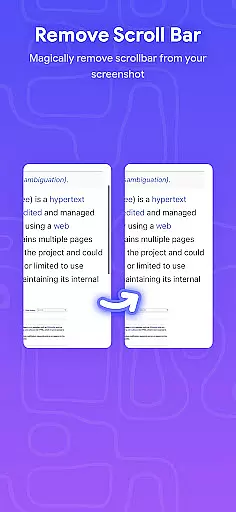
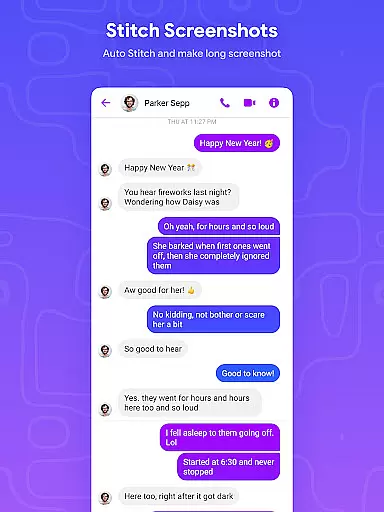
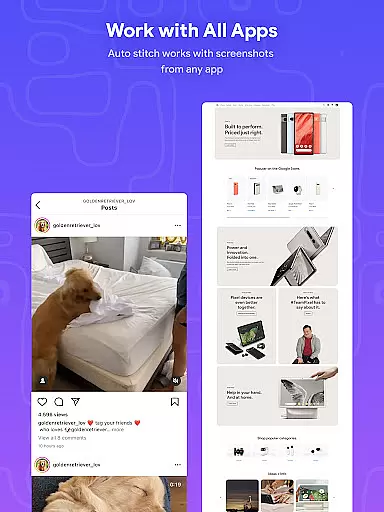
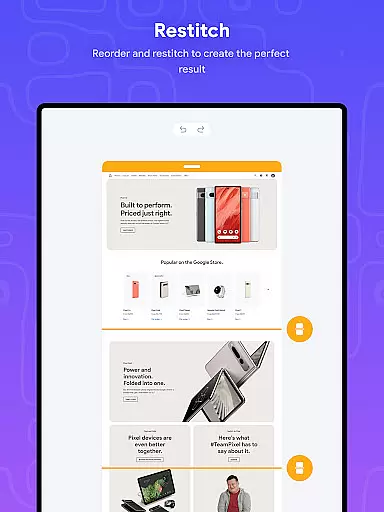
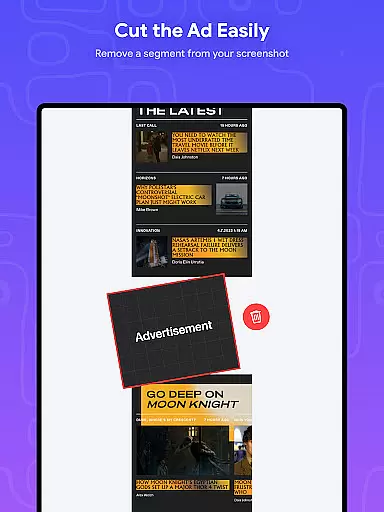
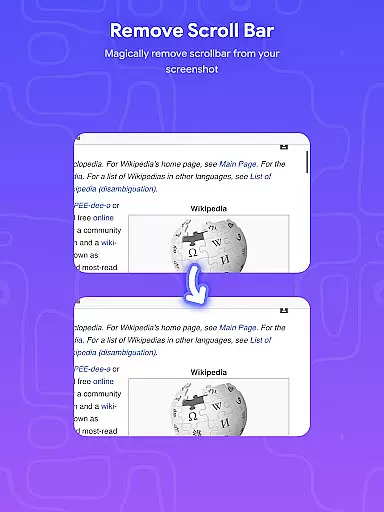
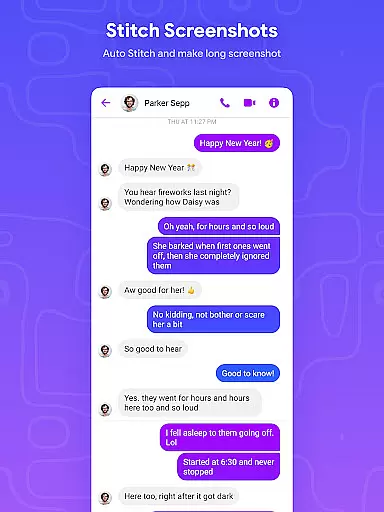
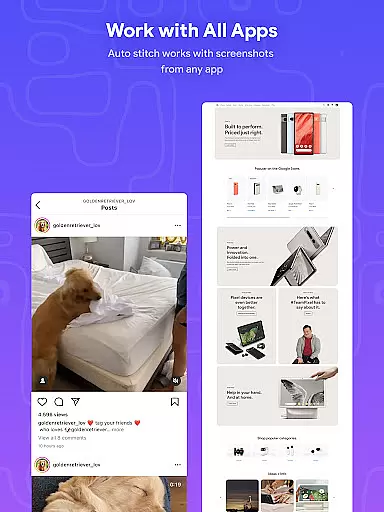
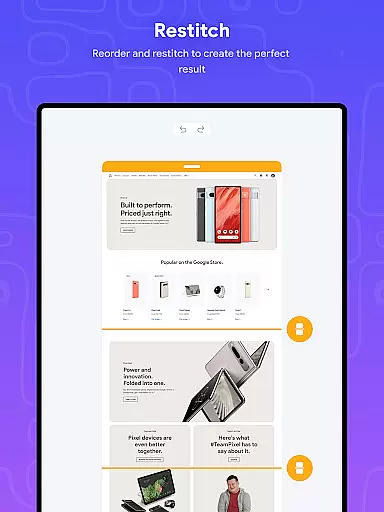
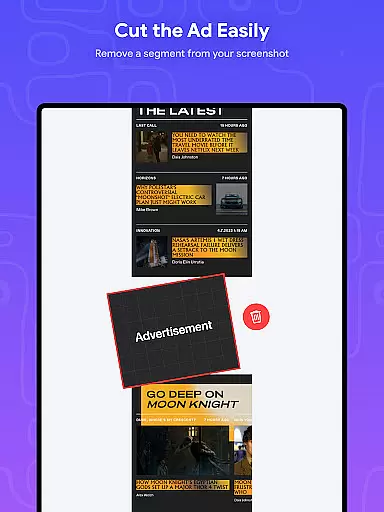
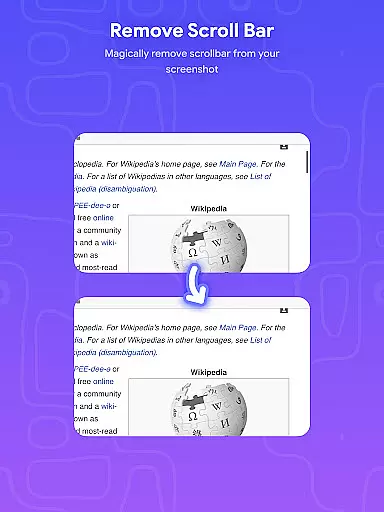
Stitch Photos is an innovative photo stitching application designed for users who want to create seamless panoramas and document scans with ease. Using advanced AI technology, the app can automatically recognize and stitch screenshots or long website captures both vertically and horizontally.
The app's core functionality lies in its ability to produce high-quality, high-resolution images while maintaining a user-friendly interface. Whether you're capturing majestic landscapes or creating content for professional use, Stitch Photos ensures that every detail is preserved in your final image.
Perfect for designers, photographers, and casual users alike, this app provides a smooth, glitch-free experience for all your photo stitching needs. With Stitch Photos, you can effortlessly create flawless panoramas and share them directly via social media or other platforms.
Stitch Photos stands out through its powerful features that cater to various photo stitching needs. The app's AI-powered technology allows for automatic recognition and stitching of images, whether you're working with vertical or horizontal alignments.
One of the key features is its ability to seamlessly stitch long screenshots or website captures. This makes it an ideal tool for creating document scans or capturing entire web pages without losing quality. Additionally, the app supports high-resolution long screenshot saving, ensuring professional-grade results every time.
The user-friendly interface enhances the overall experience by providing a hassle-free photo stitching process. With just one touch, you can create a seamless image and share it instantly. This combination of advanced technology and intuitive design makes Stitch Photos a must-have app for anyone interested in photo editing and design.
In the realm of digital art and design, having access to comprehensive creative tools is essential for unleashing one's artistic vision. Stitch Photos understands this need and offers a robust suite of features tailored for photo stitching enthusiasts.
At the core of its offering is an AI-powered photo stitching technology that supports both vertical and horizontal stitching. This allows users to create panoramas, document scans, and even stitch long screenshots or website captures with precision. The app doesn't stop there; it ensures high-resolution output, preserving the quality of each stitched image.
Users will find the interface intuitive, making their photo stitching experience hassle-free. Whether capturing majestic landscapes or piecing together long web pages, Stitch Photos provides artists and casual users alike with the necessary tools to explore their creativity without limitations.
A canvas in the digital world represents the playground where creativity takes shape. Stitch Photos excels in providing canvas and format flexibility, ensuring that users can work within a dynamic range of possibilities.
The application supports seamless stitching of images both vertically and horizontally, catering to different project requirements. Need to capture an entire webpage or create a panorama? The flexible canvas has got you covered. It also allows saving in high resolution, which means your final creations retain clarity and detail regardless of size.
Moreover, the app's compatibility with various formats enables easy sharing across social media platforms or other channels. With such adaptable capabilities at hand, creators can focus on bringing their ideas to life while enjoying the freedom that comes from working on a versatile digital canvas.
AI-powered stitching
High-resolution output
User-friendly interface
Seamless sharing options
Automatic alignment
Limited customization
Few filter options
No batch processing
Occasional glitches
Premium feature costs

Stylish letters, Stylish Keyboard, Symbols, Emojis, Cool nickname
 4.40
4.40
Trace, draw, and create art with AR - from memes to masterpieces!
4.30
Unleash your drawing and painting potential
4.50
Create stunning art with AI.
4.80
Novices can also easily complete diamond painting masters
4.70
A luxurious gold watch face for an elegant and refined look.
4.3
Bring One UI 8.5 Icons to life -elegant dark icons with a modern, premium touch.
4.30
Create and Design Custom Logos in Seconds with AI-Powered Tools!
4.40
Unleash your inner artist! Sketchar: AR Drawing for Limitless Creativity
4.40
Mobile pixel art editor. Simple. Fast. Portable.
4.80
2D animation studio for Android tablets - unlimited layers, infinite timeline
4.70
Get an overview over all your embroidery threads, projects and more.
4.60
Digital illustration drawing & painting pad app to paint Anime and Manga art
4.50
Draw Trace image sketch by, AR art projector app, Easy to trace any image.
4.50
Kling AI is an image and video generation and editing studio powered by AI.
4.50
Digital Drawing: Draw & Paint
4.10
Unleash the artist in you with our AR drawing and tracing tool for photo drawing
4.10
AR Anime Drawing: How to draw anime with AR drawing & sketching apps!
4.00
Sketch and paint on your device with the feel and freedom of drawing on paper
4.00


User Reviews