
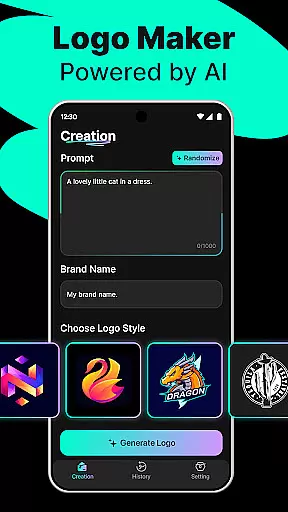
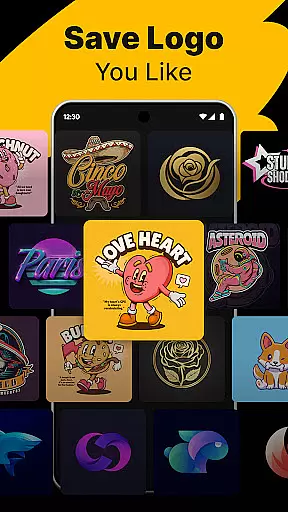
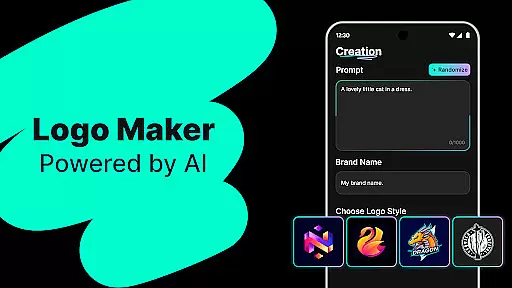
Logo Maker is an AI-powered design tool that enables users to create professional logos effortlessly. The app caters to entrepreneurs, small businesses, and creators who need a strong brand presence without the complexity of traditional design processes. With its intelligent generator, users can describe their vision and receive multiple unique logo designs instantly.
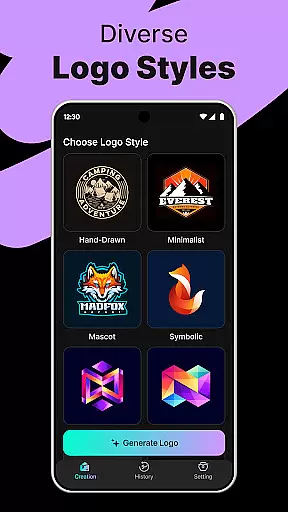
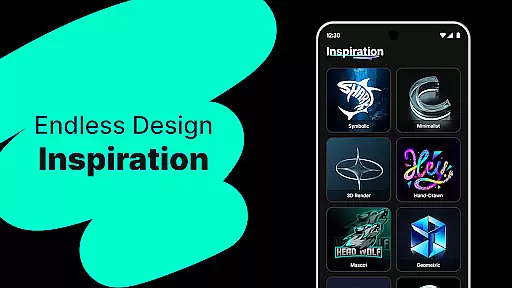
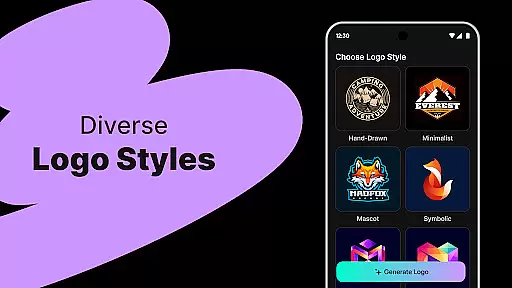
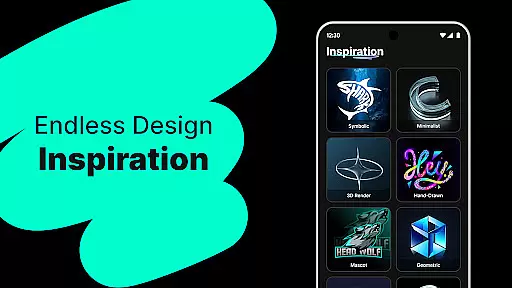
The platform offers hundreds of customizable templates in various styles including modern, minimalist, vintage, and hand-drawn. Users can easily edit their logos with a user-friendly drag-and-drop editor, making it accessible even for those without prior design experience. Whether you're building a startup, managing social media content, or organizing events, Logo Maker provides high-quality exports in PNG and JPG formats suitable for both digital and print use.
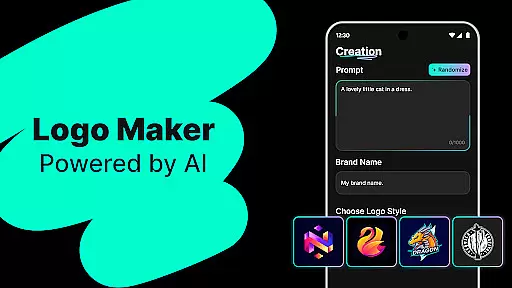
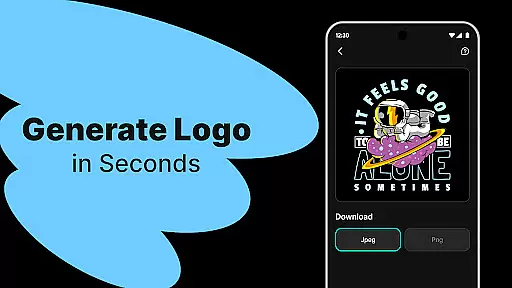
Logo Maker stands out with its powerful AI-driven logo generation capabilities. By simply entering a brand name and relevant keywords, users can access numerous unique logo concepts within seconds. This feature saves time compared to traditional design methods while maintaining professional-grade quality.
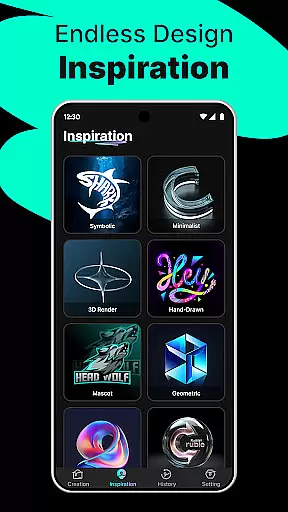
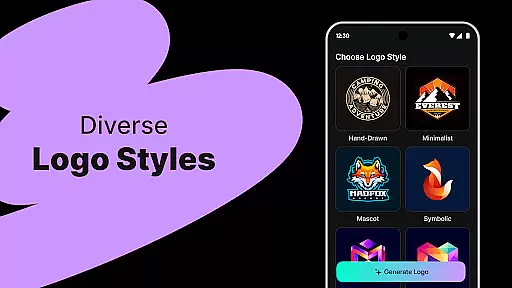
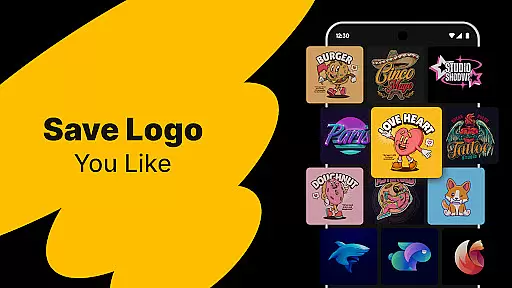
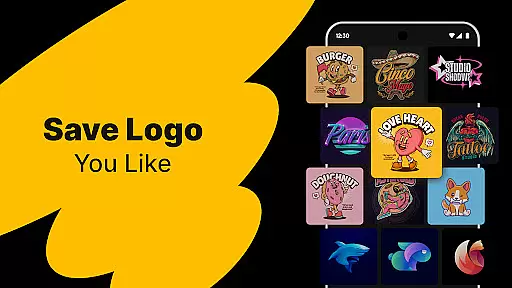
In addition to AI-generated designs, the app includes an extensive library of customizable templates. These cater to different industries and aesthetic preferences, ensuring there's something for everyone. The intuitive editing tools allow precise control over every element of the logo, enabling users to adjust colors, fonts, and layouts until they achieve the perfect look for their brand.
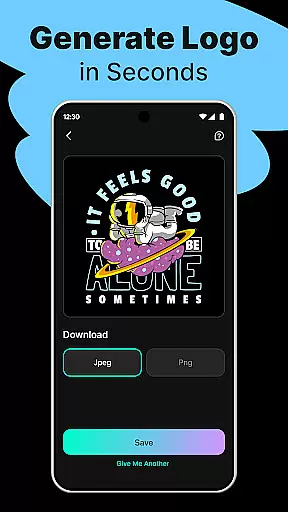
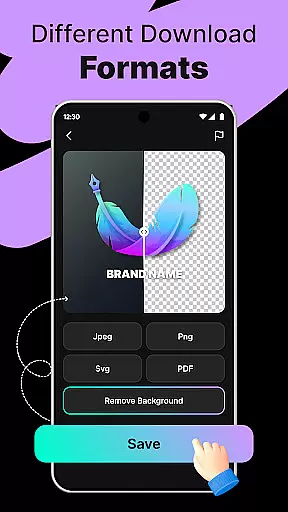
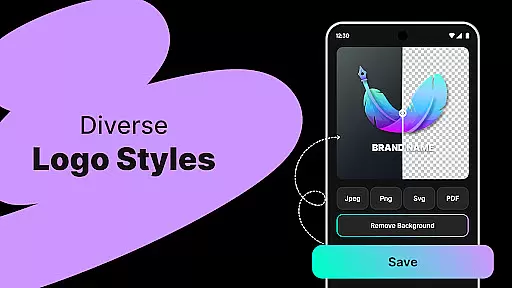
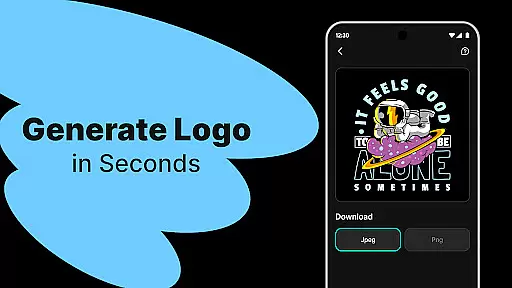
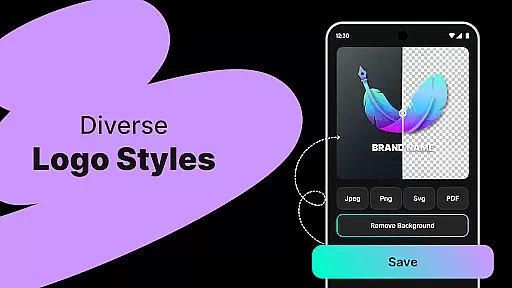
Another notable feature is the ability to export logos in high-resolution formats suitable for various applications such as websites, business cards, and marketing materials. This versatility makes Logo Maker an ideal solution for startups, freelancers, and content creators looking to establish a cohesive visual identity across multiple platforms.
In the realm of digital design, having a comprehensive suite of creative tools is essential for bringing ideas to life. Logo Maker stands out by offering an extensive array of features that cater to both novices and seasoned designers. The AI-Powered Logo Generation allows users to input their brand's ethos through keywords and names, resulting in multiple unique logo concepts almost instantly.
Moreover, the platform boasts hundreds of customizable templates, spanning various styles such as modern, minimalist, vintage, and hand-drawn aesthetics. This ensures that every user can find a template that resonates with their brand identity. With the User-Friendly Editor, individuals have the power to tweak every aspect of their chosen design, employing simple drag-and-drop actions without needing any prior design experience.
The true value of these complete creative tools lies in their ability to democratize design. Entrepreneurs, small businesses, freelancers, and content creators alike can produce high-quality logos suitable for websites, business cards, social media profiles, and print materials. By providing High-Quality Exports in formats like PNG and JPG, Logo Maker empowers users to maintain professional standards across all mediums.
Flexibility in canvas and format options is crucial for creating designs that meet specific requirements and adapt to various platforms. Logo Maker excels in this area by ensuring that users are not constrained by fixed dimensions or limited file formats. Whether it's for digital use on websites and social media or for print on business cards and large banners, the tool provides adaptable canvas sizes that fit each unique context.
Furthermore, the platform supports exports in versatile formats such as PNG and JPG, which are widely recognized and utilized across different mediums. This means that whether you're designing for a YouTube channel, Instagram profile, or even special events like weddings and podcasts, your logo will retain its quality and integrity wherever it's applied.
This level of flexibility also extends to personal projects where custom dimensions might be necessary. Users can trust Logo Maker to deliver a product that meets their exact specifications without compromising on quality or creativity. By allowing such freedom in project execution, Logo Maker truly positions itself as an indispensable asset for anyone looking to craft a memorable visual identity.
User-friendly interface
AI-powered design
Customizable templates
High-quality exports
Budget-friendly pricing
Limited advanced features
Basic color options
No live support
Few animation tools
Restricted font library

Vidu is an AI video generator made for creators and aspiring makers.
 3.30
3.30
Premium version of Shimeji-ee app with no ads & no limit active shimeji
4.4
Floor Plan Creator lets you create, edit and share floor plans.
4.00
Apply cartoon, caricature, and portrait effects to make your photos stand out!
3.60
Unleash your drawing and painting potential
4.50
Painting, drawing, & sketching
4.50
OneUI 8.5 icons ✨ Smooth, modern & based on the latest Play Store design ??
4.10
Retouch photos. Create or edit images. Endless capabilities.
2.70
Video AI: Revolutionize Your Content Creation with Advanced Video Generation
4.50
Your AI soulmate — meaningful chats, and unique emotional moments
4.70
Learn how to draw with step-by-step tutorials, fun lessons & multiplayer drawing
4.70
Digital, Abstract, Classic - all types of color wheels in one app!
4.60
Photo editor for art, avatars, filters & fun transformations.
4.60
Kling AI is an image and video generation and editing studio powered by AI.
4.50
Remove Background, Magic Eraser, Photo Enhancer, Story Templates, Collage Maker
4.30
Sketch and paint on your device with the feel and freedom of drawing on paper
4.00
Meet the magic aı 3d photo generator and smart AI video generator app.
3.20
Inky runs Inkscape on Android devices and Chromebooks
2.90
Transform photos into amazing monochrome dither art with professional algorithms
4.2


User Reviews