
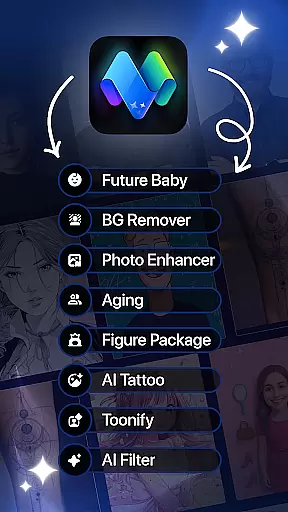
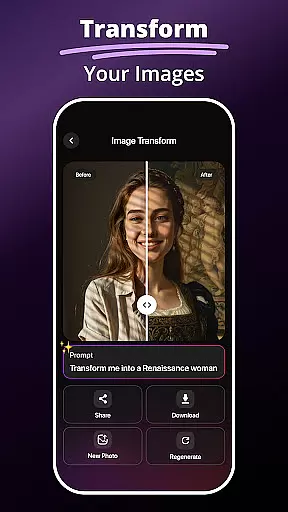
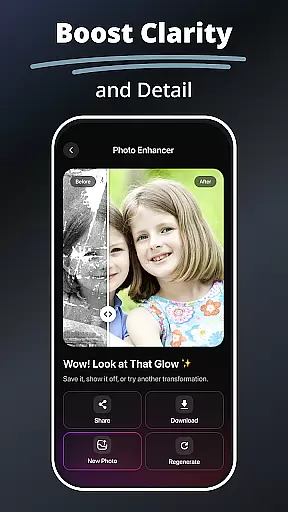
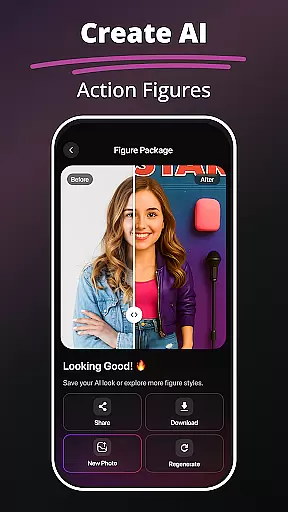
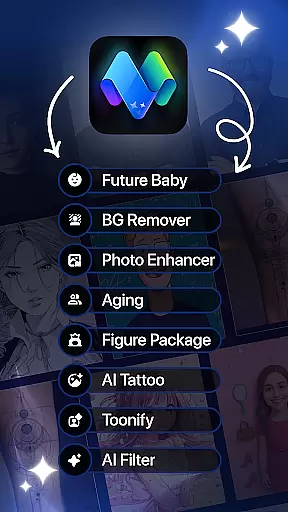
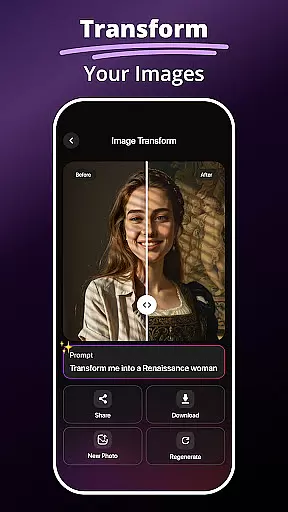
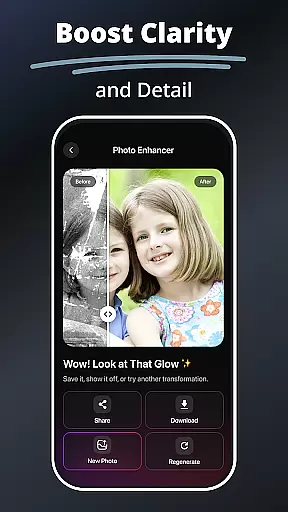
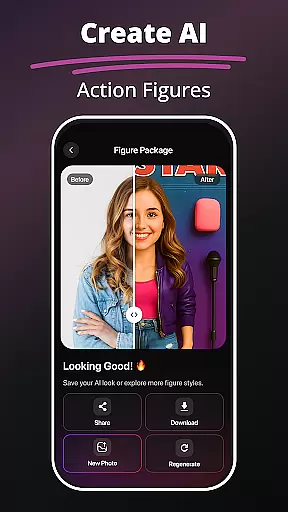
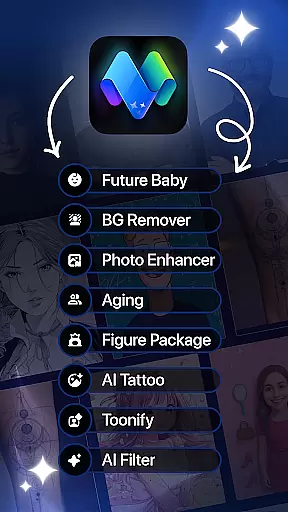
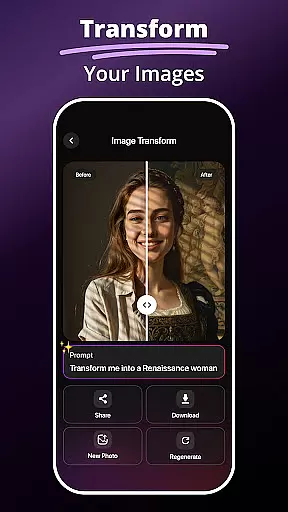
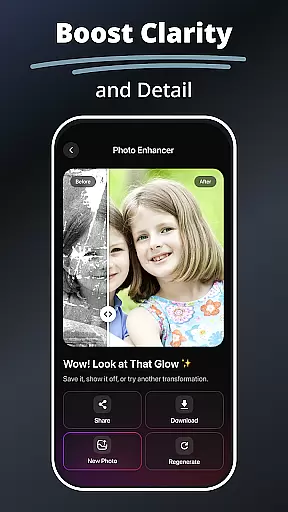
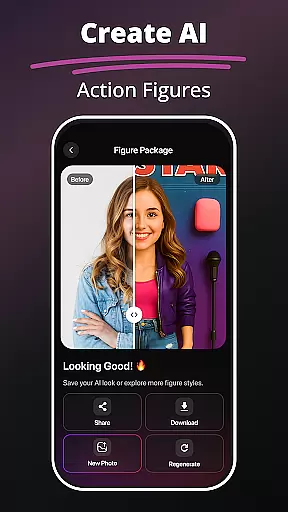
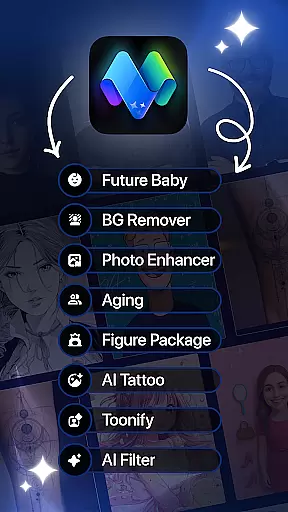
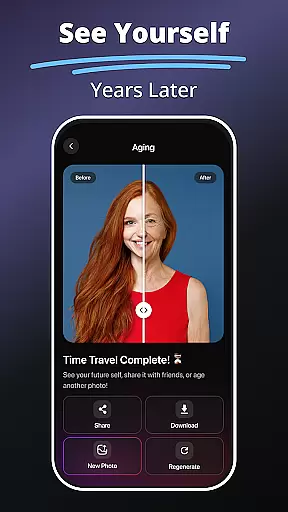
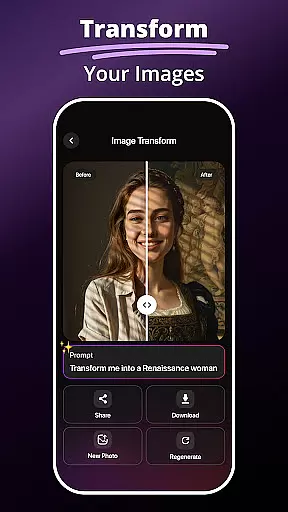
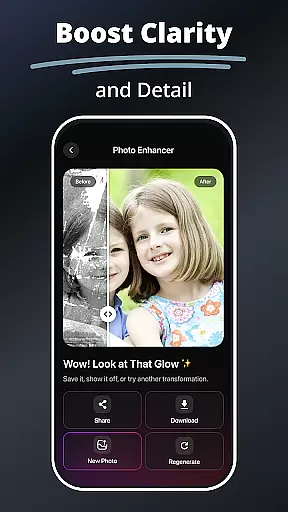
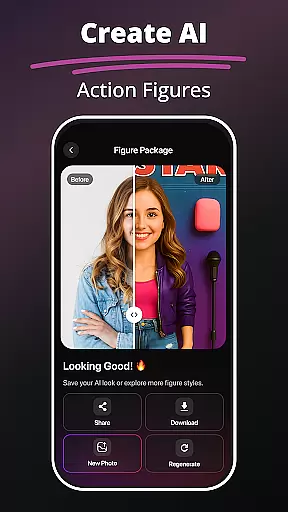
MePic is an innovative AI-powered photo editor designed for creative professionals and casual users alike. This all-in-one solution combines advanced editing tools with imaginative features, enabling users to transform ordinary photos into extraordinary digital artworks. The app's standout capabilities include text-to-image generation, future baby prediction, and professional-grade photo enhancement.
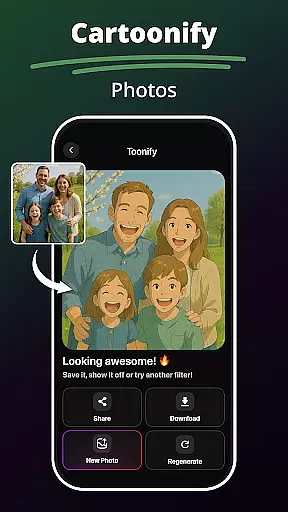
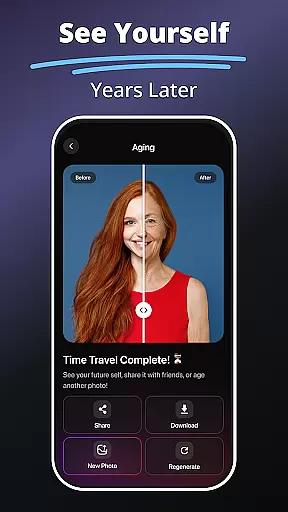
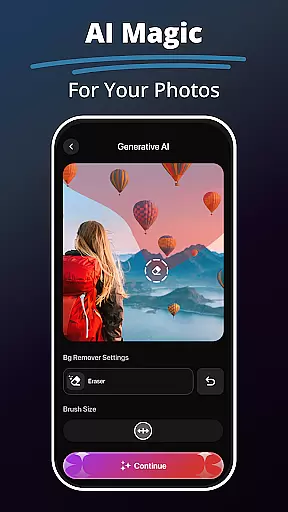
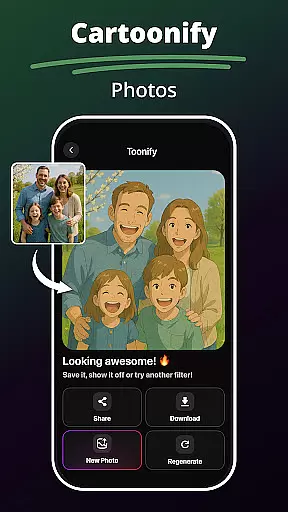
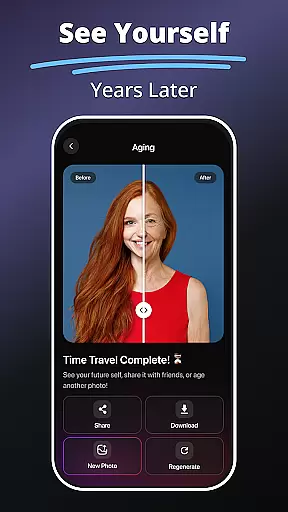
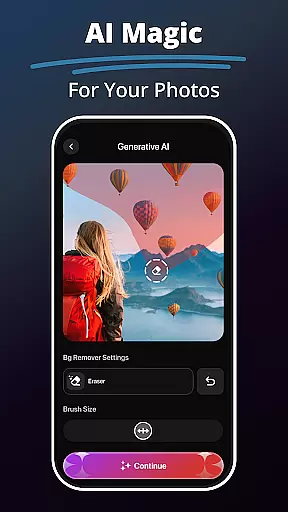
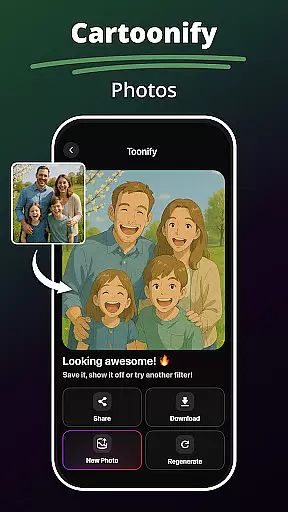
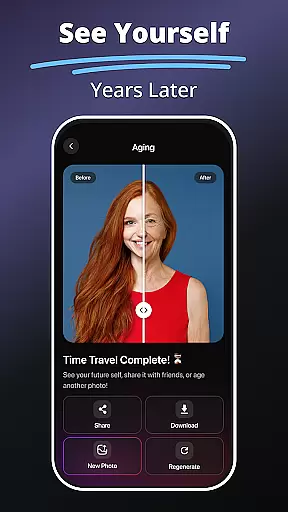
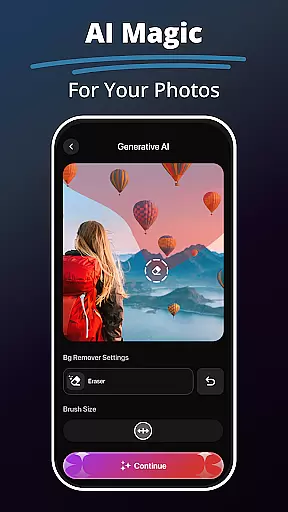
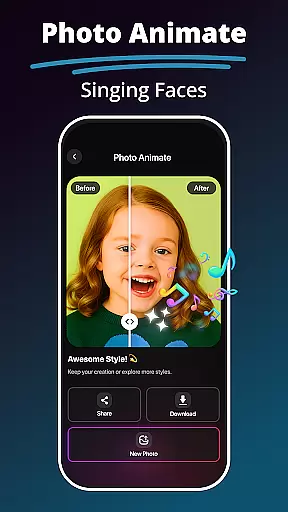
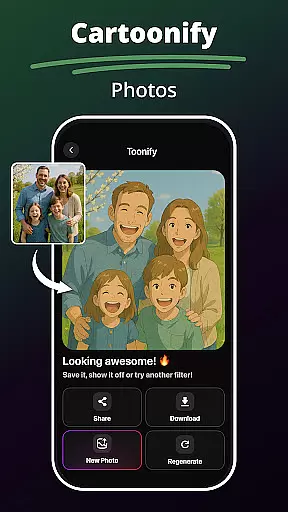
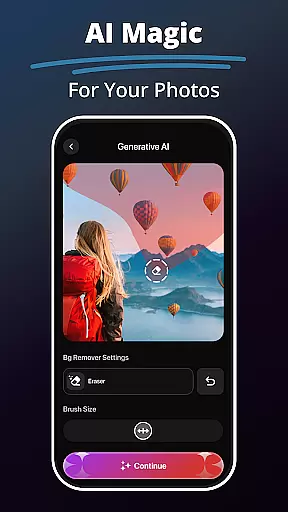
Beyond basic editing, MePic offers specialized tools for avatar creation, hairstyle experimentation, and background manipulation. Users can explore various artistic styles through AI filters that range from cartoon effects to digital painting techniques. The intuitive interface makes complex edits accessible to everyone, while powerful features like object removal and photo animation cater to more sophisticated projects.
Perfect for social media enthusiasts and digital artists, MePic streamlines content creation while maintaining professional quality standards. Whether you're enhancing portraits or experimenting with creative concepts, this application provides the tools to bring your vision to life across multiple platforms.
MePic distinguishes itself through its comprehensive suite of AI-driven editing tools. The text-to-image feature utilizes advanced natural language processing to generate high-quality visuals from simple text descriptions, opening new possibilities for creative expression. The future baby generator employs sophisticated facial recognition algorithms to predict potential offspring appearances, adding an entertaining element to family planning.
The app's core editing capabilities are powered by machine learning models that enable precise skin smoothing, color correction, and object removal. Its library of AI filters goes beyond traditional presets, offering unique artistic transformations that adapt to each image's characteristics. The avatar creator and style modification tools provide unprecedented customization options, allowing users to experiment with different looks through an intuitive interface.
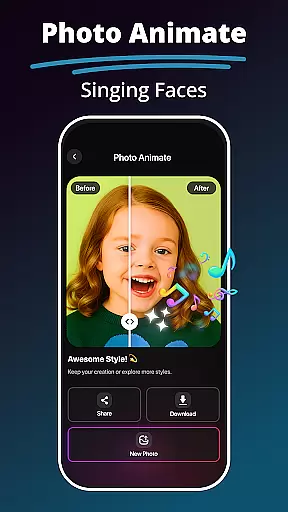
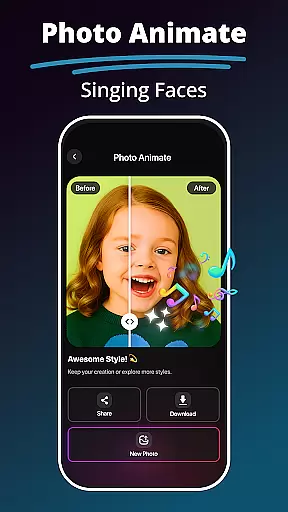
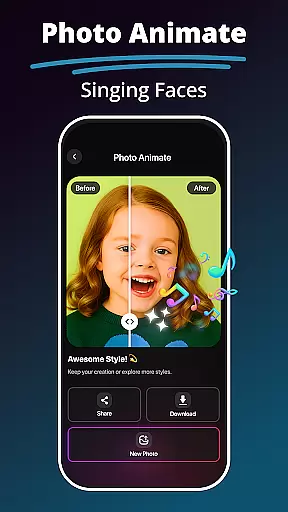
Additional features include a robust hair and beard changer that uses facial mapping technology for realistic previews, and a photo enhancer that automatically optimizes image quality. The background remover tool employs edge detection algorithms for clean cutouts, while the photo animate function brings static images to life through intelligent motion tracking.
In the realm of digital art and photo editing, having a comprehensive set of creative tools is essential. MePic stands out by offering an extensive suite of features that cater to various artistic needs. From AI-powered filters to advanced editing options, this application ensures that users have everything they need at their fingertips.
MePic's toolkit includes functionalities such as Text to Image, which transforms textual descriptions into visual art, and a Future Baby Generator for playful predictions. Additionally, it provides professional-grade tools like an Avatar Creator, Hair & Beard Changer, and Background Remover, allowing users to experiment with different styles and effects without limitations.
The value of MePic's complete creative suite is evident in its ability to turn simple photos into works of art. Users can enhance portraits, create imaginative visuals, or explore new aesthetics with ease. This versatility not only boosts creativity but also saves time by keeping all necessary tools within a single platform.
Ultimately, MePic empowers artists and casual users alike by providing them with a one-stop solution for all their photo editing needs. Whether you're looking to touch up a portrait or design a completely new image from scratch, MePic's robust feature set ensures that your creative vision can be fully realized.
Flexibility in canvas and format options is crucial for unleashing creativity without constraints. MePic addresses this need by offering adaptable solutions that cater to diverse project requirements. Users can customize their workspace and export files in various formats, ensuring compatibility and creative freedom.
With MePic, you can modify canvas sizes to suit different types of projects, whether you're working on detailed illustrations or quick social media posts. The app supports multiple file formats, making it easy to integrate your work into other platforms or share it across devices without losing quality.
This flexibility benefits users by allowing them to tailor their creations precisely as envisioned. Artists can experiment with unconventional dimensions or prepare images optimized for specific uses, such as web banners or print materials. Such adaptability enhances productivity and encourages experimentation.
By prioritizing canvas and format flexibility, MePic ensures that creators are limited only by their imagination. This focus on customization empowers users to produce high-quality artwork that meets both personal preferences and professional standards, solidifying MePic's position as a versatile tool in the Art & Design category.
Advanced AI capabilities
User-friendly interface
Comprehensive editing tools
Creative experimental features
High-quality output results
Requires significant storage
Premium features costly
Processing time noticeable
Learning curve present
Subscription model required

Pose and morph realistic male and female models! 3D poser app
 3.00
3.00
Art of Combination Wear OS Watch faces
4.4
Digital Drawing: Draw & Paint
4.10
Digital illustration drawing & painting pad app to paint Anime and Manga art
4.50
Draw on screen: FP sDraw is a simple and lightweight drawing app
4.70
800+ Drawing, Painting Lessons App to Practice, Sketch & Paint Art.
4.30
Novices can also easily complete diamond painting masters
4.70
Art of Combination Wear OS Watch faces (for Wear OS 5+ devices)
3.90
Just trace a projected picture on paper and color! Draw & Paint with AR drawing
4.40
See Color, Paint Color
4.90
Create stunning art with AI.
4.80
The perfect place to start sketching! Use Sketchbook to draw and paint sketches.
4.50
AI Tattoo Generator: Create Tattoo Designs & Get Ideas! Ink & Stencil Maker
4.50
Unleash Your Creativity with Draw Cartoon - AR Drawing App
4.10
OneUI 8.5 icons ✨ Smooth, modern & based on the latest Play Store design ??
4.10
Sketch and paint on your device with the feel and freedom of drawing on paper
4.00
Vidu is an AI video generator made for creators and aspiring makers.
3.30
Art of Combination Wear OS Watch Faces
4.4
Android 14 style widgets and wallpapers app.
4.5


User Reviews