
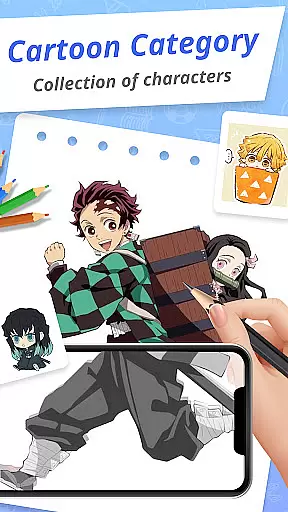
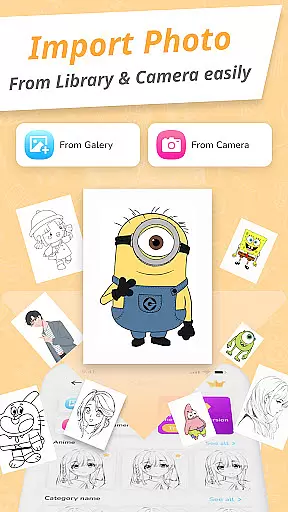
Draw Cartoon - AR Drawing App is an innovative art and design application that allows users to create stunning augmented reality drawings. The app utilizes advanced AR technology, enabling artists to incorporate real-world elements into their sketches through the device's camera.
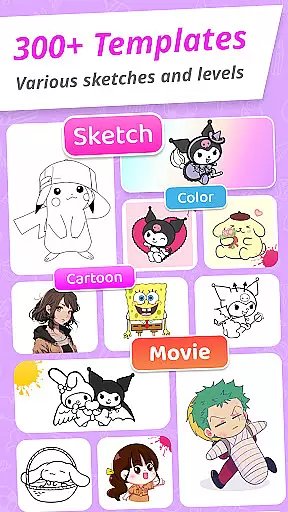
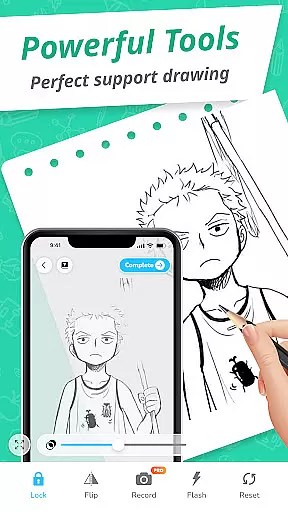
The application offers a comprehensive suite of drawing tools including adjustable opacity, flashlight control, image locking, and reset options. It also features a diverse collection of cartoon templates ranging from popular characters like Pikachu to Scooby-Doo, making it suitable for both beginners and professional artists.
One of the key strengths of Draw Cartoon is its ability to transform creative ideas into tangible artworks. Users can track their artistic progress through the My Artwork feature, which provides valuable insights into their development as artists. This makes the app particularly useful for those looking to improve their drawing skills while enjoying the benefits of augmented reality technology.
Draw Cartoon stands out with its powerful AR-based drawing capabilities. The app's main feature is its ability to project images onto real-world surfaces through the device's camera, allowing users to trace and draw with precision. The adjustable opacity function helps artists create more realistic sketches by controlling the transparency of the projected image.
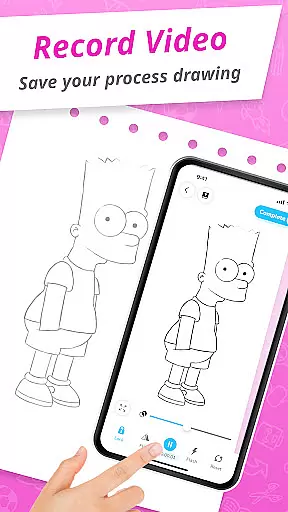
The application includes several advanced features such as video recording, photo capture, and flashlight control during drawing sessions. These tools provide users with greater flexibility in creating and documenting their artwork. Additionally, the app offers a wide selection of free cartoon templates featuring various themes and characters, giving artists plenty of creative options.
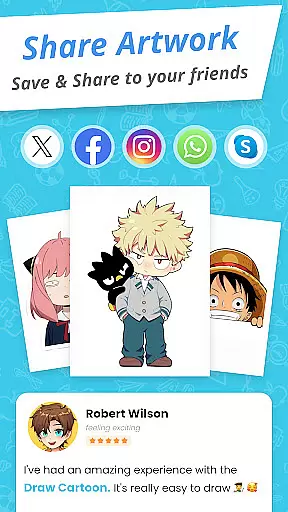
Another notable feature is the My Artwork section, where users can save and share their creations with others. This social sharing capability, combined with the app's intuitive interface and robust drawing tools, makes Draw Cartoon a comprehensive solution for both amateur and professional artists seeking to explore the world of augmented reality art.
In the realm of digital art, having a comprehensive set of creative tools is essential for artists to fully express their visions. Draw Cartoon - AR Drawing App rises to the occasion by offering an extensive suite of features that cater to both amateur and professional artists.
At the core of this app is its powerful AR cartoon drawing capability, which allows users to incorporate real-world elements into their sketches through their device's camera. This feature is complemented by advanced options such as recording video, taking photos, adjusting opacity, controlling the flashlight, and locking or resetting your work.
Moreover, the app provides amazing AR sketch cartoon templates, including free samples of painting and tracing templates. These range from beloved characters like Pikachu to classic cartoons such as Scooby-Doo and Freddy, thus covering a wide array of interests and themes.
The inclusion of these varied and robust functionalities ensures that artists have everything they need at their fingertips to create stunning works of art with augmented reality.
Flexibility in canvas and format options can greatly enhance the creative process, allowing artists to customize their workspace to fit their unique style and project requirements. Draw Cartoon - AR Drawing App embraces this concept by providing adaptable solutions for artists engaging with augmented reality.
Users are instructed to place their phone parallel to the table, mimicking a canvas that overlays the real world. Once an image is selected within the app, it appears inverted on the screen, ready to be traced over using real-world surfaces as part of the artwork.
This innovative approach effectively transforms any physical space into a potential canvas, granting unparalleled freedom in how and where art can be created. The ability to adjust opacity further adds to this flexibility, enabling nuanced layering and shading techniques akin to traditional drawing methods.
By prioritizing simplicity without compromising functionality, Draw Cartoon empowers users with a versatile platform that supports boundless creativity while remaining accessible even to those new to digital art forms.
User-friendly interface
Wide template selection
Advanced AR tools
Progress tracking
Social sharing options
Limited free content
Device compatibility issues
Occasional glitches
Steep learning curve
Premium feature costs

Art of Combination Wear OS Watch faces (for Wear OS 5+ devices)
 3.00
3.00
Apply cartoon, caricature, and portrait effects to make your photos stand out!
3.60
Paint with oils and sketch with natural tools on a realistic virtual canvas.
3.80
Convert image to JPG PNG HEIC PDF, support almost all kinds of image formats
4.70
Draw glowing spinners, relax, and spin your creative art
4.60
800+ Drawing, Painting Lessons App to Practice, Sketch & Paint Art.
4.30
Android 14 style widgets and wallpapers app.
4.5
Bring One UI 8.5 Icons to life -elegant dark icons with a modern, premium touch.
4.30
Kling AI is an image and video generation and editing studio powered by AI.
4.50
Create stylish invitation cards using templates for weddings, birthdays & RSVP.
4.20
Digital Drawing: Draw & Paint
4.10
AR Anime Drawing: How to draw anime with AR drawing & sketching apps!
4.00
Get creative and make art with your Sesame Friends!
4.00
Turning simple sketches into captivating tales filled with life and motion
3.90
Resize photos and print photos in exact size with our powerful photo printer!
3.80
AI Art Generator transforms your words into AI generated art & paintings.
3.70
Experience next-gen icons with a modern liquid glass look.
3.60
Vidu is an AI video generator made for creators and aspiring makers.
3.30
Retouch photos. Create or edit images. Endless capabilities.
2.70


User Reviews