
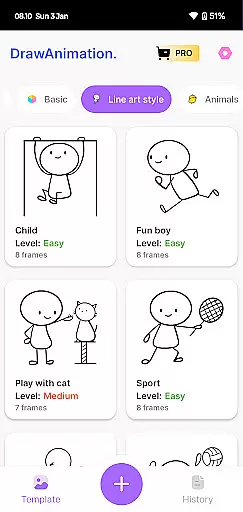
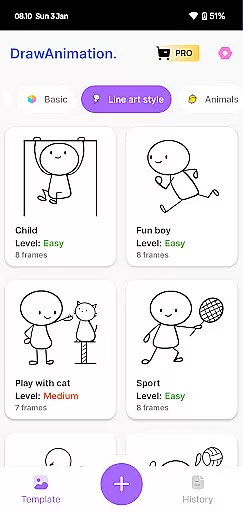
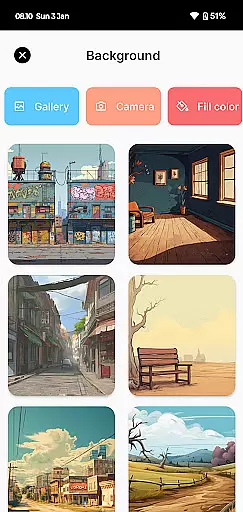
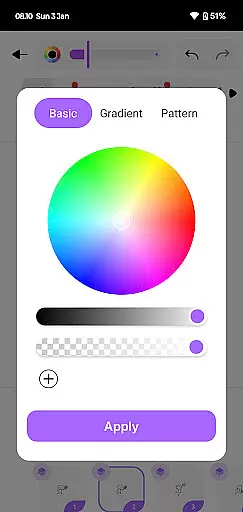
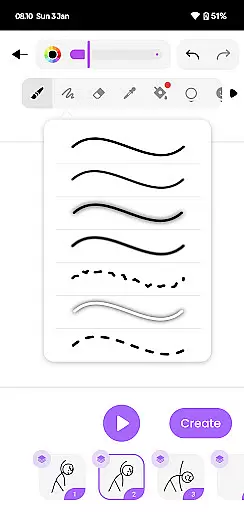
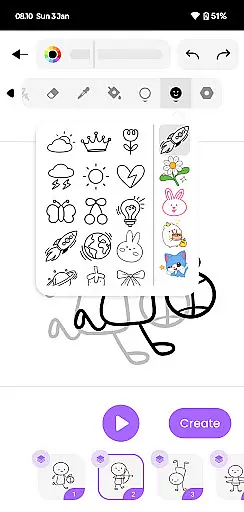
Draw Animation Maker is an innovative app in the Art & Design category that transforms simple doodles into captivating animations. The application serves as a comprehensive animation studio on your mobile device, enabling users to craft frame-by-frame flipbook-style animations with ease.
With its user-friendly interface, the app invites both beginners and experienced artists to explore their creative potential. Users can design unique characters and plots, similar to those found in anime films, while enjoying an engaging and fun animation process. The ability to save creations as GIFs or MP4 files adds practical value for sharing and preserving animated works.
This versatile tool is particularly beneficial for aspiring animators and art enthusiasts who want to experiment with animation techniques without investing in expensive equipment. Its accessibility and entertainment value make it suitable for creative professionals and hobbyists alike.
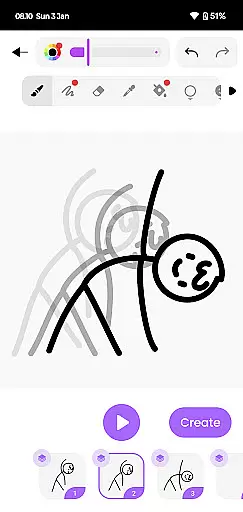
Draw Animation Maker stands out with its diverse feature set tailored for animation enthusiasts. The app's core functionality lies in its frame-by-frame animation capability, allowing precise control over each movement and transition in the animation process.
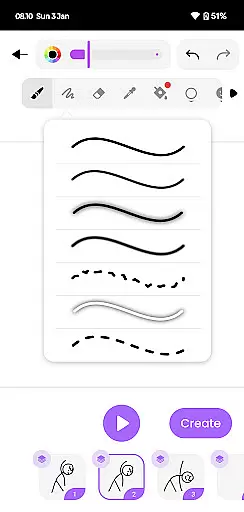
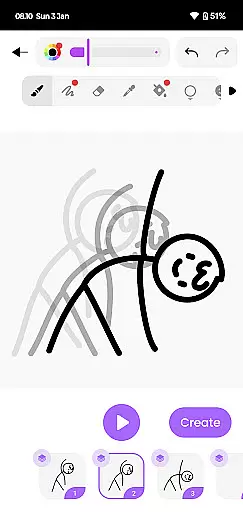
The application provides specialized drawing tools that enable users to create detailed character animations and complex scenes. Its intuitive timeline management system helps organize frames efficiently, while the ability to preview animations in real-time enhances the creative workflow. The app supports various export formats including GIF and MP4, ensuring compatibility across different platforms.
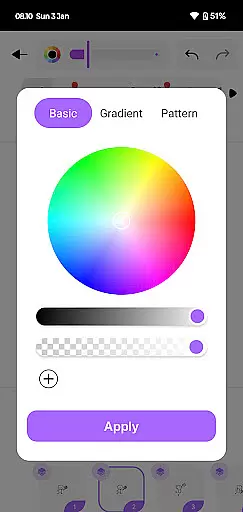
Additional features include customizable canvas settings, advanced color palettes, and onion skinning functionality for professional-grade results. These capabilities, combined with its mobile accessibility, make Draw Animation Maker a powerful tool for creating sophisticated animations directly from smartphones.
In the realm of digital artistry, having a comprehensive suite of creative tools is paramount. Draw Animation Maker stands out by offering an extensive array of features that cater to both budding and experienced animators. The app provides everything from basic drawing tools to advanced frame-by-frame animation capabilities.
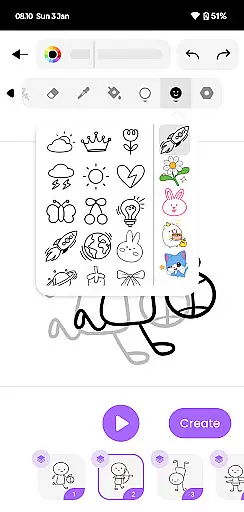
Users can access a variety of brushes, colors, and effects to bring their creations to life. The inclusion of flipbook-style animation allows for intricate detailing and personalization in each frame. This level of detail empowers creators to weave unique stories with every doodle they animate.
The true value lies in the seamless integration of these tools within an intuitive interface. Animators can easily navigate through options, apply changes, and visualize their concepts without any hassle. Such cohesion ensures that artists remain immersed in their creative process without being bogged down by technicalities.
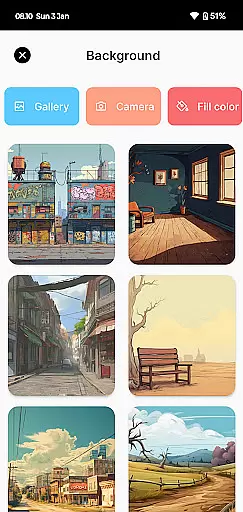
Flexibility in canvas size and format options is crucial for animators who wish to explore diverse artistic expressions. Draw Animation Maker excels in providing users with adaptable canvas settings that suit various project requirements. Whether it's crafting compact GIFs or producing full-fledged animated films, this app has got you covered.
Artists have the freedom to choose from multiple dimensions and resolutions, ensuring their work looks impeccable on any platform or device. This adaptability extends to exporting animations in popular formats like MP4 and GIF, making sharing effortless across different mediums.
By prioritizing canvas and format flexibility, Draw Animation Maker enables creators to push boundaries without constraints. Users can experiment with different styles while maintaining high-quality output standardsu2014a feature that truly sets this application apart in the world of art & design.
User-friendly interface
Frame-by-frame control
Real-time preview
Multiple export options
Advanced drawing tools
Limited free features
High learning curve
Occasional glitches
Ads in free version
Storage intensive

Customizable Outlined Fonts. Watch Face Format. Battery friendly Digital Clock.
 4.20
4.20
Castle is social media for creating and playing games!
4.60
Photo editor for art, avatars, filters & fun transformations.
4.60
Painting, drawing, & sketching
4.50
Image resizer to resize, crop, rotate, flip, change dpi photo or picture in bulk
4.60
Your homescreen as an elegant glass with customized blur, lighting, and visuals.
3.70
AI Tattoo Generator: Create Tattoo Designs & Get Ideas! Ink & Stencil Maker
4.50
Draw, fidget, and spin glow art! Relax and express your creativity with a finger
4.60
Multiplayer Drawing game, Coloring, Painting・Sketch, Handwriting・Paint, draw
4.30
Make your phone cooler and have a fantastic experience
4.80
Draw anime & manga drawing, art with templates to create stunning picture!
4.50
Stylish letters, Stylish Keyboard, Symbols, Emojis, Cool nickname
4.40
Everything you need to create hand drawn animation, anywhere you go!
4.40
Nano Banana AI Image Generator, Anime Filter, AI Portrait, AI Photo Generator
4.30
800+ Drawing, Painting Lessons App to Practice, Sketch & Paint Art.
4.30
Create Logos, Tattoos, AI Art & more with our AI Photo Generator & Design Editor
4.20
Unleash the artist in you with our AR drawing and tracing tool for photo drawing
4.10
Easy 3D drawing design maker & creator. Model designing, Sculpting. Create&paint
4.00
AI Assistant, powered by ChatGPT GPT-4 & GPT-4o. Your intelligent companion.
3.50


User Reviews