
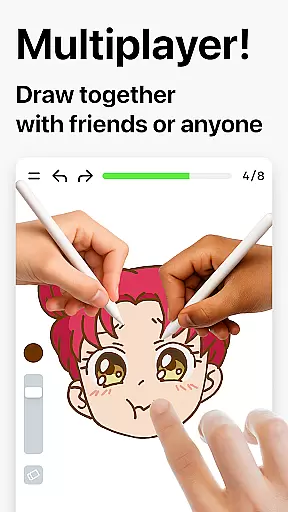
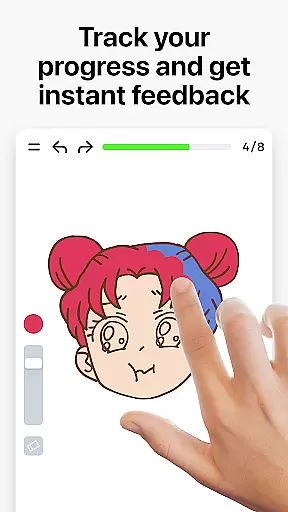
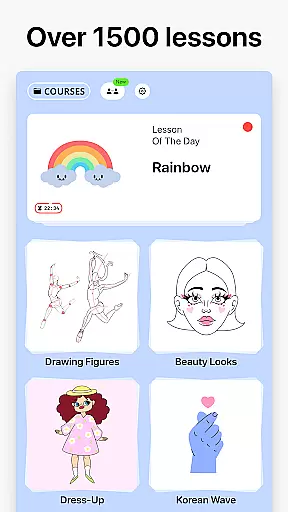

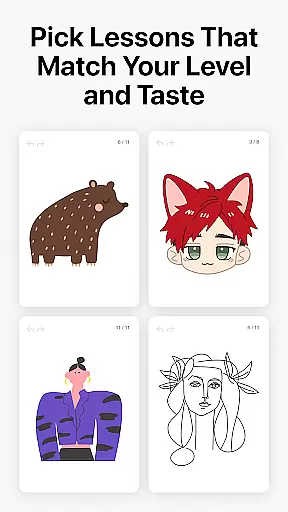
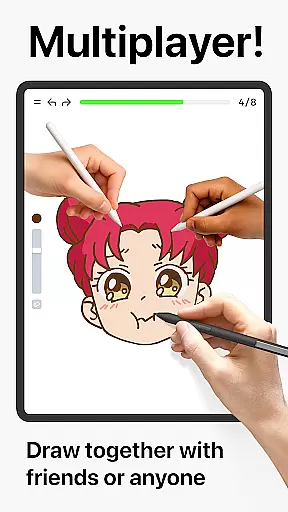
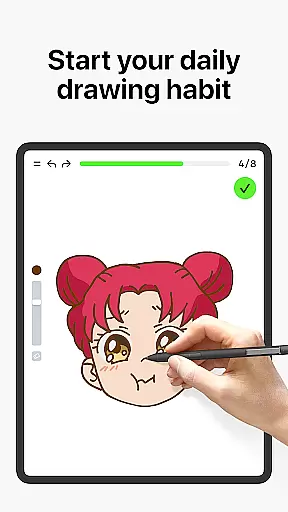
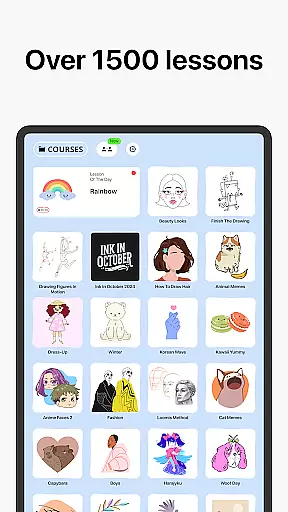


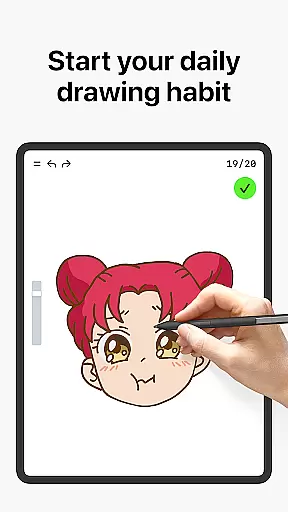
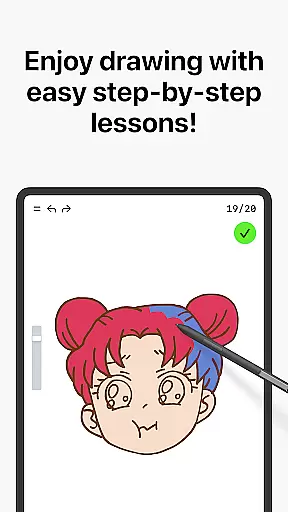
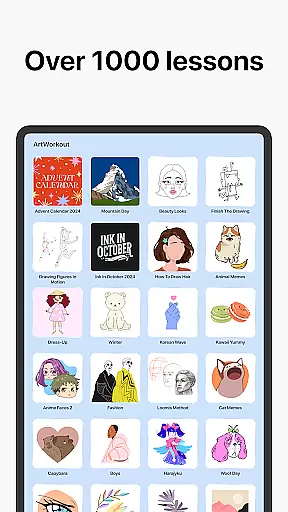


Learn how to draw is an innovative drawing and painting trainer app designed for art enthusiasts of all skill levels. With over 1000 step-by-step tutorials, the app provides a comprehensive learning experience that combines education with fun. The unique multiplayer mode allows users to draw and trace together in real time, creating a collaborative creative space. Whether you're a beginner or an experienced artist, the app's scoring system and accuracy analysis help track your progress while improving your skills.
The app offers dynamic tutorials broken into simple steps, interactive courses across various art forms, and weekly new lessons inspired by global cultures. Beyond basic drawing, it evaluates stroke quality and accuracy, providing meaningful feedback for artistic growth. Suitable for all ages, this app transforms the often challenging process of learning art into an engaging, stress-free experience that feels more like a creative workout than traditional training.
Learn how to draw stands out with its diverse features tailored to enhance artistic abilities. The app includes a robust collection of dynamic tutorials, each divided into manageable steps, making it easy for users to follow along. Its multiplayer functionality fosters collaboration and friendly competition, enabling users to draw together in real time. This feature not only enhances creativity but also builds a sense of community among users.
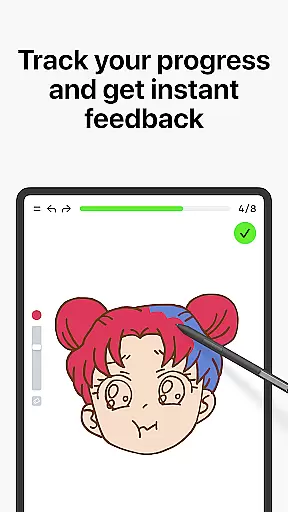
Another key highlight is the app's scoring system, which measures both accuracy and stroke quality. By analyzing these aspects, the app provides detailed feedback on areas for improvement, ensuring steady progress. Additionally, Learn how to draw offers themed courses covering doodling, sketching, painting, and handwriting, catering to varied interests. Regular updates with new lessons and active community engagement through platforms like Discord and Telegram further enrich the user experience.
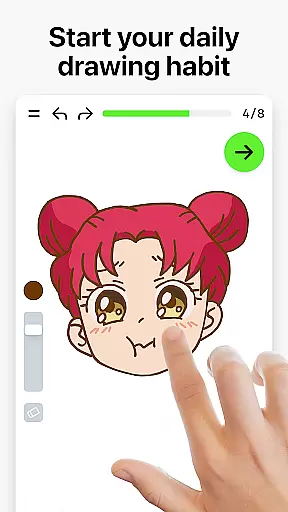
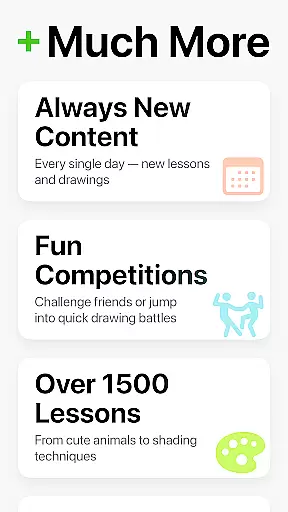
ArtWorkout provides a comprehensive suite of creative tools that cater to artists of all skill levels. With over 1000 step-by-step tutorials, users can explore various drawing and painting techniques through dynamic lessons that are broken down into manageable steps.
The app's unique algorithm tracks user progress, offering clear evidence of improvement over time. This feature-rich platform includes an innovative scoring system that evaluates both the accuracy and quality of each stroke, providing valuable feedback for users looking to refine their skills.
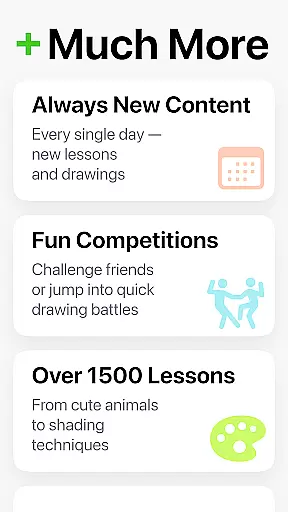
Interactive courses cover a range of artistic disciplines including doodling, sketching, drawing, painting, and handwriting. These courses ensure that users have access to a diverse array of learning materials that suit their individual interests and goals.
Moreover, ArtWorkout stands out by introducing a multiplayer mode where users can draw together in real-time with friends or other artists worldwide. This collaborative space fosters community engagement and allows for shared experiences in creativity.
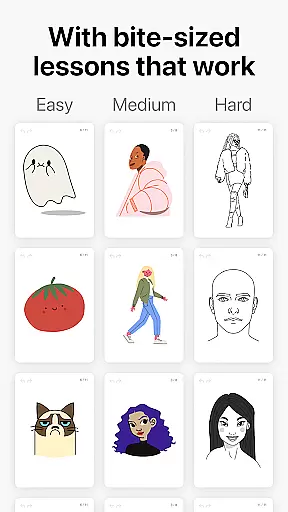
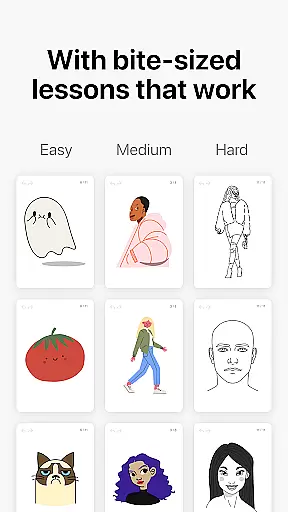
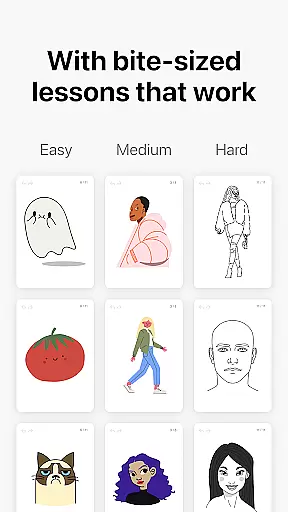
ArtWorkout offers remarkable canvas and format flexibility, making it suitable for both beginners and professional artists. The app supports bite-sized learning pieces which allow users to engage in stress-free drawing sessions at their own pace.
Each lesson is designed to be easily digestible, enabling learners to focus on specific techniques without feeling overwhelmed. Users can trace photos, paint different themes, and explore various cultural elements within the comfort of their digital environment.
In addition to its extensive library of tutorials, new courses are released weekly, often inspired by global cultures and time-limited holiday events. This ensures that there is always fresh content available for continuous learning and experimentation.
Furthermore, ArtWorkout listens closely to user feedback and maintains active community pages on platforms like Discord and Telegram. This commitment to community engagement helps shape the appu2019s offerings, ensuring that it remains responsive to the needs of its users while providing flexible formats for artistic expression.
User-friendly interface
Comprehensive tutorials
Real-time multiplayer
Progress tracking system
Regular content updates
Limited advanced tools
Occasional bugs
Premium subscription cost
Internet required
Steep learning curve

Easy 3D drawing design maker & creator. Model designing, Sculpting. Create&paint
 4.00
4.00
Art of Combination Wear OS Watch faces
4.0
Draw beautiful mandala's very easily
4.60
Create stunning video, photo & magic from text with FlixAI GPT video generator.
3.10
Resize photos and print photos in exact size with our powerful photo printer!
3.80
Photo stitcher for automatically screenshot stitching into a long screenshot
4.70
Bring One UI 8.5 Icons to life -elegant dark icons with a modern, premium touch.
4.30
Video AI: Revolutionize Your Content Creation with Advanced Video Generation
4.50
How to draw anime step by step for beginner easily by AR drawing sketch & paint.
3.60
Your AI soulmate — meaningful chats, and unique emotional moments
4.70
Digital, Abstract, Classic - all types of color wheels in one app!
4.60
Castle is social media for creating and playing games!
4.60
Photo editor for art, avatars, filters & fun transformations.
4.60
Just trace a projected picture on paper and color! Draw & Paint with AR drawing
4.40
Get creative and make art with your Sesame Friends!
4.00
Art of Combination Wear OS Watch faces (for Wear OS 5+ devices)
3.90
Paint with oils and sketch with natural tools on a realistic virtual canvas.
3.80
Create cute cat emojis & PFPs! Fun, custom avatars for cat lovers.
3.70
A luxurious gold watch face for an elegant and refined look.
4.3


User Reviews