
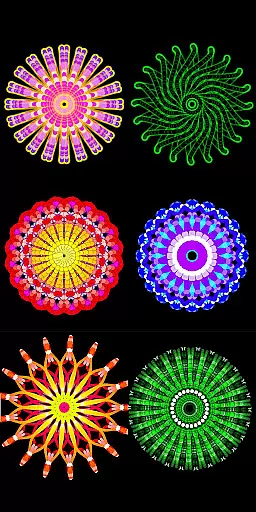
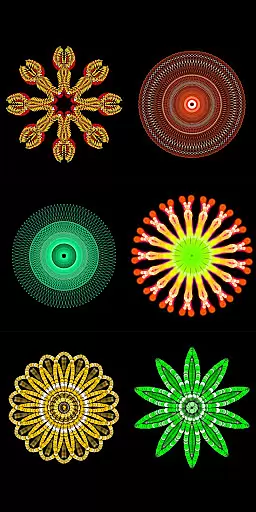
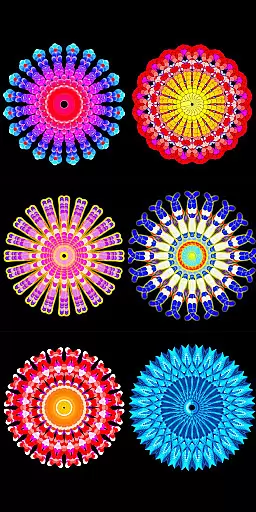
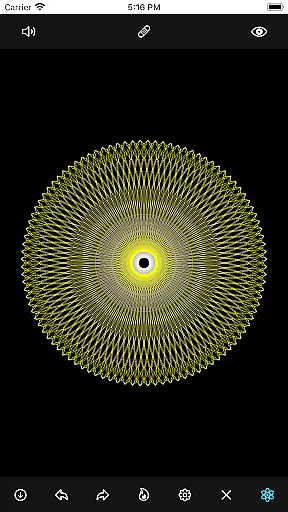
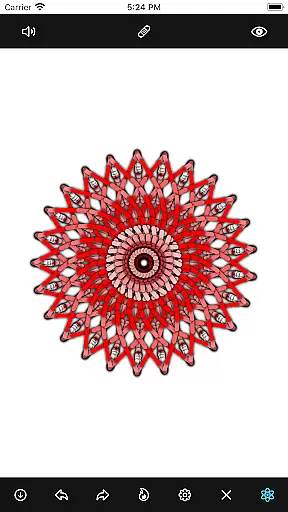
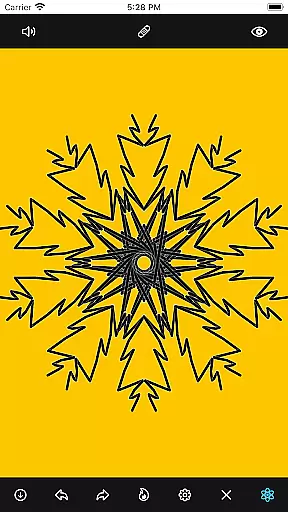
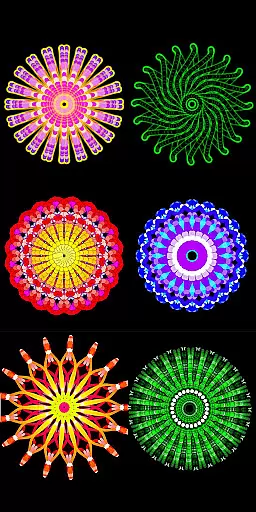
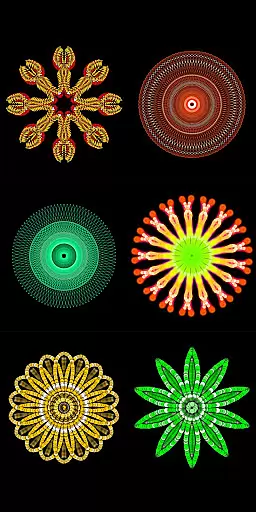
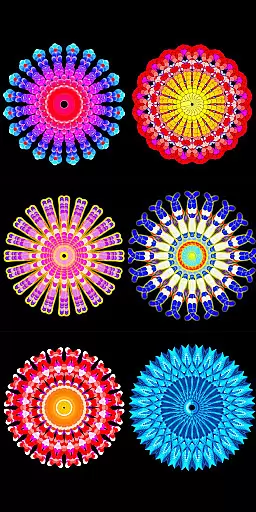
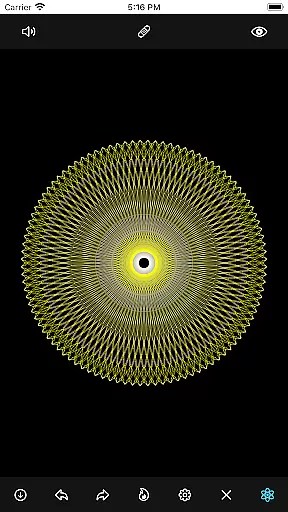
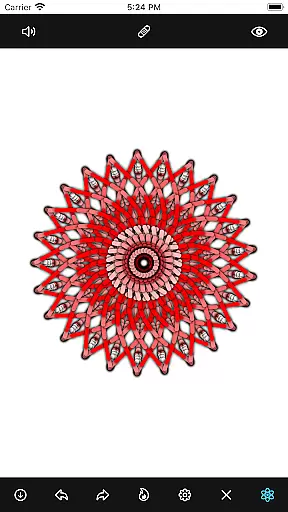
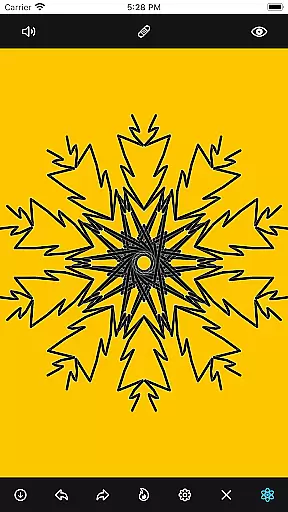
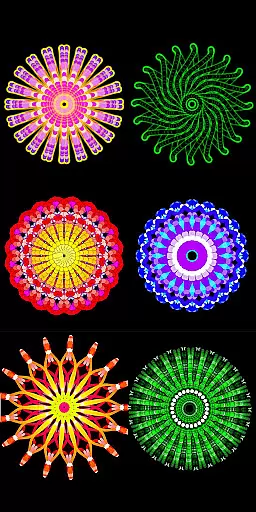
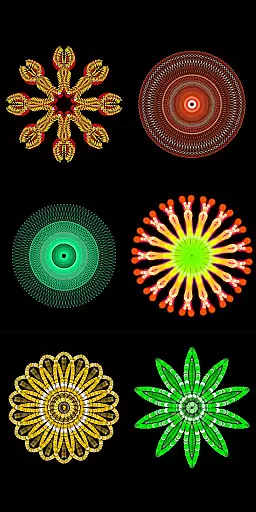
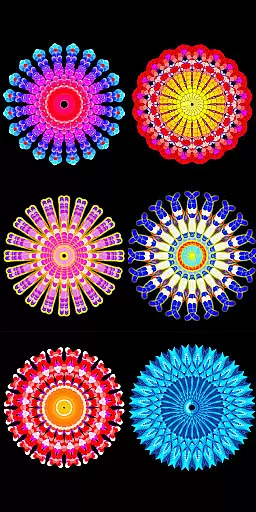
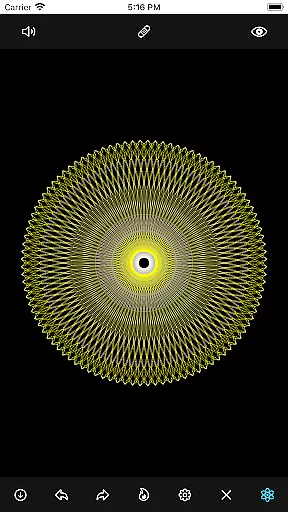
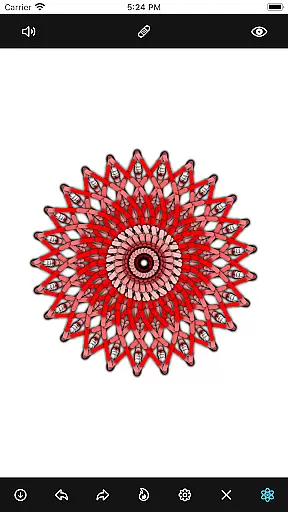
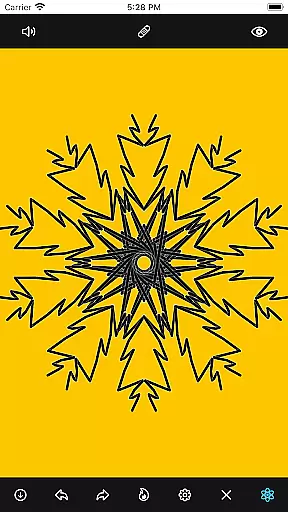
Mandala Maker 360 is an innovative art and design application that allows users to create stunning mandala drawings with remarkable ease. The app offers a comprehensive set of customization options, enabling artists to modify canvas symmetry, background color, brush settings, and even apply shadows. With predefined patterns and over 50 images available for drawing, the creative possibilities are virtually endless.
Whether you're a professional artist or simply enjoy casual drawing, Mandala Maker 360 provides the tools needed to produce intricate designs. Its intuitive interface and diverse features make it suitable for both beginners and experienced users who want to explore their artistic potential through symmetrical art forms.
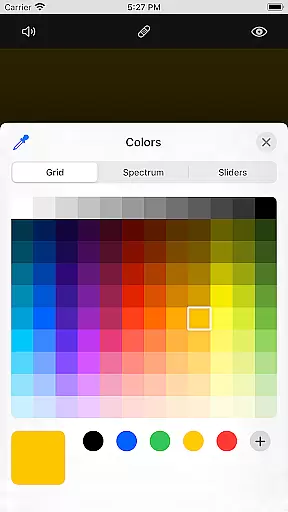
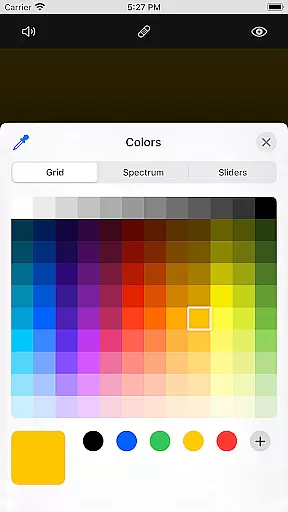
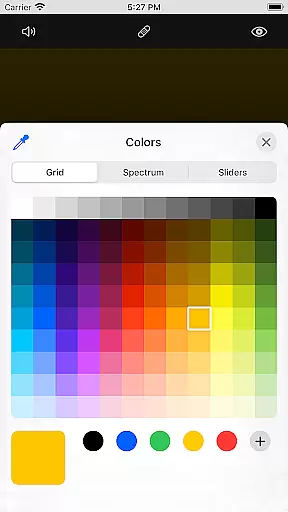
The app boasts an impressive array of features designed to enhance the mandala creation process. Canvas Customization allows users to change background colors, adjust canvas centers, enable touch-based centering, and utilize canvas mirroring. These options provide complete control over the drawing surface, ensuring each piece is perfectly symmetrical.
Brush Customization offers multiple brush styles, various color types including random selection, and adjustable brush sizes and types. Image Customization includes over 50 images for drawing, with adjustable sizes and dimensions. Additionally, Shadow Properties let users apply random shadows with customizable sizes and colors, adding depth to their artwork.
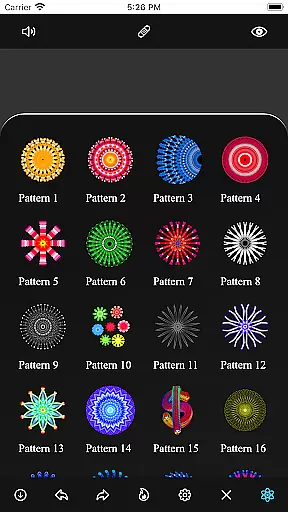
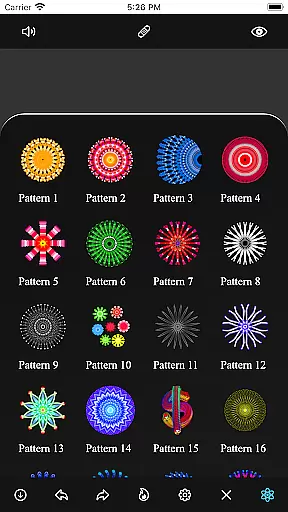
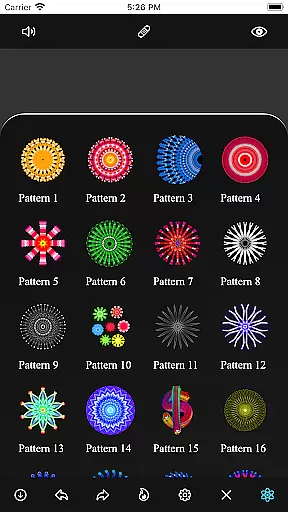
With its collection of predefined Patterns, Mandala Maker 360 gives users access to multiple templates for drawing inspiration. This feature-rich app empowers creators to experiment with different styles and techniques, resulting in unique and captivating mandala designs every time.
In the realm of digital art, having a comprehensive set of creative tools is essential for unleashing an artist's full potential. Mandala Maker 360 excels in this area by offering a wide array of customization options that cater to both novice and experienced artists.
Users can modify canvas symmetry, background color, brush settings, and even apply shadows to create depth and dimension in their mandala drawings. The app also provides multiple brush styles, color types, and random color selection, allowing for endless creativity.
With over 50 images available for drawing, users can experiment with different visual elements and compositions. This extensive toolkit empowers artists to produce intricate and personalized mandala designs that reflect their unique artistic vision.
The ability to adapt and modify the canvas or format is crucial for artists seeking to express their creativity without limitations. Mandala Maker 360 addresses this need by providing robust canvas customization features that enhance the drawing experience.
Artists can change the background color, adjust the canvas center, and utilize touch-based centering to achieve precise control over their artwork. The app supports canvas mirroring, which is particularly useful for creating symmetrical mandala patterns.
Additionally, image customization options allow users to alter image sizes and dimensions, ensuring that every element fits perfectly within the composition. These flexible formatting options make it easy to create professional-quality mandalas tailored to individual preferences.
User-friendly interface
Extensive customization options
Variety of brush styles
Over 50 images for drawing
Unique shadow properties
May overwhelm beginners
Limited free features
In-app purchases required
Occasional performance issues
Steep learning curve

Transform photos into amazing monochrome dither art with professional algorithms
 4.4
4.4
Create trending AI photos & videos with powerful effects and 3D styles.
3.20
Create stylish invitation cards using templates for weddings, birthdays & RSVP.
4.20
Passport size photo maker, create ID photo and visa photo in seconds
4.80
Painting, drawing, & sketching
4.50
Art of Combination Wear OS Watch Faces
3.30
Create and Design Custom Logos in Seconds with AI-Powered Tools!
4.40
Video AI: Revolutionize Your Content Creation with Advanced Video Generation
4.50
Kling AI is an image and video generation and editing studio powered by AI.
4.50
Mobile pixel art editor. Simple. Fast. Portable.
4.80
Image resizer to resize, crop, rotate, flip, change dpi photo or picture in bulk
4.60
Draw glowing spinners, relax, and spin your creative art
4.60
Remove Background, Magic Eraser, Photo Enhancer, Story Templates, Collage Maker
4.30
Unleash the artist in you with our AR drawing and tracing tool for photo drawing
4.10
Paint with oils and sketch with natural tools on a realistic virtual canvas.
3.80
Your homescreen as an elegant glass with customized blur, lighting, and visuals.
3.70
Create sweet, cool and unique couple avatars easily, in just a few steps!
3.40
Pose and morph realistic male and female models! 3D poser app
3.00
Art of Combination Wear OS Watch faces
4.1


User Reviews