
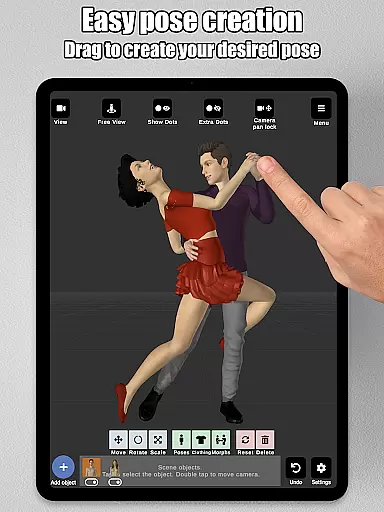
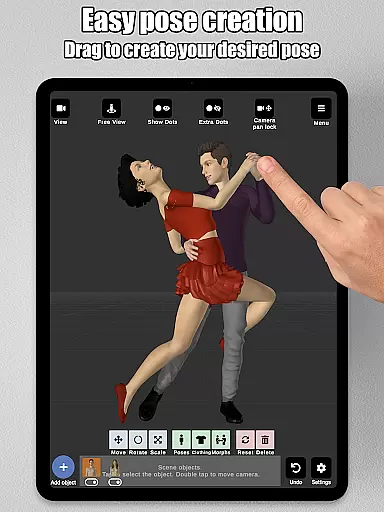
Art Model is a feature-rich 3D posing tool designed for artists and designers. This app allows users to pose and morph an unlimited number of human models simultaneously, making it ideal for character design, illustrations, and storyboarding. With realistic 3D male, female, and wooden mannequin models, the app caters to both digital and traditional artists.
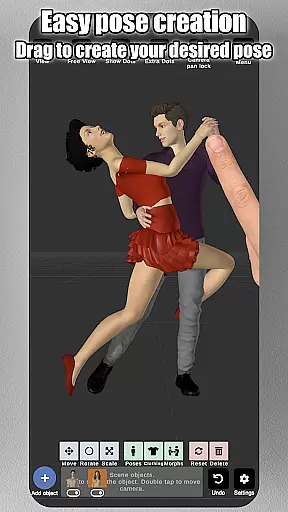
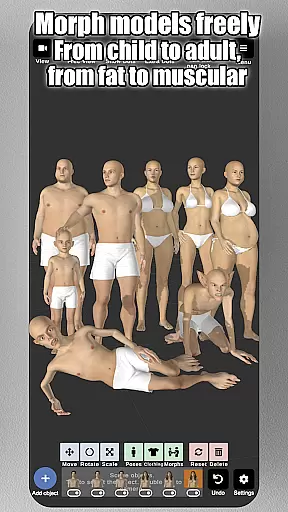
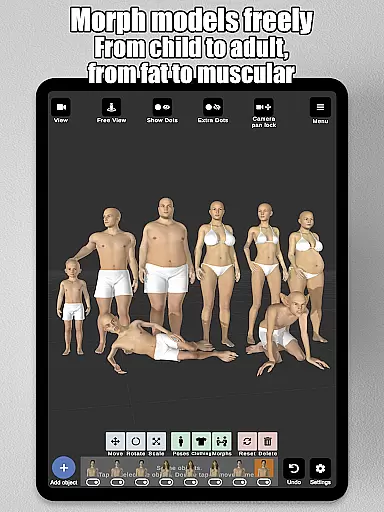
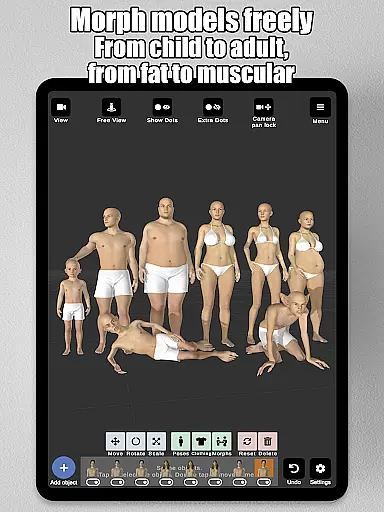
The app's intuitive control system lets users create poses by simply tapping and dragging limbs into position, eliminating the need for complex joint rotations. Additionally, its powerful morphing system enables users to customize models from children to adults, skinny to muscular, and everything in between. Art Model also supports importing backgrounds, adding props, and split-view editing, enhancing the creative process.
Art Model offers a comprehensive suite of features tailored for artists. The app includes realistic male and female models along with a wooden mannequin, providing versatile drawing references. Its fast pose creation system allows users to drag limbs into desired positions effortlessly, streamlining the posing process.
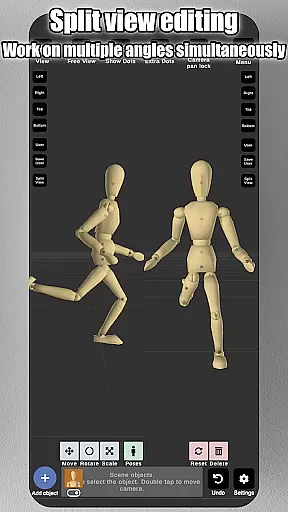
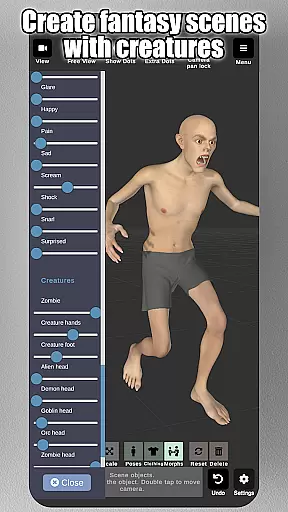
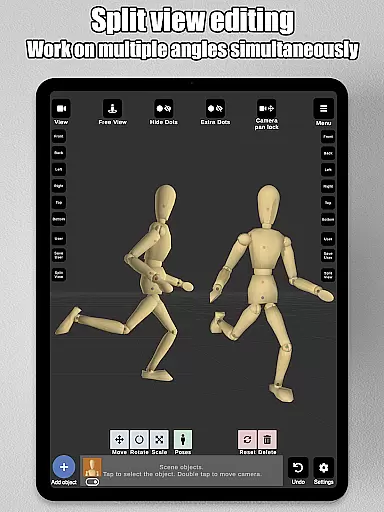
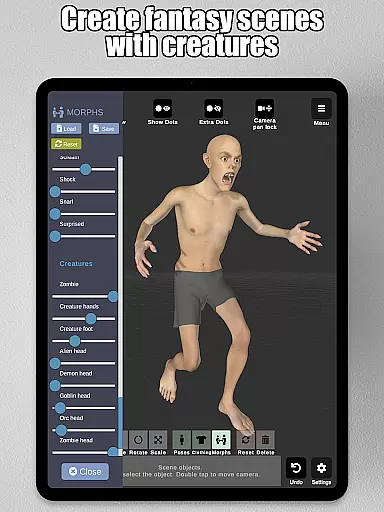
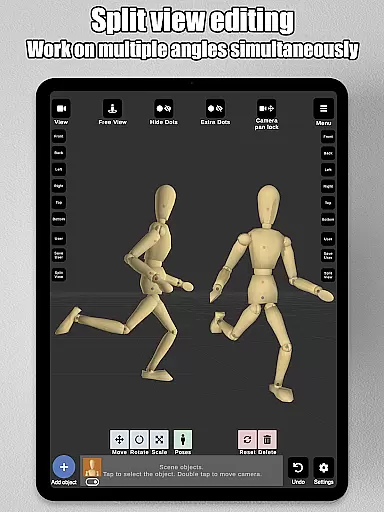
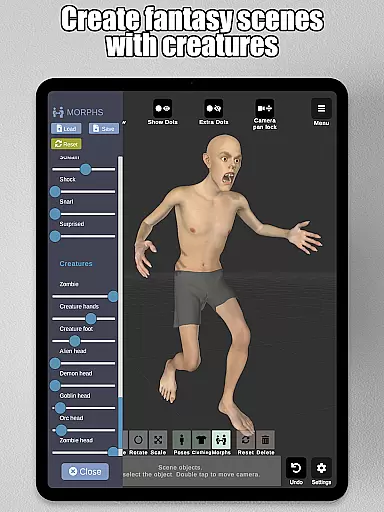
The morphing system is another standout feature, enabling full-body transformations and specific body part adjustments. Users can modify models to be muscular, pregnant, or even fantastical creatures. Additional features include clothing options, prop integration, background image imports, and advanced lighting settings. The split-view editing function further enhances precision by allowing simultaneous dual-angle views.
Art Model - 3D Art pose tool offers a comprehensive suite of creative tools that cater to both digital and traditional artists. The application provides realistic 3D male and female models, alongside a wooden mannequin option for those who appreciate conventional drawing references.
The app stands out with its powerful morphing system, which allows users to modify models extensivelyu2014from adjusting age and body type to more specific alterations like chest or limb dimensions. This flexibility ensures that artists can create virtually any human figure they envision.
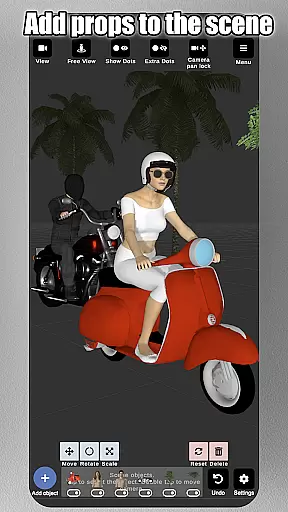
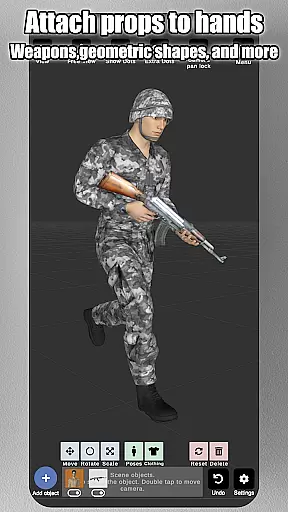
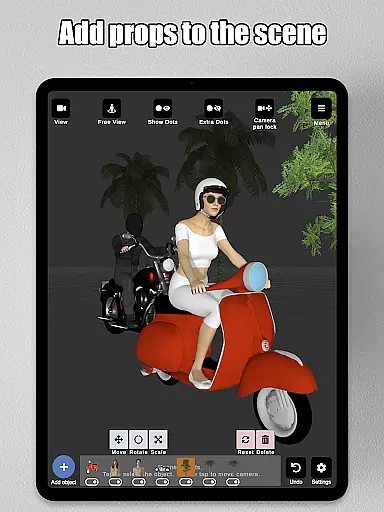
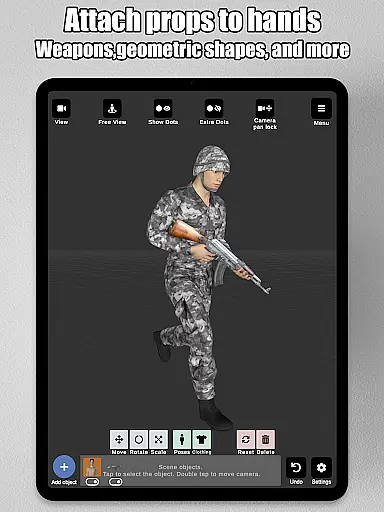
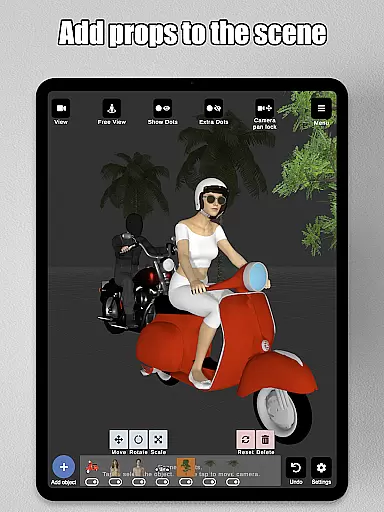
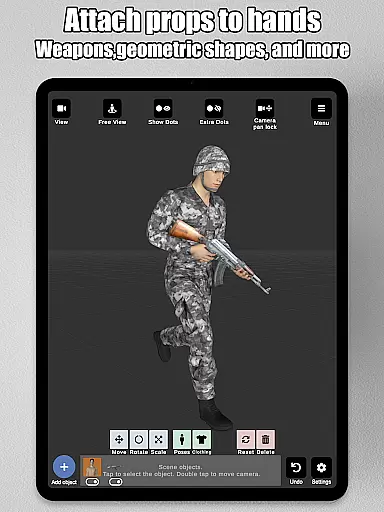
In addition to the extensive morph options, Art Model enriches scenes with props such as furniture, weapons, vehicles, and geometric shapes. These elements can be attached to models' hands, moving naturally with them, thus providing a dynamic posing experience.
With advanced lighting options, preset poses, various headgear choices, and basic hair features, this app equips artists with everything needed to design characters for illustrations, storyboarding, or improving drawing skills.
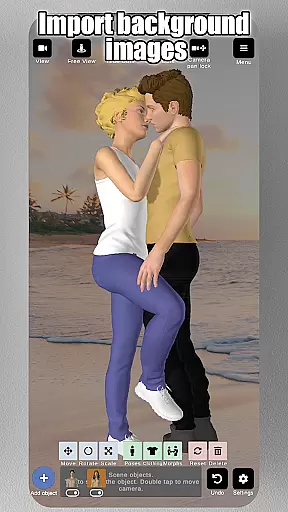
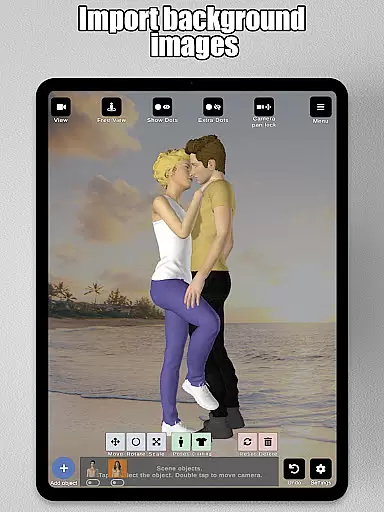
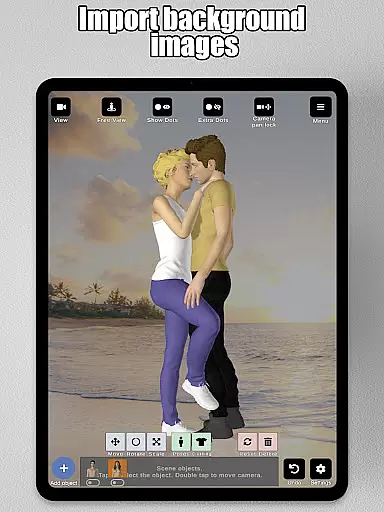
The canvas and format flexibility of Art Model - 3D Art pose tool is designed to adapt to an artist's unique workflow. Users can import background images, which serve as either environmental context or drawing references, allowing for a more immersive character design process.
Split view editing is another feature that enhances canvas manipulation by enabling simultaneous viewing from two different camera angles. This facilitates precise adjustments without the need to constantly rotate the scene, streamlining the creative process.
Artists have control over their workspace through intuitive gestures: zooming in and out with a two-finger pinch, rotating the camera with a two-finger drag, and panning with a one-finger drag. Such interactions ensure that navigating the virtual space feels natural and responsive.
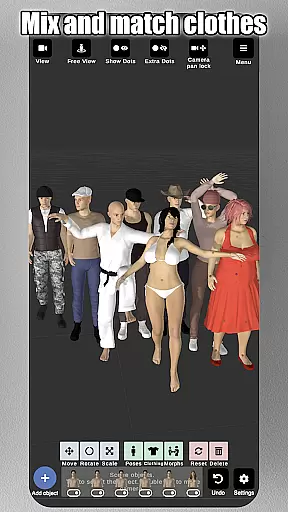
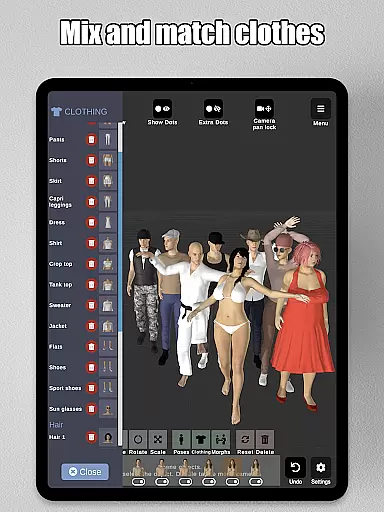
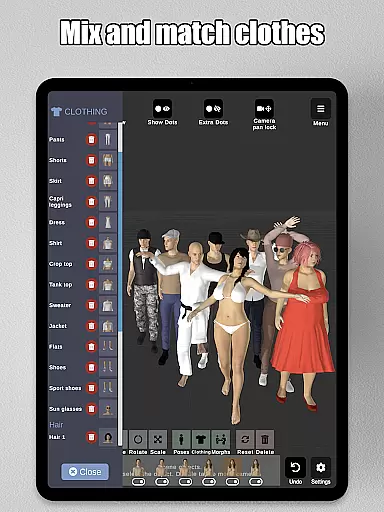
Furthermore, clothing options for models and the ability to save and load poses and morphs add layers of convenience and customization. Artists can focus on their work while the software handles the technicalities, making it ideal for character design, illustrations, or storyboarding projects.
User-friendly interface
Realistic 3D models
Versatile morphing options
Comprehensive prop library
Split-view editing
Limited free content
Advanced features locked
Occasional bugs
High learning curve
Subscription required

Floor Plan Creator lets you create, edit and share floor plans.
 4.00
4.00
Image/ Text to Video Generator
4.40
AI Face Swap, Video Effects Editor, Realtime Morph, Funny Video FX,AI Filters
3.70
Image resizer to resize, crop, rotate, flip, change dpi photo or picture in bulk
4.60
Get creative and make art with your Sesame Friends!
4.00
Android 14 style widgets and wallpapers app.
4.3
Inky runs Inkscape on Android devices and Chromebooks
2.90
Sketch and paint on your device with the feel and freedom of drawing on paper
4.00
Explore future self face age filter & remove background image for a unique look.
3.50
The ultimate tool for creating animations
4.60
Discover Cartoon Dream : Unleash Your Creativity with CuttingEdge AI
4.50
Painting, drawing, & sketching
4.50
AI generated images & photos, turn your words into drawing, painting & pictures.
4.30
Nano Banana AI Image Generator, Anime Filter, AI Portrait, AI Photo Generator
4.30
Bring One UI 8.5 Icons to life -elegant dark icons with a modern, premium touch.
4.30
Digital Drawing: Draw & Paint
4.10
Create cute cat emojis & PFPs! Fun, custom avatars for cat lovers.
3.70
Premium version of Shimeji-ee app with no ads & no limit active shimeji
4.1
Transform photos into amazing monochrome dither art with professional algorithms
4.3


User Reviews