
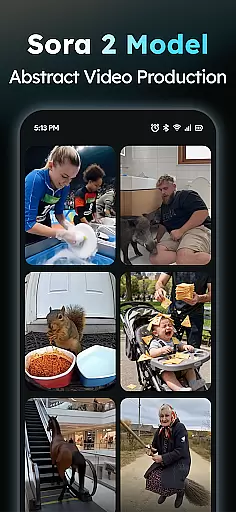
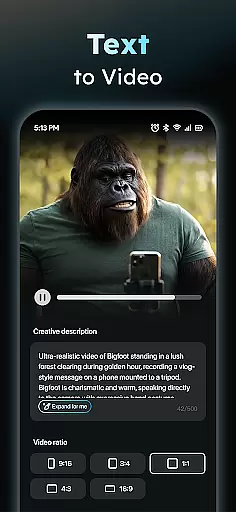
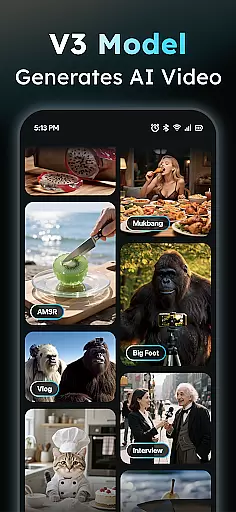
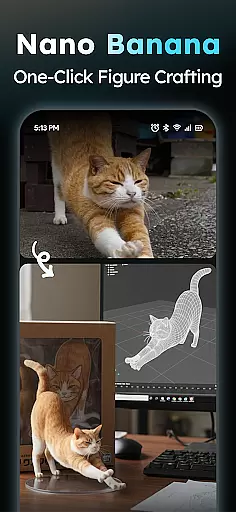
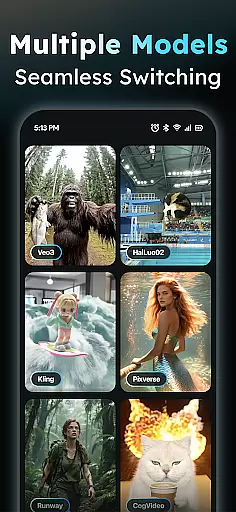
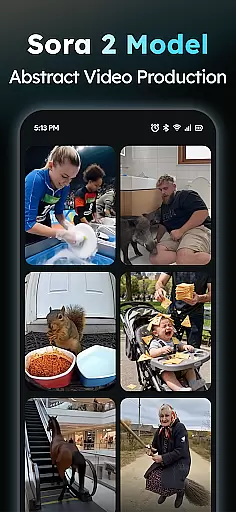
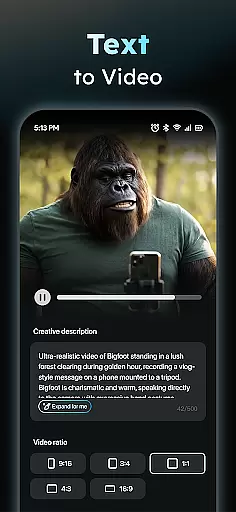
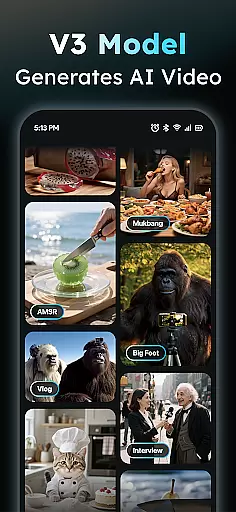
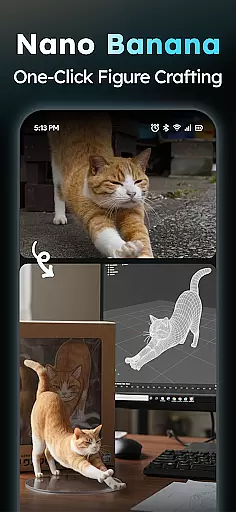
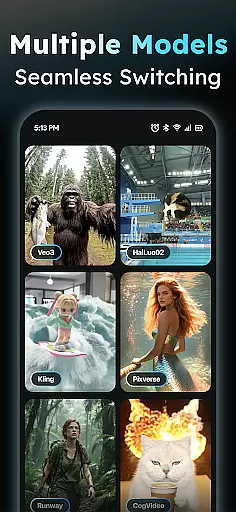
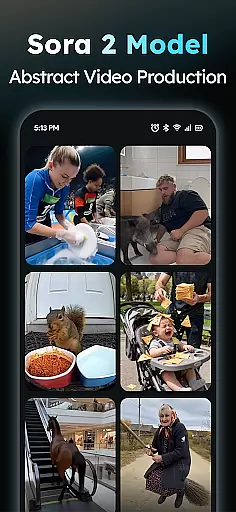
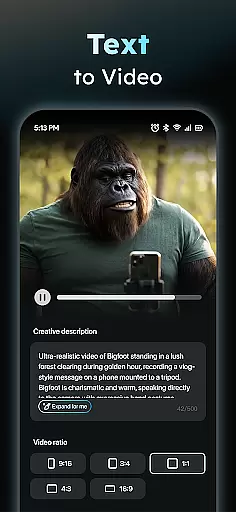
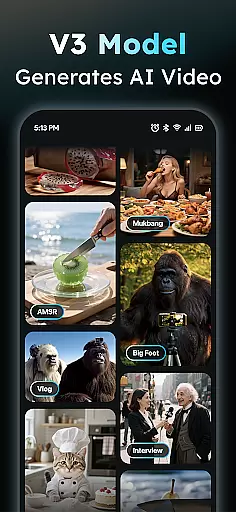
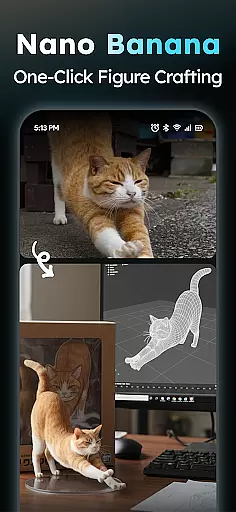
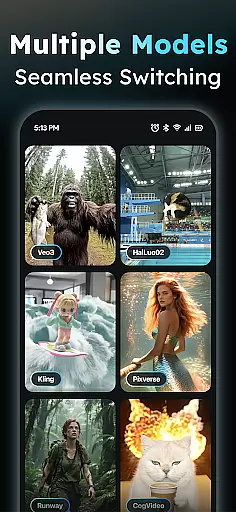
AIreel is an advanced AI-powered video creation tool designed for the Art & Design category, enabling users to produce professional-quality viral videos effortlessly. The application integrates cutting-edge AI models such as veo3, hailluo, and runway to power its dual engines for both Text-to-Video and Image-to-Video generation. Whether you're a beginner or a seasoned creator, AIreel allows you to generate cinematic content with zero prior experience.
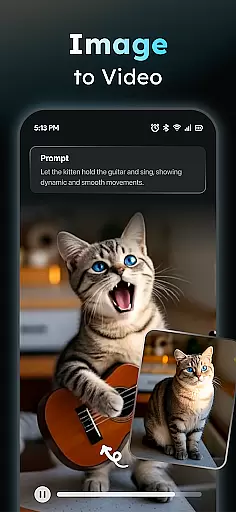
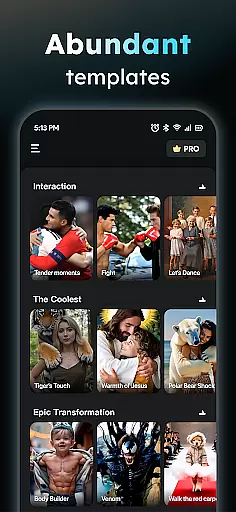
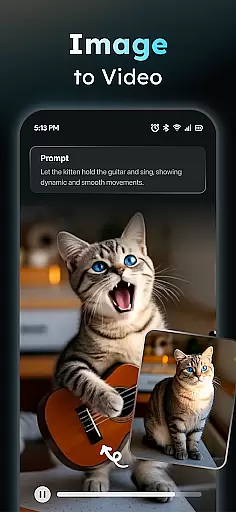
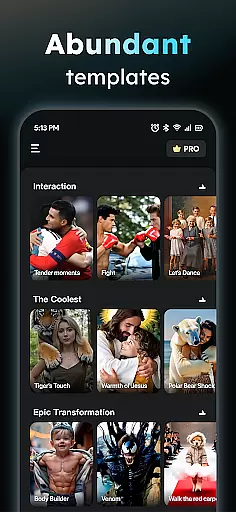
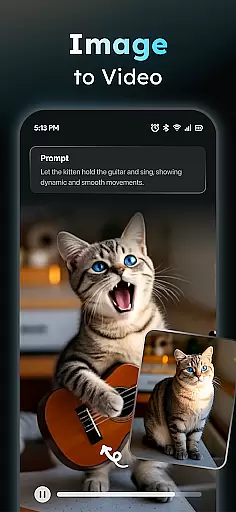
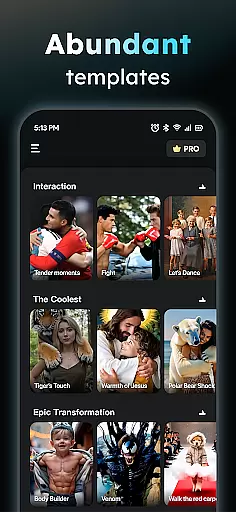
One of the standout features of AIreel is its ability to transform simple text input into fully-realized short videos complete with auto-added scenes and music. Additionally, it offers a Photo to Video AI feature that brings static images to life, supporting real-person, anime, and pet subjects. With its Prompt Assistant and Social Template Hub, users can easily turn creative ideas into professional prompts and access trending templates optimized for platforms like TikTok, Reels, and Shorts.
AIreel boasts a comprehensive suite of features tailored to streamline and enhance the video creation process. At its core, the AI Video Generator allows users to input any text and automatically generates engaging short videos by adding appropriate scenes and background music. This feature democratizes video production, making it accessible to everyone regardless of their technical expertise.
In addition to text-based video generation, AIreel's Photo to Video AI transforms static JPG or PNG images into dynamic moving masterpieces. This functionality supports various subjects, including real-person portraits, anime characters, and pets, offering unparalleled versatility. The application also includes a Prompt Assistant that simplifies the process of crafting professional-grade prompts, lowering the barrier to entry for AI-driven content creation. Furthermore, the Social Template Hub provides daily updates of trending templates specifically designed for popular social media platforms, ensuring your content remains fresh and relevant.
AIreel stands out in the Art & Design category due to its unique combination of speed, privacy, and quality. It renders videos 50% faster than mainstream tools, supports both photo and text inputs, and prioritizes user privacy through local processing on compatible devices. These innovations make AIreel an indispensable tool for creators looking to produce high-quality, platform-optimized videos efficiently.
In the realm of digital art and design, having a comprehensive suite of creative tools is paramount. AIReel stands out by integrating advanced AI models such as veo3, hailluo, and runway to power its dual engines for both Text-to-Video and Image-to-Video creation. This means users have at their disposal an array of options to transform simple inputs into complex visual narratives.
The application's AI Video Generator allows anyone to input text and automatically receive fully-fledged video content complete with scenes and music, effectively lowering the barrier for entry into video production. Additionally, the Photo to Video feature supports various subjects including real-persons, anime characters, and pets, offering versatility in content creation.
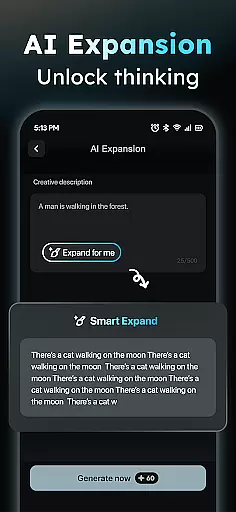
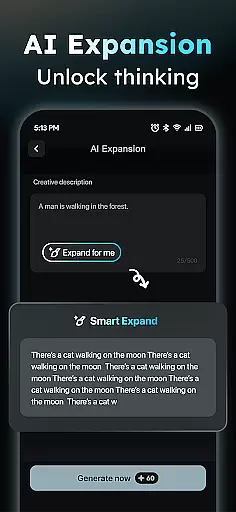
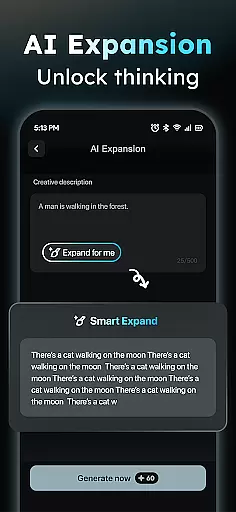
With these robust functionalities, AIReel empowers creators to produce high-quality cinematic content without any prior experience. The inclusion of a Prompt Assistant further streamlines the process by converting ideas into professional prompts, making it easier than ever to bring concepts to life.
Flexibility in canvas size and format options is crucial for designers who need to tailor their work for different platforms and audiences. AIReel addresses this need by enabling exports in multiple aspect ratios such as 9:16 for mobile screens, 16:9 for widescreen displays, and 1:1 for square formats, ensuring compatibility across all major social media platforms.
This adaptability not only enhances the user experience but also broadens the scope of projects that can be undertaken within the app. Whether creating content for TikTok, Instagram Reels, or YouTube Shorts, users can rely on AIReel to deliver videos optimized for each specific platform.
Furthermore, AIReelu2019s local processing capabilities on compatible devices ensure privacy while maintaining the flexibility needed for diverse design projects. This combination of features makes AIReel a versatile choice for artists and designers looking to maximize their creative potential without compromising on format requirements.
User-friendly interface
Advanced AI models
Dual-mode generator
Privacy-focused design
Faster rendering speed
Limited free features
Device compatibility issues
Occasional bugs
Premium subscription cost
Learning curve for new users

Pose and morph realistic male and female models! 3D poser app
 3.00
3.00
Customizable Outlined Fonts. Watch Face Format. Battery friendly Digital Clock.
4.20
Art of Combination Wear OS Watch Faces
4.2
Get an overview over all your embroidery threads, projects and more.
4.60
Android 14 style widgets and wallpapers app.
4.3
OneUI 8.5 icons ✨ Smooth, modern & based on the latest Play Store design ??
4.10
Unleash the artist in you with our AR drawing and tracing tool for photo drawing
4.10
Photo stitcher for automatically screenshot stitching into a long screenshot
4.70
Multiplayer Drawing game, Coloring, Painting・Sketch, Handwriting・Paint, draw
4.30
2D animation studio for Android tablets - unlimited layers, infinite timeline
4.70
Image resizer to resize, crop, rotate, flip, change dpi photo or picture in bulk
4.60
Create color palette from Image, RGB & RYB Color wheel harmonies, Color Scheme
4.50
Nano Banana AI Image Generator, Anime Filter, AI Portrait, AI Photo Generator
4.30
Bring One UI 8.5 Icons to life -elegant dark icons with a modern, premium touch.
4.30
Unleash Your Creativity with Draw Cartoon - AR Drawing App
4.10
Art of Combination Wear OS Watch Faces
3.30
Inky runs Inkscape on Android devices and Chromebooks
2.90
Download now for a stylish and functional timepiece
4.4
A luxurious gold watch face for an elegant and refined look.
4.4


User Reviews