
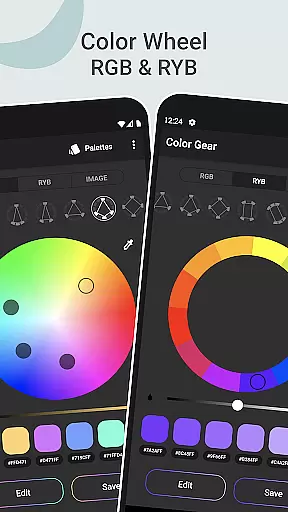
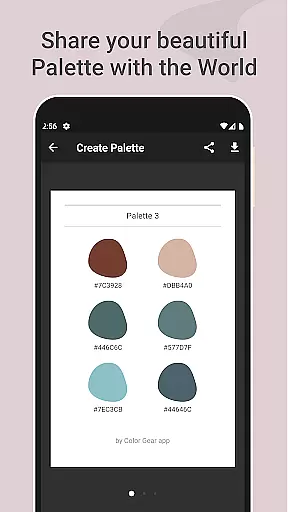
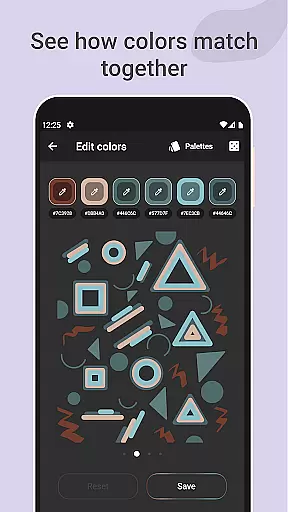
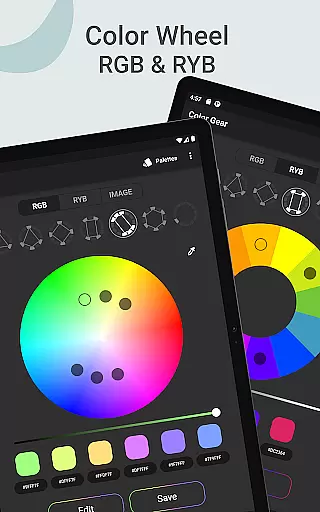
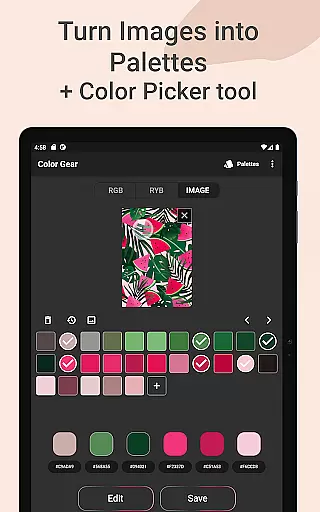
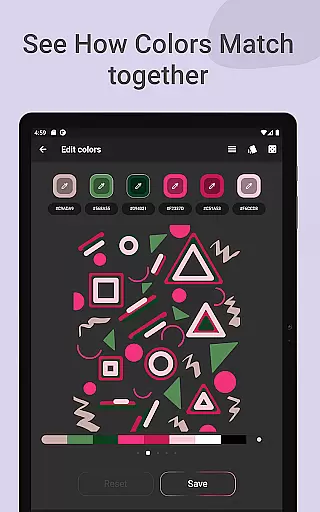
Color Gear is an essential tool for designers and artists seeking to master color theory and create harmonious palettes. The app supports two color models - RGB and Itten Color Wheels, allowing users to apply over 10 color schemes. With features like HEX color code input, image-based palette extraction, and advanced color editing, it offers a comprehensive solution for all color-related needs. Whether you're a professional designer or an art enthusiast, Color Gear provides the tools necessary to explore and manipulate colors effectively.
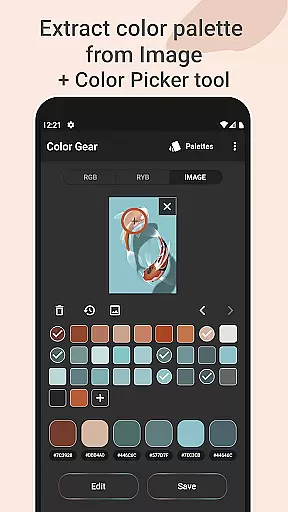
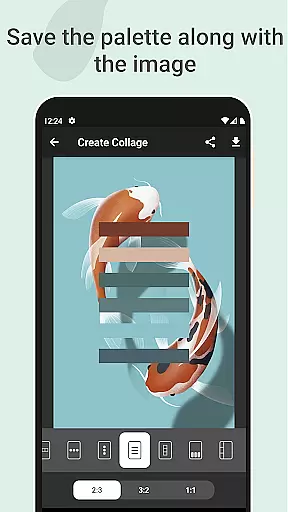
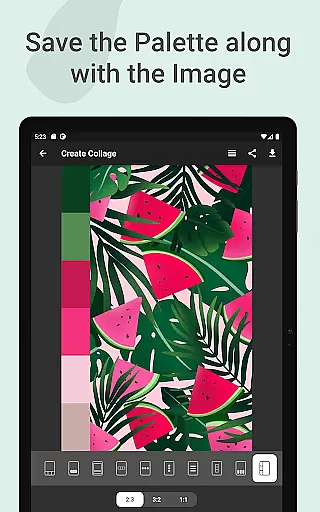
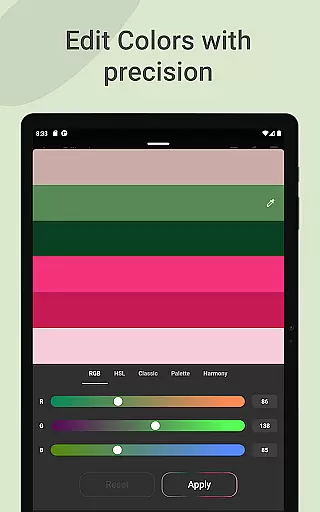
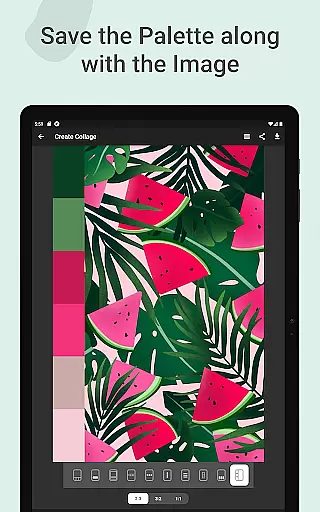
The application stands out with its ability to turn photos into palettes using automated algorithms or manual selection with the Hex Color Picker. Users can save palettes along with images as collages and share them effortlessly. Additionally, precise color value editing (Hue, Saturation, Lightness) ensures accurate palette creation. All these functionalities are available offline, making it a reliable companion for creative projects anywhere, anytime.
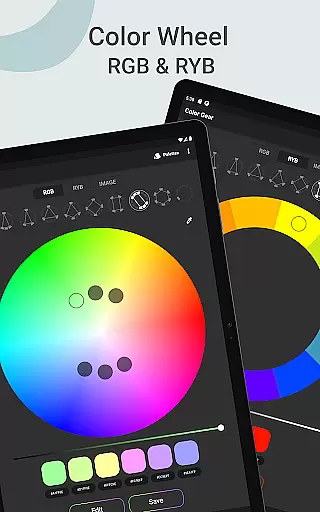
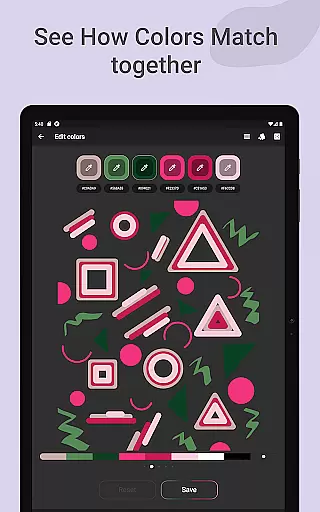
Color Gear distinguishes itself through a variety of robust features tailored for color professionals. The app's support for both RGB and Itten Color Wheels caters to different design needs, from digital media to traditional art. With over 10 color harmony schemes, users can experiment with various combinations to find the perfect palette. The option to input specific HEX or RGB color codes allows for targeted exploration of color harmonies, providing a personalized experience.
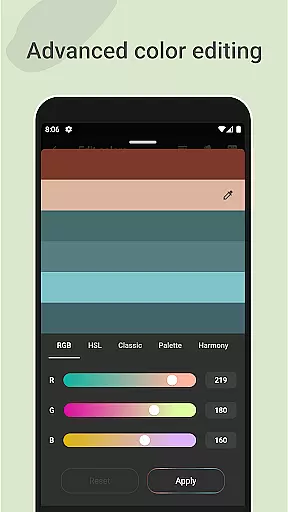
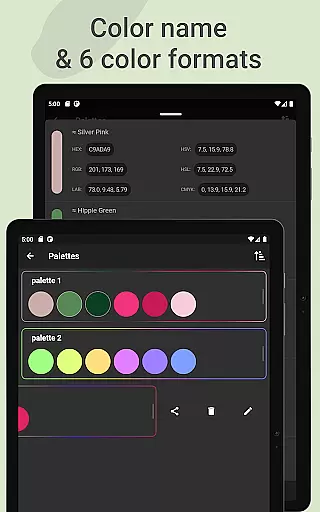
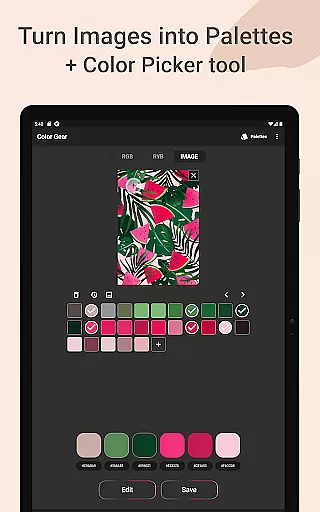
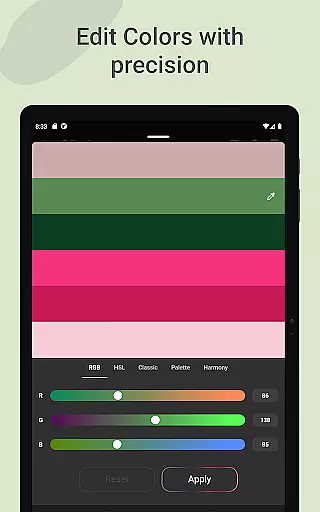
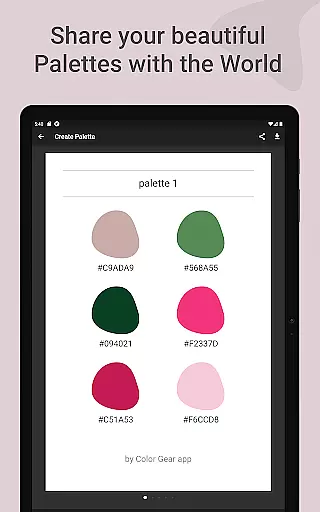
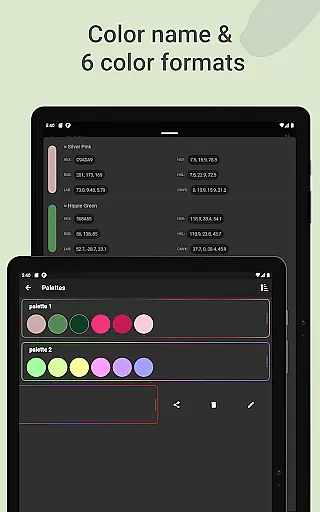
One of the standout features is the ability to extract palettes directly from images. Using sophisticated algorithms, the app automatically detects colors within photos, while the Hex Color Picker enables manual selection. Advanced color editing tools let users fine-tune Hue, Saturation, and Lightness with precision. Furthermore, seamless management and sharing of palettes in six color formats (RGB, HEX, LAB, HSV, HSL, CMYK) enhance workflow efficiency. These comprehensive features make Color Gear an indispensable tool for color manipulation.
In the realm of digital art and design, having a comprehensive set of creative tools is essential for bringing visions to life. Color Gear stands out by offering an extensive suite of features that cater to both novice and professional designers. The app includes two distinct color models - RGB and Itten Color Wheels - allowing users to work within the digital or traditional art space with ease.
Color Gear doesn't stop at color wheels; it provides over 10 color schemes applicable to both models. This flexibility empowers artists to experiment with different harmonies and combinations, ensuring every project can have its unique palette. Additionally, the ability to input specific HEX or RGB color codes enables precise color matching, which is crucial for maintaining brand consistency or achieving a particular aesthetic.
Beyond static color selection, the app allows for dynamic palette creation through image extraction. Users can transform any photo into a customizable color palette, complete with manual color picking capabilities. This feature not only broadens creative possibilities but also streamlines the workflow between photographic inspiration and artistic execution.
The true measure of an art and design application lies in its adaptability to various canvas formats and user requirements. Color Gear excels in this area by providing versatile solutions that accommodate different creative workflows. Whether working on digital media or preparing colors for physical materials, the app's support for multiple color models ensures seamless transitions between different mediums.
Artists using Color Gear can enjoy advanced editing options that allow them to fine-tune individual color swatches within their palettes. The ability to adjust Hue, Saturation, and Lightness with precision gives users complete control over their color choices, enabling them to achieve exact shades required for their projects. This level of detail is particularly valuable when working on complex designs that demand specific color variations.
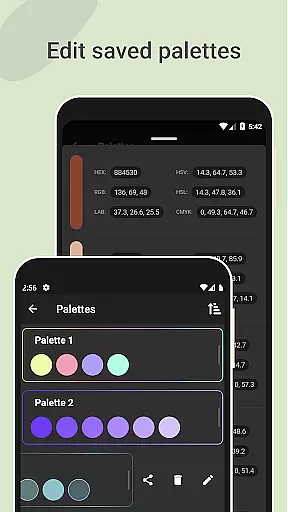
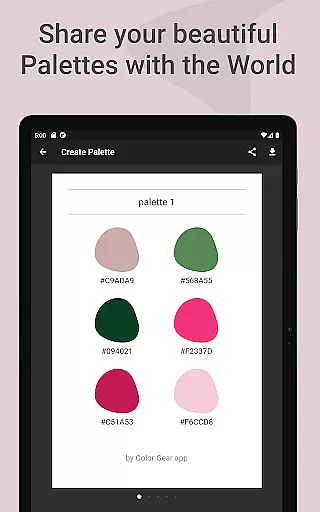
Furthermore, the app facilitates effortless management and sharing of created palettes. With support for six color formats including RGB, HEX, LAB, HSV, HSL, and CMYK, designers can easily integrate their work across various platforms and applications. The option to save palettes along with corresponding images creates a convenient reference system, while the offline functionality ensures these tools are available whenever inspiration strikes.
User-friendly interface
Comprehensive color models
Advanced editing tools
Offline functionality
Versatile sharing options
Limited advanced tutorials
No real-time collaboration
Occasional UI glitches
Basic free version
Heavy on storage

AI generated images & photos, turn your words into drawing, painting & pictures.
 4.30
4.30
Customizable Outlined Fonts. Watch Face Format. Battery friendly Digital Clock.
4.20
Apply cartoon, caricature, and portrait effects to make your photos stand out!
3.60
Art of Combination Wear OS Watch faces
4.1
Create stunning video, photo & magic from text with FlixAI GPT video generator.
3.10
Draw Trace image sketch by, AR art projector app, Easy to trace any image.
4.50
Image resizer to resize, crop, rotate, flip, change dpi photo or picture in bulk
4.60
Everything you need to create hand drawn animation, anywhere you go!
4.40
An intuitive, high-performance painting app that lets you focus on creating
4.40
Unleash your drawing and painting potential
4.50
Painting, drawing, & sketching
4.50
Trace, draw, and create art with AR - from memes to masterpieces!
4.30
Easy 3D drawing design maker & creator. Model designing, Sculpting. Create&paint
4.00
Sketch and paint on your device with the feel and freedom of drawing on paper
4.00
Turning simple sketches into captivating tales filled with life and motion
3.90
Create sweet, cool and unique couple avatars easily, in just a few steps!
3.40
Art of Combination Wear OS Watch faces
4.5
Android 14 style widgets and wallpapers app.
4.4
A luxurious gold watch face for an elegant and refined look.
4.1


User Reviews