
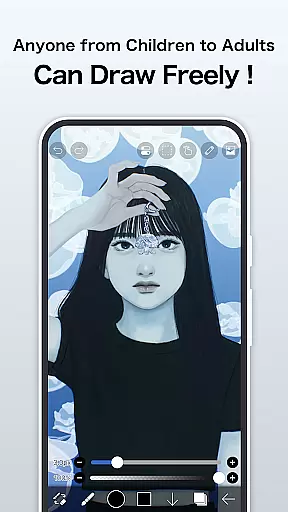
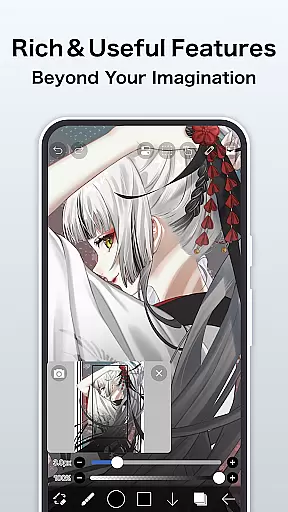
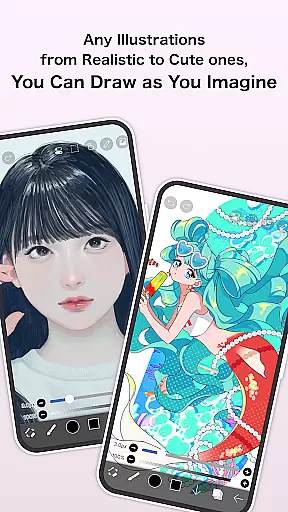
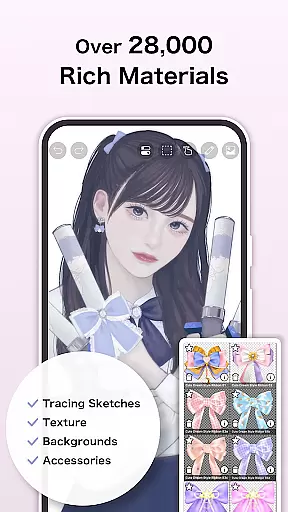
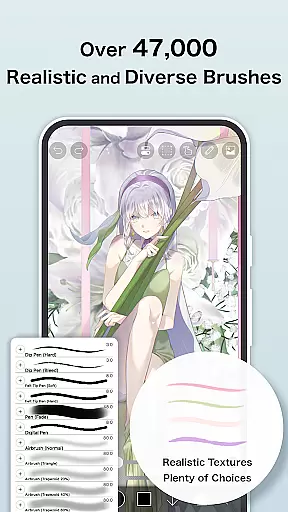
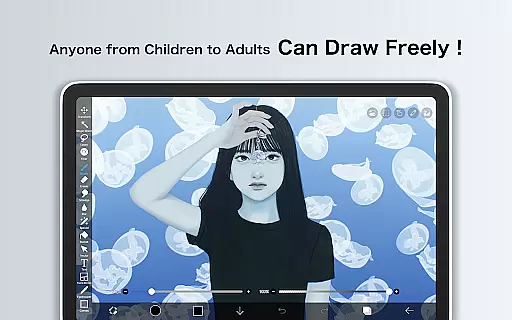
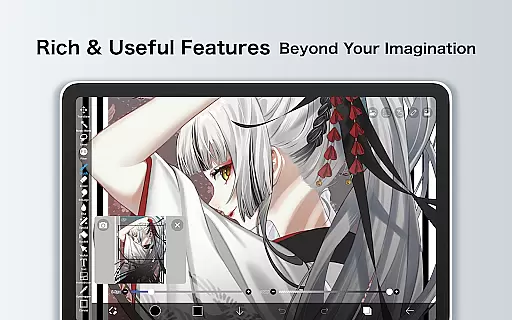
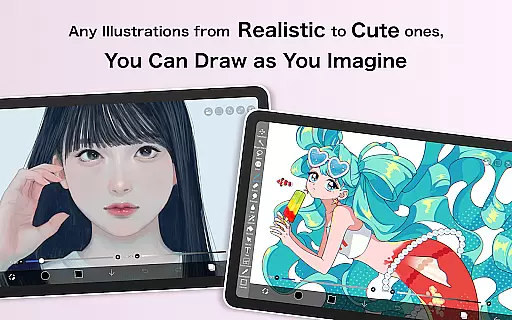
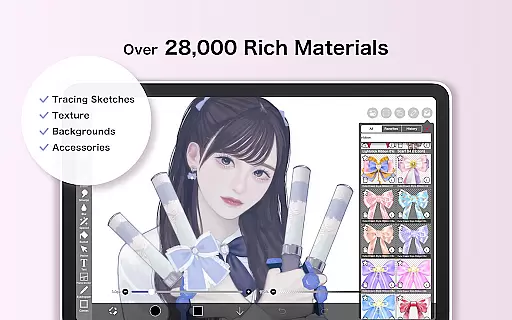
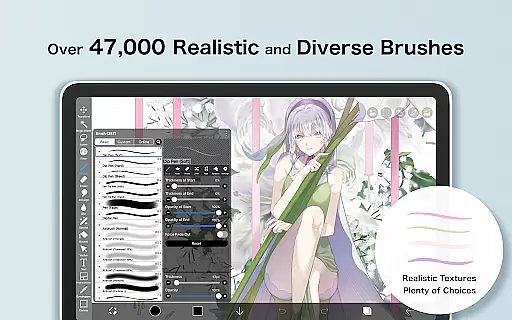
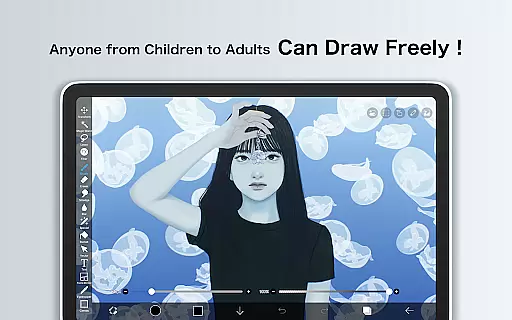
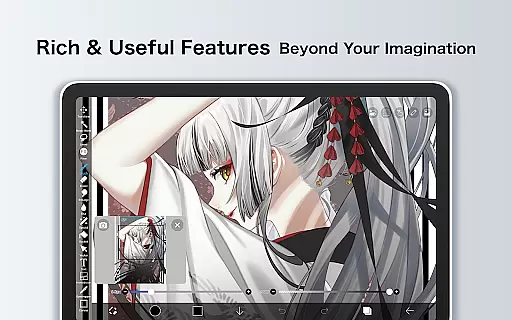
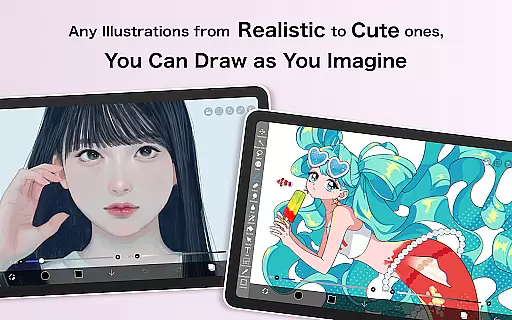
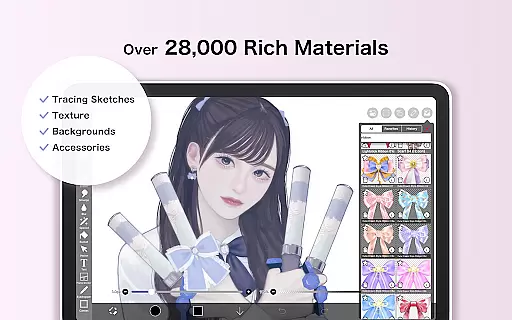
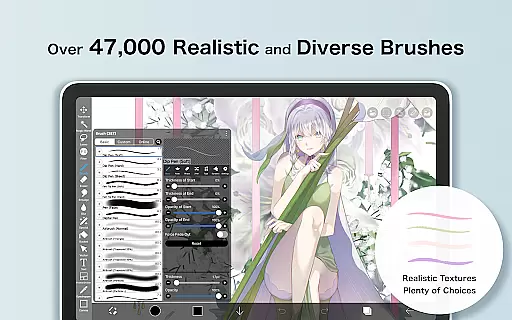
ibis Paint X stands as a premier drawing application, offering an extensive suite of professional-grade tools for artists and hobbyists alike. With over 460 million downloads, it provides users with access to more than 47,000 brushes, 27,000 materials, and 2,100 fonts, alongside advanced features such as stroke stabilization, animation support, and AI disturbance effects. The app leverages OpenGL technology to ensure a smooth drawing experience at up to 60 fps, while also enabling the recording of the creative process for sharing or tutorial purposes.
Beyond its impressive toolset, ibis Paint X fosters a vibrant community through its social networking features, allowing users to learn from others by viewing their drawing processes. Whether you're sketching casually or crafting detailed manga, this app caters to all skill levels and artistic styles, making it an invaluable resource for anyone interested in digital art.
One of the standout aspects of ibis Paint X is its unparalleled versatility and depth of features tailored for digital artists. The app offers an exhaustive selection of brush types, including dip pens, airbrushes, and oil brushes, each customizable to suit individual preferences. Additionally, the layer functionality supports unlimited layers, blending modes, and specialized commands like horizontal inversion and zooming, providing complete control over complex compositions.
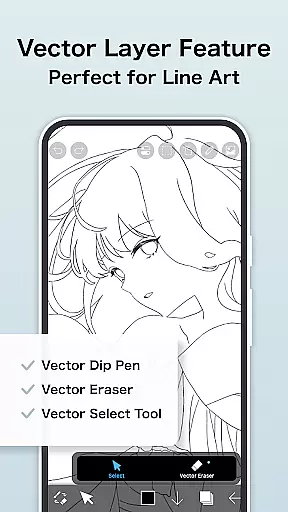
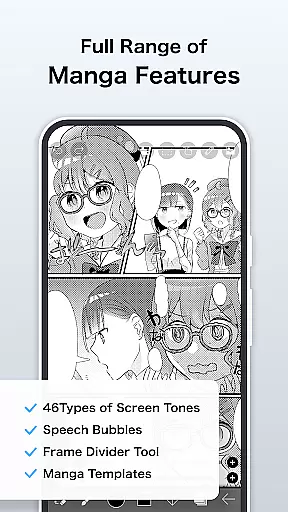
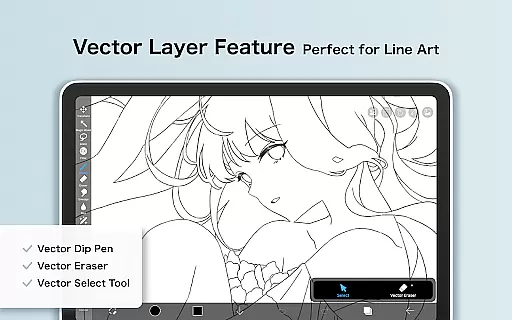
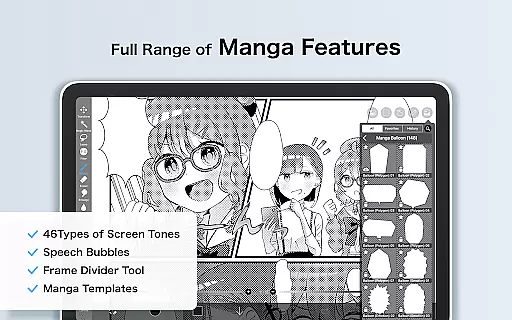
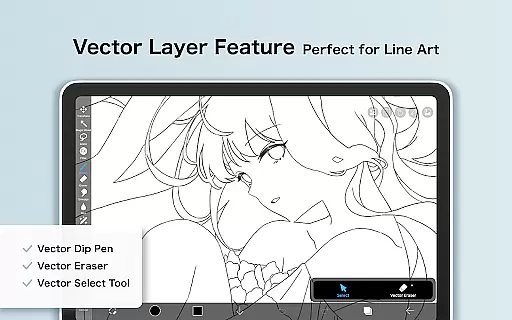
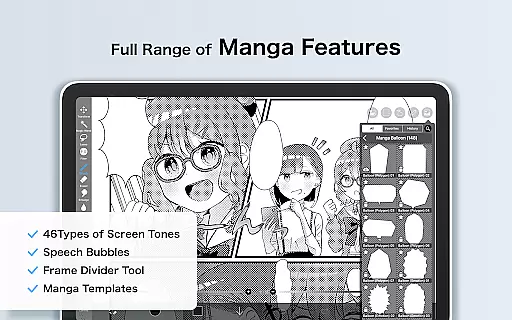
For manga creators, ibis Paint X includes an advanced text tool with vertical and horizontal writing options, font selection, and multi-text functions. The introduction of Prime Membership unlocks even more sophisticated capabilities, such as vector tools, tone curve filters, and 20GB of cloud storage. These premium features, combined with the ability to record and share artwork progression videos, establish ibis Paint X as a comprehensive platform for both creation and collaboration within the digital art space.
In the realm of digital art, having a comprehensive set of creative tools is paramount. ibis Paint X stands out by offering over 47000 brushes, 27 blending modes, and an array of professional features that rival desktop drawing applications. This extensive toolkit includes various brush types from dip pens to oil brushes, catering to both amateur doodlers and professional artists.
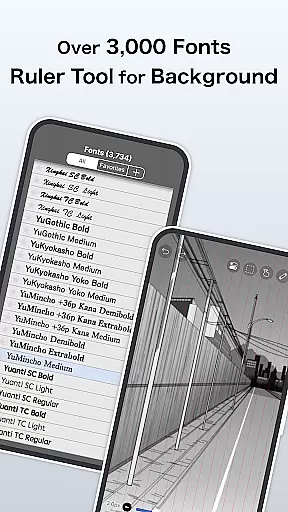
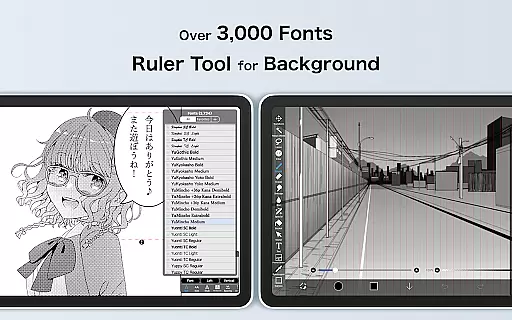
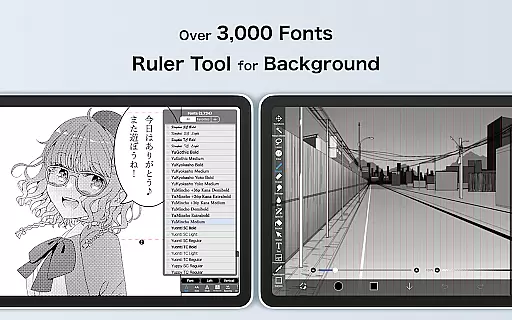
The app's functionality extends beyond just brushes. Users can access more than 2100 fonts and employ advanced text tool functions for manga creation or graphic design projects. With features like Vector tools, Animation, and AI Disturbance, creators have everything they need to bring their visions to life with precision and flair.
For those who require even more advanced capabilities, ibis Paint X offers a Prime Membership. This subscription unlocks exclusive features such as Tone Curve filters, Gradation Map filters, Levels Adjustment filters, and much more. These sophisticated options ensure that no matter how complex your artwork becomes, ibis Paint X has the necessary instruments to support your creative journey.
A versatile canvas is essential for unleashing creativity without constraints. ibis Paint X provides users with unlimited layer addition, allowing artists to build intricate compositions without worrying about layer limits. Each layer supports individual parameters including opacity settings and blending modes, which gives artists precise control over every element in their work.
Beyond layers, ibis Paint X also excels in format flexibility. The app enables importing images from photo libraries and exporting artworks in multiple formats suitable for both digital and print media. Artists can manipulate their canvas through rotation, inversion, zooming, and moving commandsu2014ensuring that each piece fits perfectly within its intended medium.
Prime Members gain access to additional benefits such as 20GB cloud storage capacity and custom canvas papers designed specifically for high-quality output. Whether you're sketching on-the-go or crafting detailed illustrations at home, ibis Paint X adapts seamlessly to fit any artistic style or project requirement.
User-friendly interface
Extensive brush library
Advanced layer management
Professional manga tools
Vibrant artist community
Prime Membership required
Ads in free version
Steep learning curve
Occasional bugs
Limited offline resources

Stylish letters, Stylish Keyboard, Symbols, Emojis, Cool nickname
 4.40
4.40
Digital illustration drawing & painting pad app to paint Anime and Manga art
4.50
Draw anime easily with AR guidance, sketch templates & trace tools!
3.10
Design unique, funny and adorable cat stickers that reflect your own style!
3.80
Minecraft & Roblox Clothes
4.70
Get an overview over all your embroidery threads, projects and more.
4.60
Art of Combination Wear OS Watch faces (for Wear OS 5+ devices)
3.90
Share the joy of painting with ibis Paint! Drawing anime and manga art.
4.50
Beauty Camera - Selfie Camera is the ultimate beauty camera and selfie app
4.30
Novices can also easily complete diamond painting masters
4.70
Draw Trace image sketch by, AR art projector app, Easy to trace any image.
4.50
Bring One UI 8.5 Icons to life -elegant dark icons with a modern, premium touch.
4.30
Custom Character Creator & PFP Maker!
4.20
Unleash the artist in you with our AR drawing and tracing tool for photo drawing
4.10
AR Anime Drawing: How to draw anime with AR drawing & sketching apps!
4.00
Experience next-gen icons with a modern liquid glass look.
3.60
Vidu is an AI video generator made for creators and aspiring makers.
3.30
Inky runs Inkscape on Android devices and Chromebooks
2.90
Your Essential Color Theory Guide: Red, Yellow, Blue (RYB)
4.5


User Reviews