
SketchPro is a premier drawing and design application tailored for professional digital artists, illustrators, and designers. This app offers advanced AI tools that enhance the creative workflow, making it easier to transform ideas into digital art. With features like Text to Image AI, Sketch to Image AI, and Magic Edit AI, users can effortlessly create and modify artwork using simple prompts.
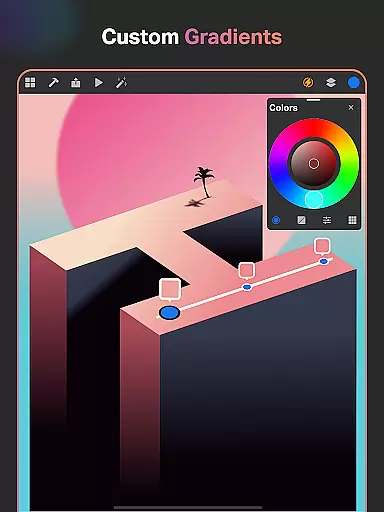
The app provides a comprehensive suite of professional drawing tools including customizable brushes, smart shapes, gradient options, and an extensive layer system. These features cater to various artistic needs from sketching and painting to designing and illustrating. Additionally, SketchPro supports graphic design with text tools, color palettes, and a library of shapes, ensuring all creative visions can be realized.
Designed for tablets and phones, SketchPro is ideal for professionals who need a mobile solution for their creative projects. Whether working on illustrations, comics, or manga, this app streamlines the artistic process while delivering high-quality results. Its intuitive interface and powerful tools make SketchPro an essential companion for digital artists on the go.
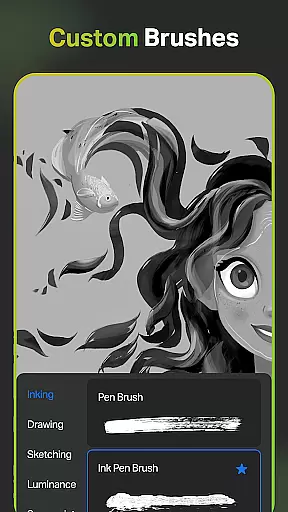
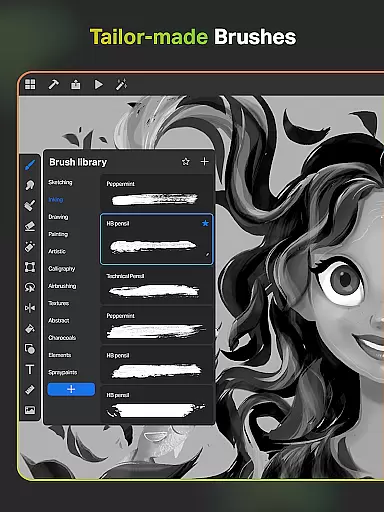
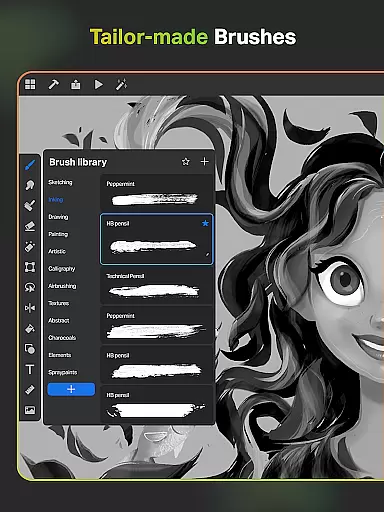
SketchPro stands out with its robust set of features designed to meet the demands of professional digital artists. The app includes a variety of customizable brushes that allow artists to sketch, paint, and illustrate with precision. Users can save their favorite brushes for quick access and utilize the Free Roller Brush which comes with over 100 patterns for detailed designs.
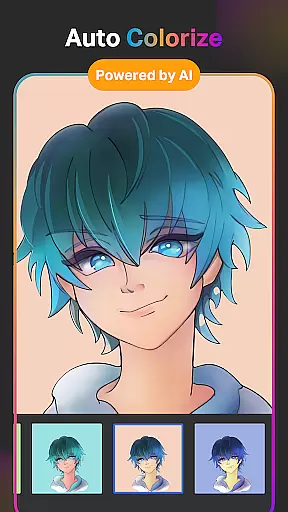
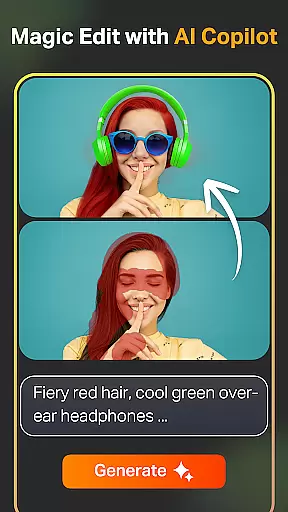
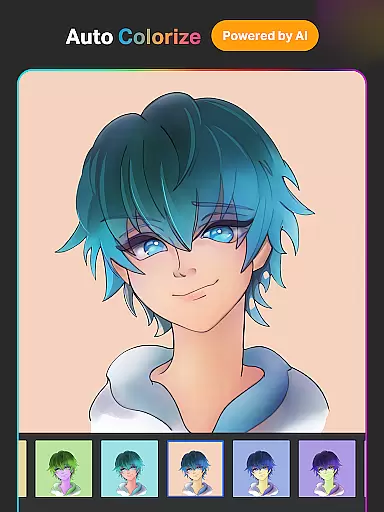
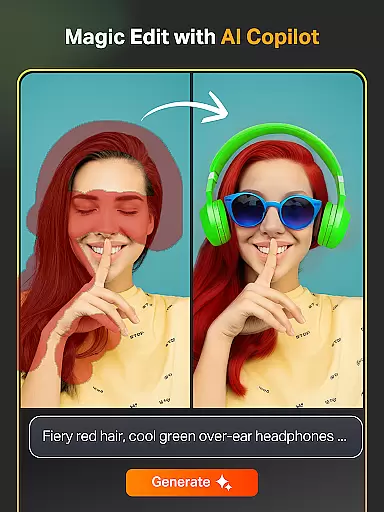
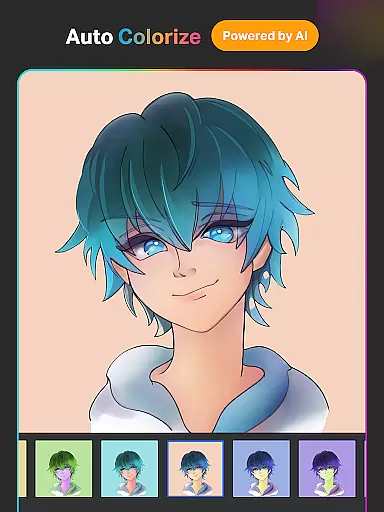
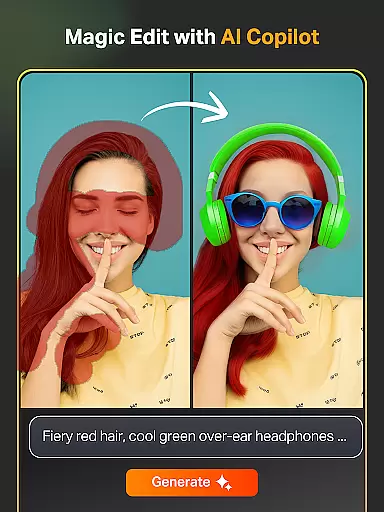
In addition to traditional drawing tools, SketchPro incorporates cutting-edge AI technology. The Text to Image AI tool lets users generate artwork from simple text prompts, while the Sketch to Image AI transforms hand-drawn sketches into polished images. The Magic Edit AI tool enables users to revamp colors, textures, and objects within their artwork seamlessly. Moreover, the Expand Artwork AI tool allows for canvas expansion without compromising quality.
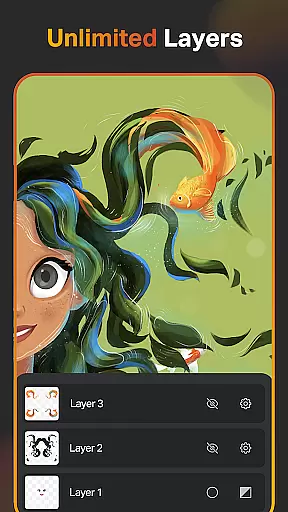
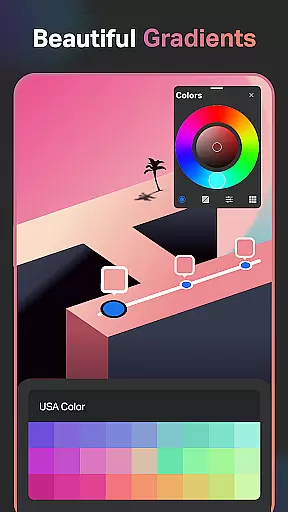
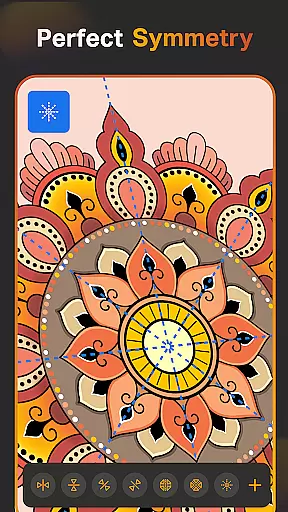
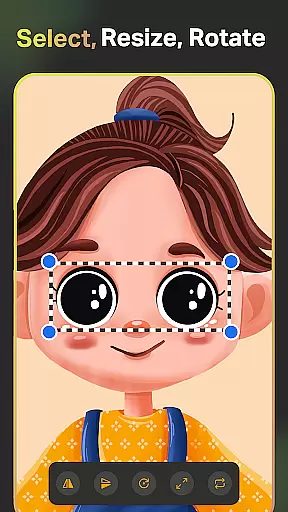
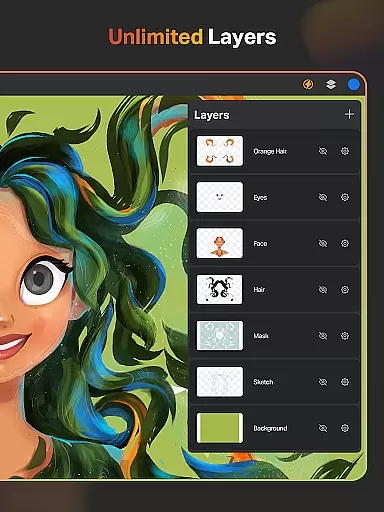
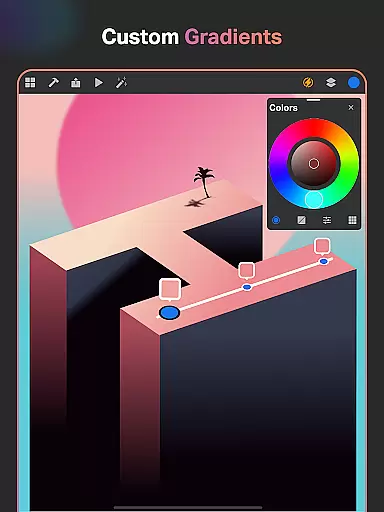
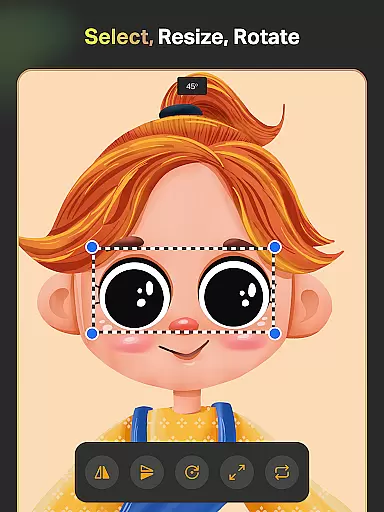
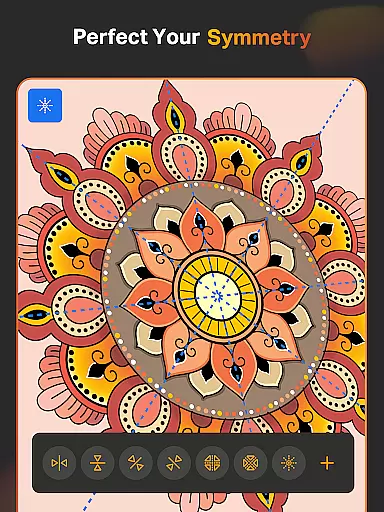
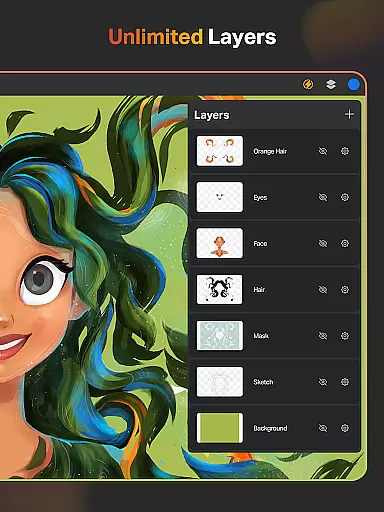
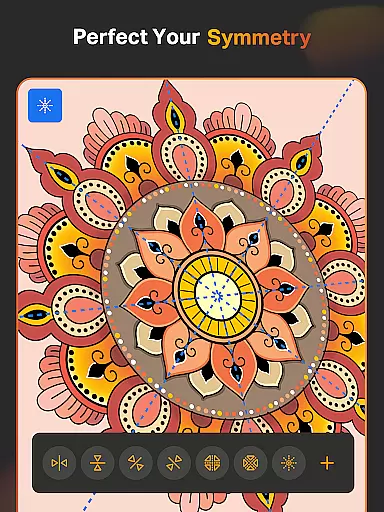
For enhanced productivity, SketchPro offers pro creative tools such as Smart Shapes, Symmetry Tool, and Gradient options. The layer system supports unlimited layers, providing flexibility in digital painting and designing. With additional features like the Color Palette, Extensive Shapes Library, and Essential Tools, SketchPro ensures that artists have everything they need to bring their visions to life efficiently and effectively.
When it comes to digital art applications, the comprehensiveness of creative tools is paramount. SketchPro excels in this area by offering a complete suite of features that cater to professional artists. The app includes customizable brushes for sketching, painting, and illustrating, allowing users to tailor their tools to specific needs.
Additionally, SketchPro incorporates AI-driven tools that significantly enhance the creative process. Features like Text to Image, Sketch to Image, and Magic Edit enable artists to transform basic sketches into refined pieces with minimal effort. These tools not only save time but also open new avenues for creativity and artistic expression.
The application also provides essential utilities such as Smart Shapes, Symmetry Tools, and Gradient options. These features help streamline the drawing and designing workflow, making it easier for artists to focus on the creative aspects rather than technicalities. With its robust layer system and extensive shape library, SketchPro ensures that all necessary tools are at the artist's disposal.
Flexibility in canvas and format options is crucial for digital artists who require adaptability in their work. SketchPro addresses this need by providing a highly customizable canvas that can be adjusted to various dimensions and orientations. This allows artists to work on projects of any size without feeling constrained by predefined settings.
In addition to canvas customization, SketchPro supports unlimited layers, giving artists the freedom to experiment with different elements without affecting the original artwork. The ability to rasterize, duplicate, and merge layers adds another layer of flexibility, enabling complex compositions and edits. Artists can also lock layers to prevent accidental changes, ensuring precision in their work.
Furthermore, SketchPro offers diverse export options, allowing users to save their work in multiple formats suitable for various purposes. Whether preparing files for print or digital distribution, artists can rely on SketchPro to deliver high-quality results. This combination of adaptable canvas settings and versatile file management makes SketchPro an ideal choice for professionals seeking comprehensive creative control.
User-friendly interface
Advanced AI tools
Customizable brushes
Extensive shape library
Cloud syncing capability
Requires learning curve
High system requirements
Limited free features
Subscription fees apply
Occasional bugs reported

The ultimate tool for creating animations
 4.60
4.60
Art of Combination Wear OS Watch faces
4.4
Draw on screen: FP sDraw is a simple and lightweight drawing app
4.70
Draw beautiful mandala's very easily
4.60
Painting, drawing, & sketching
4.50
Art of Combination Wear OS Watch faces (for Wear OS 5+ devices)
3.90
Bring One UI 8.5 Icons to life -elegant dark icons with a modern, premium touch.
4.30
Create and Design Custom Logos in Seconds with AI-Powered Tools!
4.40
Create amazing pictures and unleash your creative genius with AR Drawing Sketch
4.40
Make your phone cooler and have a fantastic experience
4.80
Castle is social media for creating and playing games!
4.60
Photo blender app to create overlay photos & double exposure.
4.40
Nano Banana AI Image Generator, Anime Filter, AI Portrait, AI Photo Generator
4.30
Customizable Outlined Fonts. Watch Face Format. Battery friendly Digital Clock.
4.20
AR Anime Drawing: How to draw anime with AR drawing & sketching apps!
4.00
Your homescreen as an elegant glass with customized blur, lighting, and visuals.
3.70
Experience next-gen icons with a modern liquid glass look.
3.60
Draw anime easily with AR guidance, sketch templates & trace tools!
3.10
Create stunning video, photo & magic from text with FlixAI GPT video generator.
3.10


User Reviews