
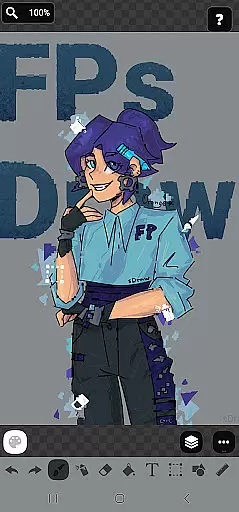
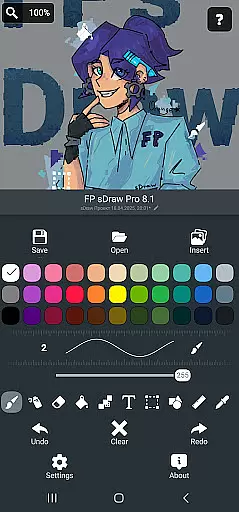
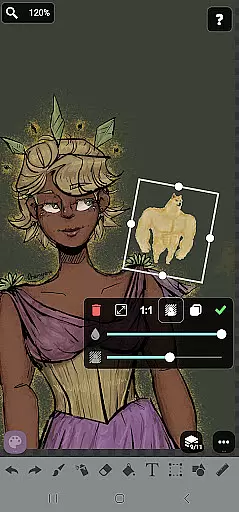
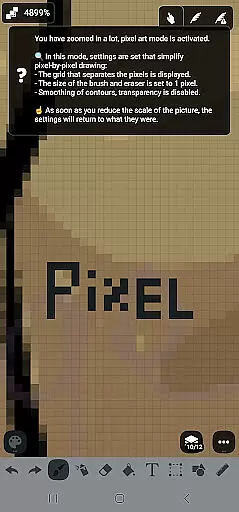
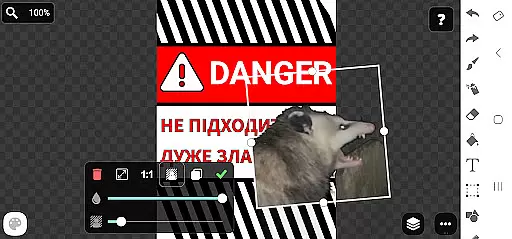
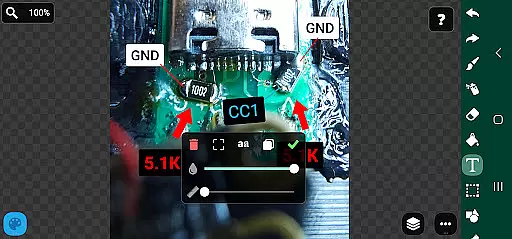
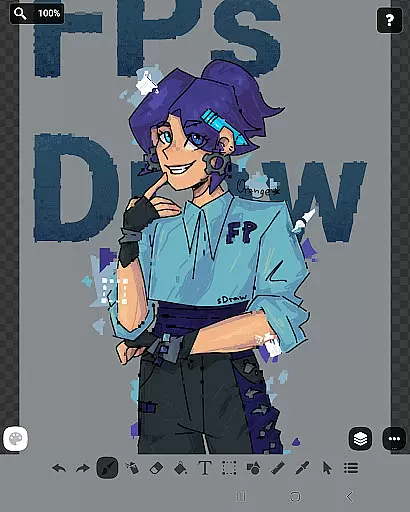
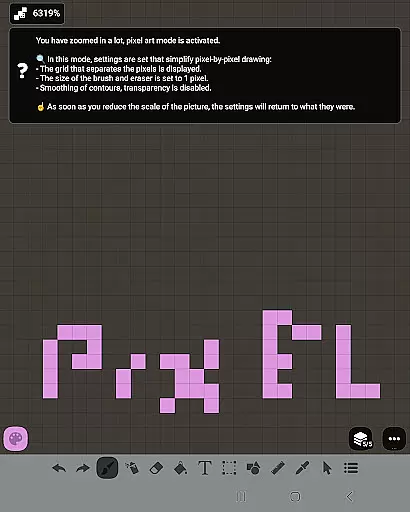
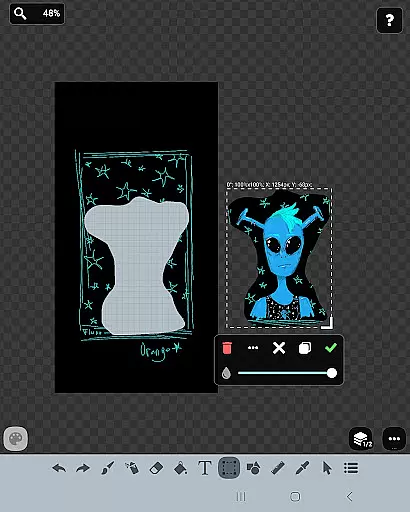
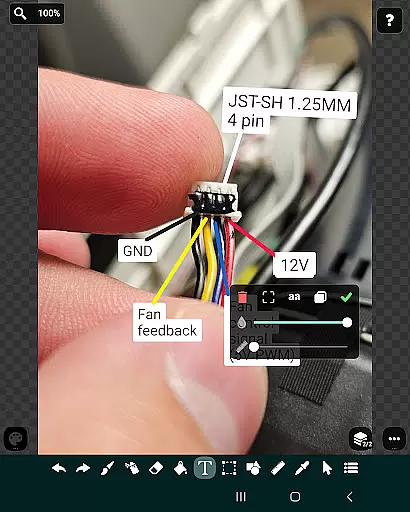
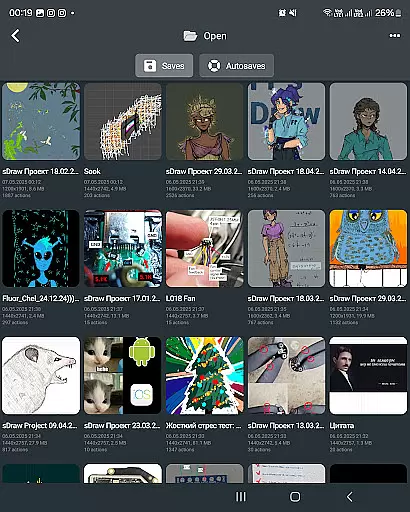
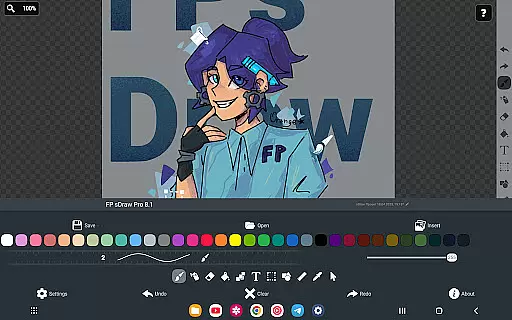
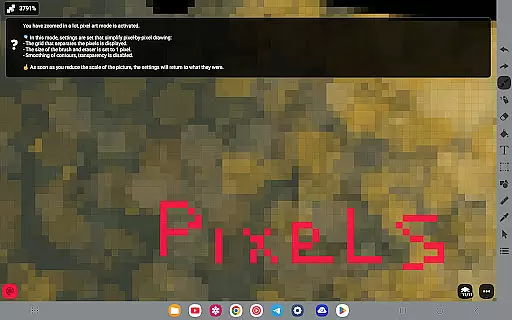
FP sDraw Pro is a streamlined drawing application designed for users who need a simple yet powerful tool for creative tasks. This app allows you to create memes, sketch diagrams, and experiment with various drawing styles using an array of tools such as brushes, shapes, and text. With its lightweight design, it installs quickly, doesn't take up much space, and works seamlessly even on older devices.
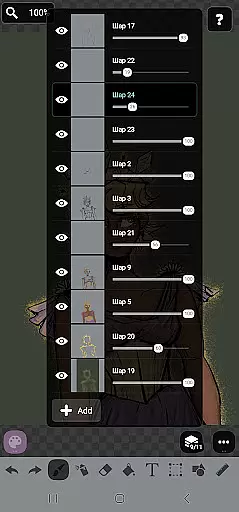
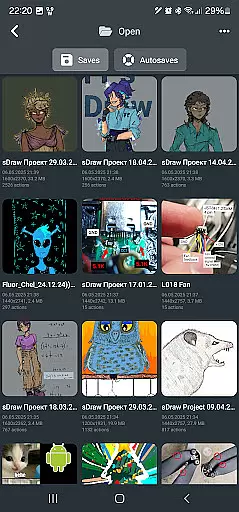
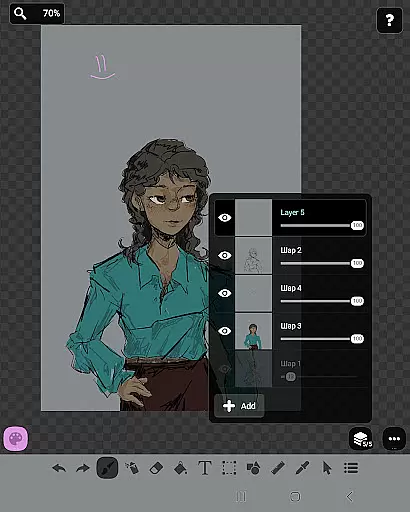
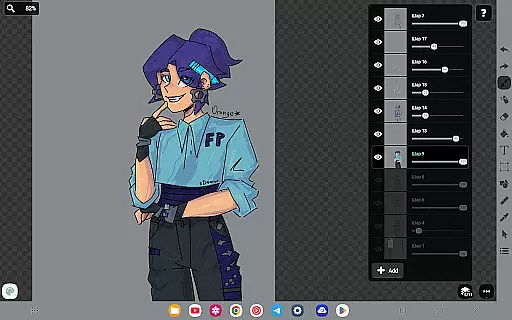
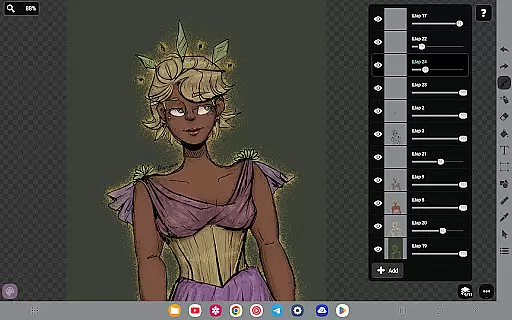
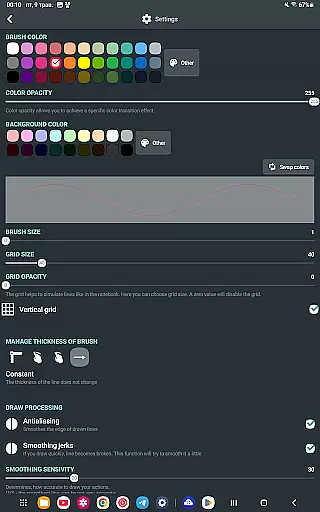
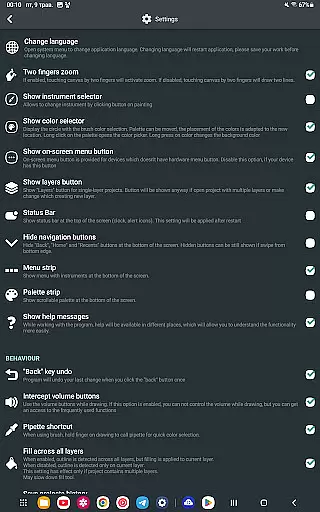
The app offers advanced features like layer management, gallery imports, airbrush effects, and precision drawing tools. It supports stylus input for accurate drawing and includes automatic backup functionality to safeguard your work. The interface is customizable, ensuring that the user experience can be tailored to individual preferences without any unnecessary distractions.
Perfect for quick sketches or detailed artwork, FP sDraw Pro provides a seamless drawing experience without ads or background processes. Its compatibility with both simple and complex projects makes it suitable for artists, students, and professionals alike, delivering high performance in a minimalistic package.
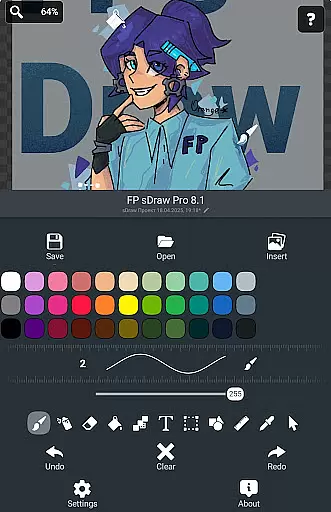
FP sDraw Pro stands out with its comprehensive set of drawing tools and user-friendly features. The app includes layers for organizing complex sketches, brush and eraser tools, airbrush effects, fill options, text insertion, and shape creation. Advanced tools like the ruler, eyedropper, and mosaic effects provide precision and creativity in your drawings.
One of the key highlights is its support for external styluses such as sPen and Active Pen, offering a natural drawing experience. The app also features automatic backups to prevent data loss and customizable UI elements, allowing users to adjust button shapes and other interface aspects. Helpful tips appear contextually, ensuring you get assistance only when needed.
FP sDraw Pro is optimized for performance, consuming minimal system resources while delivering fast and responsive drawing capabilities. The free version is fully functional, while the Pro version offers additional perks like removing the 'sDraw' label from images and eliminating upgrade reminders, making it a versatile choice for all your digital art needs.
In the realm of digital art, having a comprehensive set of creative tools is essential for artists to fully express their visions. FP sDraw Pro stands out by offering an extensive array of drawing instruments that cater to both amateur doodlers and professional designers alike.
From basic brushes and erasers to advanced features like layers, airbrush effects, text insertion, and shape tools, this application ensures that all your artistic needs are covered. The inclusion of a precision brush and mosaic effect further extends its utility, allowing for intricate detailing and unique stylistic choices in your artwork.
Users will appreciate the flexibility provided by FP sDraw Pro's customizable UI, which even allows them to modify button shapes according to their preference. This level of personalization enhances workflow efficiency and comfort during long drawing sessions.
A canvas in digital art serves as the playground where creativity unfolds, making its flexibility and adaptability crucial for various projects. FP sDraw Pro excels with its dynamic canvas options that support different formats, empowering artists to work on diverse projects without constraints.
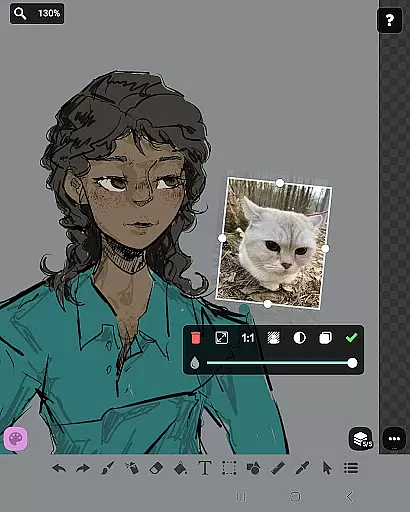
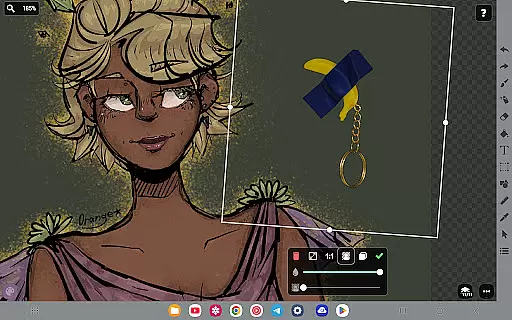
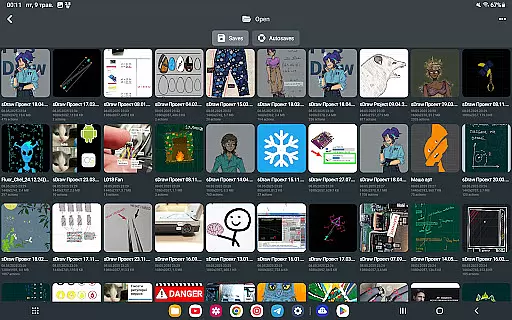
The app supports importing images directly from the gallery, enabling users to manipulate existing visuals or incorporate them into new creations seamlessly. With layer functionality, artists can organize complex sketches efficiently, experimenting with compositions while maintaining control over individual elements.
Furthermore, compatibility with stylus devices such as sPen and Active Pen adds another dimension of precision and ease when creating detailed illustrations. Whether you're sketching quick ideas or crafting elaborate designs, FP sDraw Pro adapts effortlessly to suit your artistic ambitions.
Lightweight and fast
No ads or distractions
Fully functional free version
Customizable UI
Automatic backup feature
Limited advanced features in free version
Small user base
No cloud sync
Basic UI design
Older device compatibility issues

AI generated images & photos, turn your words into drawing, painting & pictures.
 4.30
4.30
Unleash your drawing and painting potential
4.50
Draw beautiful mandala's very easily
4.60
Create stunning video, photo & magic from text with FlixAI GPT video generator.
3.10
Your homescreen as an elegant glass with customized blur, lighting, and visuals.
3.70
Everything you need to create hand drawn animation, anywhere you go!
4.40
Create cute cat emojis & PFPs! Fun, custom avatars for cat lovers.
3.70
Unleash your inner artist! Sketchar: AR Drawing for Limitless Creativity
4.40
AI-powered photo & video creation—fast, fun, and effortless with Quick Actions
4.60
The ultimate tool for creating animations
4.60
Digital, Abstract, Classic - all types of color wheels in one app!
4.60
Draw, fidget, and spin glow art! Relax and express your creativity with a finger
4.60
Discover Cartoon Dream : Unleash Your Creativity with CuttingEdge AI
4.50
Digital illustration drawing & painting pad app to paint Anime and Manga art
4.50
Stylish letters, Stylish Keyboard, Symbols, Emojis, Cool nickname
4.40
Image/ Text to Video Generator
4.40
800+ Drawing, Painting Lessons App to Practice, Sketch & Paint Art.
4.30
Retouch photos. Create or edit images. Endless capabilities.
2.70
A luxurious gold watch face for an elegant and refined look.
4.0


User Reviews