
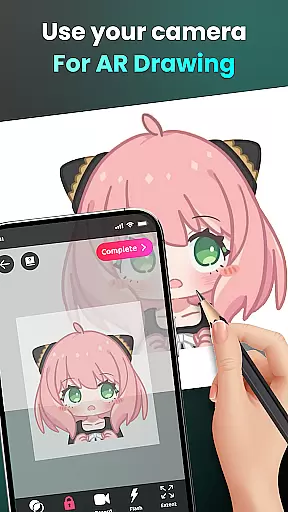
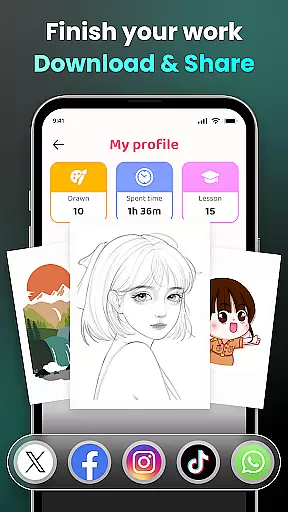
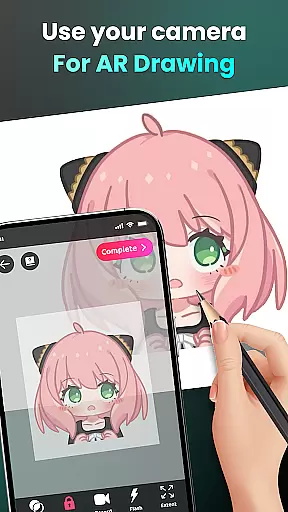
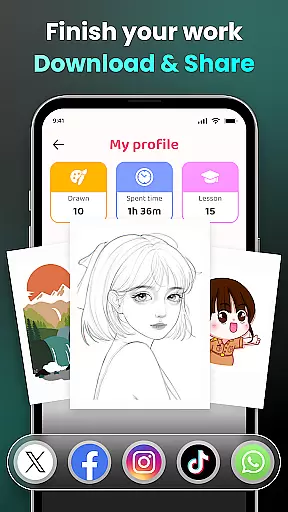
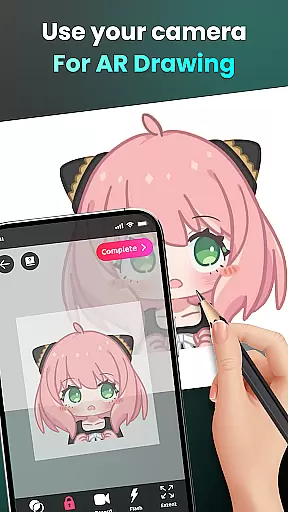
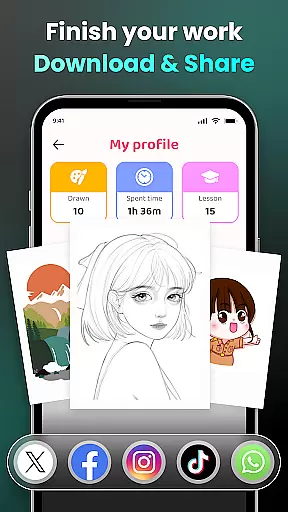
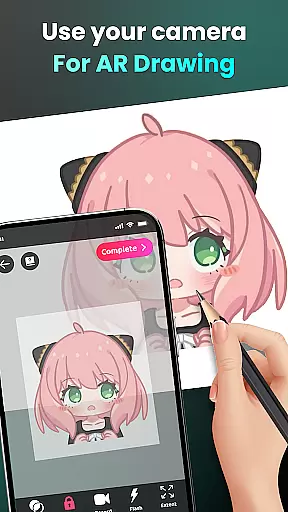
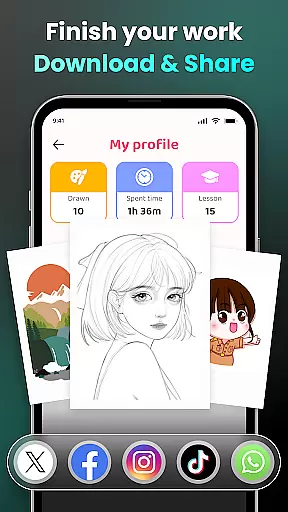
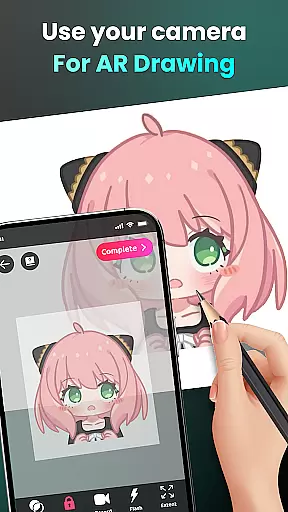
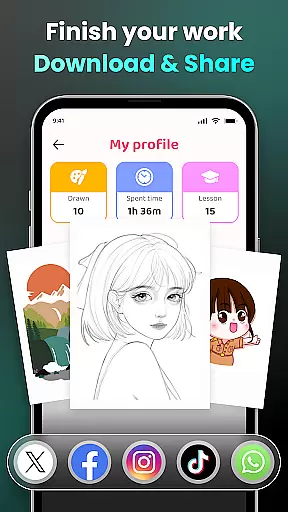
AR Drawing - Sketchar App represents a breakthrough in the Art & Design category, offering users an innovative way to learn and create art through augmented reality. This app allows both beginners and experienced artists to draw, sketch, and trace anything using their device's camera.
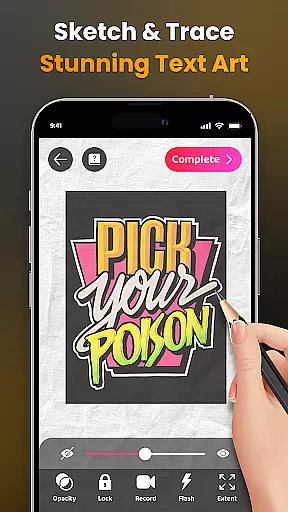
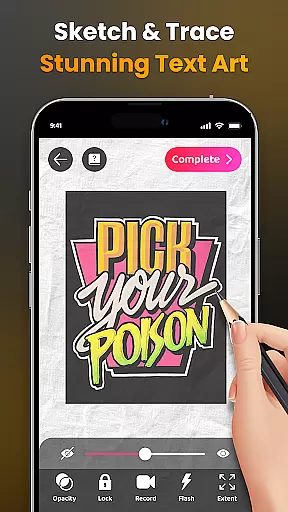
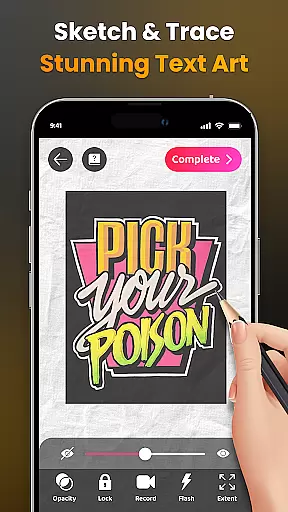
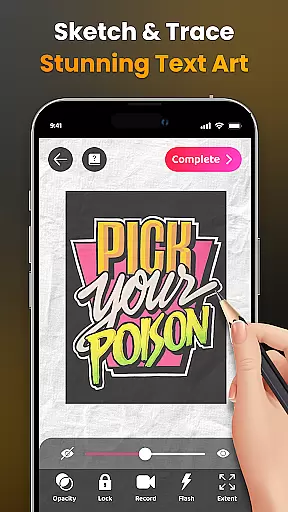
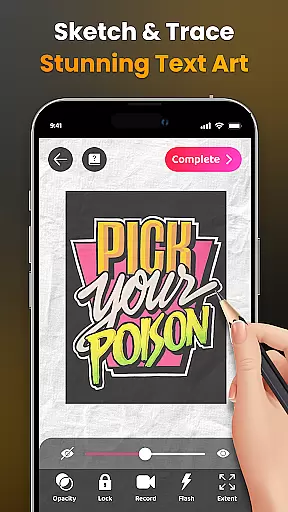
The application leverages advanced Augmented Reality (AR) technology to transform any real-world surface into a canvas for creativity. Users can place their phone on a stand, look through the screen, and sketch everything they see, from sample photos to entire scenes. The app also provides tools for adjusting opacity, recording videos of the drawing process, zooming in and out, and controlling the flash.
With over 50 million users worldwide, AR Drawing is not just about creating art; it's about sharing your unique AR artworks with a community that values creativity and innovation. Whether you're looking to improve your skills or simply express yourself artistically, this app offers endless possibilities for artistic exploration.
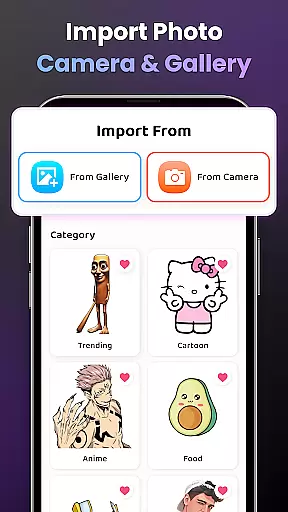
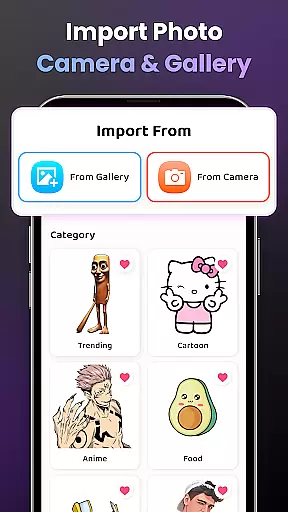
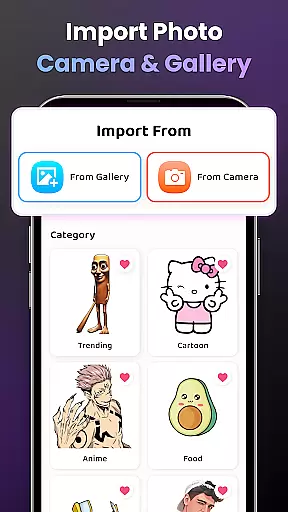
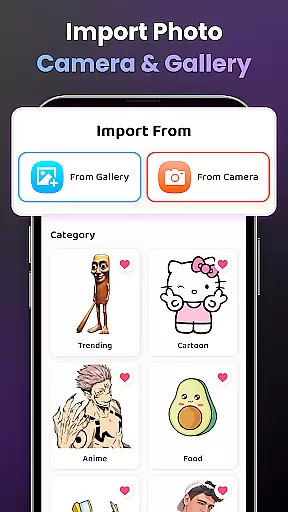
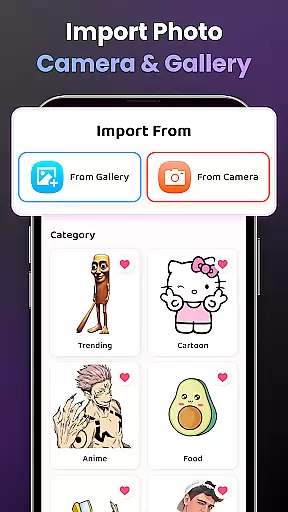
AR Drawing stands out with its comprehensive set of features designed to enhance the drawing experience. The app includes a diverse sample library and allows users to import photos from their own gallery, providing unlimited creative options.
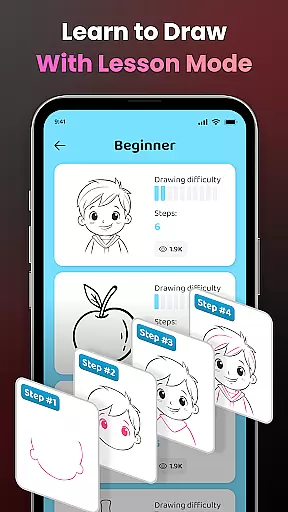
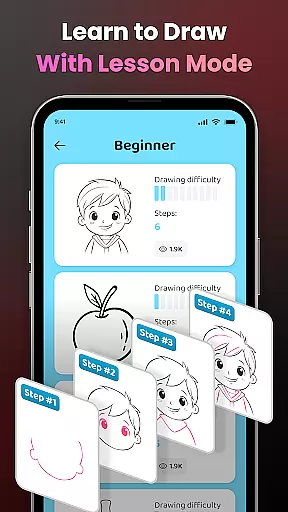
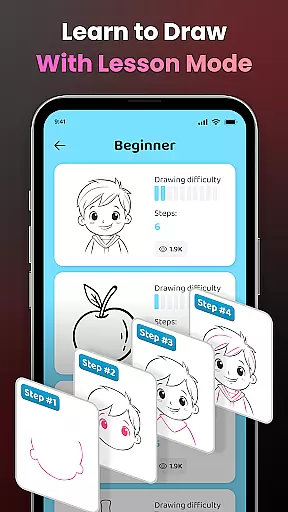
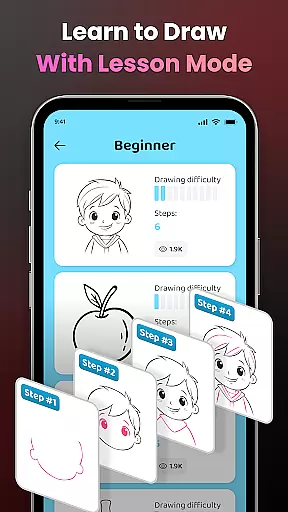
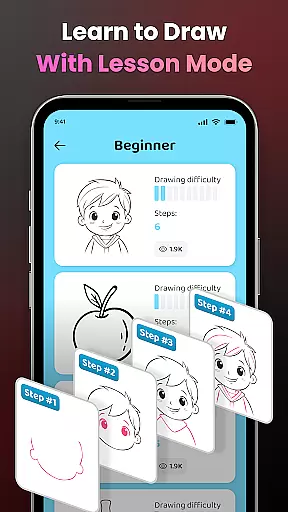
One of the key features is the ability to learn to draw easily by transforming complex photos into simple outlines for tracing. This feature caters to artists of all levels, offering three difficulty levels with progressively challenging exercises. Additionally, detailed video tutorials are available for beginners, ensuring that everyone can improve their skills at their own pace.
Other notable features include advanced options such as adjusting opacity, recording videos of the drawing process, zooming in and out, controlling the flash, and extending the drawing area. These functionalities ensure that users have complete control over their creative process, making AR Drawing a versatile tool for both learning and professional use.
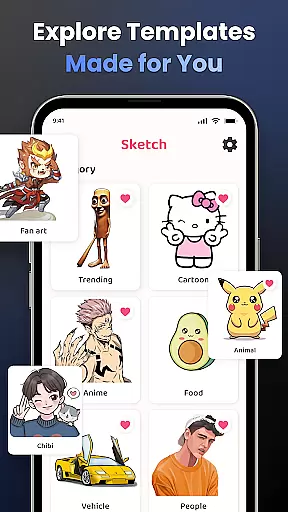
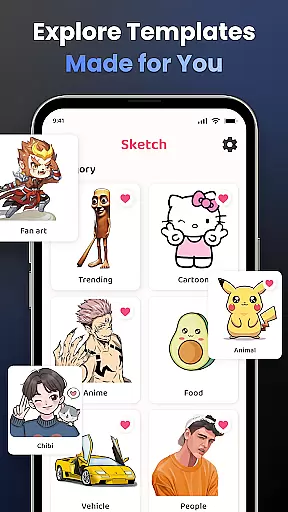
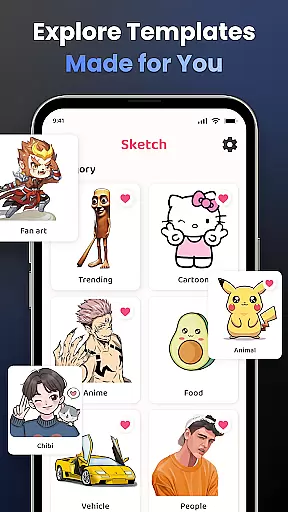
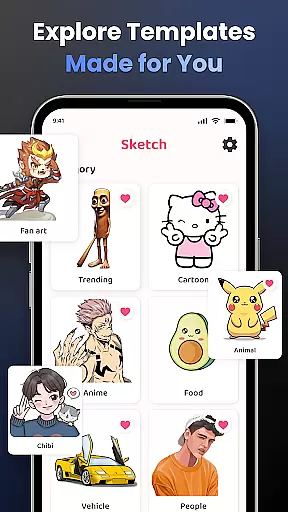
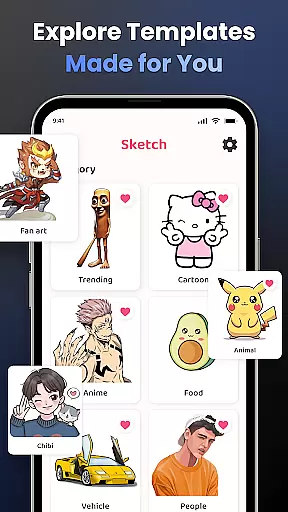
AR Drawing - Sketchar App offers a comprehensive suite of creative tools that cater to artists of all levels. The app provides an extensive library of samples, allowing users to choose from various categories such as Anime, Cartoon, Animals, and more.
For those who prefer a personalized touch, the app supports importing images from your gallery, thus expanding the creative possibilities. With features like adjusting opacity for layered artwork, zooming in and out for precision, and controlling the flash for optimal lighting, AR Drawing ensures every artist has what they need to create stunning pieces.
Additionally, the app includes video tutorials tailored for beginners, guiding them through the nuances of drawing specific pictures. This educational aspect enriches the user experience by fostering skill development and artistic exploration.
The combination of diverse drawing options, personalization features, and educational content makes AR Drawing a complete package for unleashing creativity on a virtual canvas.
Flexibility is at the core of the AR Drawing - Sketchar App's design, offering versatile canvas options that adapt to each artist's needs. Users can draw directly onto any real-world surface using augmented reality, effectively turning their surroundings into a dynamic canvas.
The app also allows for easy manipulation of the drawing space with zoom and flash controls, ensuring comfort and convenience while sketching. Whether you're working on detailed artwork or broad strokes, these features provide the necessary adaptability.
Moreover, artists have the freedom to import custom images, which serves as unique canvases for their projects. This ability to personalize the drawing format encourages experimentation and innovation within oneu2019s art.
With its adaptive canvas and formatting options, AR Drawing empowers users to express themselves without limitations, making it an ideal choice for both budding and experienced artists seeking creative liberation.
User-friendly interface
Advanced AR technology
Versatile drawing tools
Comprehensive learning resources
Active community support
Requires stable internet
Consumes device storage
Premium features cost extra
Steep learning curve
Limited offline functionality

Premium version of Shimeji-ee app with no ads & no limit active shimeji
 4.4
4.4
Create trending AI photos & videos with powerful effects and 3D styles.
3.20
AI Assistant, powered by ChatGPT GPT-4 & GPT-4o. Your intelligent companion.
3.50
A luxurious gold watch face for an elegant and refined look.
4.5
Your homescreen as an elegant glass with customized blur, lighting, and visuals.
3.70
Experience next-gen icons with a modern liquid glass look.
3.60
Photo stitcher for automatically screenshot stitching into a long screenshot
4.70
Just trace a projected picture on paper and color! Draw & Paint with AR drawing
4.40
Create amazing pictures and unleash your creative genius with AR Drawing Sketch
4.40
Minecraft & Roblox Clothes
4.70
Photo editor for art, avatars, filters & fun transformations.
4.60
Trace, draw, and create art with AR - from memes to masterpieces!
4.30
Sketch, plan, take notes and illustrate on an infinite canvas.
4.20
Text to Image, Image to Video & AI Chat
4.20
Unleash Your Creativity with Draw Cartoon - AR Drawing App
4.10
Floor Plan Creator lets you create, edit and share floor plans.
4.00
Art of Combination Wear OS Watch faces (for Wear OS 5+ devices)
3.90
AI Art Generator transforms your words into AI generated art & paintings.
3.70
Vidu is an AI video generator made for creators and aspiring makers.
3.30


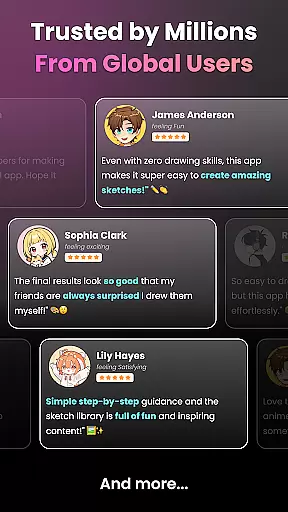
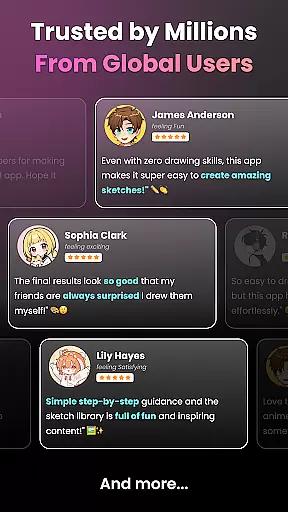
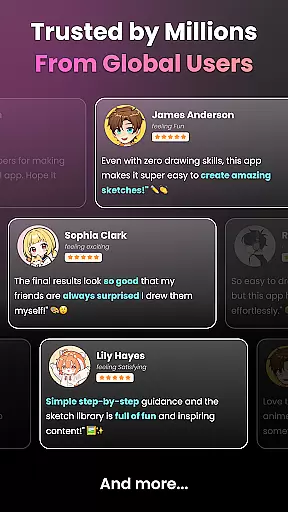
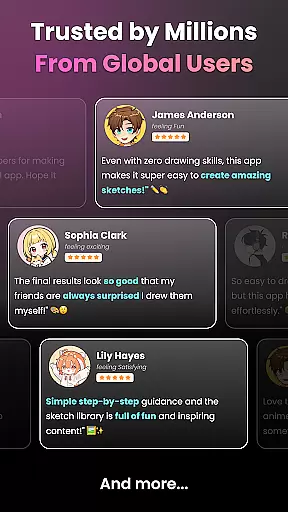
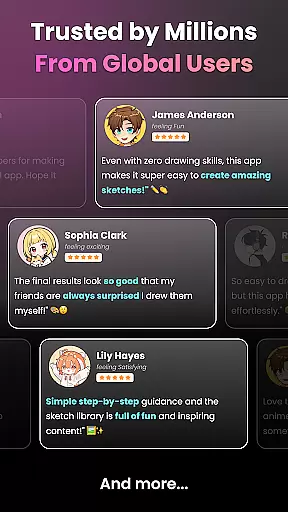
User Reviews