
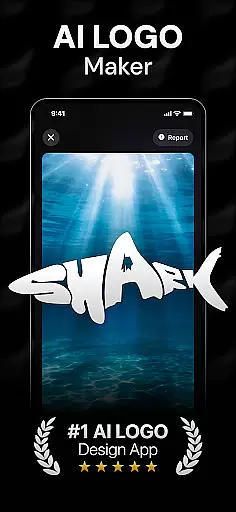
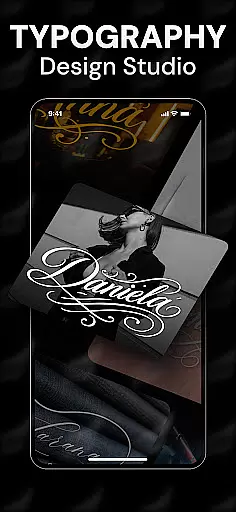
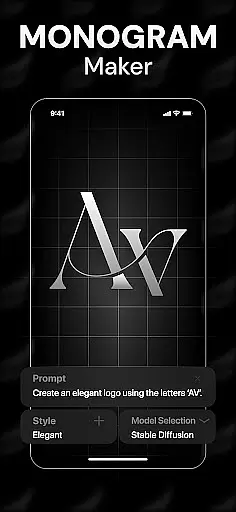
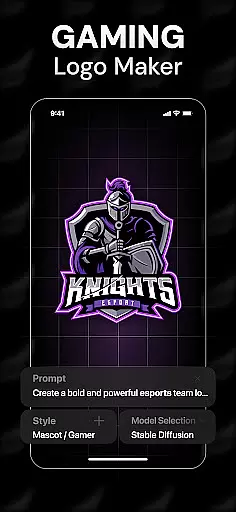
Rebrand is an AI-powered logo design studio that helps users create professional logos and graphic designs with ease. The app offers a wide range of features including an AI logo generator, customizable design tools, and realistic mockups for real-world applications. Whether you're starting a new business or rebranding an existing one, Rebrand provides all the necessary tools to bring your vision to life.
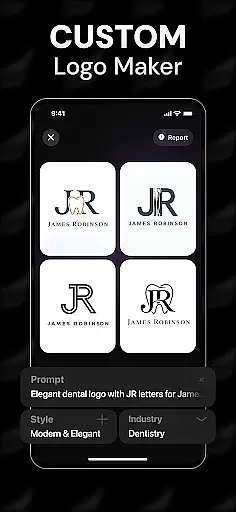
The app's standout feature is its AI-driven logo creation process, which allows users to generate unique logos by entering custom prompts. Additionally, Rebrand supports brand identity development through advanced customization options like color palettes and typography settings. With its intuitive interface and powerful design capabilities, Rebrand caters to both beginners and experienced designers looking to craft stunning visuals.
Rebrand boasts a comprehensive suite of design tools that cater to various branding needs. Its AI logo generator enables users to create tailored logos by simply inputting descriptive keywords. This feature not only simplifies the design process but also ensures that each logo is unique and aligned with the user's vision.
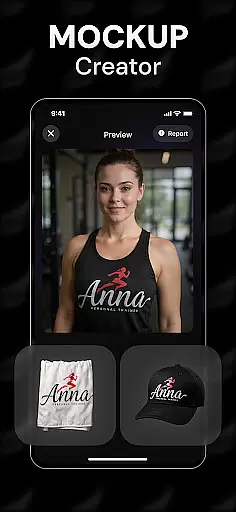
Beyond logo creation, Rebrand offers extensive customization options. Users can modify every aspect of their designs, from selecting specific colors and fonts to adjusting layout elements. The app also includes realistic mockup functionalities, allowing users to visualize their logos on items such as mugs, T-shirts, and business cards. These features collectively enhance the creative process and provide practical insights into how final products will look in real-life scenarios.
In the realm of digital design, having a comprehensive suite of creative tools is essential for bringing artistic visions to life. Rebrand stands out in this regard by offering an extensive array of features that cater to both novice designers and seasoned professionals. The app includes an AI Logo Generator, which allows users to craft unique and professional logos through custom prompts tailored to their specific needs.
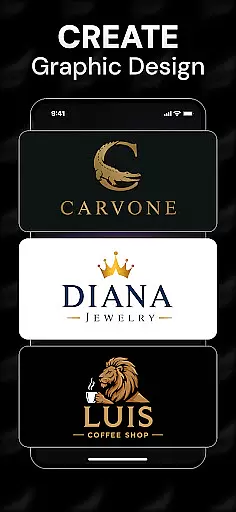
Rebrand doesn't stop at logo creation; it extends its capabilities to function as a full-fledged graphic design studio. Users can personalize every element of their designs, from colors to typography, ensuring that each logo or visual content is a true representation of their brand's identity. With additional tools like an icon maker and monogram maker, the app empowers users to expand their branding efforts beyond just logos.
The true value of Rebrand's complete toolset is seen in its realistic mockups feature. This functionality enables users to visualize their designs on real-world items such as mugs, business cards, and T-shirts. Such a feature not only enhances the creative process but also provides a tangible sense of how the final product will appear in various applications.
Flexibility in design is crucial for accommodating diverse project requirements and creative visions. Rebrand addresses this need by providing unparalleled canvas and format flexibility, allowing users to customize their workspace and produce designs that align perfectly with their intended use. Whether creating a logo for a gaming community or developing a brand identity for a startup, the app's adaptable canvas ensures that all design specifications can be met with precision.
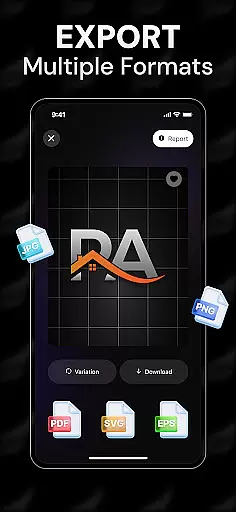
With Rebrand, users are not constrained by predefined formats or sizes. The app supports a wide range of file formats, empowering users to download high-quality logos that are ready for use across different platforms, including websites, social media, and print materials. This versatility ensures that no matter where your design will be applied, it maintains its quality and impact.
Furthermore, Rebrand's flexible design environment encourages experimentation and iteration. Users can easily modify their canvas settings to test various design concepts and see them come to life through realistic mockups. This adaptability not only streamlines the design process but also enhances the overall user experience, making Rebrand an indispensable tool for anyone looking to create compelling visual content.
User-friendly interface
Advanced AI technology
Customizable design options
Realistic mockup previews
Versatile branding tools
Limited free features
Subscription required for full access
Occasional glitches reported
Learning curve for beginners
Export quality varies

Create stylish invitation cards using templates for weddings, birthdays & RSVP.
 4.20
4.20
Paint with oils and sketch with natural tools on a realistic virtual canvas.
3.80
Your Essential Color Theory Guide: Red, Yellow, Blue (RYB)
4.3
Art of Combination Wear OS Watch Faces
4.5
Digital, Abstract, Classic - all types of color wheels in one app!
4.60
Novices can also easily complete diamond painting masters
4.70
Share the joy of painting with ibis Paint! Drawing anime and manga art.
4.50
Multiplayer Drawing game, Coloring, Painting・Sketch, Handwriting・Paint, draw
4.30
All-in-One art, logo & collage maker. Design photos and edit video backgrounds
4.80
Draw beautiful mandala's very easily
4.60
Get an overview over all your embroidery threads, projects and more.
4.60
Discover Cartoon Dream : Unleash Your Creativity with CuttingEdge AI
4.50
Customizable Outlined Fonts. Watch Face Format. Battery friendly Digital Clock.
4.20
Design your dream room with AI. Get decor ideas & plan home interiors
3.90
Art of Combination Wear OS Watch faces (for Wear OS 5+ devices)
3.90
AI Assistant, powered by ChatGPT GPT-4 & GPT-4o. Your intelligent companion.
3.50
Sketch, trace and master AR drawing with awesome anime art!
3.30
Create stunning video, photo & magic from text with FlixAI GPT video generator.
3.10
A luxurious gold watch face for an elegant and refined look.
4.0


User Reviews