
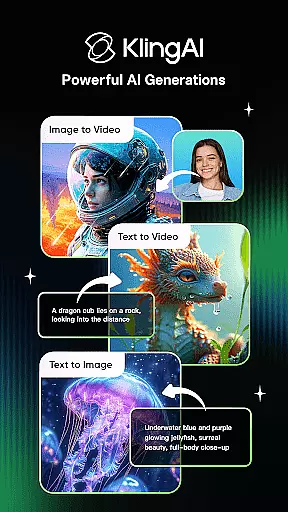
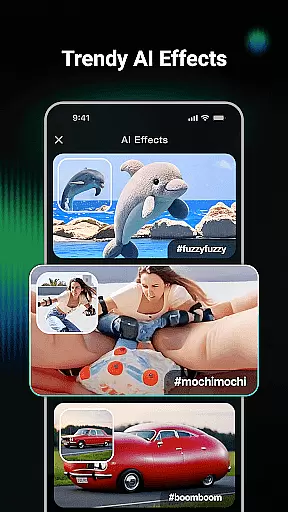
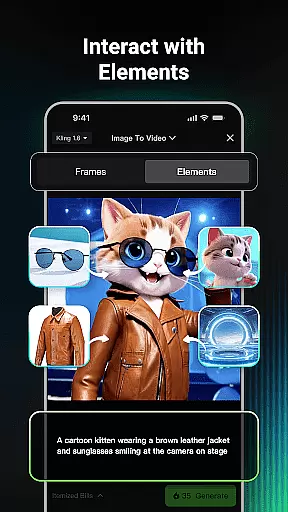
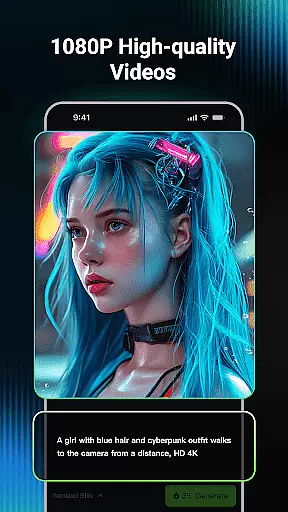
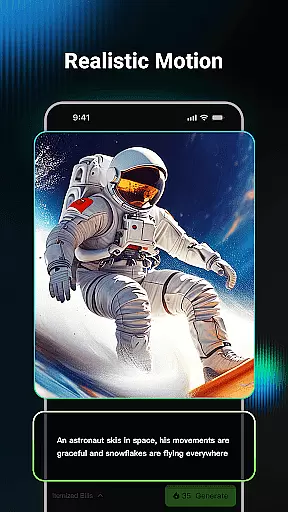
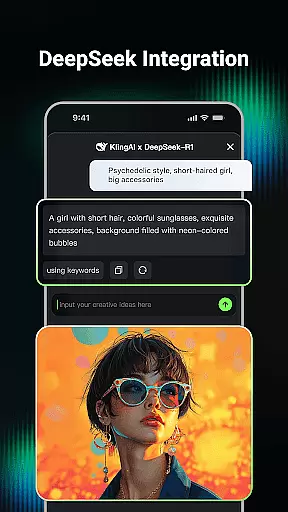
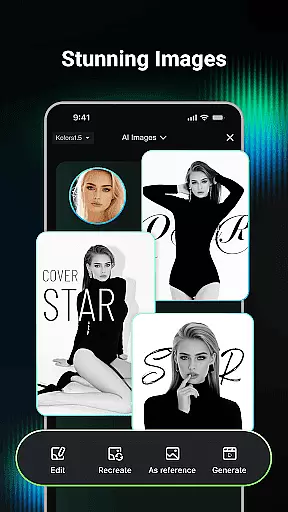
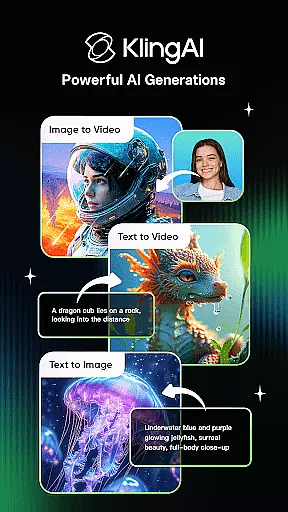
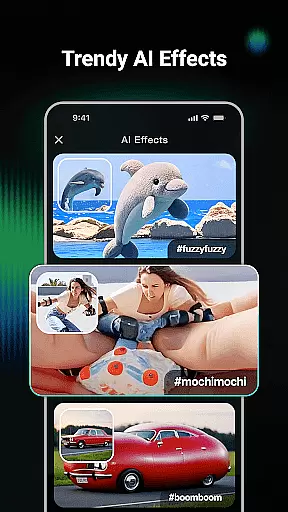
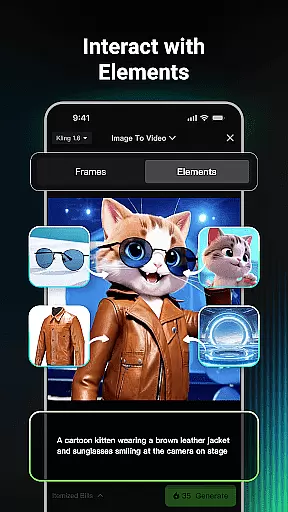
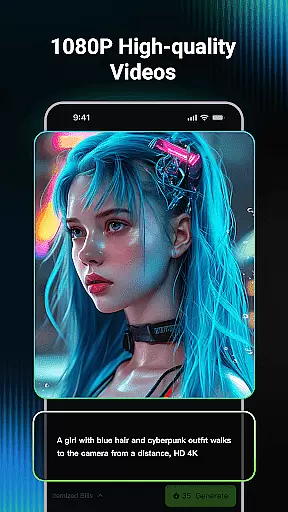
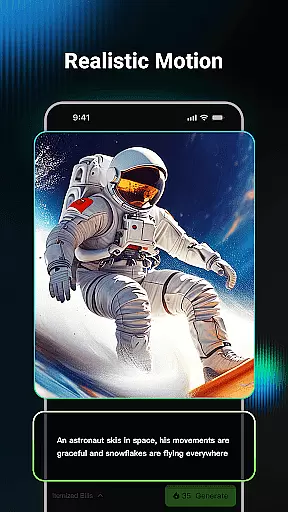
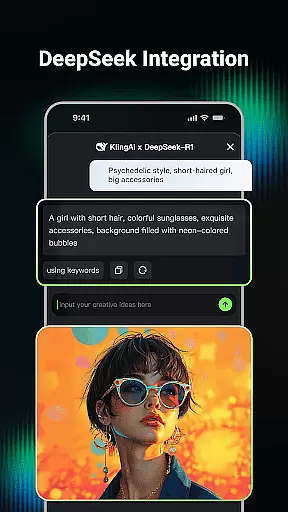
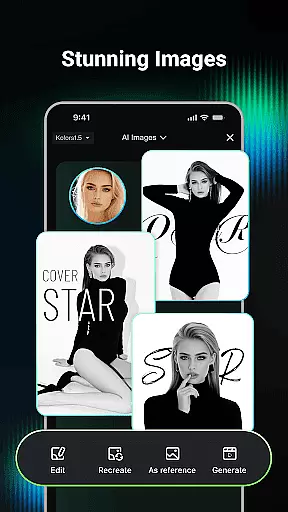
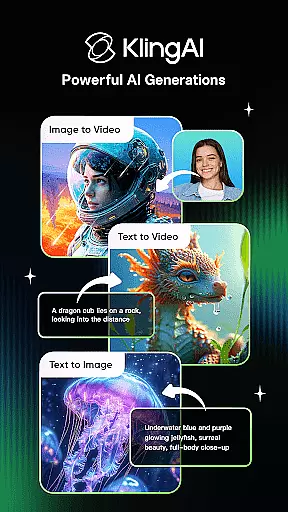
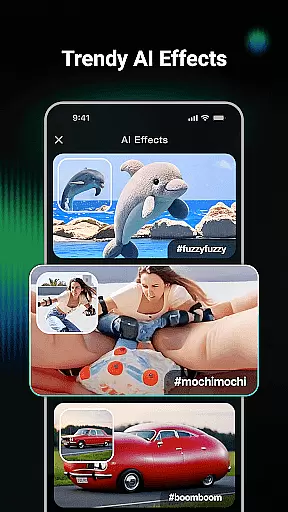
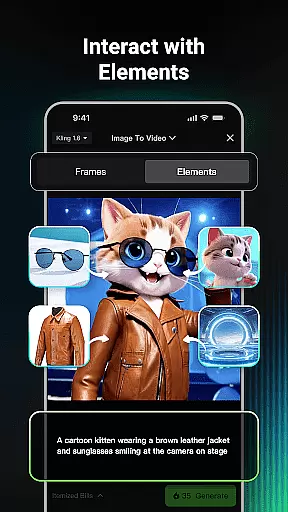
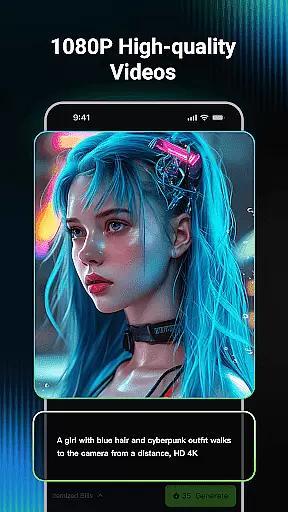
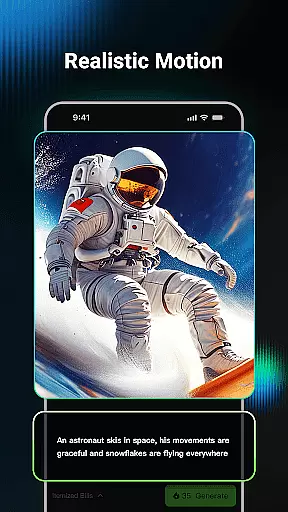
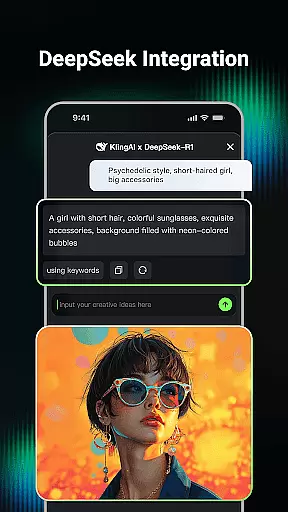
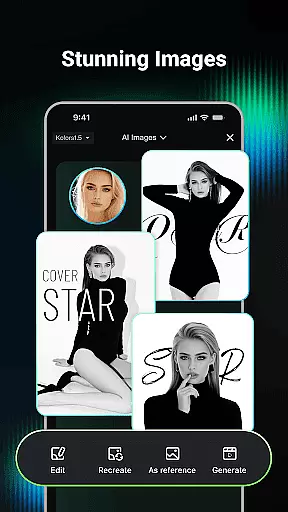
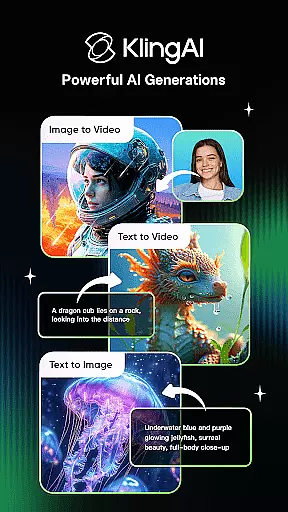
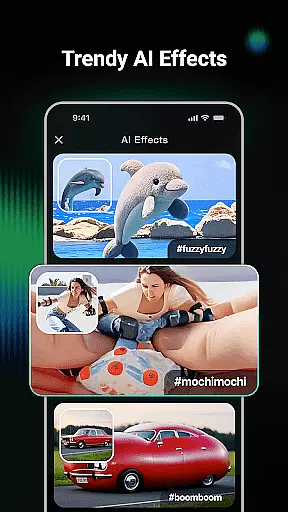
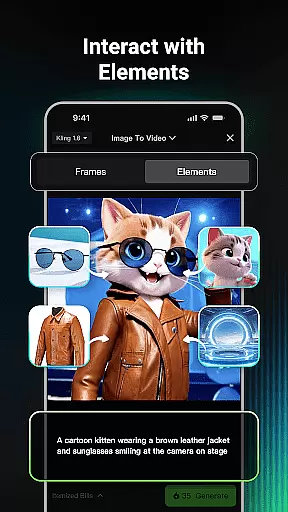
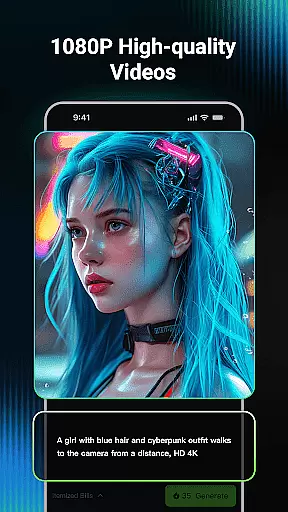
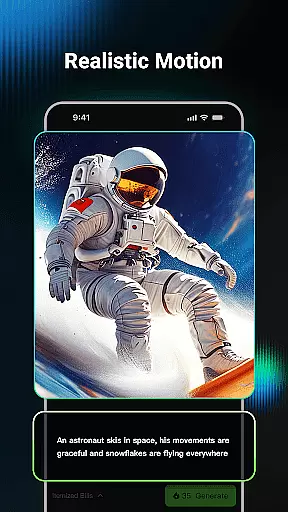
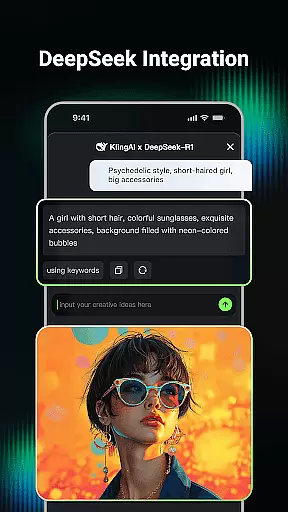
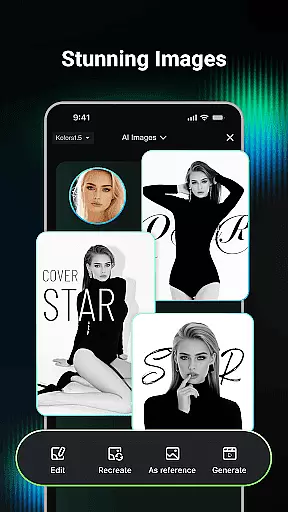
Kling AI is a cutting-edge creative studio powered by advanced AI models, designed for creators who seek innovative ways to produce video and image content. The app supports both text-to-video and image-to-video generation, allowing users to transform simple prompts into high-quality videos up to 1080P resolution. Additionally, its AI image generation feature enables the creation of diverse images in various styles.
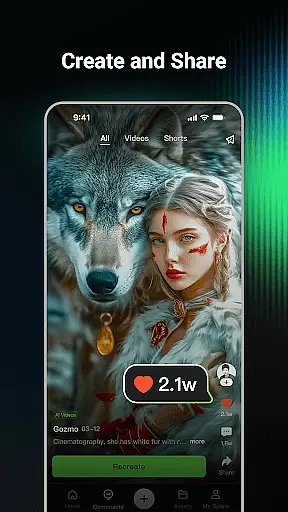
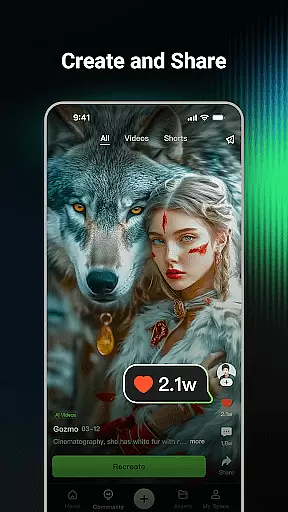
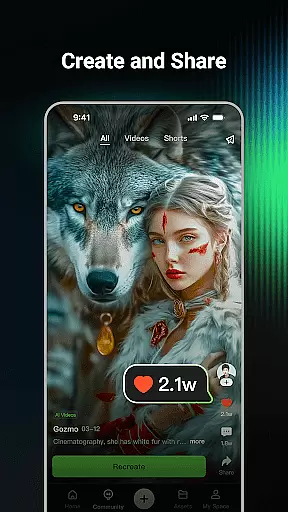
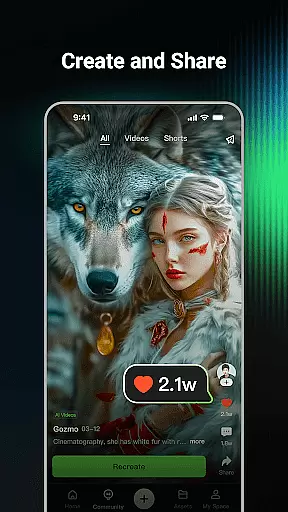
One standout aspect of Kling AI is its community-driven approach. Users can browse through works shared by others, collaborate with renowned AI creators, and even clone projects to experiment with their own ideas. This makes it an ideal platform for artists, designers, and marketers looking to streamline workflows while fostering creativity.
Kling AI offers a robust suite of features tailored for creative professionals. Its AI video generation tool allows users to create dynamic videos from either textual descriptions or reference images, with support for extended content up to three minutes long. The app also includes an intuitive image editing system that lets you generate custom visuals in multiple dimensions and artistic styles.
Beyond its core functionalities, Kling AI fosters collaboration through its vibrant community platform. Here, users can explore inspiring projects, engage with top-tier creators, and utilize the Clone & Try feature to adapt existing works for personal experimentation. These capabilities make Kling AI not just a productivity tool but also a hub for creative inspiration.
In the realm of digital creativity, having a comprehensive suite of tools is paramount. Kling AI stands out by offering an extensive array of features that cater to both video and image generation. The application supports advanced functionalities such as Text-to-Video, Image-to-Video, Text-to-Image, and Image-to-Image generation.
This diverse toolset empowers creators to transform simple text prompts or reference images into high-quality videos and images. With capabilities to produce videos in up to 1080P resolution and extend them to durations as long as three minutes, users can explore new creative territories. Additionally, the Image-to-Video conversion feature allows for seamless transitions between different media formats.
By integrating cutting-edge technologies like the Kling large model and Kolors large model, the app ensures that each creation is not only imaginative but also technically superior. This positions Kling AI as an invaluable resource for artists, designers, and content creators seeking to push the boundaries of their work.
Flexibility in canvas and format options is crucial for unleashing full creative potential. Kling AI excels in this area by providing versatile solutions for generating content in various dimensions and styles. Whether you're working on a small-scale project or require larger-than-life visuals, the platform accommodates all needs.
The application's support for multiple formats extends beyond just static images; it includes dynamic video content as well. Users can effortlessly switch between creating videos and images without losing any quality or creative intent. This adaptability ensures that every idea, regardless of its original format, can be brought to life with precision.
Moreover, the Clone & Try feature adds another layer of convenience. By allowing users to replicate community-shared projects with a single click, it fosters a collaborative environment where inspiration meets execution. Such robust flexibility makes Kling AI an essential tool for modern creatives aiming to innovate across different mediums.
User-friendly interface
High-quality outputs
Vibrant creator community
Innovative cloning feature
Advanced AI models
Limited free usage
Requires learning curve
Premium subscription costs
Occasional rendering delays
Device compatibility issues

Pose and morph realistic male and female models! 3D poser app
 3.00
3.00
Customizable Outlined Fonts. Watch Face Format. Battery friendly Digital Clock.
4.20
Design your dream room with AI. Get decor ideas & plan home interiors
3.90
Create stylish invitation cards using templates for weddings, birthdays & RSVP.
4.20
AI Art Generator transforms your words into AI generated art & paintings.
3.70
Create stunning art with AI.
4.80
Photo editor for art, avatars, filters & fun transformations.
4.60
Image resizer to resize, crop, rotate, flip, change dpi photo or picture in bulk
4.60
Create and Design Custom Logos in Seconds with AI-Powered Tools!
4.40
Digital, Abstract, Classic - all types of color wheels in one app!
4.60
Draw beautiful mandala's very easily
4.60
Get an overview over all your embroidery threads, projects and more.
4.60
Draw Trace image sketch by, AR art projector app, Easy to trace any image.
4.50
Unleash Your Creativity with Draw Cartoon - AR Drawing App
4.10
Unleash the artist in you with our AR drawing and tracing tool for photo drawing
4.10
Art of Combination Wear OS Watch faces (for Wear OS 5+ devices)
3.90
Paint with oils and sketch with natural tools on a realistic virtual canvas.
3.80
Sketch, trace and master AR drawing with awesome anime art!
3.30
Premium version of Shimeji-ee app with no ads & no limit active shimeji
4.1


User Reviews