
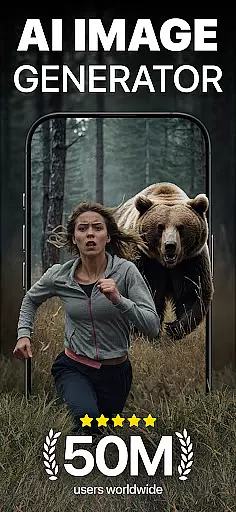
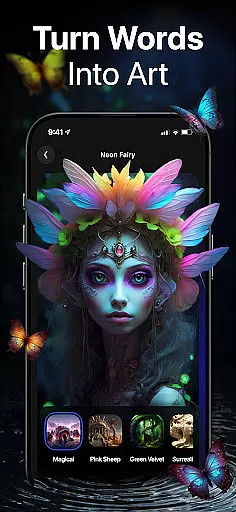
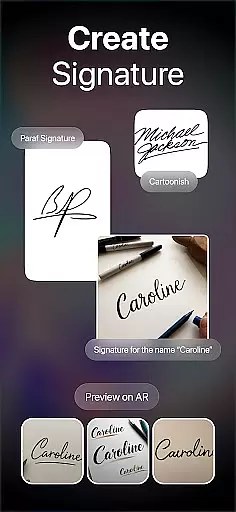
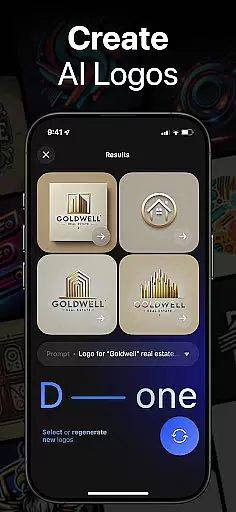
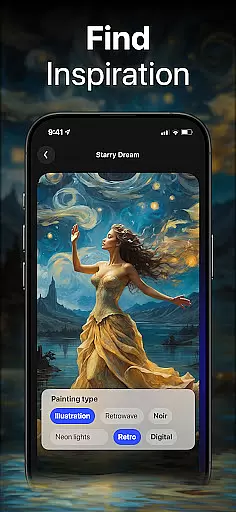
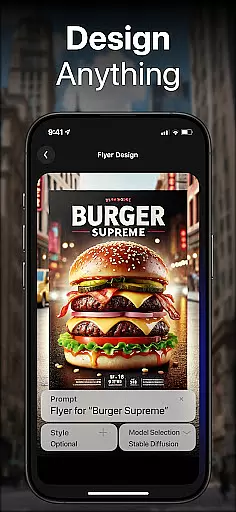
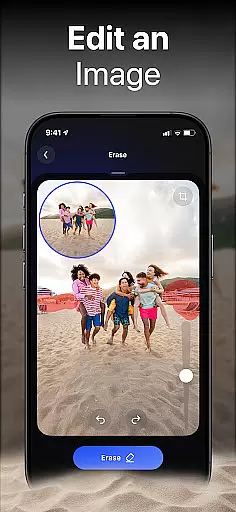
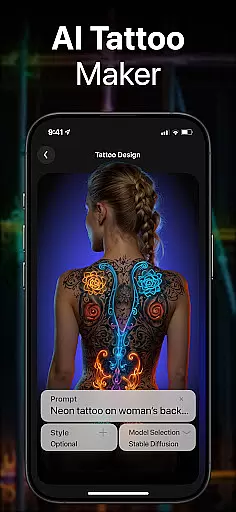
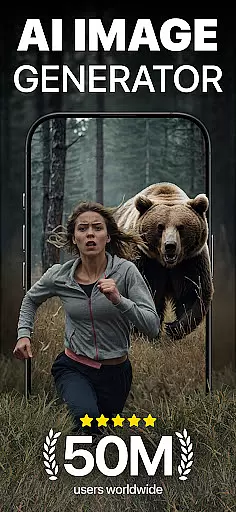
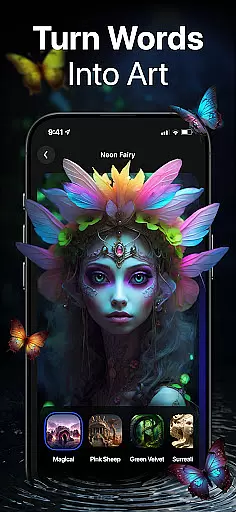
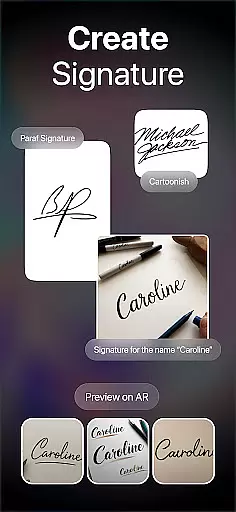
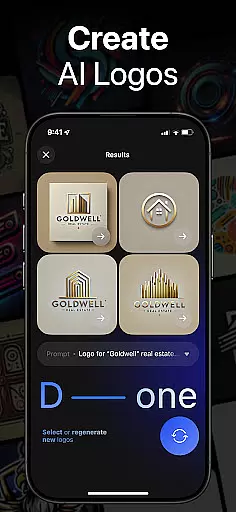
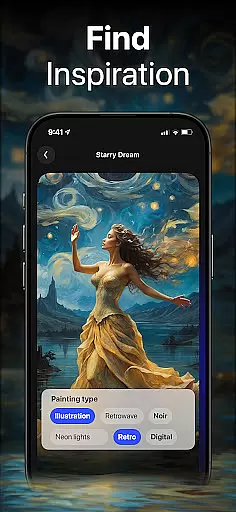
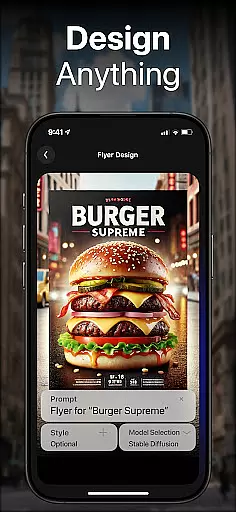
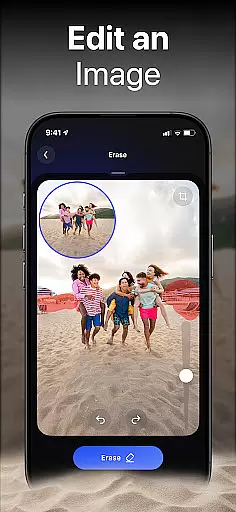
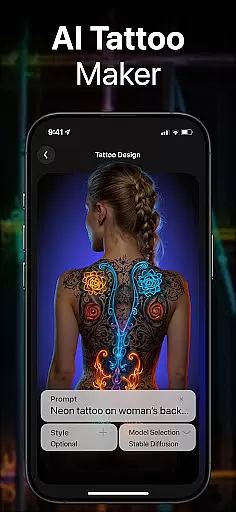
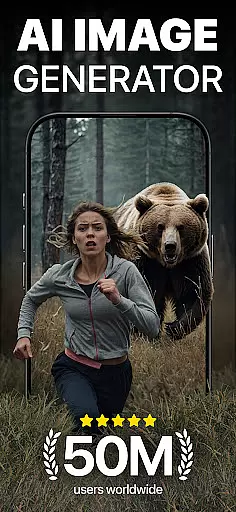
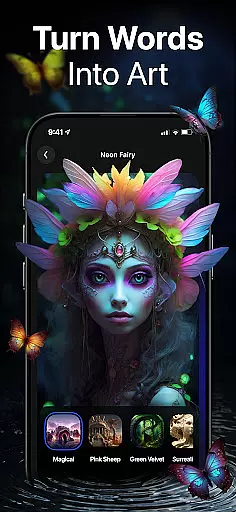
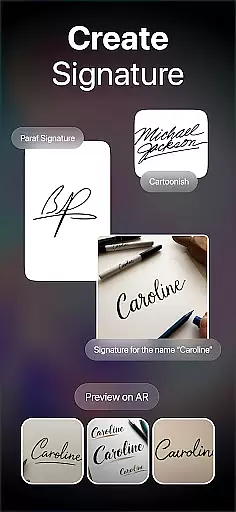
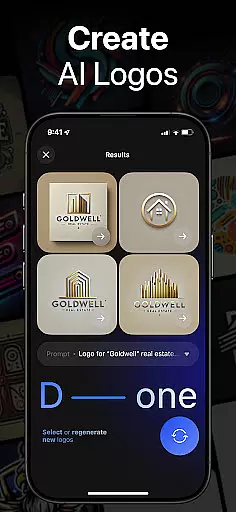
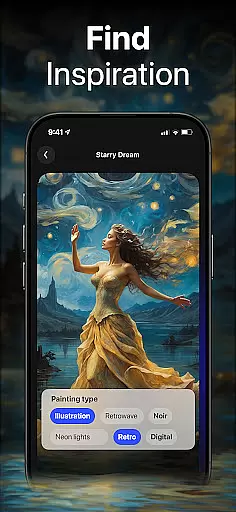
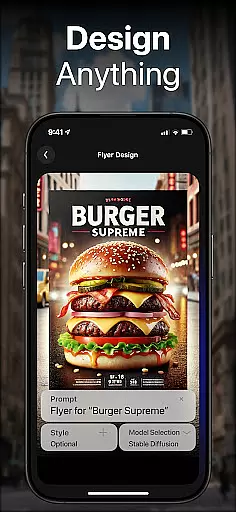
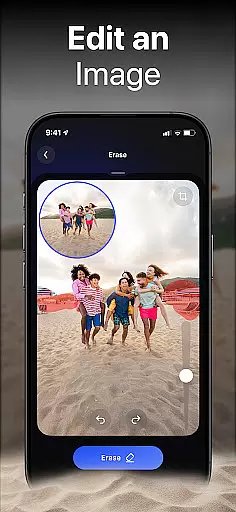
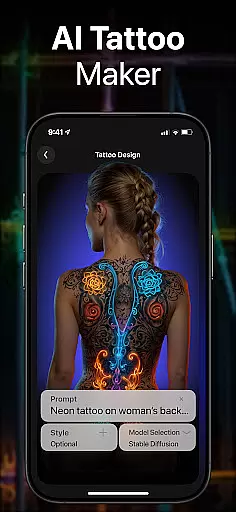
DaVinci is a cutting-edge AI Image Generator app that transforms your words and images into stunning AI-generated art. Using advanced artificial intelligence, it creates unique artworks, photos, and designs based on your input. Whether you need digital artworks, tattoo designs, logo concepts, or realistic AI-generated photos, DaVinci brings your ideas to life in seconds.
The app offers multiple specialized generators including an AI Art Generator, AI Tattoo Generator, AI Logo Generator, AI Image Generator, and AI Avatar Generator. Each tool provides various artistic styles to choose from, allowing users to experiment with different aesthetics. With its user-friendly interface, DaVinci makes creating professional-quality visuals accessible to everyone, right from their mobile devices.
Designed for both personal and professional use, DaVinci is perfect for artists, designers, and businesses seeking creative inspiration or ready-to-use visual content. The ability to download high-resolution images ensures the creations are suitable for printing and digital use, making it a versatile solution for all your artistic needs.
DaVinci stands out with its diverse range of powerful features tailored to unleash creativity. The AI Art Generator allows users to craft captivating drawings by simply entering text prompts or uploading images. With millions of training images, the AI produces unique and detailed artwork in seconds, offering a seamless creative experience.
The app includes specialized tools like the AI Tattoo Generator, which creates one-of-a-kind tattoo designs, and the AI Logo Generator, which crafts professional logos effortlessly. The AI Image Generator produces hyper-realistic photos, while the AI Avatar Generator lets users transform themselves into various styles such as athletes or astronauts. These features ensure versatility and cater to a wide array of creative projects.
Additionally, DaVinci supports easy sharing of creations across platforms like Instagram and Facebook, enabling users to showcase their work and gain exposure. Backed by state-of-the-art AI technology, DaVinci eliminates the need for traditional art supplies, empowering users to create stunning visuals using only their imagination and device.
In the realm of digital artistry, having a comprehensive suite of creative tools is essential for realizing one's vision. DaVinci stands out in the Art & Design category by offering an extensive array of features that cater to various artistic needs. From generating AI-driven artworks to crafting professional logos, this app encapsulates a wide spectrum of functionalities.
DaVinci's toolkit includes an AI Art Generator that transforms textual prompts and images into compelling pieces of art. The inclusion of diverse art styles, ranging from simple pencil sketches to photorealistic renditions, ensures that users can explore different aesthetics and find the perfect match for their creative concepts.
Beyond static images, DaVinci facilitates the design process for practical applications such as tattoos, T-shirt designs, and room decorations. This versatility empowers users not only to visualize their ideas but also to implement them in real-world scenarios, enhancing both personal and commercial projects.
The app further augments its creative arsenal with an AI Avatar Generator, allowing users to experiment with self-representations in myriad styles and contexts. Such complete and varied creative tools make DaVinci an indispensable companion for artists, designers, and creatives who seek to push the boundaries of their imagination.
Flexibility in canvas and format options is crucial for artists who wish to express their creativity without technical constraints. DaVinci addresses this need by providing adaptable solutions that accommodate a broad range of artistic expressions and output requirements. Whether it's adjusting dimensions or selecting file formats, the app ensures that users can customize their creations to suit specific purposes.
With DaVinci, users have the freedom to produce artworks that fit various mediums, from digital displays to physical prints. The app supports high-resolution downloads, which is particularly beneficial for those looking to exhibit their work in large formats or print them for home decoration.
Moreover, the AI Image Generator within DaVinci produces hyper-realistic images that maintain quality across different sizes and resolutions. This capability is vital for professionals who require precision and clarity in their visual content, regardless of scale or application.
By prioritizing canvas and format flexibility, DaVinci empowers creators to seamlessly transition between conceptualization and realization. Artists can focus on their vision, confident that the final product will meet their exact specifications and intended use, whether for social media sharing or professional presentations.
User-friendly interface
Multiple art styles
High-resolution downloads
Versatile design tools
Quick generation time
Limited free usage
Premium feature costs
Occasional AI inaccuracies
Internet connection required
Learning curve for beginners

Premium version of Shimeji-ee app with no ads & no limit active shimeji
 4.4
4.4
Art of Combination Wear OS Watch faces (for Wear OS 5+ devices)
3.00
Logo Generator powered by AI: Create stunning logos effortlessly!
4.70
Unleash Your Creativity with Draw Cartoon - AR Drawing App
4.10
Art of Combination Wear OS Watch Faces
3.30
Your homescreen as an elegant glass with customized blur, lighting, and visuals.
3.70
Art of Combination Wear OS Watch faces (for Wear OS 5+ devices)
3.90
Create Logos, Tattoos, AI Art & more with our AI Photo Generator & Design Editor
4.20
Unleash your inner artist! Sketchar: AR Drawing for Limitless Creativity
4.40
Make your phone cooler and have a fantastic experience
4.80
Passport size photo maker, create ID photo and visa photo in seconds
4.80
Discover Cartoon Dream : Unleash Your Creativity with CuttingEdge AI
4.50
Create neon drawing with magic doodle and fun doodle art effects!
4.50
Draw Trace image sketch by, AR art projector app, Easy to trace any image.
4.50
Kling AI is an image and video generation and editing studio powered by AI.
4.50
Customizable Outlined Fonts. Watch Face Format. Battery friendly Digital Clock.
4.20
AI Face Swap, Video Effects Editor, Realtime Morph, Funny Video FX,AI Filters
3.70
Create stunning video, photo & magic from text with FlixAI GPT video generator.
3.10
Art of Combination Wear OS Watch faces
4.2


User Reviews