![[KNA015] CRESCENT logo](https://cdn.linksharehub.com/ocp/?u=https%3A%2F%2Fl1.fancapitalize.com%2Fimages%2F2025%2F12%2F679a09946cef61bbb056bb0b13adfcd7.jpg&t=webp)
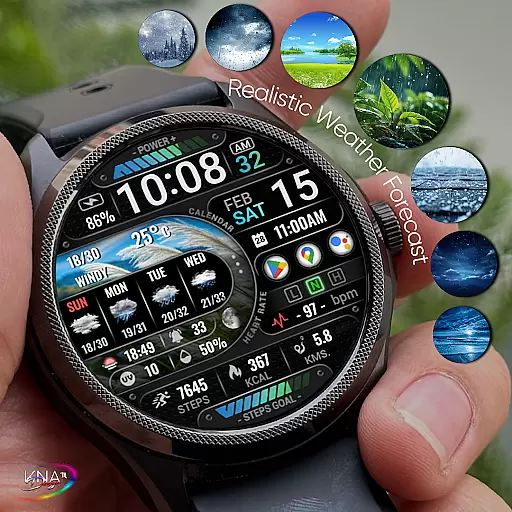
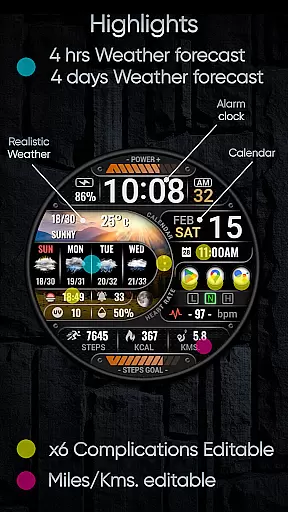
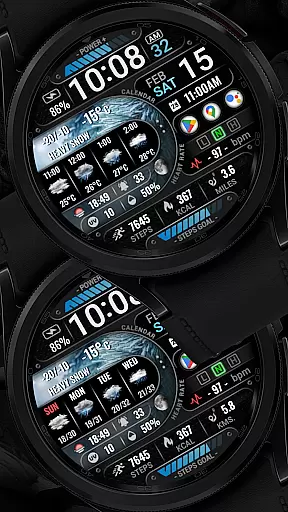
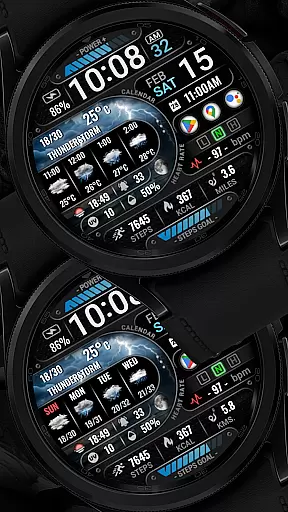
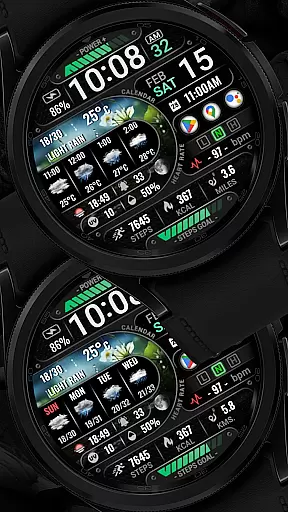
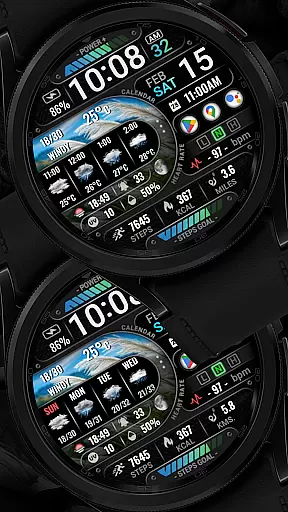
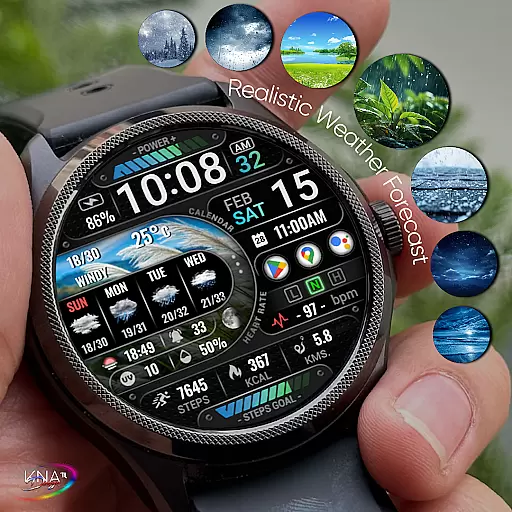
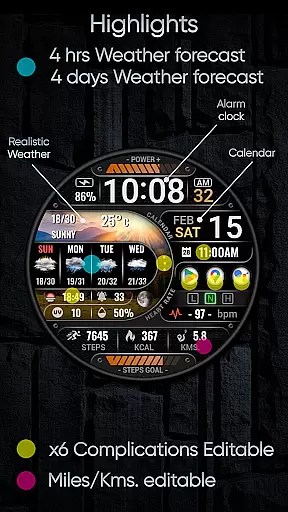
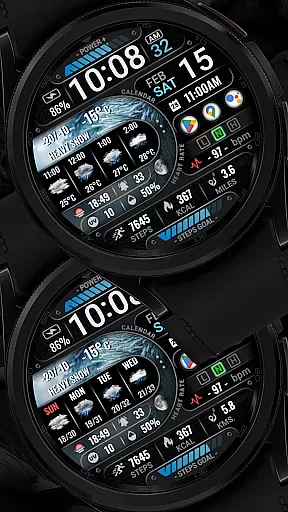
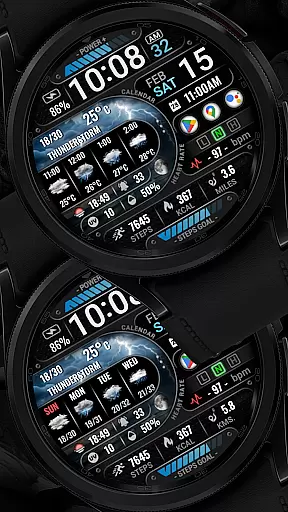
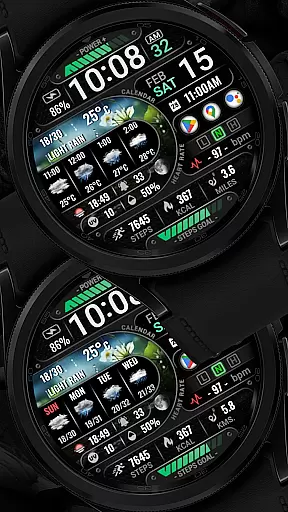
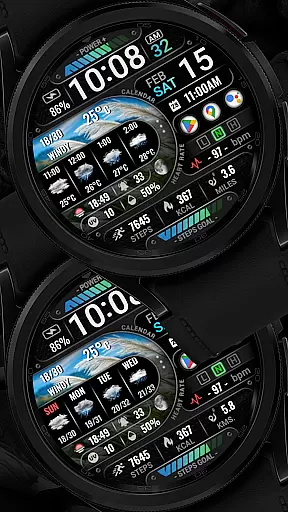

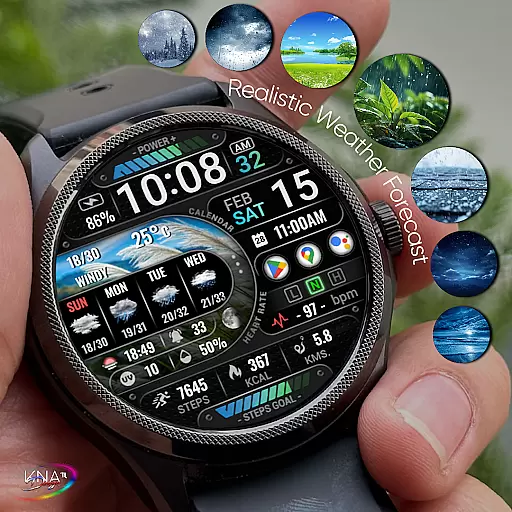
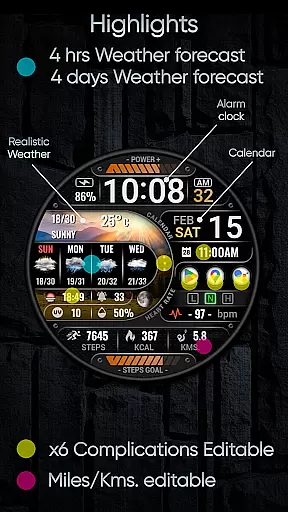
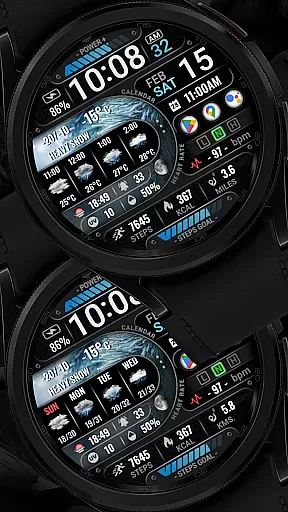
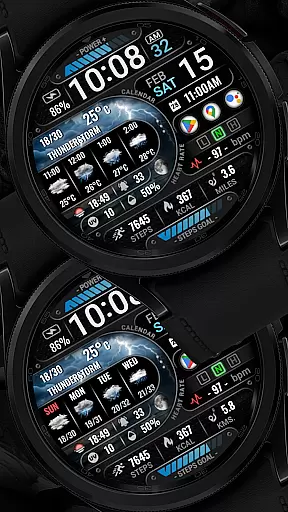
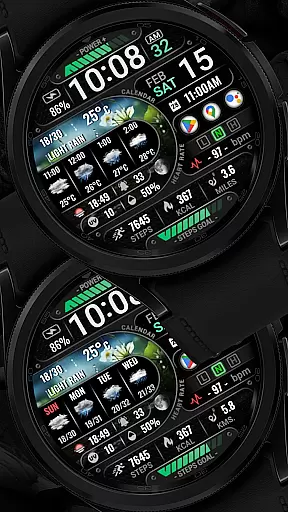
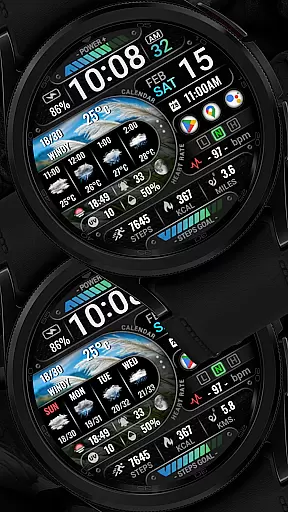
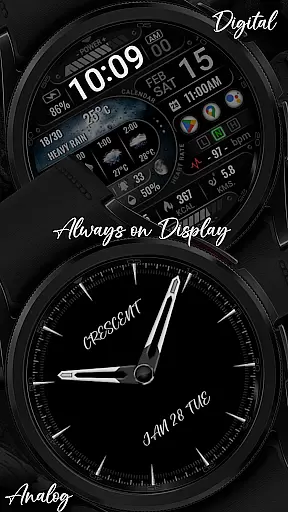
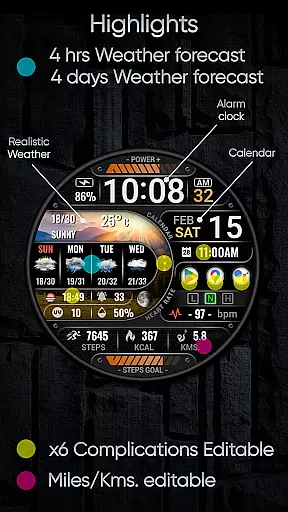
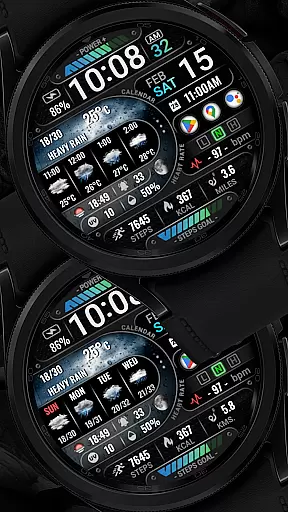
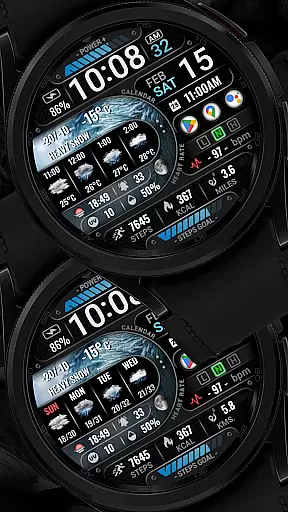
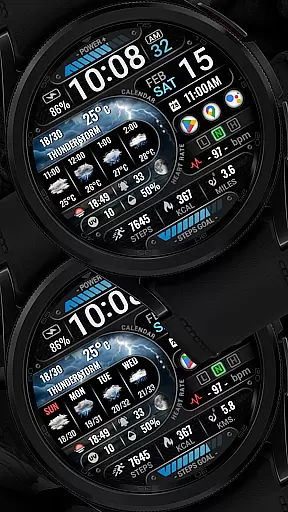
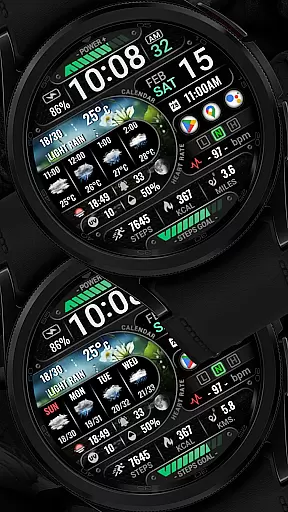
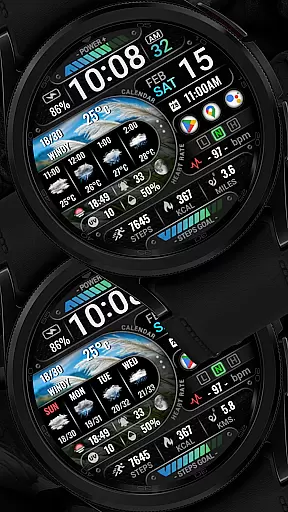
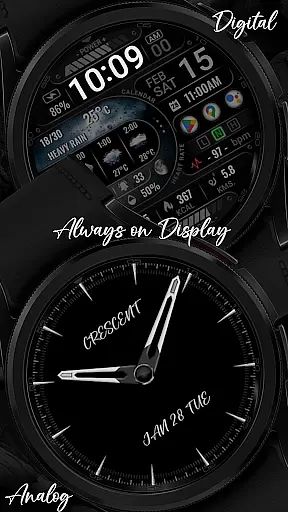
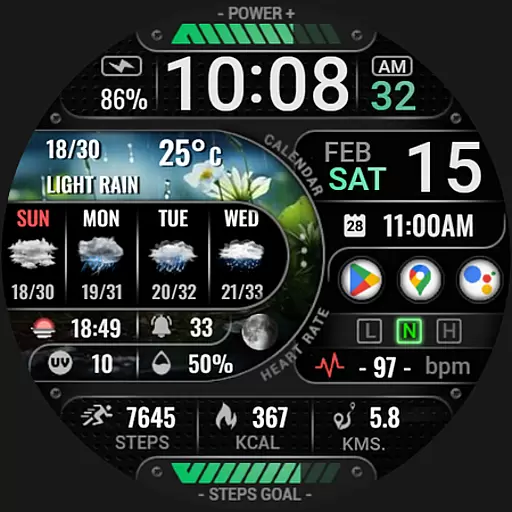
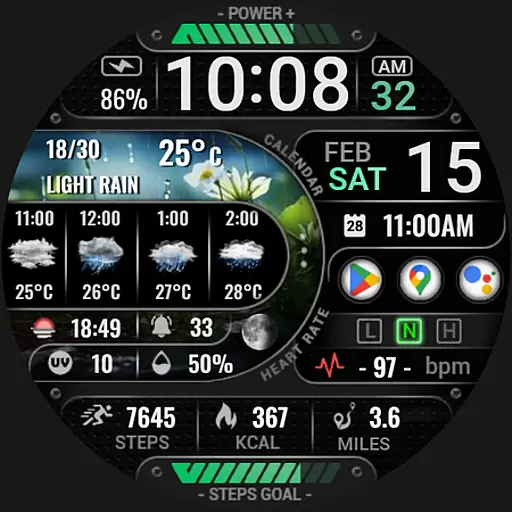
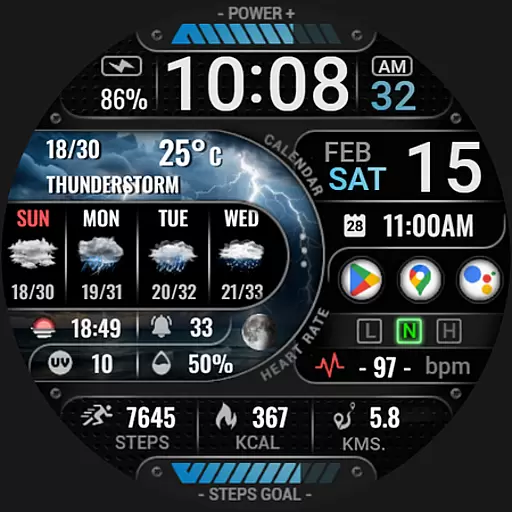
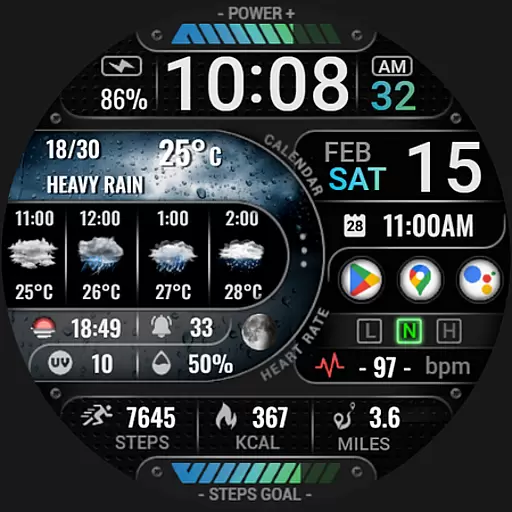
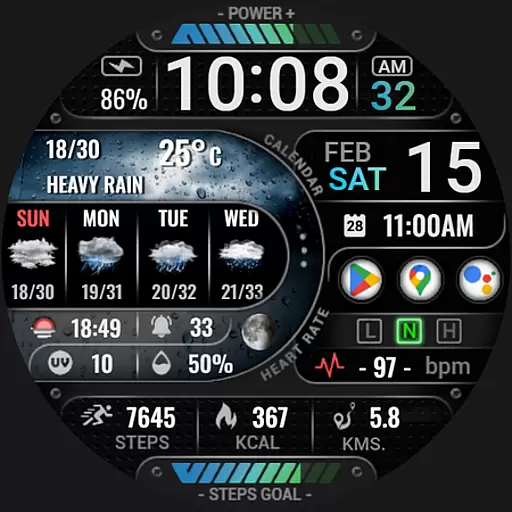
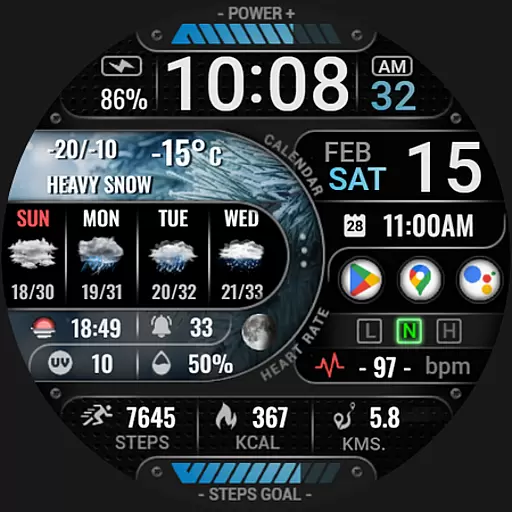
[KNA015] CRESCENT is a feature-rich watch face designed specifically for Wear OS devices running version 5 and above. This customizable watch face offers users the ability to tailor their smartwatch display with various complications, making it both functional and visually appealing.
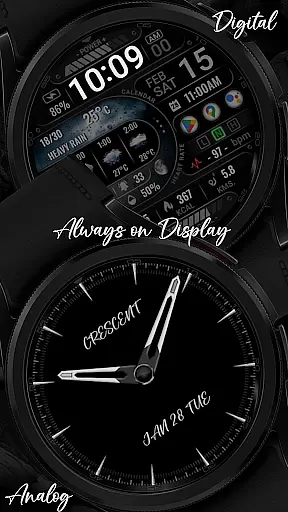
The watch face boasts an array of features including digital and analog styles, date and time display, realistic weather updates, health metrics like heart rate and step count, and much more. It's compatible with devices that have API level 34 and higher, ensuring a modern and smooth user experience on supported devices.
Users can customize their watch face by touching and holding the display, then tapping on the customize option to modify widgets according to their preferences. With its wide range of personalization options, [KNA015] CRESCENT stands out as a versatile choice for those looking to enhance their smartwatch experience.
Among its standout features, [KNA015] CRESCENT provides comprehensive weather information such as forecasts up to four days, UV index, and chance of precipitation. Users also have access to important daily metrics like step count, heart rate, and battery levels, all presented in an easy-to-read format.
The watch face supports six editable complications, allowing users to choose from a variety of data types including world clocks, sunset/sunrise times, and barometer readings. Additionally, two always-on display (AOD) styles offer both analog and digital formats, catering to different aesthetic preferences while maintaining functionality.
Customization is at the core of this app's design, enabling users to adjust distance calculations between kilometers and miles, view unread messages, and monitor calorie consumption. These features collectively ensure that users have a personalized and efficient wearable experience tailored to their individual needs.
In the realm of wearable technology, having a comprehensive suite of creative tools is essential for personalization. The [KNA015] CRESCENT watch face offers an extensive array of features that cater to this need.
With options ranging from digital and analog styles, date and time formats, to realistic weather forecasts and moon phases, users have the ability to tailor their watch face to their specific preferences. Additionally, the inclusion of six editable complications allows for further customization with data such as world clocks or barometric pressure readings.
This level of creative control ensures that each user can create a unique and functional experience on their wrist, enhancing both the aesthetic appeal and utility of their Wear OS device.
Flexibility in design is crucial for accommodating various user needs and device capabilities. The [KNA015] CRESCENT watch face excels in providing canvas and format flexibility to its users.
Users can choose between different display formats including 12/24-hour time, distance calculations in kilometers or miles, and two Always-On Display (AOD) styles. This versatility ensures compatibility across Wear OS devices with API level 34+.
Moreover, the ability to customize widgets such as step count, heart rate, battery level, and more, provides a personalized user interface that adapts to individual lifestyles and preferences, making it a highly adaptable choice for tech-savvy individuals.
User-friendly interface
Highly customizable
Comprehensive weather data
Health and fitness tracking
Always-on display options
Limited device compatibility
Some features not available on all watches
Requires latest Android version
No automatic application post-install
Potential complexity for new users

AI generated images & photos, turn your words into drawing, painting & pictures.
 4.30
4.30
Premium version of Shimeji-ee app with no ads & no limit active shimeji
4.4
Art of Combination Wear OS Watch faces
4.2
Remove Background, Magic Eraser, Photo Enhancer, Story Templates, Collage Maker
4.30
Photo editor for art, avatars, filters & fun transformations.
4.60
Get creative and make art with your Sesame Friends!
4.00
Create amazing pictures and unleash your creative genius with AR Drawing Sketch
4.40
Explore future self face age filter & remove background image for a unique look.
3.50
An intuitive, high-performance painting app that lets you focus on creating
4.40
Logo Generator powered by AI: Create stunning logos effortlessly!
4.70
Draw beautiful mandala's very easily
4.60
Get an overview over all your embroidery threads, projects and more.
4.60
Image/ Text to Video Generator
4.40
Beauty Camera - Selfie Camera is the ultimate beauty camera and selfie app
4.30
Custom Character Creator & PFP Maker!
4.20
Text to Image, Image to Video & AI Chat
4.20
Art of Combination Wear OS Watch faces (for Wear OS 5+ devices)
3.90
Art of Combination Wear OS Watch faces
4.2
Android 14 style widgets and wallpapers app.
4.2


User Reviews