
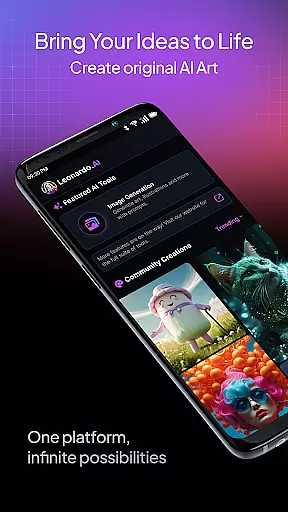
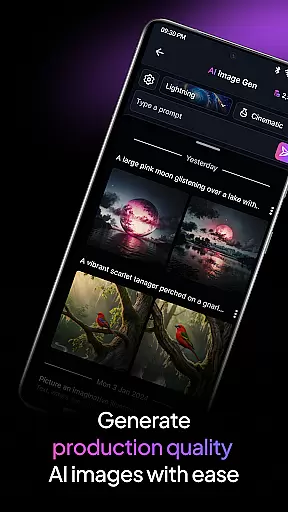
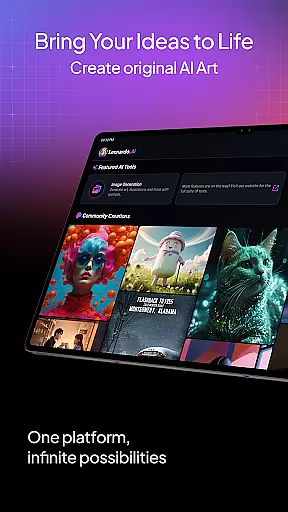
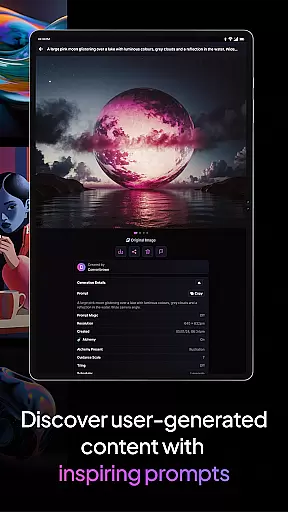
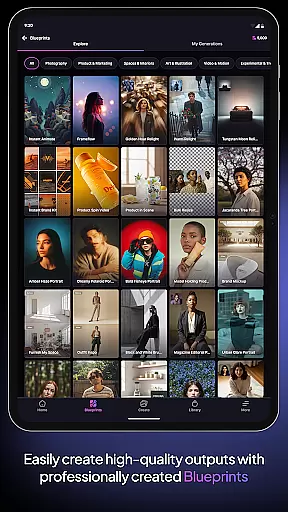
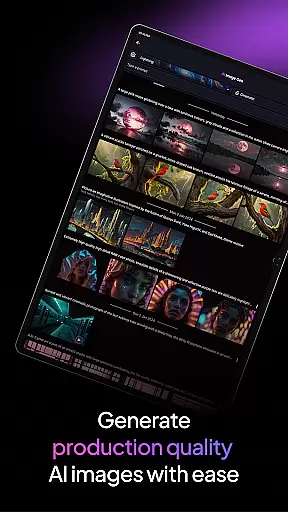
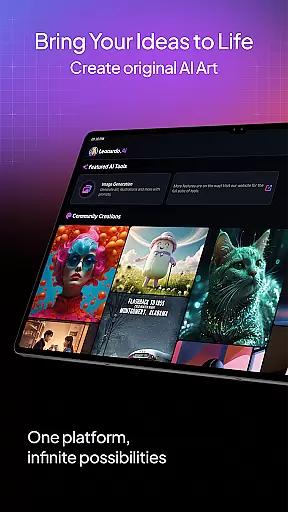
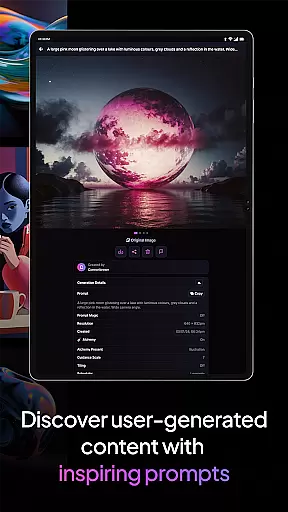
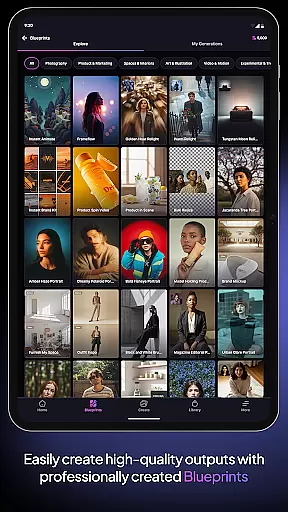
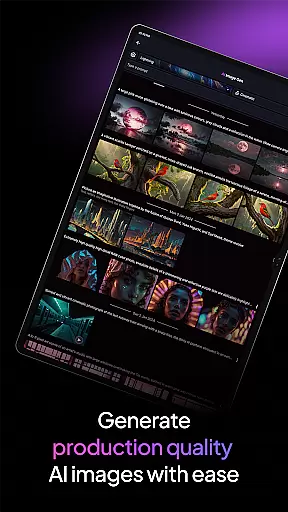
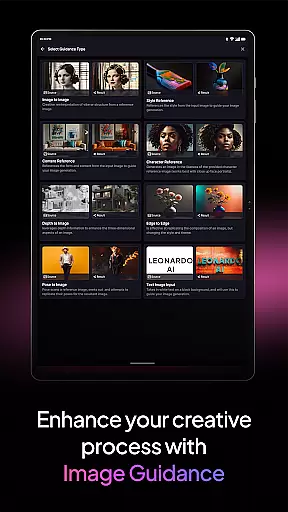
Leonardo.Ai is a cutting-edge AI art image generator designed for creative professionals and enthusiasts alike. Available on Android, this app empowers users to generate production-ready digital art assets with remarkable ease. By leveraging advanced AI models, including the flagship Leonardo Phoenix, users gain precise control over their creative process through features like prompts, negative prompts, and tiling.
The app excels in delivering high-quality outputs across various artistic styles, making it ideal for rapid ideation and iterative design workflows. Whether you're crafting intricate illustrations or exploring new concepts, Leonardo.Ai ensures consistency and coherence in every piece. With access to general-purpose presets and fine-tuned models, users can effortlessly produce professional-grade designs tailored to their unique vision.
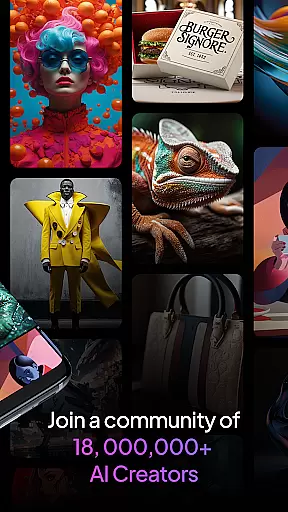
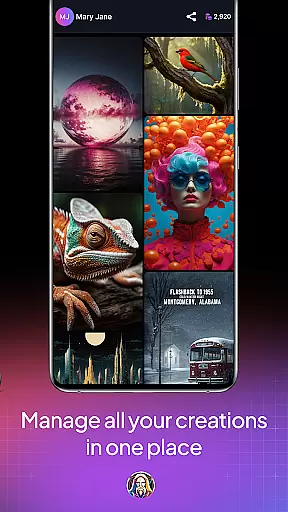
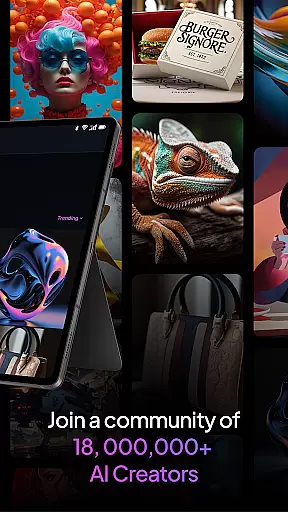
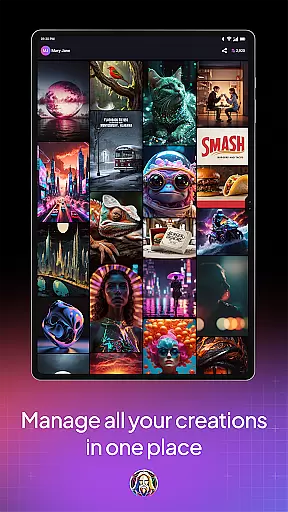
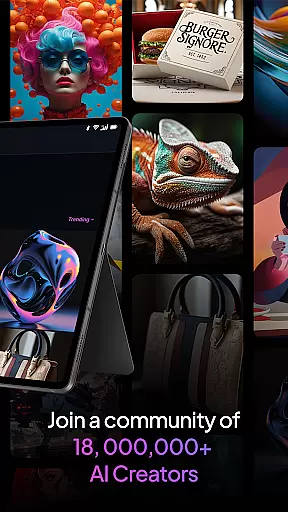
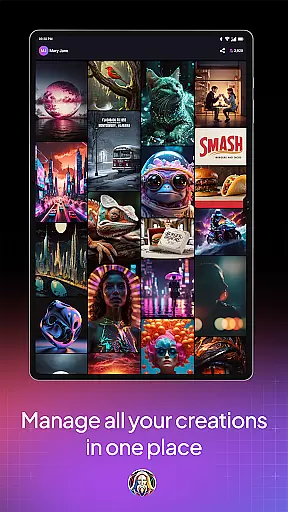
Joining a vibrant community of over 21 million creatives, users can tap into an expansive library of more than 1.7 billion images. This collaborative ecosystem fosters inspiration and innovation, enabling artists to push the boundaries of their creativity. Leonardo.Ai is not just a tool but a gateway to infinite possibilities in digital art creation.
Leonardo.Ai stands out with its robust feature set tailored for both novice and experienced creators. At its core, the app utilizes advanced AI models that offer unparalleled prompt adherence and flexibility. The Leonardo Phoenix model, in particular, enables users to achieve next-level precision in text-to-image generation, ensuring coherent results even with complex inputs.
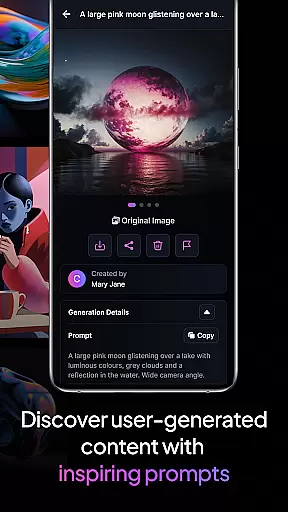
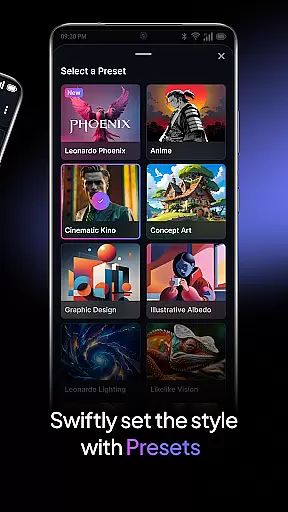
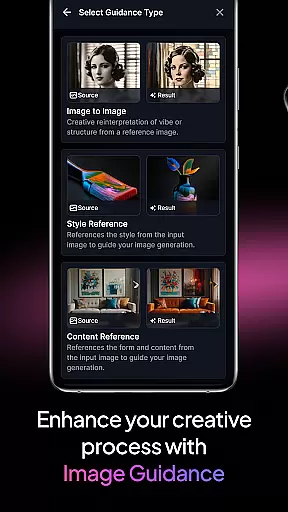
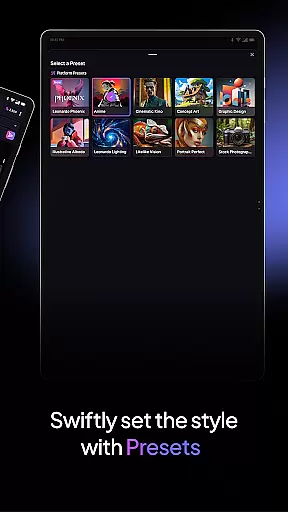
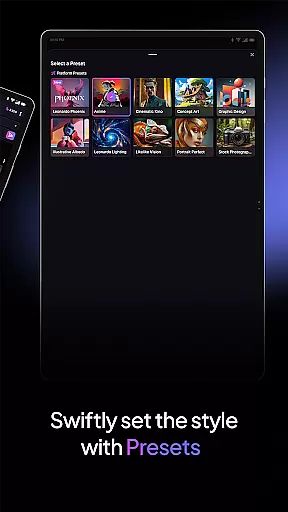
One of the standout features is the ability to customize every aspect of the art generation process. Users can employ prompts and negative prompts to guide the AI's output, while tiling options allow seamless pattern creation. Additionally, the app provides a variety of pre-trained presets optimized for different styles and use cases, from concept art to graphic design.
Beyond its technical capabilities, Leonardo.Ai fosters a collaborative environment by connecting users to a vast repository of over 1.7 billion images. This extensive database serves as both a source of inspiration and a practical resource for refining ideas. With consistent updates and improvements, the app continues to evolve, offering cutting-edge tools for limitless creative exploration.
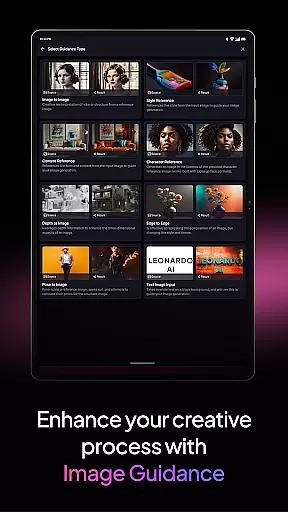
In the realm of digital artistry, having a comprehensive suite of creative tools is paramount. Leonardo.Ai stands out by offering an extensive array of features that cater to every facet of art generation. With capabilities ranging from prompts and negative prompts to tiling options, artists gain precise control over their creations.
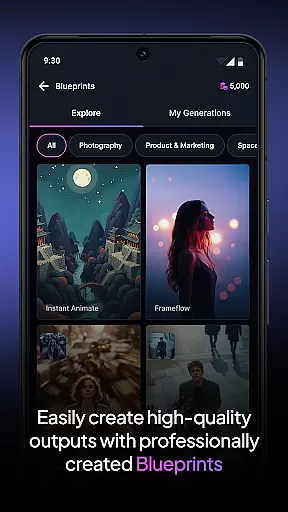
This app empowers users with general-purpose presets alongside finely tuned ones, ensuring production-ready assets each time. Whether you're crafting intricate designs or exploring abstract concepts, Leonardo.Ai provides the necessary instruments for unparalleled artistic expression.
Leonardo Phoenix, a foundational model within the app, elevates creativity further. It ensures next-level prompt adherence and coherent text integration in images while supporting rapid ideation through iterative prompting. This holistic approach enables creators to explore diverse styles consistently and efficiently.
Flexibility in canvas size and format options is crucial for adapting artwork across various mediums and platforms. Leonardo.Ai excels in this area by allowing artists to customize dimensions and formats effortlessly. This adaptability supports both traditional and unconventional design requirements.
The ability to adjust canvas settings ensures that artworks maintain their integrity when transferred between devices or scaled for different projects. Artists can seamlessly transition from mobile sketches to detailed desktop edits without compromising quality or creative intent.
Moreover, Leonardo.Ai's compatibility with multiple file formats enhances workflow efficiency. Users can export their creations in formats suitable for web, print, or further digital manipulation. This versatility not only broadens the scope of potential applications but also integrates smoothly into existing professional pipelines.
User-friendly interface
Advanced AI models
Precise customization options
Vibrant creative community
Extensive image library
Requires learning curve
Subscription fees apply
Limited offline functionality
Dependent on internet speed
Occasional server issues

Art of Combination Wear OS Watch faces (for Wear OS 5+ devices)
 3.00
3.00
Create trending AI photos & videos with powerful effects and 3D styles.
3.20
Meet the magic aı 3d photo generator and smart AI video generator app.
3.20
Create neon drawing with magic doodle and fun doodle art effects!
4.50
Paint with oils and sketch with natural tools on a realistic virtual canvas.
3.80
Minecraft & Roblox Clothes
4.70
Art of Combination Wear OS Watch Faces
3.30
Mobile pixel art editor. Simple. Fast. Portable.
4.80
Create amazing pictures and unleash your creative genius with AR Drawing Sketch
4.40
Passport size photo maker, create ID photo and visa photo in seconds
4.80
Draw, fidget, and spin glow art! Relax and express your creativity with a finger
4.60
The perfect place to start sketching! Use Sketchbook to draw and paint sketches.
4.50
Kling AI is an image and video generation and editing studio powered by AI.
4.50
Remove Background, Magic Eraser, Photo Enhancer, Story Templates, Collage Maker
4.30
Digital Drawing: Draw & Paint
4.10
AI Art Generator transforms your words into AI generated art & paintings.
3.70
Your homescreen as an elegant glass with customized blur, lighting, and visuals.
3.70
Experience next-gen icons with a modern liquid glass look.
3.60
A luxurious gold watch face for an elegant and refined look.
4.0


User Reviews